
Mobile Editing Is Finally Treating RAW Files Like First-Class Citizens
Android mobile photography editing now combines expanded RAW file handling, advanced noise reduction, and streamlined workflows, turning phones from casual snapshot devices into credible tools for serious image processing across capture, review, and export stages. The decisive shift is that RAW files are no longer a desktop-only burden but something Android apps can interpret, edit, and refine with enough precision to matter to demanding photographers. This does not fully replace a calibrated workstation, but it does rewrite what is possible on a phone during or right after a shoot, especially for creators who care about every pixel and want control without waiting to get back to a desk. That change is not theoretical; it is arriving through concrete app updates and new software built for Android RAW editing.
The key takeaway is clear: Android is starting to feel like a legitimate part of the professional workflow instead of a temporary parking spot for files. With powerful apps now embracing RAW formats and serious editing features, the phone in your pocket is no longer just a viewer but a capable editor that can keep pace with complex cameras and demanding shooting scenarios.
Snapseed RAW Support Turns a Former Favorite Into a Serious Tool
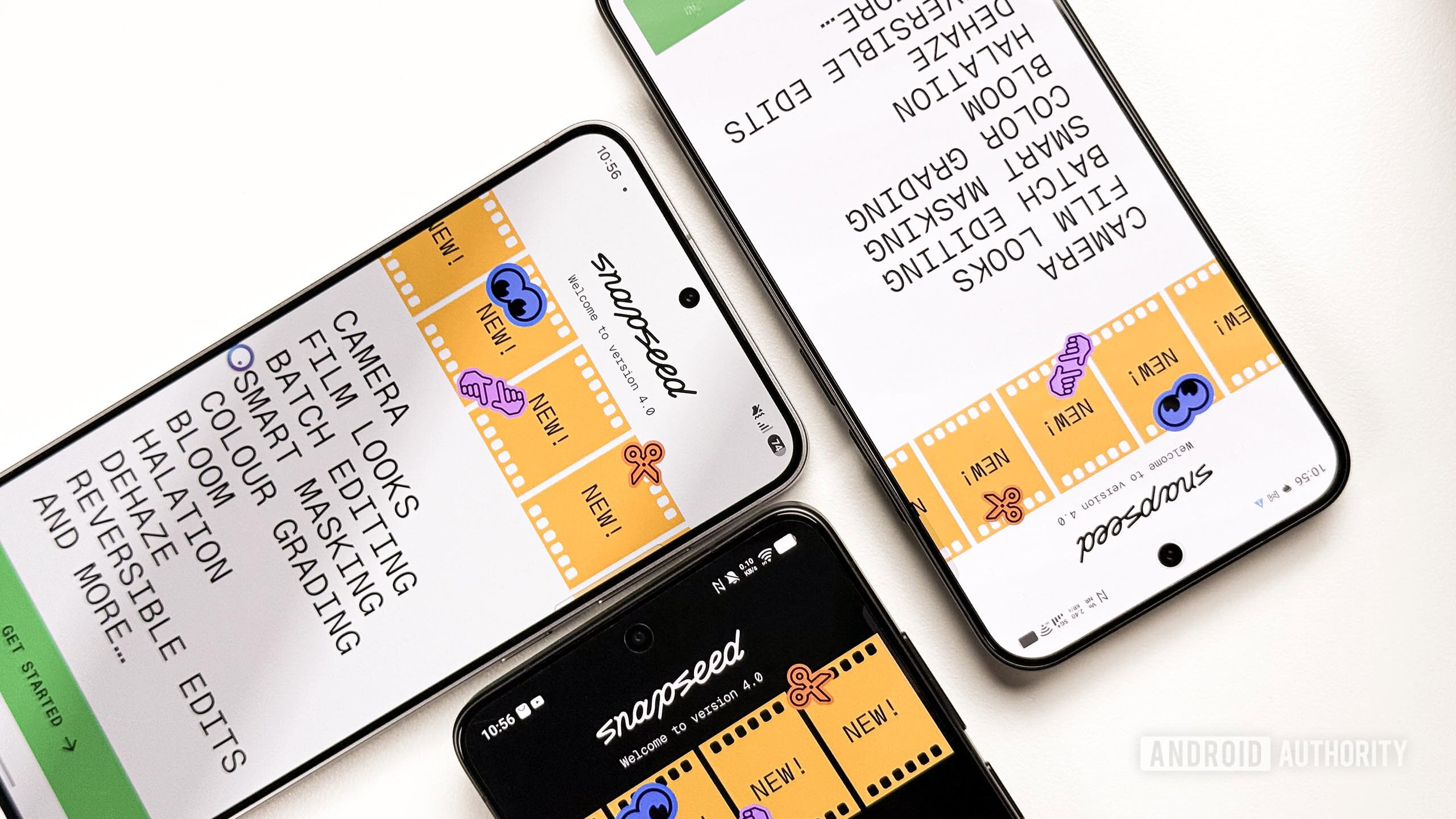
Snapseed v4.1 marks a turning point for mobile photo editing on Android by finally giving RAW shooters the respect they deserve. The app now supports RAW files in formats such as DNG, ARW, RAF, NEF, CR3, ORF, and PEF directly inside the editing interface, which means many photographers can open their camera-native files without awkward conversions or workarounds. While a few RAW formats remain unsupported and some bugs may appear with certain files, the direction is unmistakable: Snapseed is evolving from a nostalgic favorite into a practical, modern tool for Android RAW editing. Google has also improved overall image processing and cleaned up edge cases, aiming to make edits more reliable, not just more expansive.
Equally important is the new ability to undo and redo edits inside individual tools, which cuts friction when experimenting with selective adjustments or complex stacks of edits. This fine-grained control brings the workflow closer to what photographers expect from desktop software, where iterative tweaking is the norm rather than a frustration. Snapseed v4.1 is rolling out slowly through the Play Store for stability, with an iOS update promised soon, but the strategic message is already loud: RAW is now a first-class editing target on Android, and any photo app that ignores it will feel dated overnight.
Hasselblad’s Phocus Mobile Makes Android a Home for High-End Files
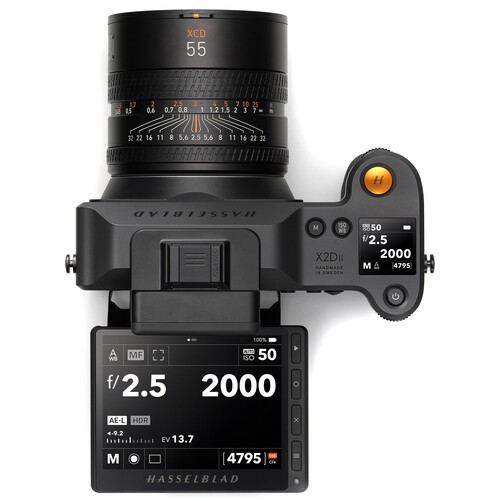
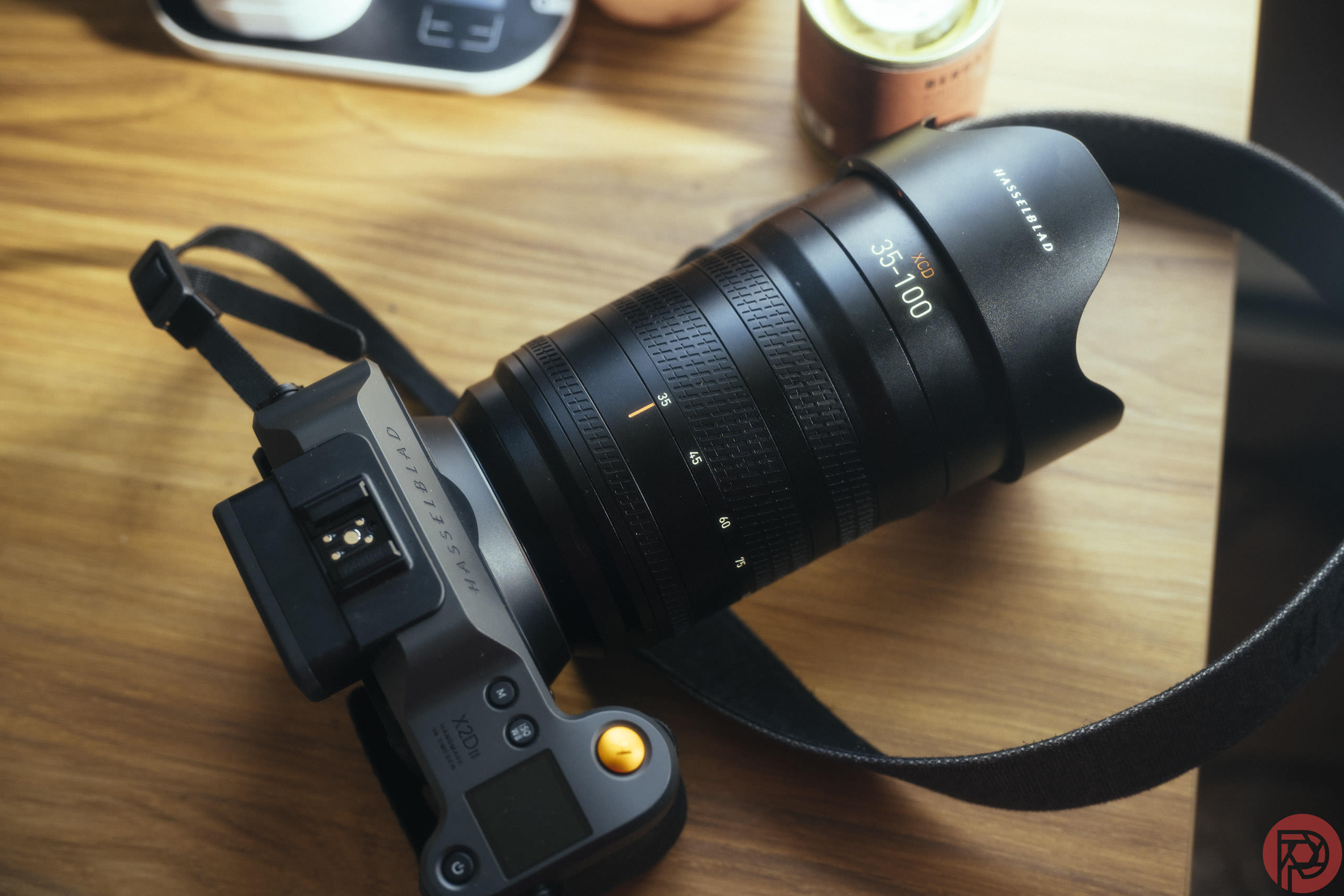
If Snapseed brings breadth, Hasselblad’s Phocus Mobile for Android brings depth. Phocus Mobile V1.0.0 is now available for cameras including the X2D II 100C, X2D 100C, and 907X & CFV 100C, delivering a tailored workflow for some of the most demanding image files you can capture. At its core is Hasselblad Natural Color Solution (HNCS), now implemented on mobile to reveal accurate colors, smooth tones, and fine detail from first preview through final export. Instead of treating the phone as a compromise, Hasselblad is treating Android as a serious canvas for its color science. That is a strong statement about where mobile editing belongs in the photographic hierarchy.
Phocus Mobile folds AI-powered noise reduction, a comprehensive editing toolkit, and streamlined photo preview and management into a complete mobile workflow that can review, edit, organize, and export images directly on the phone. The app’s Hasselblad Natural Noise Reduction handles high-ISO RAW files, using training on hundreds of thousands of Hasselblad images to reduce noise in 100MP RAW images while preserving fine detail, with separate Purity and Detail modes for different aesthetic priorities. There are tools for exposure, curves, white balance, monochrome correction, lens correction, sharpening, cropping, rotation, and keystone correction, all geared toward high-volume editing workflows and fed by Wi-Fi or USB-C transfer. Phocus demands serious hardware—12GB of RAM and a Snapdragon 8 Gen 3 or newer—but that requirement reinforces the point: this Hasselblad Android app is unapologetically professional.
Why These Changes Matter for Everyday Photographers
These updates are not only for medium-format owners or RAW obsessives; they alter daily habits for anyone who cares about image quality. When a phone can open camera RAW files, apply meaningful edits, and preserve nuance in color and noise, it stops being a mere backup device and becomes an active part of the creative process. Snapseed’s expanded RAW support and in-tool undo/redo make on-the-go editing faster and less risky, encouraging experimentation instead of cautious one-way adjustments. Phocus Mobile’s full workflow—preview, manage, edit, organize, export—means a shoot can be reviewed and shaped on location, not postponed until a desktop session.
The practical impact is freedom. Photographers can review and refine images whenever they want using their phones, rather than waiting to return to a workstation or laptop. That flexibility is especially valuable in high-volume situations where quick culls and first-pass edits save hours later. Overall, Phocus is positioned as a “perfect editing tool” with streamlined management, while Snapseed is evolving into a more powerful RAW editor. Together, they show that mobile photo editing is no longer an afterthought; it is becoming a credible phase of the workflow where important decisions about color, noise, and composition can be made with confidence.
Conclusion: Android Is Growing Into a Serious Editing Platform
The story here is not a single app update but a pattern. Google reviving Snapseed with massively expanded RAW support sends a message that Android RAW editing is worth investment and attention. Hasselblad shipping Phocus Mobile for Android, complete with HNCS color handling and HNNR noise reduction, sends an even stronger one: high-end camera makers now see the phone as a legitimate endpoint for their files, not a watered-down accessory. Meanwhile, more general-purpose photo apps keep adding organizational and creative tools that treat mobile as the place where images are combined, curated, and shared.
Photographers should treat these developments as an invitation to rethink their workflows. The old assumption that “serious work happens on a desktop” is losing ground as phones gain RAW support, advanced noise reduction, and detailed controls. Android is not replacing dedicated computers, but it is earning a clearly defined role in the chain: a fast, capable, always-available space where RAW files can be edited with intent instead of merely viewed. For anyone who values both speed and quality, ignoring that new capability is starting to look like a mistake.