
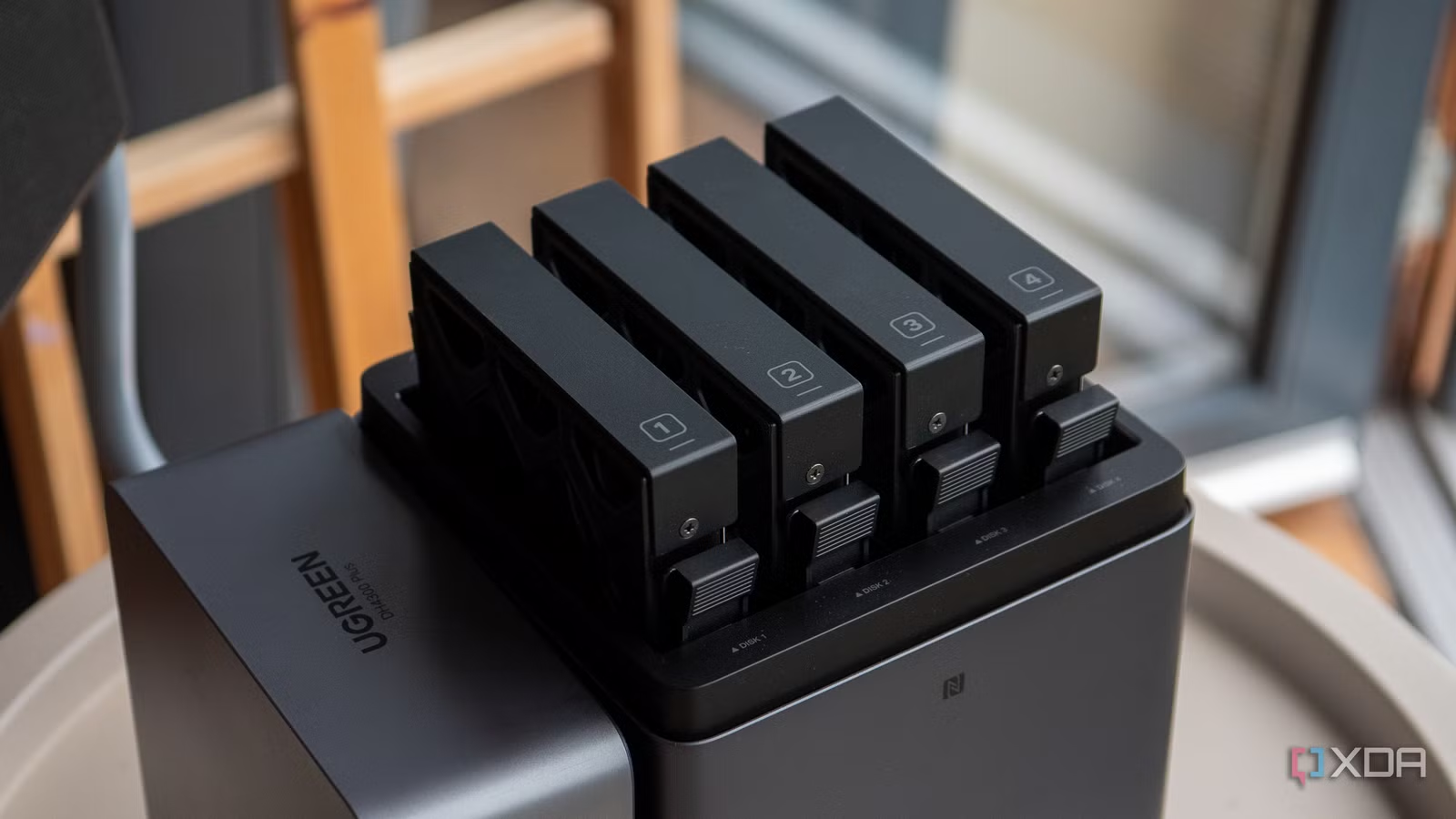

Stop Trusting a Single Drive With Your Entire Life
Personal cloud storage is a home-based system where a network attached storage (NAS) device on your own network provides centralized, always-on storage, automated backup, and remote access for all your digital files without relying on external cloud providers or a single internal drive. When everything lives on one SSD, you are gambling your photos, work, and memories on a component that can fail without warning. One user woke up to an inaccessible boot device and discovered that a high-capacity SSD had died, instantly vaporizing 4TB of files, from critical documents to years of project data. That was not bad luck; it was a predictable outcome of having no NAS backup solution or redundancy. The priority is not adding yet another drive inside your PC; it is moving your important data to a home NAS setup that can survive individual drive failures.
The SSD Failure Story You Are Closer To Than You Think
The harsh lesson from that 4TB loss is simple: single SSD failures can result in complete data loss when there is no redundancy or backup strategy. Consumer SSDs often fail silently; there are no clicks or obvious slowdowns, and when the controller hits a fatal error, the entire drive becomes unreadable in an instant. If that SSD holds your only copy of phone backups, archives, and work folders, your digital life disappears with it. Meanwhile, we happily use cloud storage every day to back up photos, store important documents, and share files between devices, assuming “it’s safe somewhere.” But local PCs often remain a single point of failure. The opinion that follows from this is blunt: before you buy another fast SSD or larger external drive, invest in a NAS backup solution that treats drive failures as maintenance, not catastrophe.
Why a NAS Backup Solution Changes the Entire Risk Equation
A home NAS setup is essentially a smart, dedicated hard drive or group of drives that plugs directly into your local network. The power of NAS is not capacity alone; it is automation and multi-drive redundancy that consumer storage usually lacks. Having a single drive in your PC is far more vulnerable than a multi-bay NAS, where drives are grouped into a managed array protected by parity and redundancy. By grouping drives into such an array, the loss of an individual drive becomes a minor maintenance task rather than a data catastrophe. A modern NAS operating system handles data protection automatically, running background integrity checks, snapshots, and syncing critical directories to cloud tiers when you want them. In other words, a NAS backup solution turns data loss prevention from a manual chore into a built-in feature of your personal cloud storage.
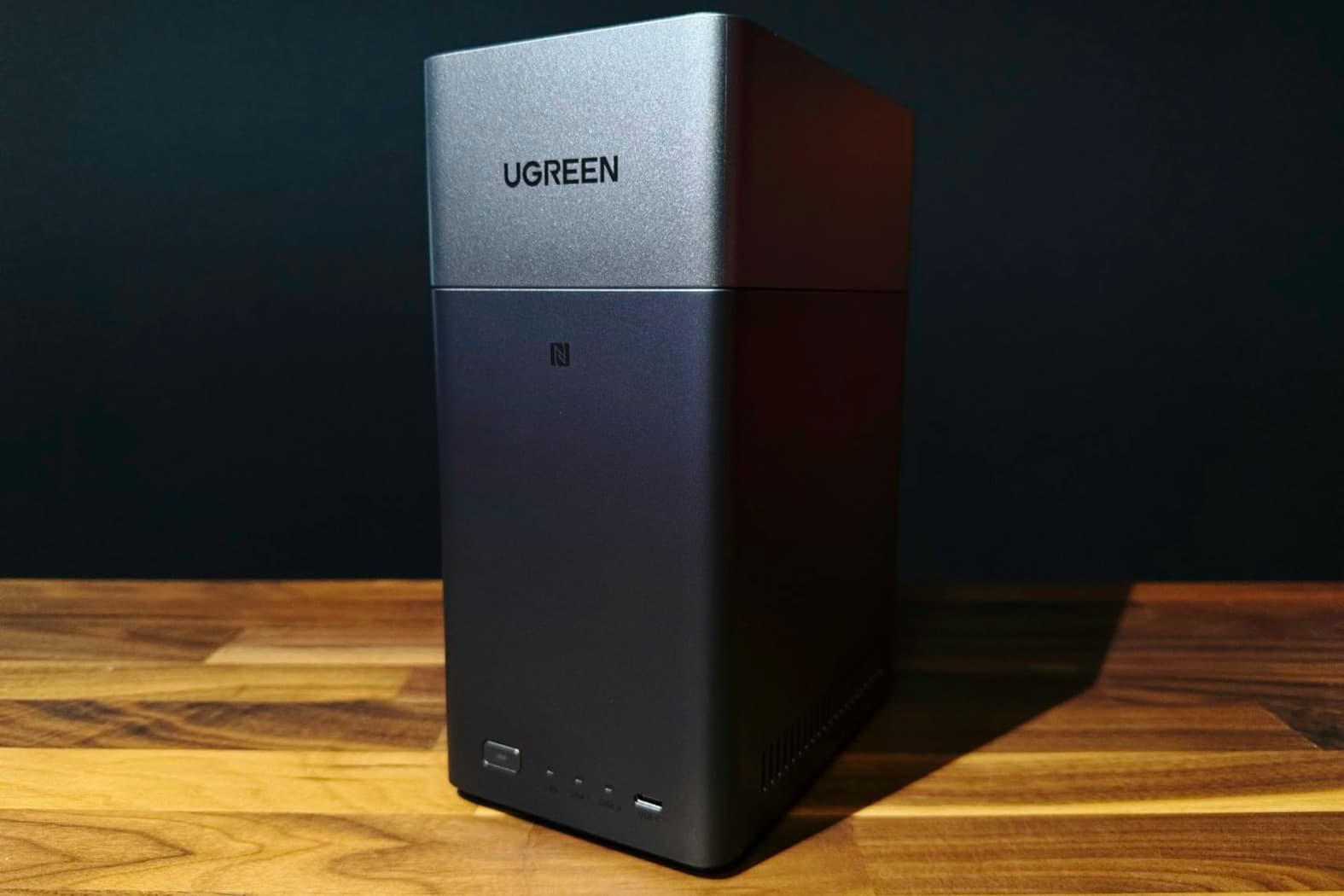
NAS Has Become Simple Enough for Non‑Technical Homes
The old argument against NAS was that it felt like a hobbyist project. Devices like the UGREEN NASync DH2300 prove that excuse is out of date. It is a two-bay personal cloud designed for home users and families who want centralized storage without the usual complexity. Setting up the UGREEN NASync DH2300 was described as very straightforward, with guided installation via mobile app or browser that walks through drive installation, storage pool creation, and account setup. UGREEN has done an excellent job simplifying one of the most intimidating parts of NAS ownership and making it approachable for first-time users. You can configure automatic backups across devices and use it for reliable backups, file sharing, and personal cloud storage over a gigabit network. The message is clear: home NAS is no longer a geek-only tool; it is a household appliance for data loss prevention.
Own Your Personal Cloud and Future‑Proof Your Archive
Relying on third-party cloud services has obvious benefits, but also clear trade-offs: recurring subscription fees and the need to trust someone else with your data. A NAS lets you create your own private cloud that lives in your home, so you keep ownership while still accessing files from phones, tablets, and laptops wherever you are. You can still enjoy the practical uses you expect from cloud storage—backing up photos, storing documents, sharing between devices, even running your own media streaming platform—without handing over control of sensitive data. Entry-level systems like the NASync DH2300 are positioned as affordable personal cloud options for growing digital archives, and its list price of USD 219.99 (approx. ₱12,300) with a current offer of USD 199.99 (approx. ₱11,200) shows that serious protection no longer demands enterprise budgets. You can set up automatic backups across devices and avoid ongoing fees to services like iCloud or Google Drive. The conclusion is unapologetically opinionated: before your next drive upgrade or new gadget, your first priority should be setting up personal cloud storage at home. One NAS now is worth more than a thousand recovery regrets later.