
Why Wireless Retrofit Adapters Are the Smart Way to Upgrade Old Speakers
A wireless speaker adapter is a compact device that adds Wi‑Fi, Bluetooth, and streaming services to existing amplifiers or powered speakers, letting you retrofit old speakers with modern wireless control while keeping their original sound and avoiding the cost of replacing your entire system.
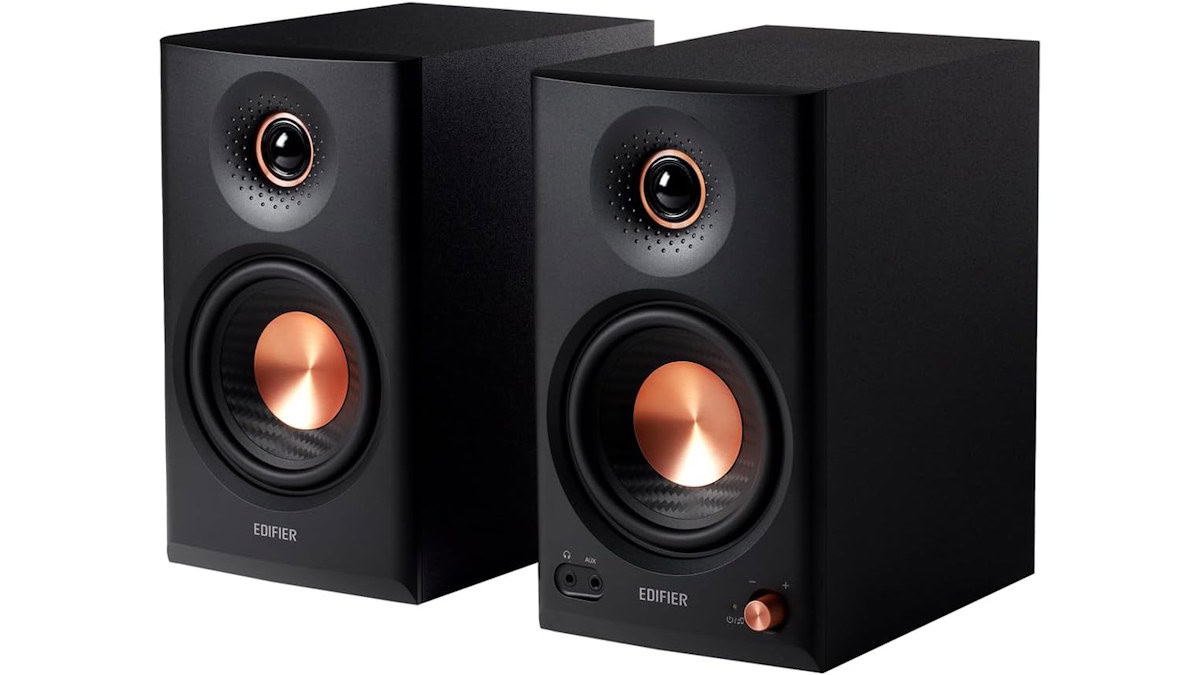
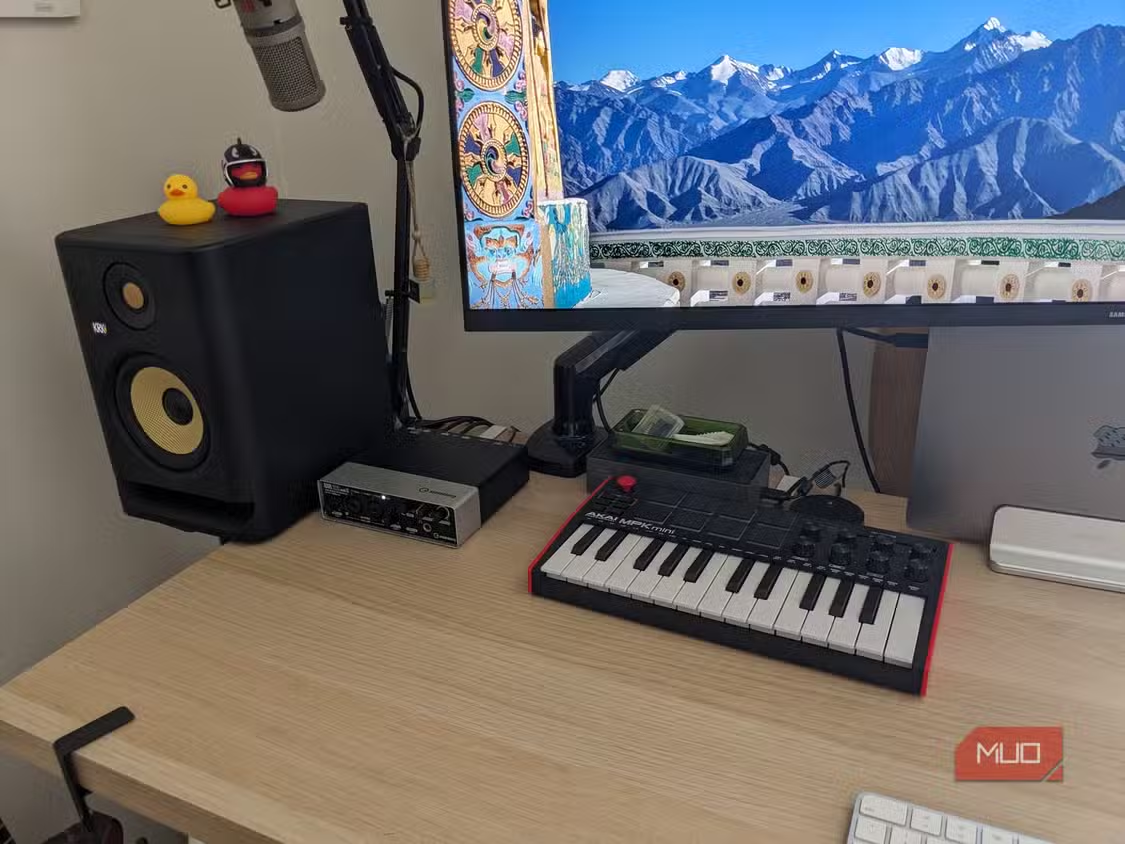
If you have a pair of older bookshelf speakers, studio monitors, or a classic stereo amp that still sounds great, a wireless connectivity adapter is a way to give them a modern life without gutting your setup. Older speakers and amps do not become obsolete just because streaming habits change; a good system can sound every bit as good decades later as it did on day one. A wireless speaker adapter connects to that existing gear and adds features usually reserved for premium wireless speakers: high‑quality Wi‑Fi streaming, multi‑room audio, AirPlay 2, and more, depending on the box you choose.
The big win is that you preserve the original drivers and acoustic tuning that made you buy those speakers in the first place. Instead of trading them for an all‑in‑one smart speaker that may not sound as refined, you keep your favorite sound and add modern convenience. This is a cost‑effective legacy audio upgrade: you spend on one wireless retrofit adapter rather than a whole new system, and you avoid the risk of a downgrade in sound quality.
Choosing the Right Wireless Retrofit Adapter for Your System
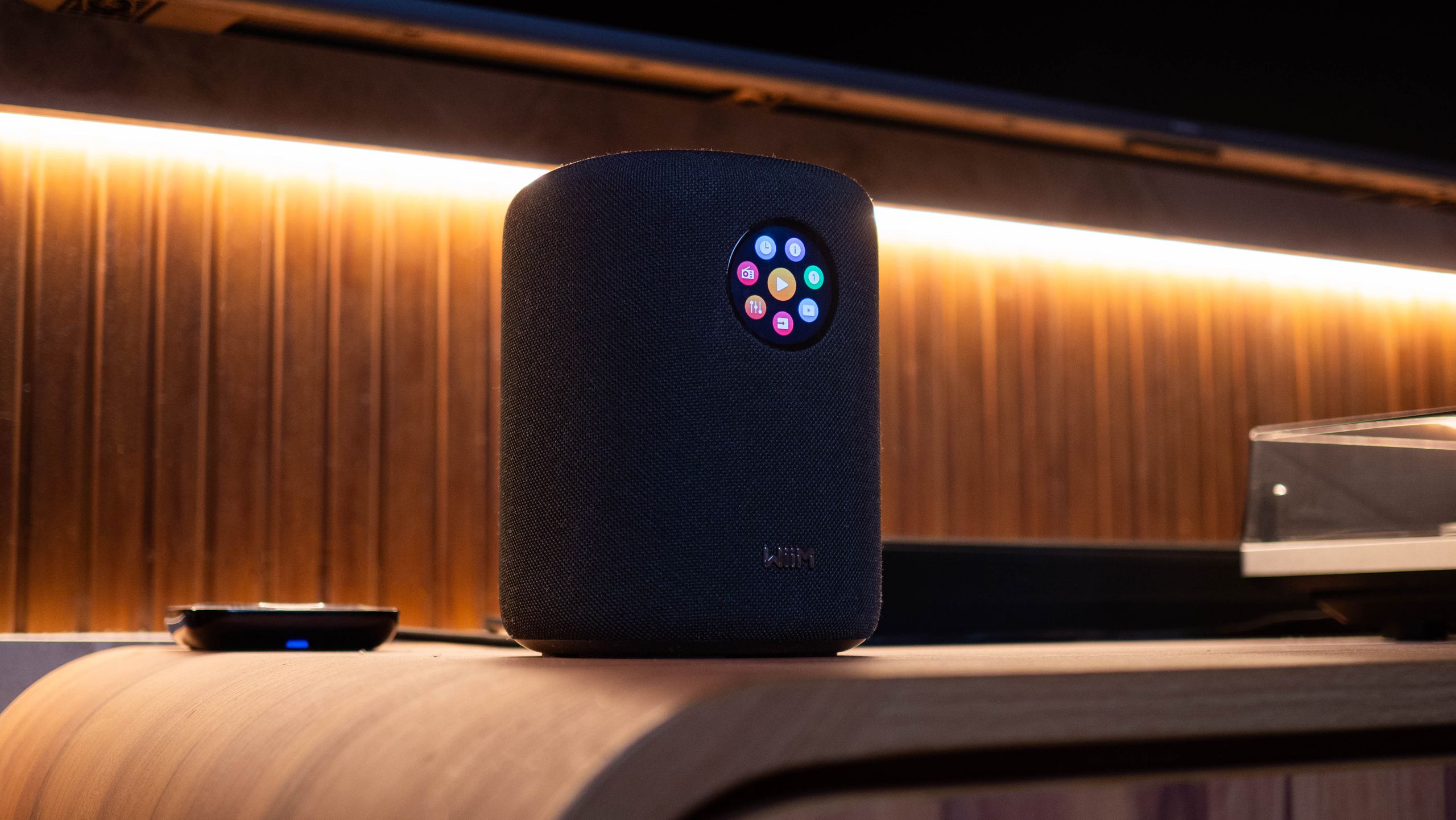
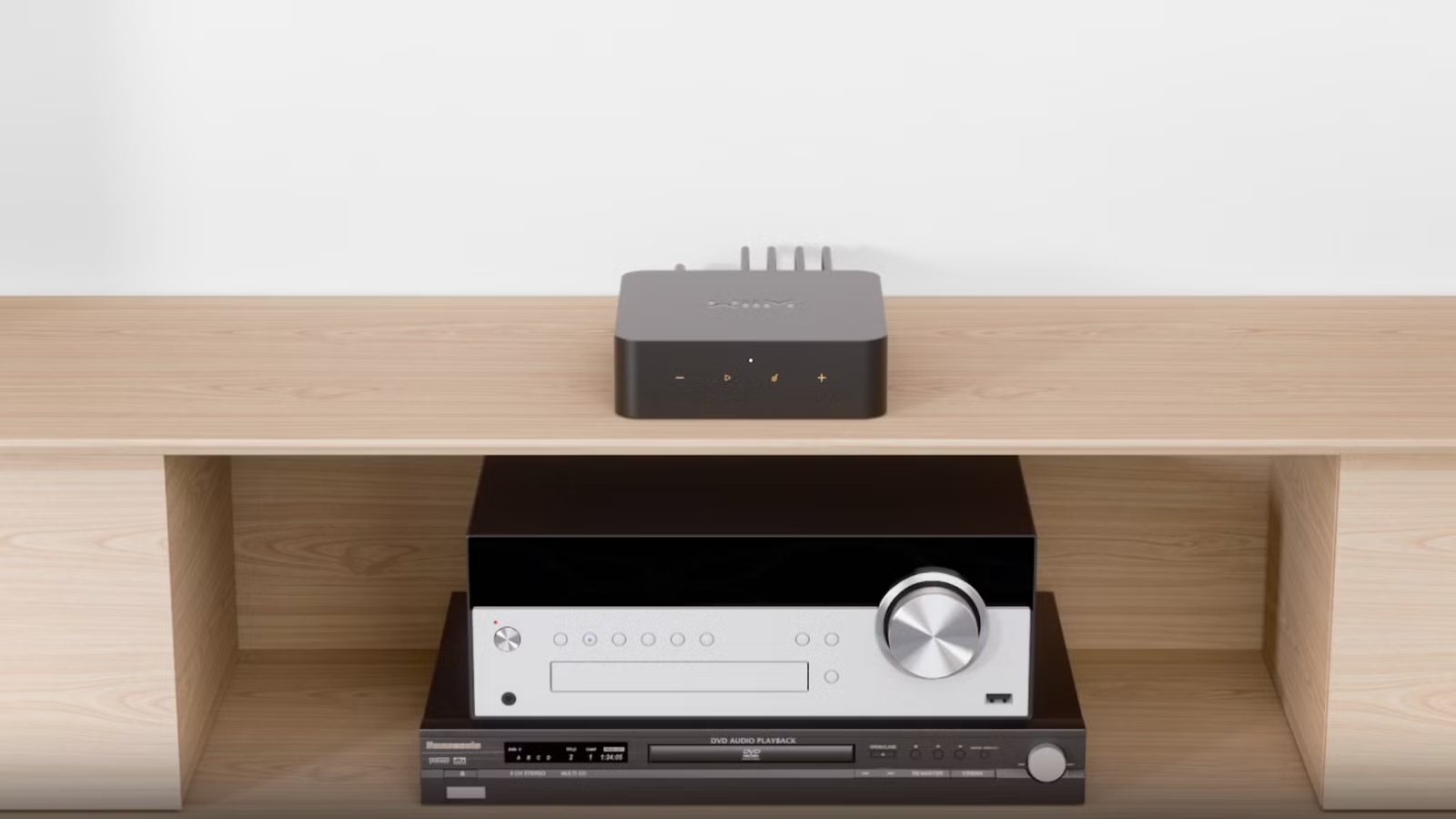
Before you start plugging things in, take a moment to match the wireless speaker adapter to your gear and your habits. Some people mainly cast music from phones or laptops, others want direct integration with smart assistants, and some care about high‑resolution audio above everything else. A device such as a compact wireless music streamer can add high‑quality Wi‑Fi, Bluetooth, AirPlay 2, Chromecast, Spotify Connect, TIDAL Connect, and multi‑room streaming to virtually any existing stereo, amplifier, or powered speakers.
If you listen casually and do not mind lossy audio, a basic Bluetooth receiver can be enough, especially if you only need occasional wireless playback. But Bluetooth alone puts your phone in the signal path and limits range and reliability. A dedicated wireless connectivity adapter that streams directly from the internet can maintain higher fidelity because it removes the Bluetooth hop from the chain and turns your phone into a remote instead. That way, you can leave the room, take a call, or switch apps without the music cutting out.
Think of this as adding a brain, not replacing a body. One reviewer noted that such a hi‑res streaming box “strikes the perfect balance by providing better sound quality and functionality than a Bluetooth adapter, without having to replace (and likely downgrade) my entire speaker setup.” That balance—sound quality, features, and cost—is the real reason these adapters make sense.
Step‑by‑Step: How to Retrofit Old Speakers with a Wireless Adapter
Once you have the right wireless connectivity adapter in hand, the setup process is mostly about neat cabling and careful app configuration. The goal is to keep the path from source to speaker as clean as possible so you preserve the high‑fidelity character of your existing system while gaining modern control.
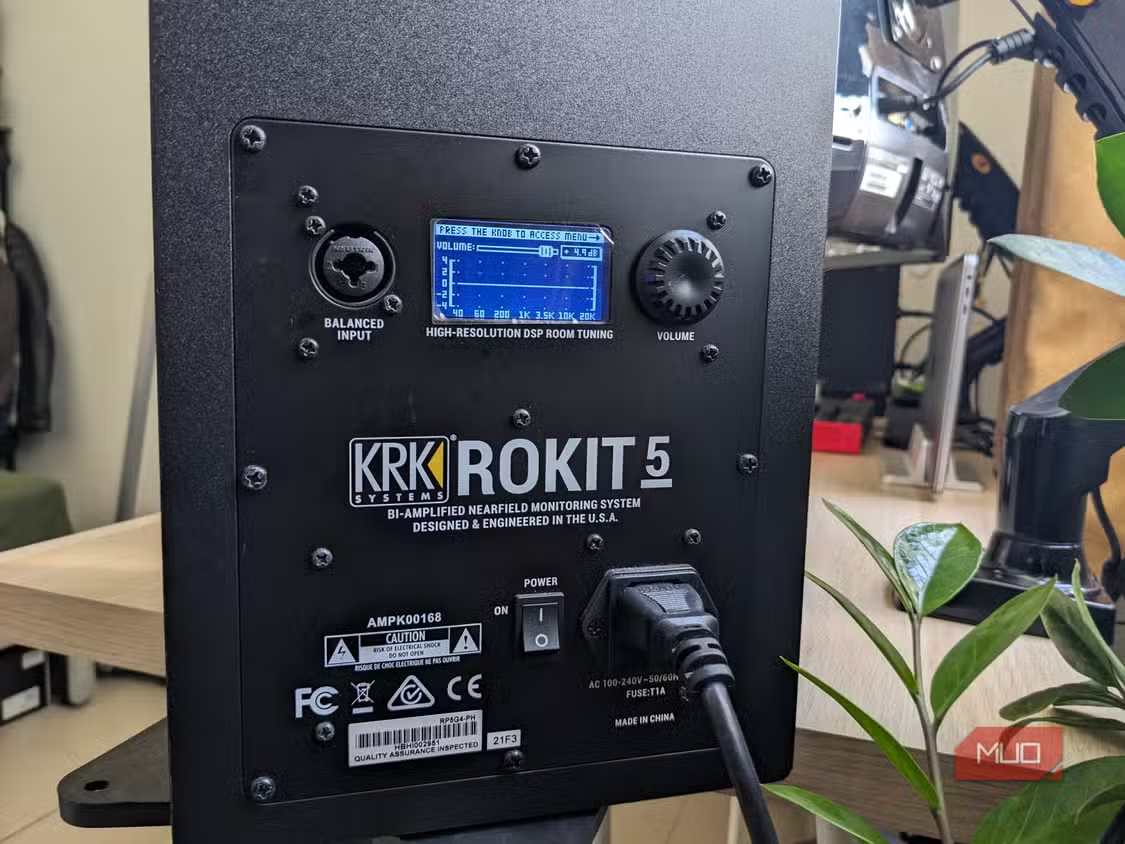
- Identify your speaker inputs and amplifier connections. Check whether your legacy speakers are active (with built‑in amps and line‑level inputs) or passive (driven by a separate amplifier), and note whether they support RCA, optical, or coaxial connections.
- Place the wireless speaker adapter near your amp or powered speakers. Leave space for RCA or digital cables and ensure you can access power and your Wi‑Fi router without stretching cables across the room.
- Connect the adapter to your speakers or amp using the best available connection. For many setups, that means plugging RCA, optical, or coaxial outputs from the adapter into the corresponding inputs on your amplifier or active monitors.
- Power on the adapter and speakers, then join the adapter to your Wi‑Fi network. Follow the on‑screen or manual prompts to connect it to your home network so it can stream music directly from online services.
- Install and open the companion app on your phone or tablet. Use it to detect the adapter, name your room or system, and authorize streaming services like Spotify Connect, TIDAL Connect, AirPlay 2, internet radio, or DLNA within the app.
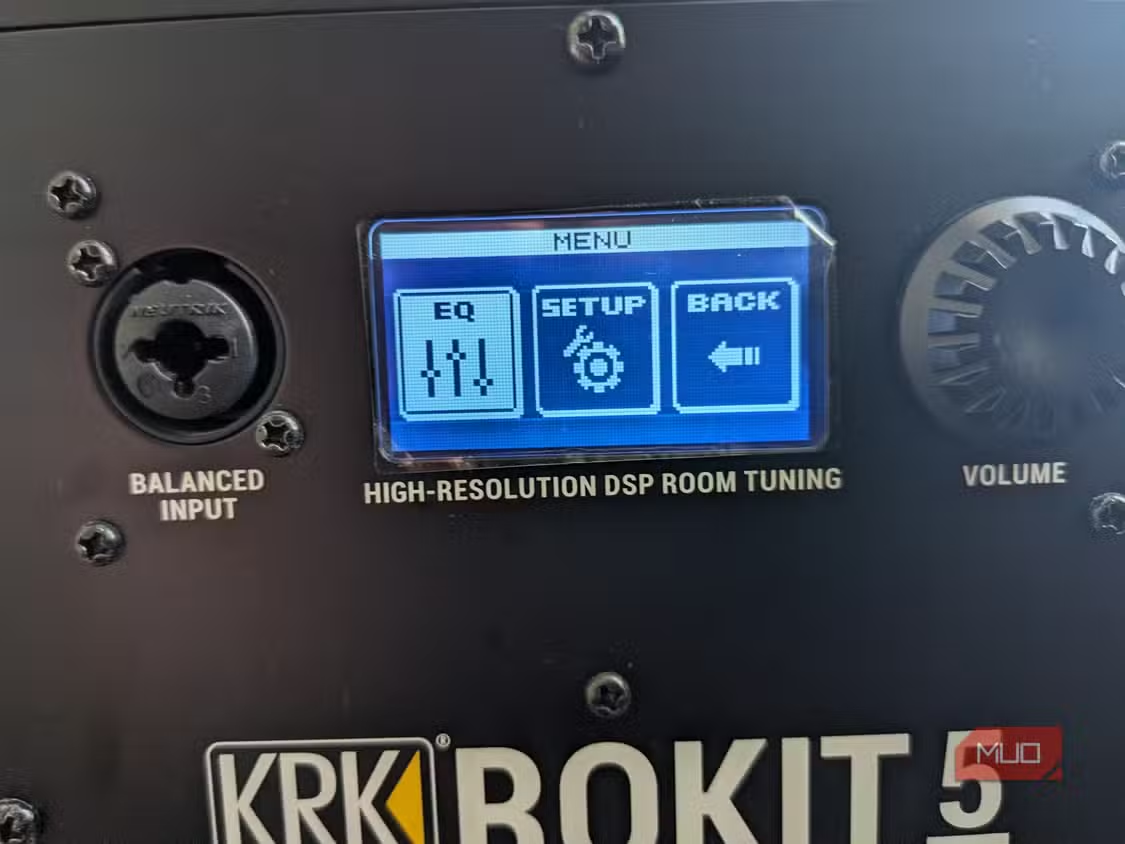
- Calibrate and configure playback settings in the app. Many adapters provide options for basic EQ or room awareness so you can fine‑tune the output for your speakers and room, and some can even calibrate to your space while giving you access to all your streaming platforms from a single place.
- Test playback using different services and control methods. Try casting directly from Spotify or TIDAL, using AirPlay 2 from a phone, or triggering playback with supported voice assistants to confirm your old speakers now behave like a modern wireless streaming system.
The key is that music streams directly from the internet to the adapter, not through your phone, so you maintain a cleaner signal path and avoid extra digital conversions that can harm fidelity. Within minutes, your old setup supports features normally reserved for premium wireless speakers, and all it takes is a few taps before those old speakers behave like a contemporary wireless system.
Keeping High‑Fidelity Sound While Adding Smart Features
One of the biggest fears when people retrofit old speakers is that they will spoil the sound with low‑quality wireless links. That is why avoiding unnecessary processing and conversions matters. When a wireless speaker adapter streams over Wi‑Fi directly from services like Spotify Connect or TIDAL Connect, it removes the Bluetooth link from the signal chain and can improve sound quality compared with basic Bluetooth receivers. At the same time, the adapter preserves your existing amplifier and speakers, so you keep the original driver quality and acoustic tuning instead of swapping them for new, less capable boxes.
These adapters can also integrate legacy systems into modern smart home ecosystems. Support for platforms such as AirPlay 2, streaming sticks, internet radio, Alexa, and DLNA means your old stereo can join multi‑room setups and voice‑controlled scenes without changing the core hardware. One smart speaker system, for example, offers Google Cast, Spotify Connect, DLNA, Tidal Connect, Roon Ready integration, and multi‑room audio, showing how much flexibility is possible when connectivity is handled by a dedicated streaming device.
If you care about keeping the signal path clean, leave sound shaping to your existing amp and speakers whenever possible and rely on the adapter mostly for transport duties. That way, the adapter acts as a high‑quality input, not a replacement for the careful tuning that went into your legacy gear.
Is Retrofitting Worth It?
If you already own speakers or an amp that you love, retrofitting them with a wireless speaker adapter is one of the most satisfying upgrades you can make. Instead of replacing perfectly good equipment, you make it smarter and extend its useful life. A hi‑res streaming box can breathe new life into speakers, letting you experience them in a whole new way while still sounding every bit as good as they did when new.
According to one reviewer, a compact wireless streaming adapter “takes a different approach; instead of replacing my equipment, it upgrades it.” That attitude sums up why retrofitting is so appealing: you retain the character and build of your legacy gear, gain modern conveniences like app control and multi‑room playback, and avoid large, unnecessary spends on new systems that may not sound better. The only things to watch for are clean cabling, a stable Wi‑Fi network, and making sure the adapter you choose matches your streaming habits. Do that, and your legacy audio upgrade will feel less like a compromise and more like a new chapter for your favorite speakers.