

Start With the Right Kind of Laptop, Not the Flashiest Label
A laptop buying guide is a practical checklist that helps you avoid common laptop buying mistakes by matching real-world use to the right combination of RAM, storage, processor, screen, and ports so you get dependable performance instead of paying for misleading marketing claims or unnecessary upgrades that do not improve everyday work or entertainment. The best starting point is clear: most people should pick a balanced, mid-range ultraportable with 16GB of RAM, a solid-state drive, a current Intel Core, Core Ultra, AMD Ryzen, or Snapdragon X-class processor, and a comfortable screen and keyboard instead of chasing gaming GPUs or AI labels they will rarely use. This kind of machine suits students, office workers, and families who spend most of their week in browsers, video calls, and office apps, and want the best budget laptops that still feel fast three or four years from now.

Laptop Buying Mistakes: Battery Claims, 8GB RAM Traps, and Seller Games
Every one of the worst laptop buying mistakes comes down to one problem: paying for the biggest number on the box instead of the experience you will live with. The classic trap is the cheapest thing that clears the checkout page—an underpowered machine that looks fine on day one but becomes painful once browser tabs, video calls, and operating system updates pile up. Treating 8GB of RAM as normal is another mistake; this capacity now suits only very light browsing and documents, and brands often solder it in to protect their margins. According to one testing-focused guide, "memory prices are skyrocketing" thanks to AI demand, and that cost pressure often pushes spec downgrades. You also need to resist battery-life claims without context, since they usually describe the easiest possible workload, and check the exact seller, return policy, warranty status, and whether a listing hides open-box or third-party upgrades.
Laptop Specs Explained: What to Look For Laptop Performance and Comfort
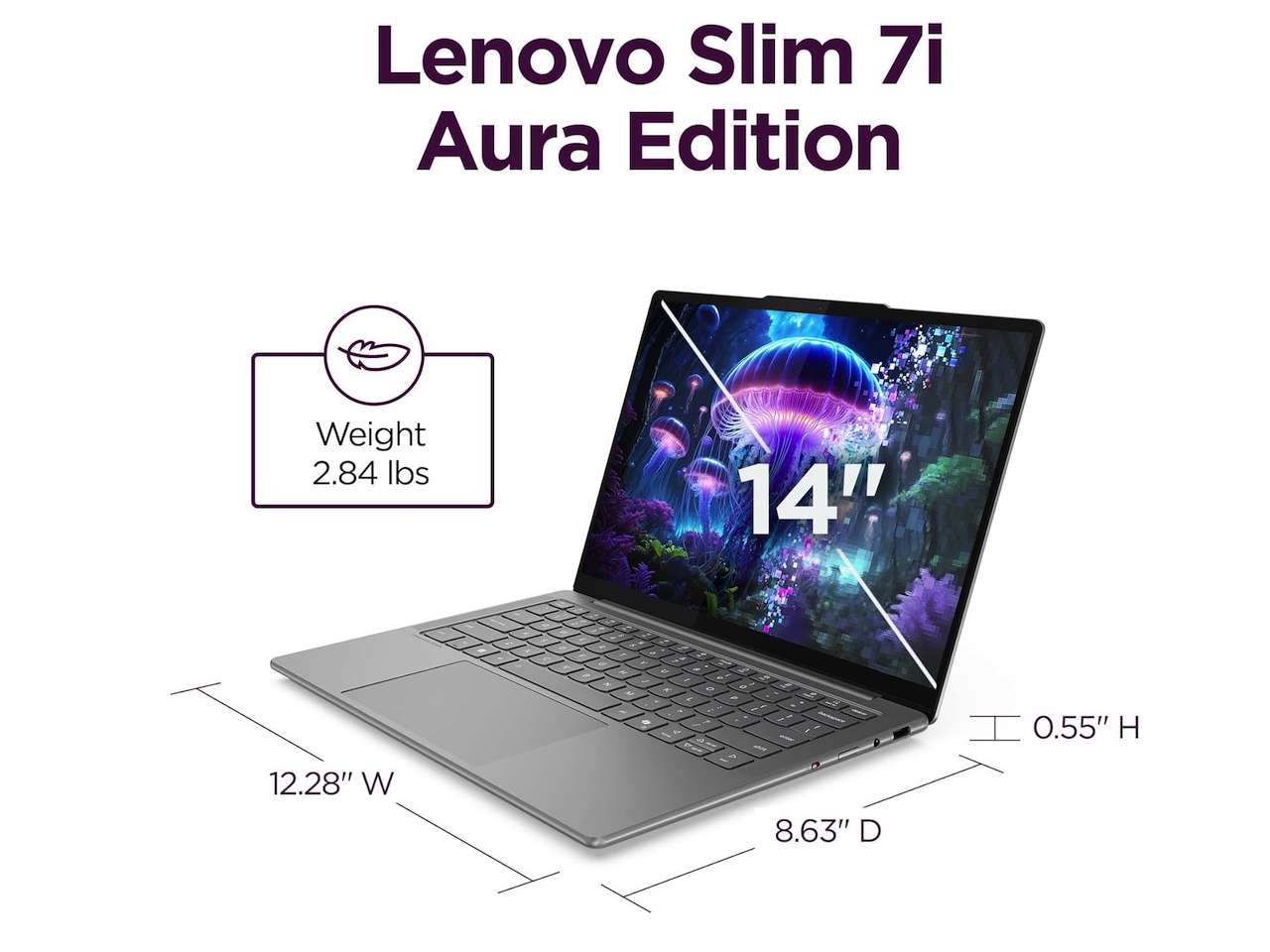
When you compare models, focus on four essential specs: processor, RAM, storage, and screen quality, plus the operating system and ports. The processor is the core computing part of the laptop, and mid-range chips such as Intel Core i5 or Core Ultra 5, AMD Ryzen 5, and Snapdragon X Plus or X2 Plus give enough speed for most shoppers, while "7"-level chips suit content creators and other demanding users. For smooth multitasking, 16GB of RAM is now the sane floor, especially if you keep many apps or tabs open, and heavier workloads may benefit from 24GB or 32GB. A small 256GB SSD quickly fills once system files, recovery partitions, app caches, photos, downloads, and cloud sync take their share, so plan for a larger drive or easy upgrades. Screen quality is non‑negotiable: IPS panels are common, while OLED options deliver richer contrast; brightness, resolution, and aspect ratio all affect how comfortable the laptop feels for long sessions.
| Spec Priority | Everyday & Student Use | Creator & Gaming Use |
|---|---|---|
| Processor | Core i5 / Core Ultra 5 / Ryzen 5 / Snapdragon X Plus or X2 Plus | Intel/AMD "7"-series; gaming or creator-oriented chips |
| RAM | 16GB recommended baseline | 24GB–32GB for heavy media, virtual machines, or large datasets |
| Storage | At least 512GB SSD or upgradable drive | 512GB–1TB SSD, preferably replaceable |
| Screen | Comfortable IPS or OLED, adequate brightness | Higher resolution, accurate color IPS/OLED, larger size |
AI Chips, Ports, and Screens: Features Worth Paying For (and Skipping)
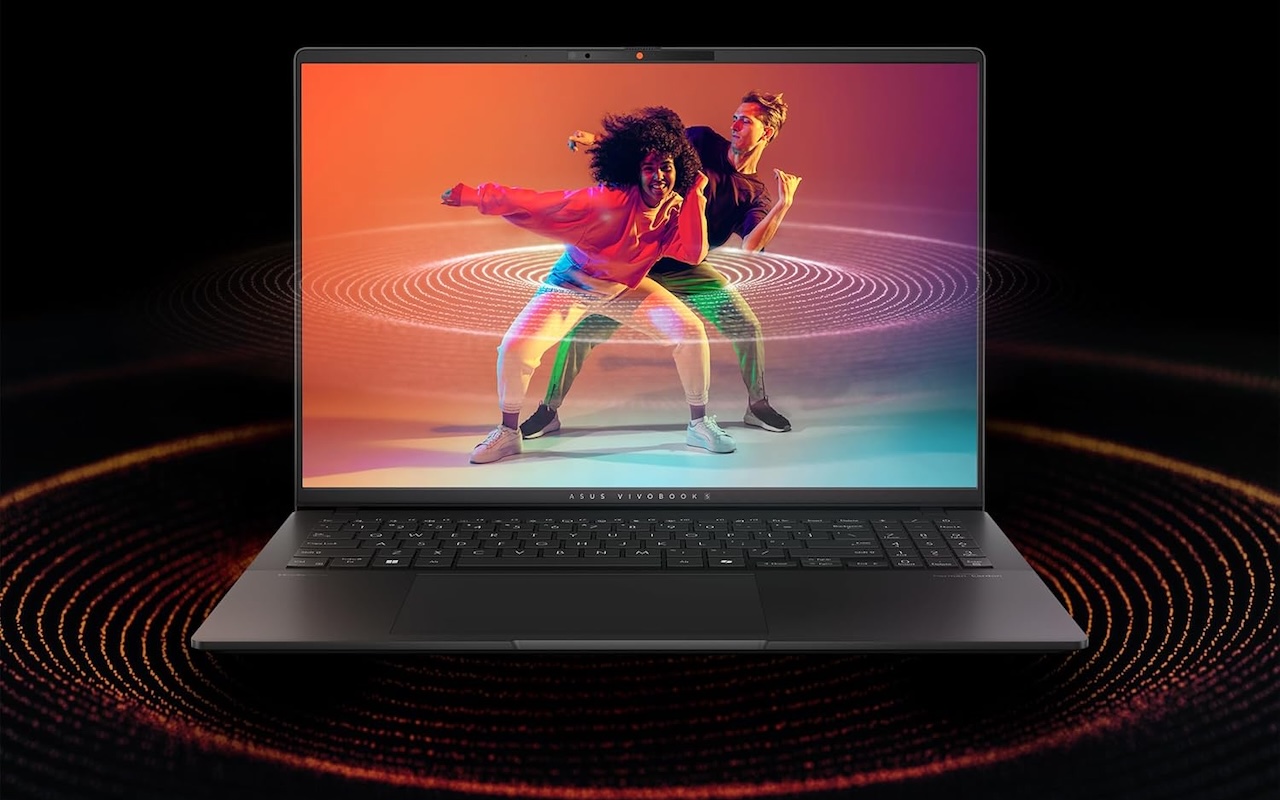
AI PC, Copilot+ PC, NPU, 50 TOPS, Wi‑Fi 7, Ryzen AI, Core Ultra: none of these labels will rescue a bad screen, 8GB of soldered RAM, or a tiny SSD. Built‑in NPU hardware helps future Windows AI features, while powerful GPUs help creator workloads; they are different needs, and you should only pay for them if your apps demand them. For most buyers, an AI‑branded laptop is an optional upgrade, not a must‑have. One area where you should not compromise is connectivity. Before buying, confirm the keyboard layout, touchpad size, webcam features, and whether ports match your real accessories: HDMI for displays, USB‑A for older devices, USB‑C or Thunderbolt for modern docks, SD card slots for cameras, audio jacks, Ethernet, and charging placement all matter depending on how you work. Ignoring the display is another mistake: you need a bright, sharp panel and a size that matches your desk, bag, and eyes.
Ultraportables vs Gaming and 2‑in‑1s: Pick the Right Form Factor and Price Point
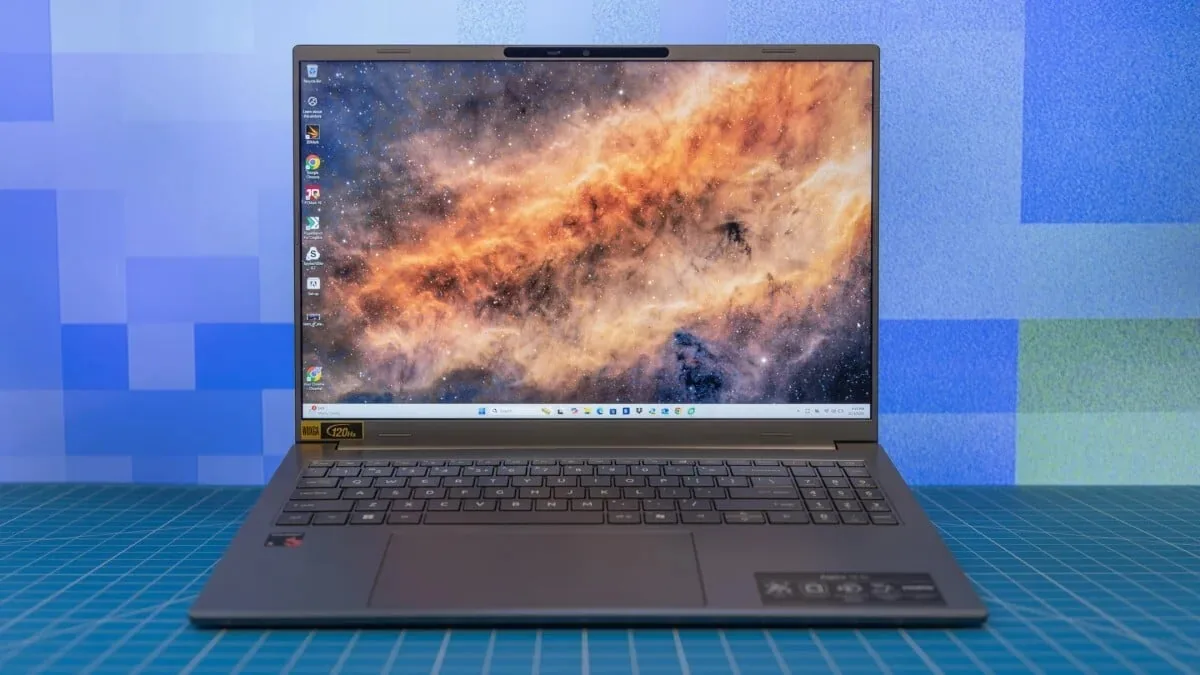
Once you understand laptop specs explained in context, choosing the right form factor becomes easier. Today’s range includes slim ultraportables, flip‑and‑fold convertibles, tablet PCs with detachable keyboards, and beefy gaming notebooks. Gaming laptops and professional workstations get expensive fast, especially those with high‑end GPUs, while rugged machines for outdoor or industrial work often sit far above mainstream budgets. Still, you can find a vast selection of lightweight laptops, convertible hybrids, and business‑ready models at prices at or below USD 1,114.44 (approx. ₱64,800), USD 1,005 (approx. ₱58,400), and USD 880 (approx. ₱51,100), depending on the configuration and seller. Chromebooks with a browser‑centric operating system are ideal for students and casual users who mostly want to get online, while Windows and macOS machines fit buyers who need specific apps or want a laptop that matches an existing phone and watch ecosystem. When gaming is central, avoid the mistake of buying a weak GPU or paying for one you will not use.
- Buy the balanced ultraportable if you mainly browse, stream, work in documents, and want long‑term comfort from a mid‑range chip and 16GB of RAM.
- Skip the entry‑level 8GB laptop trap if you open many browser tabs, juggle several apps, or expect smooth performance for years.
- Buy the Chromebook‑style laptop if you are a student or casual user who mostly wants to get online with a lightweight operating system.
- Skip the AI‑branded NPU upgrade if your daily tasks do not include AI-heavy workloads or creator apps that can use that hardware.
- Buy the 2‑in‑1 convertible if you value pen input, tablet mode, and flexible use more than raw gaming power.
- Skip the gaming‑class GPU laptop if you will not play modern 3D games or run heavy video projects that need discrete graphics.