
This Windows 11 update finally puts control back in users’ hands
The Windows 11 July update is a mandatory Patch Tuesday release (KB5101650) that combines a new Point-in-Time Restore safety net, redesigned Windows update features, widespread Bluetooth fixes, faster File Explorer, and the final phase of Kerberos RC4 enforcement into one substantial OS refresh for everyday users and enterprises alike.
This is not another cosmetic tweak. Microsoft’s July 14 Patch Tuesday for Windows 11, delivered as KB5095093 and KB5101650 depending on your branch, is a course correction toward reliability and control. Instead of pushing more AI gloss, it targets problems that have annoyed users for years: fragile updates, flaky Bluetooth, and a sluggish File Explorer. The update ships as KB5101650 for Windows 11 versions 25H2 and 24H2, with OS builds 26200.8875 and 26100.8875, bundling in all non-security changes from the June 23 optional build. According to one test report, “Windows 11’s mandatory July 2026 security update is live…we have tested all major features, improvements, and fixes in the mandatory security update.”
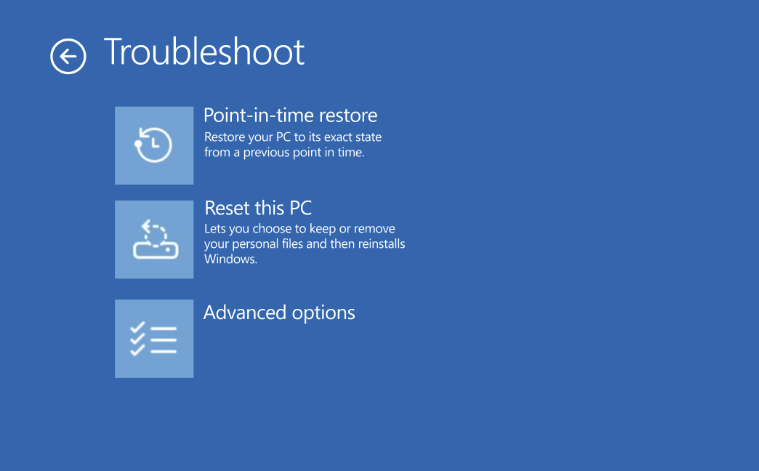
Point-in-Time Restore: the safety net Windows should have had years ago
Point-in-Time Restore is the headliner because it fixes one of Windows’ longest-running sins: how fragile a bad update or driver can make your PC. The feature uses the Volume Shadow Copy Service to grab automatic system snapshots every 24 hours and store them locally as block-level copies of your whole OS volume. Unlike the old System Restore, these snapshots include everything on the drive, including personal files, apps, and settings, so rolling back behaves like a small full-disk restore instead of a partial band-aid.
Practically, this means if a driver or update sends your PC into a death spiral, you can boot into the Windows Recovery Environment and roll back to a working state from the last 72 hours. Microsoft enables it by default on Home and Pro devices with at least 200GB of storage, and it can use up to 50GB of space for restore points. By default, Windows creates a snapshot every 24 hours, but that can be tightened to as little as four hours. The trade-off is clear: anything created after that snapshot disappears when you roll back. Still, for anyone who has watched a Patch Tuesday reboot turn into a loop, this safety net is worth the disk space.
Smarter Windows Update pauses and quieter annoyances
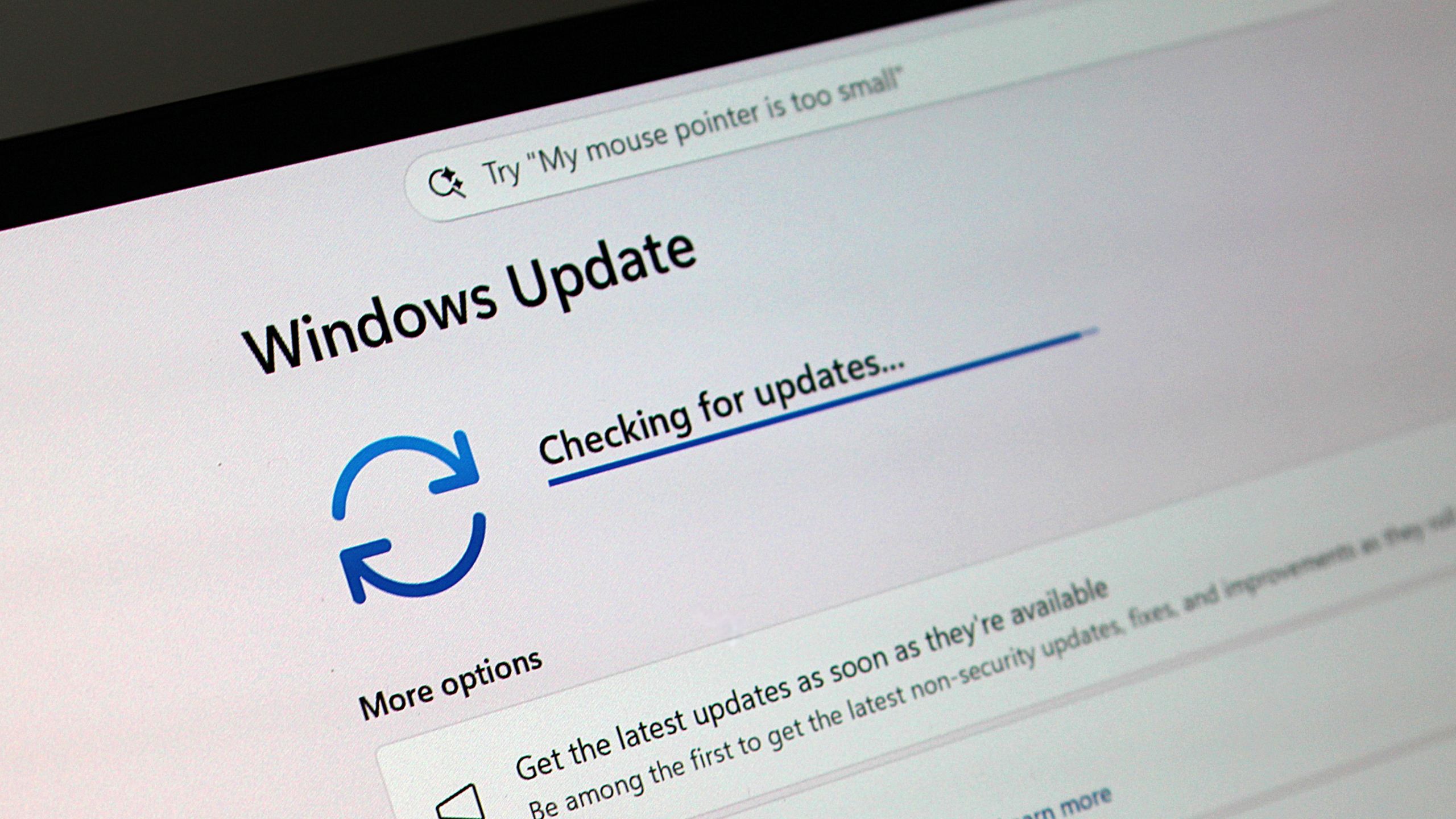
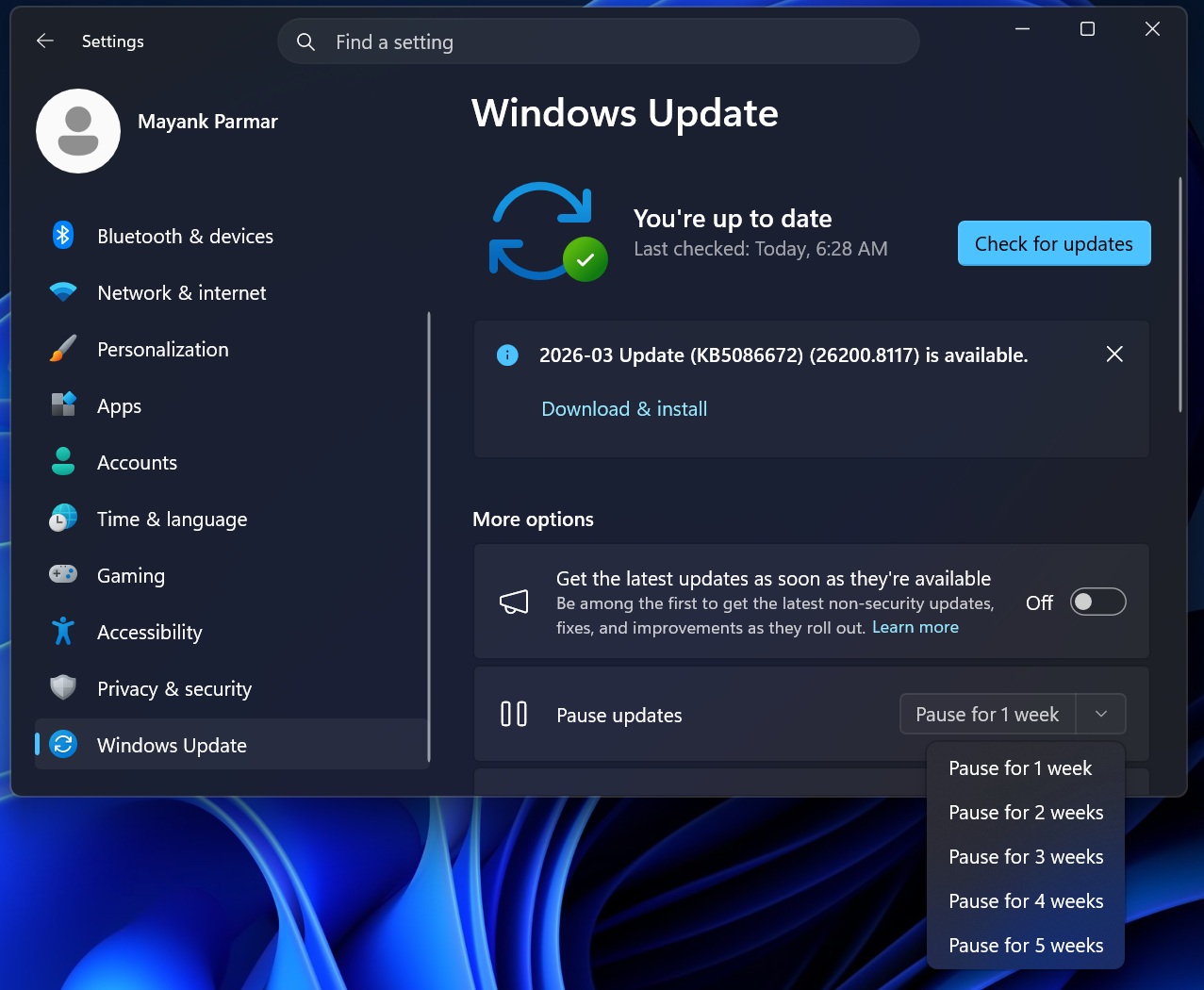
The July Windows 11 update also fixes something more subtle but equally important: how updates intrude on your schedule. Windows Update now replaces the crude 7/14/21-day pause dropdown with a calendar picker that lets you choose an exact resume date up to 35 days in the future. The 35‑day ceiling is the same as before, but now you can align the pause with real life—holidays, deadlines, or travel—instead of counting weeks in your head.
Once a pause is active, Windows will not download or install new updates that need a restart, and any in-progress update gets canceled. When the pause expires, the system immediately checks for pending patches unless you pause again. In effect, if you are disciplined, you gain an almost indefinite way to defer automatic updates while still staying within Microsoft’s rules. This same update also calms down other daily irritations: widgets no longer spring open when you hover on the taskbar, and their notifications and badges stay quieter by default. The signal is clear: Microsoft heard the complaints about Windows behaving like a needy app rather than a stable OS.
Bluetooth and File Explorer: fixes you will feel every day
Beyond recovery and updates, the Windows 11 July update delivers real, tangible quality-of-life improvements. The release includes what testers call the biggest concentrated Bluetooth fix the OS has seen, with faster AirPods pairing, better Beats Studio Pro microphone reliability, and more stable LE Audio connections. Microsoft notes that these improvements specifically target compatibility with certain audio devices, including AirPods and Beats Studio Pro. Even better, mute-state syncing now keeps your headset and Windows in agreement, so toggling mute in either place finally behaves logically.
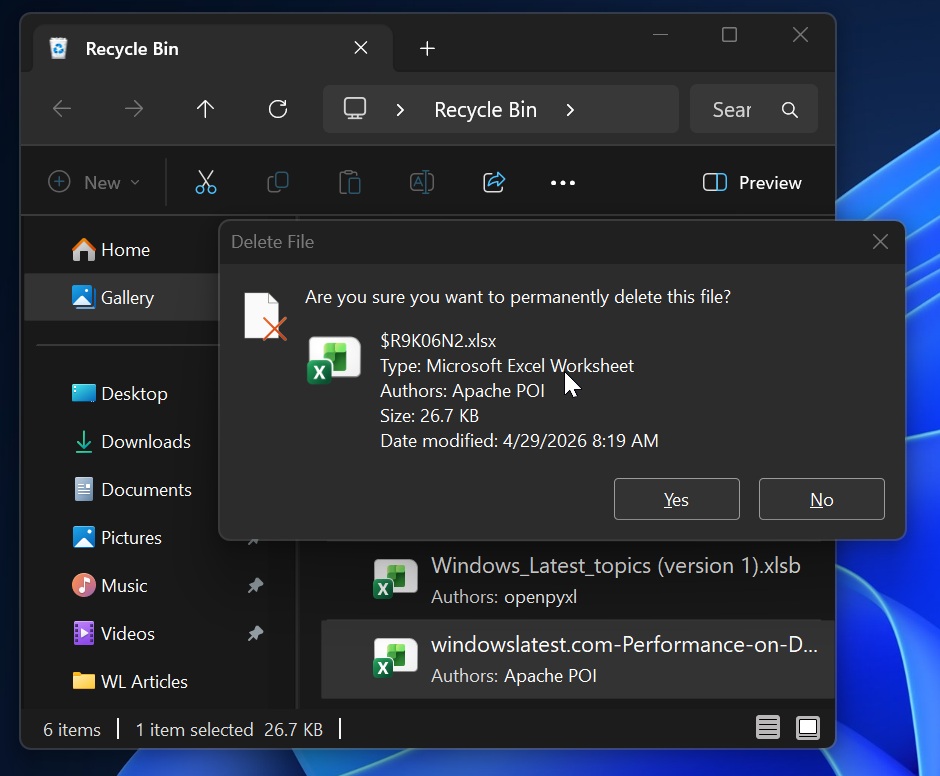
File Explorer also gets long-overdue attention. It launches faster, mounts disk images more smoothly, and clears out a cluster of address bar and rename bugs that have plagued users since the redesign. These are not flashy updates, but they are the kind that shave seconds off every task and reduce the friction of daily work. Combined with other reliability fixes—BITS no longer dragging out shutdowns, explorer.exe behaving better around the taskbar and Start, and the Recycle Bin bug that showed internal file names when permanently deleting being fixed—Windows 11 finally feels less fragile and more trustworthy as a daily driver.
Kerberos RC4 enforcement and what comes next for Windows 11
Under the hood, this Patch Tuesday also closes a long-running security chapter for enterprises. On domain-joined networks, the update marks the final phase of the Kerberos RC4 retirement tied to CVE-2026-20833. Domain controllers had already stopped issuing RC4 tickets by default after earlier enforcement updates, but July goes further: it removes the RC4DefaultDisablementPhase registry key, taking away the rollback safety valve administrators depended on. From now on, RC4 will only work for accounts explicitly configured to allow it, forcing stubborn legacy systems toward AES or face authentication failures.
Looking ahead, the timeline pressure is rising. Windows 11 version 24H2 Home and Pro reach the end of updates on October 13, 2026, while Enterprise and Education have support until October 2027. Microsoft is already force-installing 25H2 on remaining 24H2 Home devices to keep them current. The July release itself rolls out in two phases: a gradual feature rollout and a normal rollout that delivers the security-critical pieces, including Secure Boot certificate updates. Together with the new Point-in-Time Restore and smarter Windows update features, this patch feels like a statement: Windows 11’s future depends less on flashy AI and more on not breaking the machines people already rely on.