
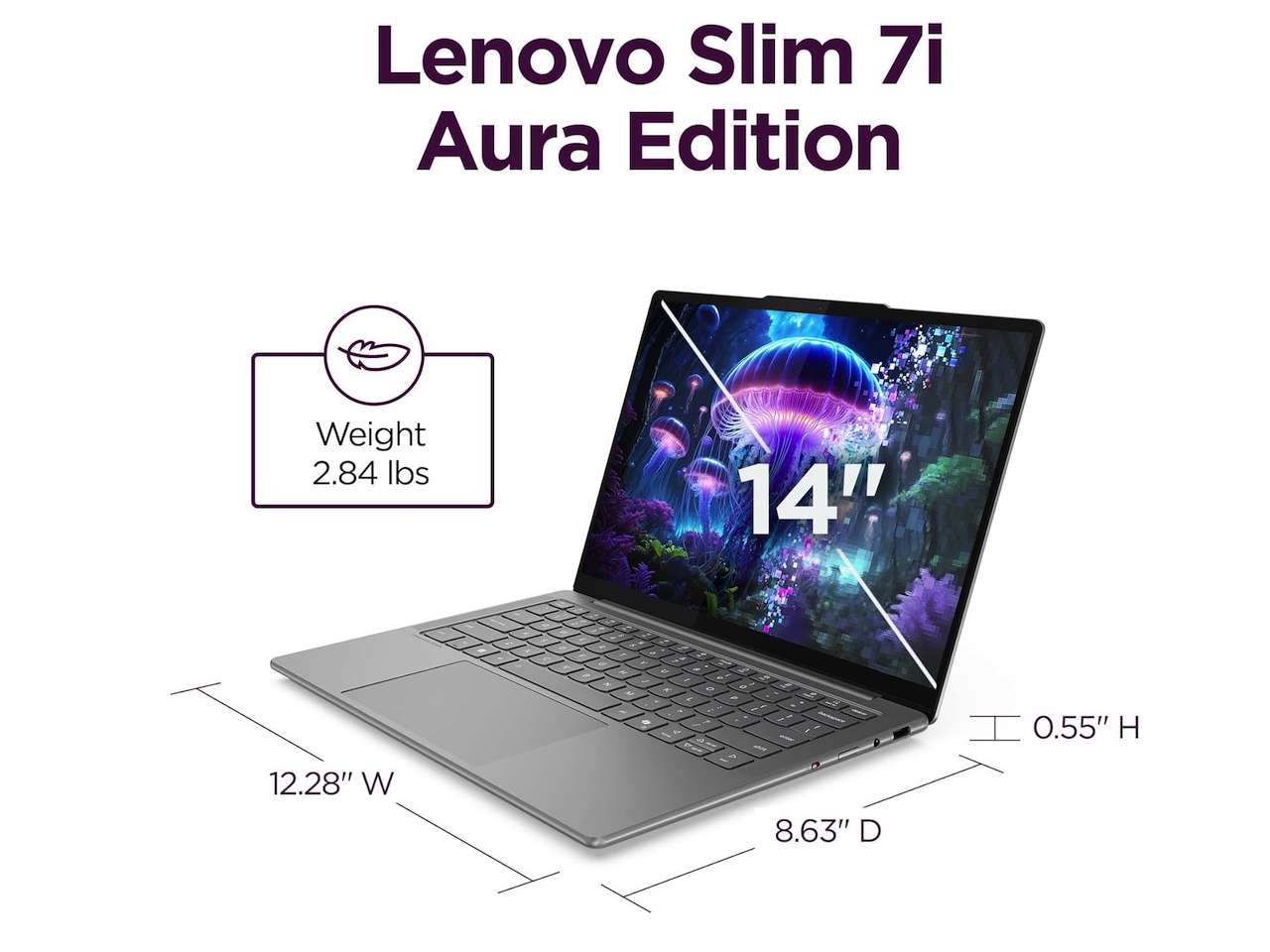

Our Top Pick and the New Rules of Budget Laptop Buying
A budget laptop buying guide for laptops under $1000 is a practical checklist of performance, durability, and usability factors that helps you avoid laptop buying mistakes by focusing on what to look for in a laptop—such as RAM, storage, processor, screen, battery, and ports—instead of confusing marketing labels and the lowest possible price. For most people, the smartest buy is a plain, well‑spec’d clamshell notebook with at least 16GB of RAM, a 512GB SSD, and a current mid‑range processor; it delivers the best mix of speed, lifespan, and comfort without wasting money on flashy extras. Skipping gimmicks and chasing solid core specs is what keeps a sub‑$1,000 machine feeling fast in year three instead of painful in month six.
This guide is for anyone staring at a wall of near‑identical laptops, wondering which one won’t become a regret. The biggest mistake is buying the cheapest thing that clears the checkout page; a low price on weak RAM, slow storage, and a dim screen quickly turns into a slow, cramped device. According to one testing‑focused source, “If you don't have [performance] where it counts, your new laptop won't do a good job of supporting the tasks you're buying it for.” Below, you’ll see exactly which specs matter, how AI chips and labels are over‑sold, and how to pick between ultraportables, gaming rigs, and 2‑in‑1s without wasting your budget.
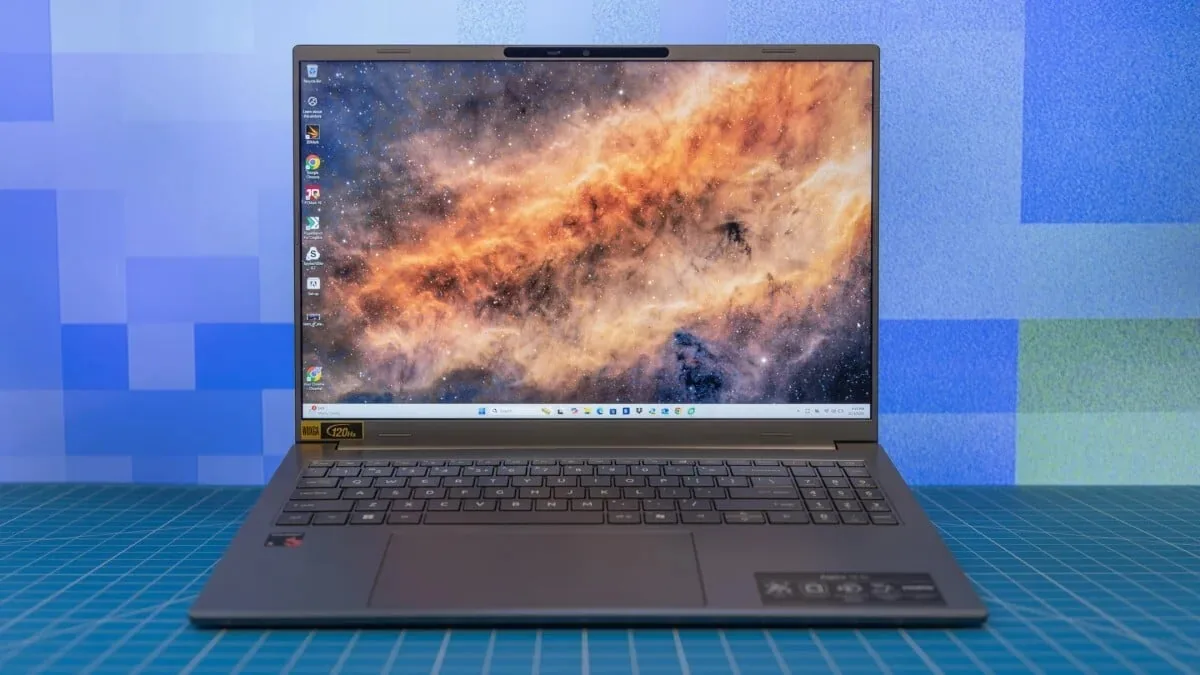
What to Look for in a Laptop: The 5 Checks That Matter
Before you get lost in branding, answer the 2026 laptop buying checklist in order: what will you do every week, is 16GB of RAM enough or should you buy 24GB or 32GB now, is the SSD at least 512GB and replaceable, is the screen bright and shaped for how you work, does the platform fit your apps, and do you need a dedicated GPU or are you paying for heat and weight. For everyday work, 16GB is the sane floor; 24GB or 32GB suits creators, coders, heavy multitaskers, and anyone who wants to keep the machine for many years. Storage should be fast SSD, ideally 512GB, because updates and apps grow quickly. Pair that with a mid‑tier CPU like Core i5, Core Ultra 5, Ryzen 5, or similar; these chips give plenty of speed without inflating price or battery drain.
Battery claims deserve skepticism: there is no AI or fancy branding that can rescue a laptop with a weak battery and poor efficiency. A processor name ending in “H” signals more power but heavier battery use, while “U” chips trade some performance for longer runtimes. Think honestly about your workload: office apps, web, and streaming can lean on integrated graphics; demanding gaming or video editing may need a dedicated GPU, but those are uncommon under $1,000 except in gaming‑focused models. Finally, insist on a comfortable keyboard and trackpad, because they define daily experience far more than abstract performance scores. When in doubt, prioritize RAM first, storage second, then CPU, and treat battery and input quality as non‑negotiable basics rather than luxuries.
| Key Spec Check | Minimum to Aim For | When to Go Higher |
|---|---|---|
| RAM | 16GB for most users | 24–32GB for creators, coders, heavy multitaskers, long‑term use |
| Storage | 512GB SSD, replaceable if possible | More if you store large videos, games, or datasets |
| Processor | Mid‑range modern CPU (Core i5/Ultra 5/Ryzen 5 class) | Higher‑tier "7" level chips for demanding content creation or gaming |
| Graphics | Integrated GPU for web, office, light media | Discrete GPU for serious gaming or video work if found under $1,000 |

Seller Traps, AI Hype, and Why the Screen and Ports Matter More
Modern laptop stickers shout AI PC, Copilot+ PC, NPU, 50 TOPS, OLED, Wi‑Fi 7, Snapdragon X, Ryzen AI, Core Ultra; some of these labels matter, but none can rescue a bad screen, 8GB of soldered RAM, a tiny SSD, a poor keyboard, or a battery claim nobody should believe. Memory prices are soaring due to demand from AI infrastructure, and brands have responded by downgrading RAM or tightening prices. Do not fall for “AI‑ready” marketing on a machine that skimps on basics; for budget buyers, real value comes from enough memory, storage, and a usable display, not on‑device AI buzzwords. Treat AI chips as a bonus, not a deciding factor: they won’t keep a low‑spec laptop pleasant to use.
One classic laptop buying mistake is ignoring the screen because the CPU sounds exciting. You stare at this panel for hours, so check size, resolution, brightness, aspect ratio, finish, and panel type. A dim, low‑resolution screen makes everything harder, from spreadsheets to movies, and you can’t fix it later. Equally, connectivity is not a place to compromise: most laptops near $1,000 now include everything you need, from multiple USB‑C ports to modern Wi‑Fi standards. Marketplace listings have also worsened Mistake 10: not checking the exact seller, return policy, and warranty. Always confirm who sells and ships the laptop, whether the box was opened for unofficial upgrades, whether the manufacturer warranty applies, and how long you have to return it. A strong spec on paper is worthless if you’re stuck with a problematic unit and no support.
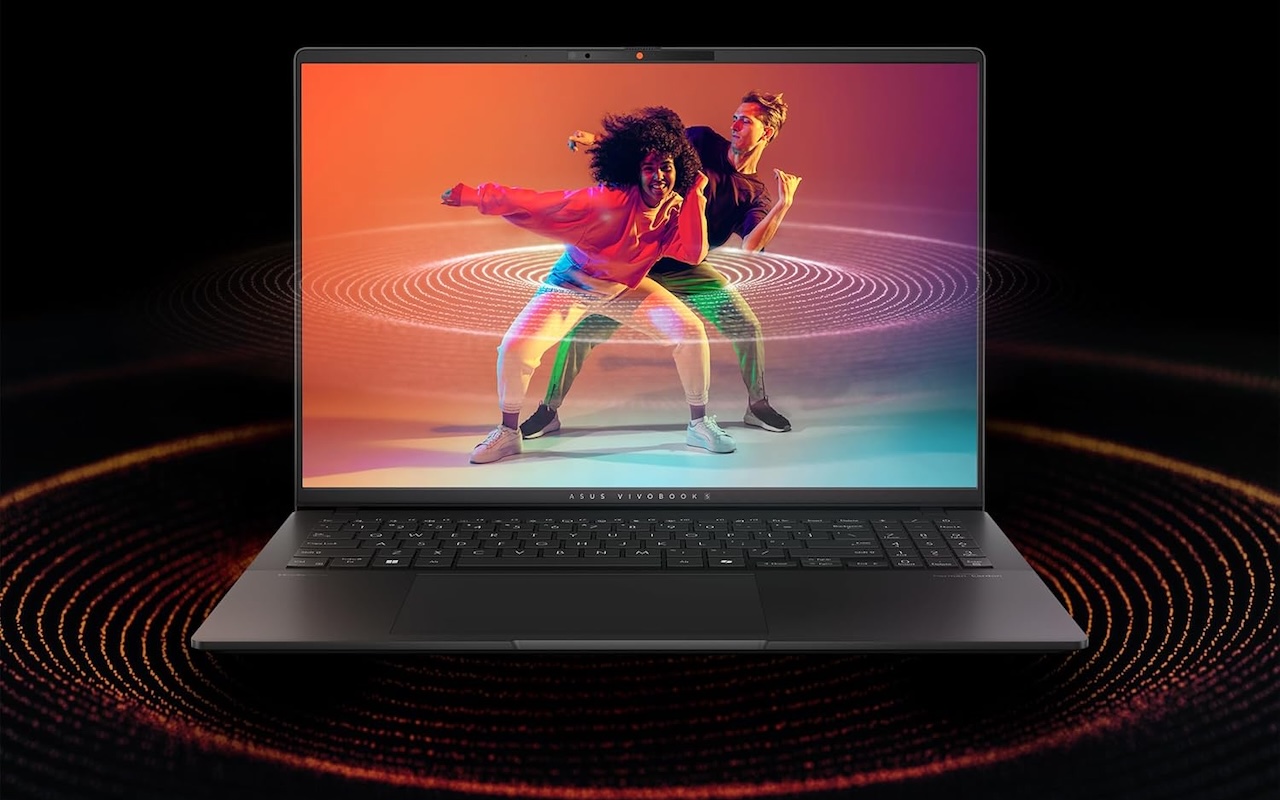
Ultraportables, Gaming Laptops, and 2‑in‑1s Under $1,000
Within laptops under $1000, you can pick from sleek ultraportables, flip‑and‑fold convertibles, tablet‑style detachables, and beefy gaming notebooks. The trick is matching category to use. Ultraportables win for students and professionals who carry their machine all day; they tend to be slim and light but may trade some performance or upgrade options for size. Gaming laptops under $1,000 exist but form a relatively lean selection; they focus budget on a discrete GPU, often at the cost of weight, battery life, or screen quality. Buy these only if modern games or GPU‑heavy apps are central to your week. Convertible 2‑in‑1 laptops are useful and easy to romanticize, but assuming they solve every use case is a known mistake. A Yoga‑style 2‑in‑1 is priced from USD 880 (approx. ₱49,280) on major marketplaces.
For most people who don’t draw with a stylus or present in tablet mode, a standard clamshell is more comfortable and better value than a 2‑in‑1. If you do want that flexibility, accept some trade‑offs in weight or repairability and still enforce the same spec floor: 16GB RAM, SSD storage, a good screen, and a clear return path. Beware thinking “gaming” or “convertible” labels automatically mean higher quality; in budget ranges, those badges can hide compromises elsewhere. Convertible laptops highlighted in mistake lists are sold from USD 880 (approx. ₱49,280), gaming‑leaning models can appear from about USD 1,005 (approx. ₱56,280), and spec‑exciting but screen‑flawed units from around USD 1,114.44 (approx. ₱62,407), so category branding alone does not guarantee a great deal. Always cross‑check actual specs and reviews before paying for form factor.

Buy if / Skip if
- Buy the clamshell mid‑range laptop if you want the best balance of 16GB RAM, 512GB SSD, and comfort for everyday work within a tight budget.
- Skip the cheapest advertised laptop if its only appeal is price and it ships with 8GB of soldered RAM, a tiny SSD, and a dim display.
- Buy the gaming laptop under $1,000 if dedicated graphics for modern games or video work are central to your weekly use and you accept more weight and lower battery life.
- Skip the AI‑branded budget laptop if it leans on labels like AI PC or NPU while compromising on memory, storage, screen, or keyboard quality.
- Buy the 2‑in‑1 convertible if you will often use tablet mode, pen input, or tent mode for presentations, and you still verify that core specs and warranty are solid.
- Skip the marketplace listing if you cannot confirm who the seller is, whether the manufacturer warranty applies, or what the return window looks like.
- Buy the ultraportable laptop if carrying your device all day matters more than raw power, and its RAM, storage, screen, and ports meet the checklist.
- Skip the under‑$1,000 laptop if it lacks modern connectivity like USB‑C and Wi‑Fi 6/6E, since these features are widely available at this price.




