
Our Top Pick and What “Best Laptops Under 1000” Really Means
Gaming and productivity laptops under 1,000 dollars are notebooks that balance performance, features, and portability for everyday work, play, and media without crossing into premium pricing, making them ideal for students, office users, and casual gamers who want strong value from budget gaming laptops and affordable productivity laptops. The best overall pick for most people is the Lenovo Slim 3 IdeaPad 15‑inch at USD 729.99 (approx. ₱41,000). It wins because it delivers the right mix of CPU power, memory, and storage at a sensible price, without wasting money on niche features or overly high-end parts you will rarely use. With a modern AMD Ryzen 5 7535HS six‑core processor, 16GB of fast DDR5 RAM, and a 512GB PCIe SSD, it has more than enough headroom for office apps, dozens of browser tabs, light content creation, and casual gaming. This is exactly what a best laptops under 1000 pick should do: handle real‑world workloads smoothly while leaving room in your budget for games, peripherals, or software.
Key Specs to Prioritize (and What to Ignore)
To avoid overpaying, focus on four main criteria: processor, graphics, memory, and connectivity. For processors, aim for mid‑tier chips such as Intel Core i5 or Core Ultra 5, AMD Ryzen 5, or equivalent Snapdragon X Plus‑class CPUs, which are ideal for most shoppers who need reliable performance for everyday productivity and entertainment. If you edit video or run demanding creative apps, jump to the “7” level chips from Intel or AMD for extra headroom. Graphics matter if you game or work with video. Integrated GPUs are fine for streaming and casual titles, but dedicated graphics are essential in budget gaming laptops aimed at modern games. Memory prices are rising because of heavy demand from AI infrastructure, so be smart: 8GB works for basic web and office use, while 16GB is a better target for multitasking, photo work, and gaming, and has become the baseline for AI‑ready laptops. Do not pay extra for 32GB unless you run virtual machines or heavy datasets. According to one testing‑focused source, “For most users, 8GB of memory is sufficient for web browsing, media streaming, and basic office work. However, 16GB is better for multitasking with more than a few programs, photo editing, or gaming.”
Three Standout Laptop Deals Under $1,000
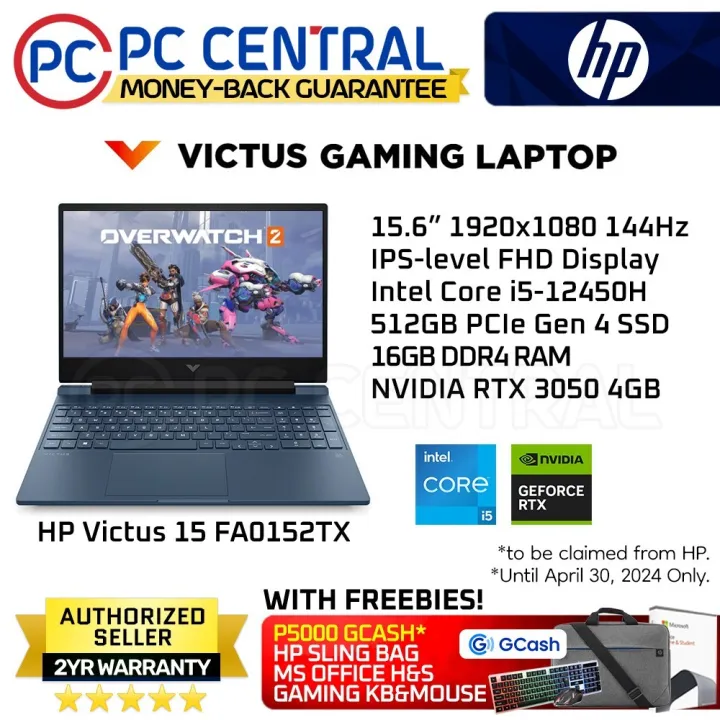
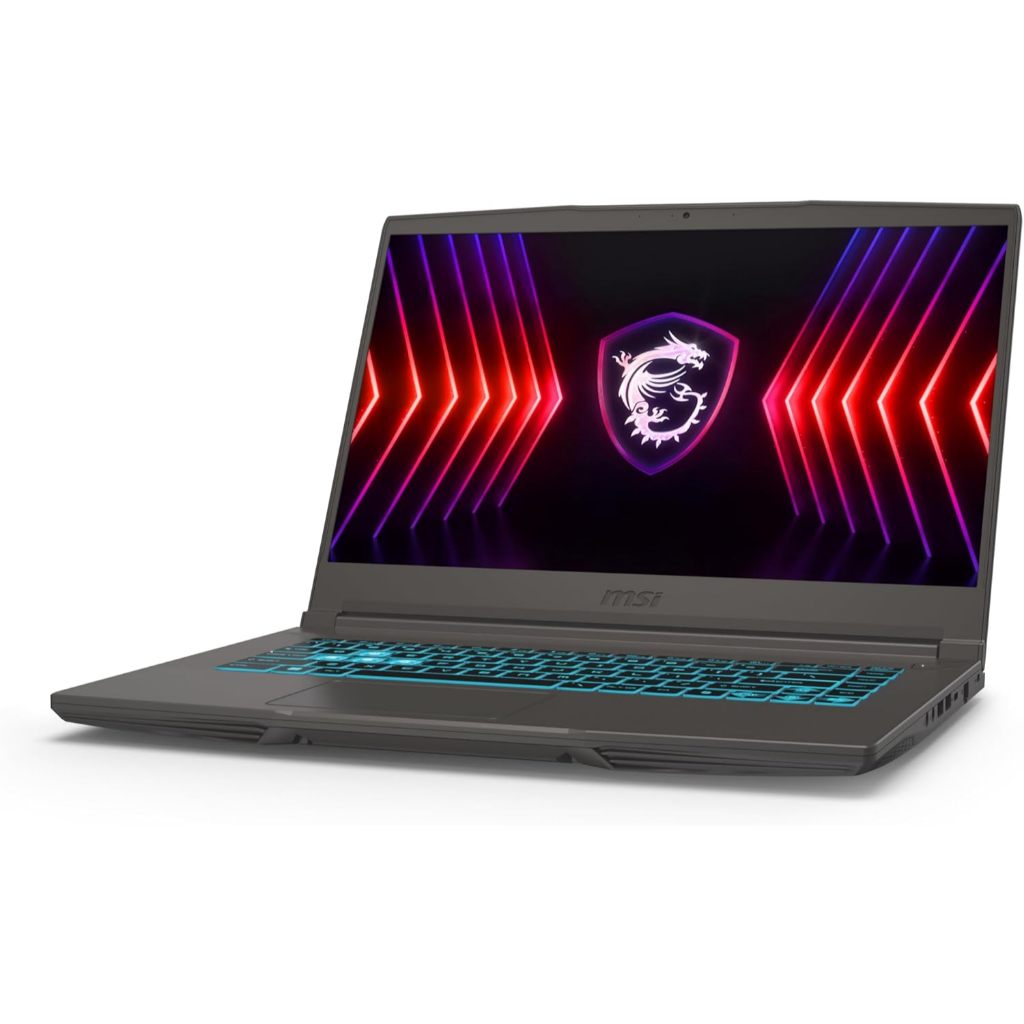
If you want the best laptop deals under 1000 right now, three specific models stand out for value. First, as mentioned, the Lenovo Slim 3 IdeaPad 15‑inch at USD 729.99 (approx. ₱41,000) is the best all‑rounder: 15‑inch FHD+ display, AMD Ryzen 5 7535HS six‑core CPU, 16GB DDR5 RAM, 512GB PCIe SSD, Wi‑Fi 6, Bluetooth 5.3, and a built‑in webcam in a light chassis. For budget gaming laptops, the HP Victus 15.6‑inch gaming laptop at USD 823.99 (approx. ₱46,000) focuses on smooth play with a 15.6‑inch Full HD panel running at 144Hz, an Intel Core i5‑12450H processor, Nvidia RTX 3050 dedicated GPU, 16GB RAM, 512GB SSD, and Wi‑Fi 6 connectivity. If you want newer graphics, the MSI Thin A15 gaming laptop at USD 899 (approx. ₱50,000) pairs an Intel Core i5‑13420H CPU with an Nvidia RTX 4050 laptop GPU, 8GB DDR5 memory, and a 512GB Gen 4 SSD, plus a 15.6‑inch FHD IPS display with a 165Hz refresh rate for very fluid gameplay.
| Spec | Lenovo Slim 3 IdeaPad | HP Victus 15.6 Gaming | MSI Thin A15 Gaming |
|---|---|---|---|
| Price | USD 729.99 (approx. ₱41,000) | USD 823.99 (approx. ₱46,000) | USD 899 (approx. ₱50,000) |
| Display | 15-inch FHD+ | 15.6-inch FHD, 144Hz | 15.6-inch FHD IPS, 165Hz |
| Processor | AMD Ryzen 5 7535HS, 6-core | Intel Core i5-12450H | Intel Core i5-13420H |
| Graphics | Integrated (productivity-focused) | Nvidia RTX 3050 laptop GPU | Nvidia RTX 4050 laptop GPU |
| Memory | 16GB DDR5 | 16GB RAM | 8GB DDR5 |
| Storage | 512GB PCIe SSD | 512GB SSD | 512GB Gen 4 SSD |
| Connectivity | Wi-Fi 6, Bluetooth 5.3, webcam | Wi-Fi 6 | Wi-Fi (noted in listing) |
Form Factors Under $1,000: Gaming Rigs, Ultraportables, 2‑in‑1s, and Budget MacBooks
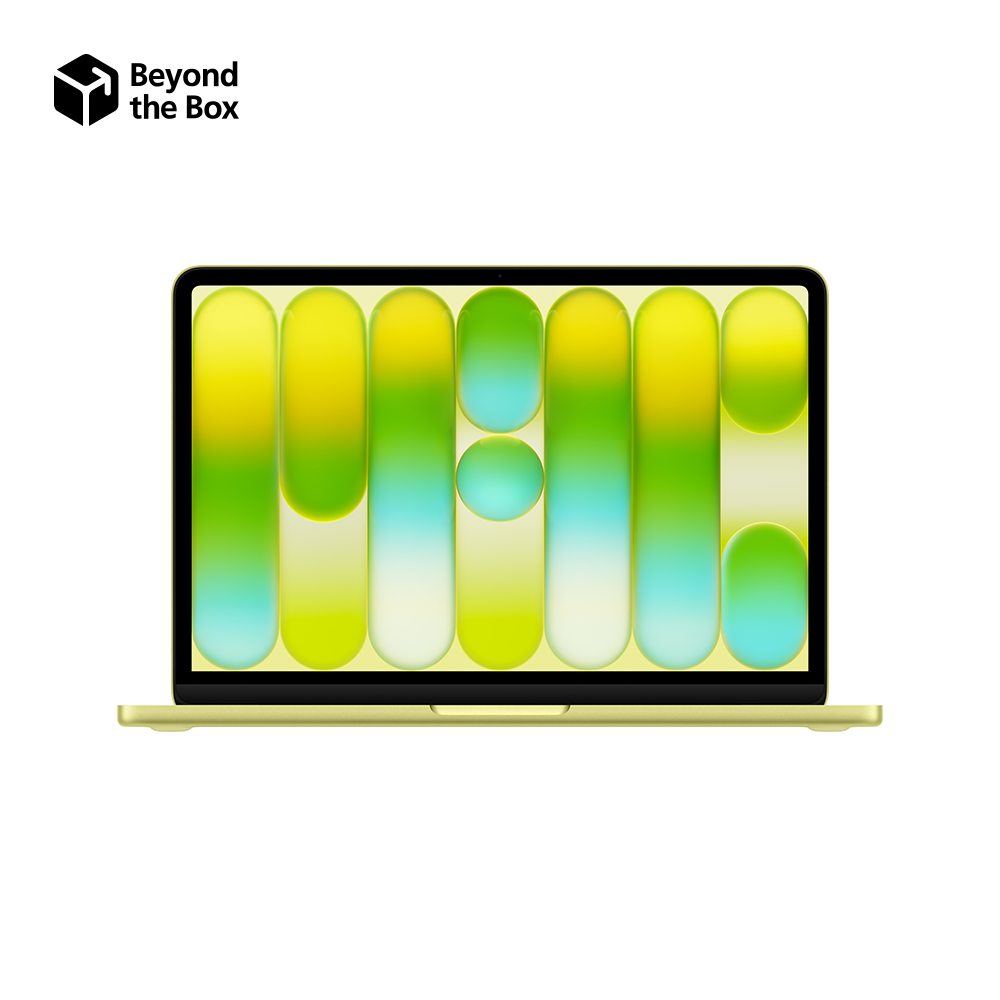
You are not limited to one shape or type when shopping for the best laptops under 1000. Today’s market includes tablet PCs with detachable keyboards, flip‑and‑fold laptop/tablet convertibles, beefy gaming notebooks, and sleek ultraportables. High‑end gaming laptops, professional workstations, and rugged machines for industrial or field use tend to go far above this price range, but slim, lightweight laptops, convertible hybrids, and business‑ready models are widely available at USD 999 or less. For those in the Apple ecosystem, you can even find a budget MacBook option: a MacBook Neo is available for well under 1,000 dollars after recent price changes. On the Windows side, expect more variety, especially among affordable productivity laptops and budget gaming laptops. The key is to pick the form factor that fits how you work—ultraportables for travel, 2‑in‑1s for pen or tablet use, and gaming rigs for higher‑frame‑rate play—then lock in the right CPU, RAM, and storage rather than chasing cosmetic extras.
Where the Best Laptop Deals Under 1000 Hide (and When to Move Fast)
For laptop deals under 1000, large online retailers are the easiest starting point, with many of the best gaming and productivity laptops currently on sale at prices like USD 729.99, USD 823.99, and USD 899 for the models highlighted above. One testing‑led deals resource notes that their list of best available gaming and productivity laptops on sale for under 1,000 dollars is updated constantly, and also warns that “these deals often expire quickly, so you'll need to act fast.” Beyond the main store listings, dedicated deals communities and Discord servers can provide up‑to‑the‑minute alerts on price drops and limited‑time bundles. Pair those alerts with your spec priorities: mid‑range CPU, adequate RAM (preferably 16GB), at least 512GB SSD, and the right GPU for your use. When a machine ticks those boxes and falls under your budget, do not wait days to decide; sub‑1,000‑dollar discounts on well‑specced gaming and productivity models tend to vanish as inventory fluctuates.
Buy if / Skip if
- Buy the Lenovo Slim 3 IdeaPad if you want an affordable productivity laptop with strong multitasking performance and do not need dedicated graphics.
- Skip the Lenovo Slim 3 IdeaPad if you plan to play modern AAA games at high frame rates and require a discrete GPU.
- Buy the HP Victus 15.6 Gaming Laptop if you want a budget gaming laptop with an RTX 3050 GPU and a 144Hz display under 1,000 dollars.
- Skip the HP Victus 15.6 Gaming Laptop if you mainly do light office work and streaming and prefer a slimmer, lighter machine over gaming features.
- Buy the MSI Thin A15 Gaming Laptop if you want newer RTX 4050 graphics and a 165Hz screen for smoother gaming at a still‑reasonable price point.
- Skip the MSI Thin A15 Gaming Laptop if you need 16GB RAM out of the box for heavy multitasking and do not want to upgrade memory later.