


Google Photos Is Growing Up: From Backup App to Creative Platform
Google Photos new features transform the app from a simple cloud backup service into a creative, interactive platform, combining advanced photo editing tools, AI-powered memory games photos, and visual search AI to turn personal image libraries into dynamic spaces for storytelling, play, and instant content creation across devices. This shift matters: our photo collections are no longer dusty archives but living, editable timelines. Google appears determined to own that timeline by building tools that keep you inside its ecosystem while you create, remix, and explore. The result is an experience that feels less like filing away snapshots and more like running a personal media studio. That’s exciting, but it also signals a clear strategic move—Photos is becoming the front door to how you interact with your visual life.
A Smarter Collage Maker App and a More Thoughtful UI
If you still think of Google Photos as a basic collage maker app, the latest editor overhaul will change your mind. In version 7.82 of the Android app, the collage interface gains "tons of different template types, organized into categories like Grid, Film, and Classic". Most templates now include adjustable borders controlled through a new Borders view, giving everyday users finer-grained control that used to require a dedicated design app. This is where the photo editing tools story gets interesting: Google is quietly turning casual collage creation into a form of lightweight layout design. Alongside this, the navigation bar update swaps the old bottom strip for a persistent floating pill, making core actions easier to reach and visually cleaner. Together, these changes push Photos toward a more deliberate, studio-like interface instead of a glorified gallery.
Memory Games: Your Camera Roll Becomes a Playground
The most intriguing shift is philosophical: Photos is moving from nostalgia to play. A new "memories games" feature is in the works, signaled by a "Let’s play" poster inside the memories carousel in version v7.83.0.943371825. Under the hood, notification text has changed from referencing only themed memories to "themed memories or games" and describes them as "Games and photos about people, places, and things". In other words, Google wants to turn your past into interactive experiences built from who you know, where you’ve been, and what you’ve captured. This is more than a gimmick. Memory games photos move your library from passive scrolling to active engagement, encouraging you to revisit faces and places through challenges and quizzes instead of static slideshows. It’s a clever way to keep you inside the app while AI makes your own content feel surprising again.
Visual Search AI: From Finding Images to Generating Them
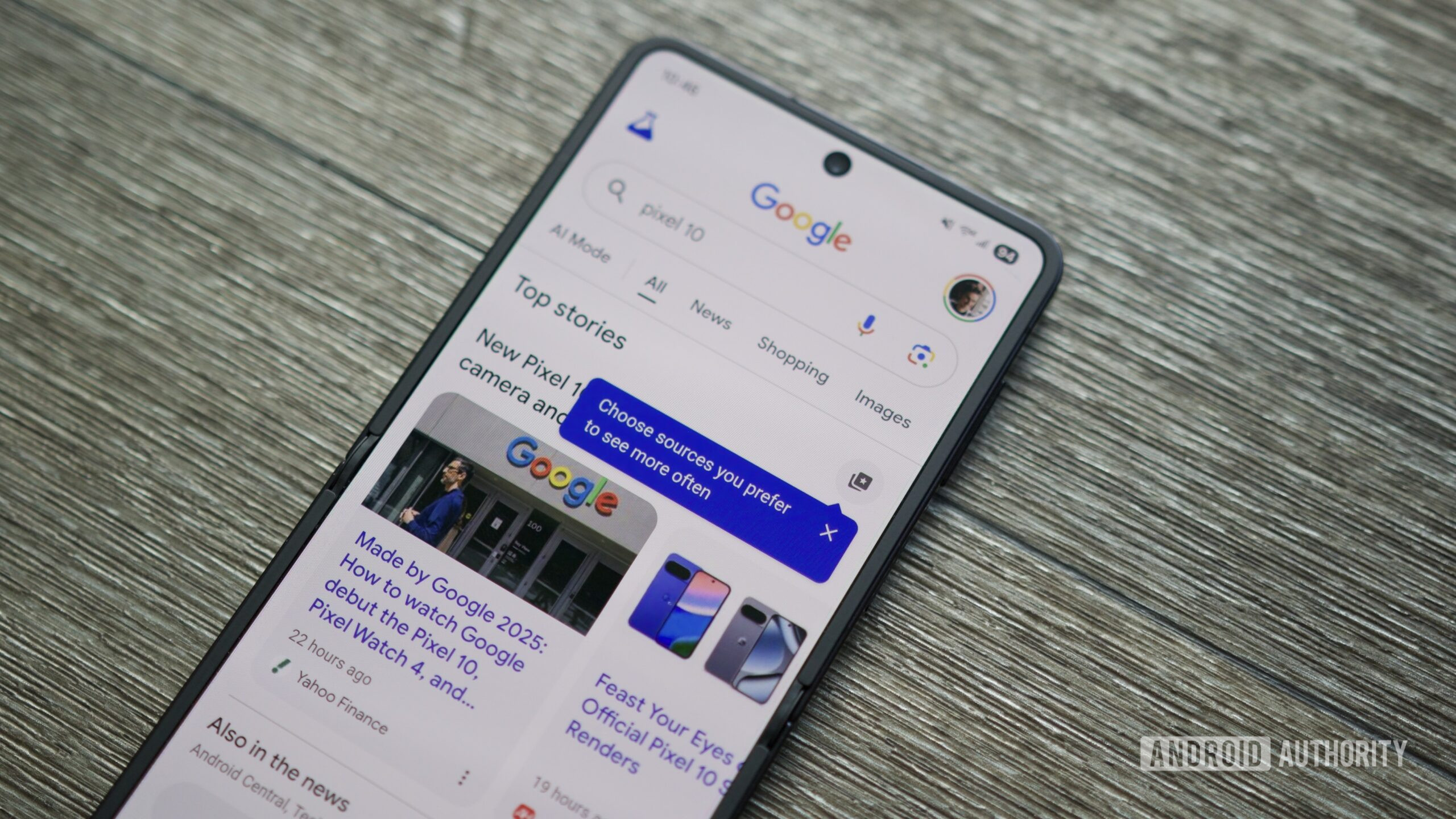
On the search side, Google’s biggest visual update in years confirms a trend: when you can’t find the right image, Google wants you to create it. The refreshed Google Images homepage now works like a personalized, real-time gallery tuned to your interests, with Collections promoted as tabs for fast return to active topics. This turns search into a browsing feed rather than a one-off query. More importantly, AI image generation is coming directly to AI Overviews, letting you convert text prompts into original images using the new Nano Banana model. According to Google, this is aimed at situations where "existing web images do not meet your needs". Coupled with the richer collage and editing features in Photos, this visual search AI push suggests a future where your creative pipeline runs from prompt to generated art to edited collage without leaving Google’s ecosystem.
Conclusion: Your Photo Library Is Now an Interface, Not a Folder
Taken together, the upgraded collage editor, evolving memory games, modernized navigation, and AI-driven visual search mark a clear turning point: Google Photos is no longer content to be a backup service. It wants to be the operating system for your visual life. The new collage types and Borders view make creation feel approachable; memory games photos hint at playful, person-centric AI; and visual search AI blurs the line between finding and making. This is a welcome shift if you want more creative control without juggling multiple apps. But it also means your photo library is becoming an interactive surface where Google’s algorithms constantly remix your history. The opportunity is clear: if you embrace these photo editing tools, your archive stops being static storage and starts behaving like a living, creative canvas.





