
Deal verdict: a strong value Copilot+ convertible, with one catch
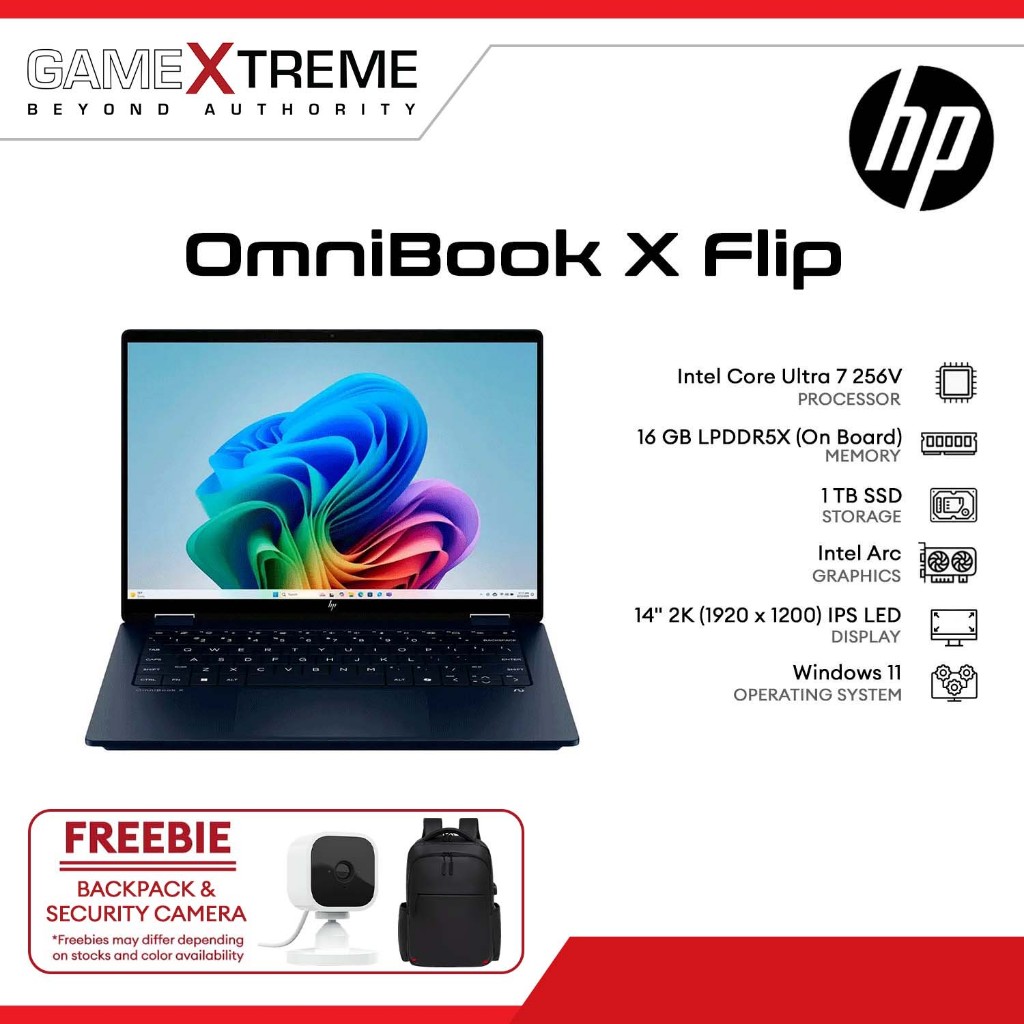
The HP OmniBook X Flip OLED is a 14‑inch 2‑in‑1 convertible laptop with a 2K OLED touchscreen, Intel Panther Lake Core Ultra 7 processor, Copilot+ PC certification, and on‑device AI acceleration, aimed at users who want a thin, flexible work‑and‑study machine with premium display quality rather than gaming‑class graphics.
Best Buy is selling the HP OmniBook X Flip OLED 2‑in‑1 for USD 999.99 (approx. ₱56,000), down from a standard list price of about USD 1,449.99 (approx. ₱81,000). That makes it the lowest confirmed price for an OLED Copilot+ 2‑in‑1 laptop currently on Best Buy’s shelves. For a premium OLED touchscreen discount in a 2‑in‑1 convertible laptop, this is a very strong deal if you care more about display, battery‑friendly performance, and Copilot+ PC features than integrated‑graphics muscle. The one clear trade‑off is GPU power: Intel’s four‑core Xe3 graphics here lag behind the beefier integrated GPUs in some rival Copilot+ PC deals, including the pricier AMD variant of this same machine.
The deal is live with free shipping and is stock‑limited, and similar discounts on new configurations tend to sell out quickly.
What $999 gets you: OLED, Intel 18A, and Copilot+ PC status
At the heart of this HP OmniBook X Flip OLED configuration is Intel’s Core Ultra 7 355, a Panther Lake‑generation chip built on Intel’s new 18A process. It uses four performance‑oriented Cougar Cove cores and four efficient Darkmont cores (8 cores, 8 threads total) with boost clocks up to 4.7GHz and a 25W TDP tuned for thin convertibles. The CPU is paired with 16GB of LPDDR5x RAM and a 1TB PCIe Gen4 NVMe SSD, so everyday multitasking and storage are well covered.
The integrated NPU 5 delivers up to 50 TOPS (trillion operations per second) of on‑device AI performance, clearing Copilot+ PC requirements with room to spare. Microsoft’s Copilot+ certification demands at least a 40 TOPS NPU, 16GB RAM, and 256GB storage, and this system comfortably meets all three. That unlocks on‑device Windows 11 features like Recall indexing, Live Captions with offline translation, Windows Studio Effects for video calls, and Click to Do for one‑click on‑screen actions, all without sending that processing to the cloud. The main Copilot chatbot still needs an internet connection, but the key accelerated AI tricks run locally.
OLED touchscreen and 2‑in‑1 design: where this laptop shines
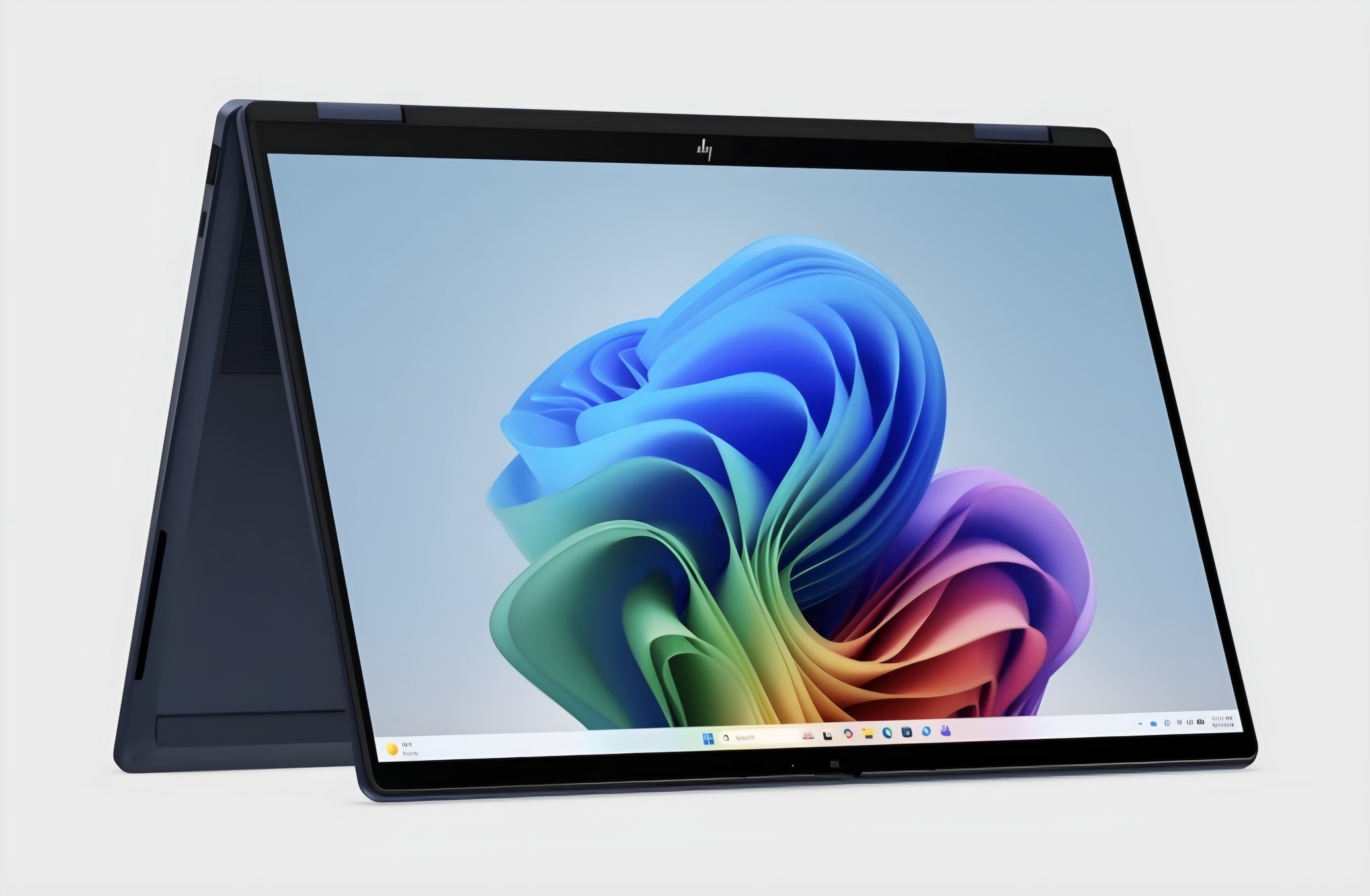
The standout feature here is the 14‑inch 2K (1920×1200) OLED touchscreen, a panel type that remains uncommon below USD 1,000 (approx. ₱56,000) in a 2‑in‑1 form factor. OLED means each pixel lights itself and turns fully off for black, giving contrast IPS panels cannot match. According to the Best Buy product listing, the display reaches 300 nits, which is fine for indoor work but can look washed out in direct sunlight, so frequent outdoor users should take note.
The 360‑degree hinge supports clamshell, tent, presentation, and tablet modes, letting you type, sketch, or present from the same device. As the source notes, a student who takes handwritten notes in tablet mode, then writes essays in laptop mode, then flips to tent mode for group presentations gains real utility from this 2‑in‑1 approach. At around 3.1 pounds (1.4kg), it is light enough to carry between classes or meetings without much strain. For note‑taking, slide decks, reading, and light content creation that benefits from precise touch input and deep contrast, the HP OmniBook X Flip OLED is a compelling option among back‑to‑school laptops.
Ports, connectivity, and the graphics caveat
Connectivity is well‑rounded for a slim 2‑in‑1 convertible laptop. You get HDMI 2.1, two Thunderbolt 4 USB‑C ports, two USB‑A 3.1 ports, a 3.5mm audio jack, and Wi‑Fi 7, which improves on the Wi‑Fi 6E found in the previous generation. That mix supports modern docks, external monitors, and fast wireless networks without needing dongles in most setups.
The main limitation is graphics. This Core Ultra 7 355 uses four Xe3 GPU cores branded as “Intel Graphics,” not Intel Arc. Four Xe3 cores are aimed at efficiency and are fine for web use, productivity apps, calls, media, and the NPU‑powered Copilot+ features, but they trail the stronger integrated GPUs in both some Lunar Lake systems and the OmniBook X Flip model that uses AMD’s Radeon graphics. The AMD Ryzen AI 7 variant with 24GB RAM and OLED is on sale at Best Buy for more money but offers meaningfully better GPU performance for 3D games or GPU‑accelerated creative tools. For anyone who cares about smooth modern gaming or heavy GPU‑driven video work, that difference should be the deciding factor.
Buy if / Skip if
- Buy the HP OmniBook X Flip OLED if you want a premium 14‑inch OLED touchscreen and 2‑in‑1 flexibility below USD 1,000 (approx. ₱56,000).
- Skip the HP OmniBook X Flip OLED if you plan to play modern 3D games or rely on GPU‑accelerated creative apps for work.
- Buy the HP OmniBook X Flip OLED if Copilot+ PC deals with on‑device AI features like Recall, Live Captions, and Studio Effects appeal to you.
- Skip the HP OmniBook X Flip OLED if you often work outdoors in bright sunlight and need a much brighter display than 300 nits.
- Buy the HP OmniBook X Flip OLED if you are a student or professional who will use tablet, tent, and presentation modes for notes and meetings.
- Skip the HP OmniBook X Flip OLED if you value stronger integrated graphics over OLED and would rather pay more for the AMD Ryzen AI 7 OmniBook X Flip.