
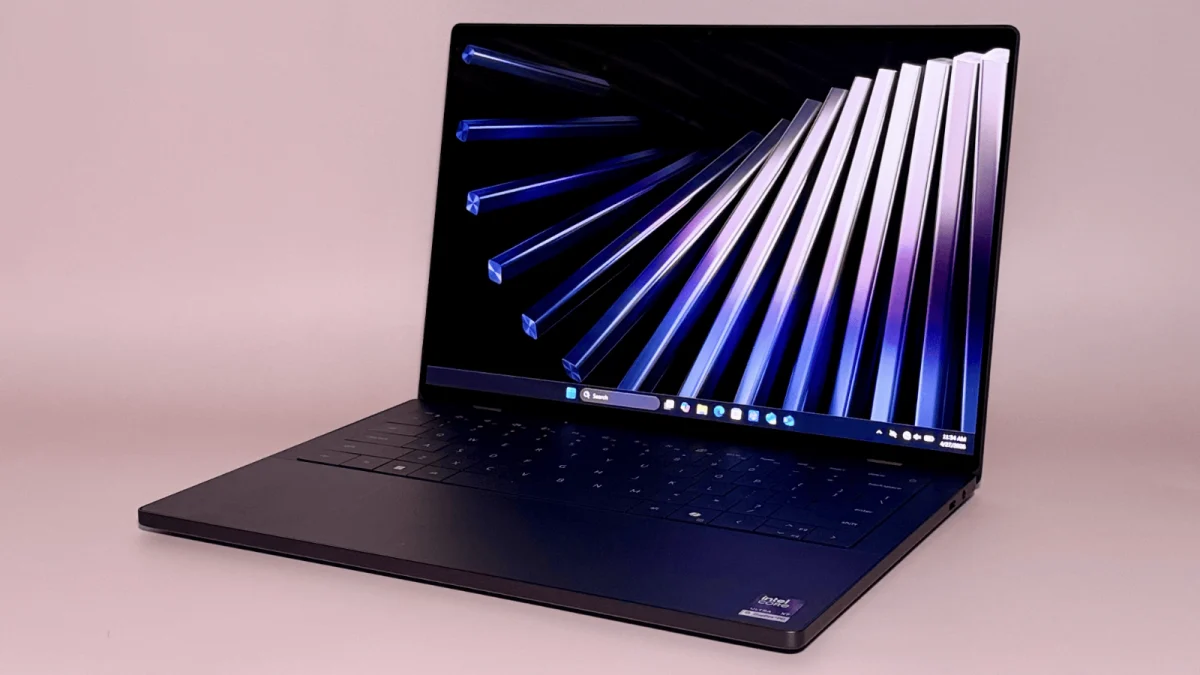

The uncomfortable truth behind rising laptop prices
Laptop price increases today are driven less by obvious upgrades and more by hidden component costs, recycled processors, and confusing spec sheets that make genuine value hard for buyers to see or compare at a glance. Data center construction is absorbing much of the world’s RAM and SSD supply, making these components far more expensive and pushing up prices of laptops that depend on them. At the same time, manufacturers quietly downgrade or solder RAM and shrink storage while keeping headline prices high, so the "cheapest" option often has the highest long‑term cost. Add in the reuse of older processor silicon marketed as new, and buyers are stuck in a maze of labels that conceal more than they reveal. If you keep shopping the way you did a few years ago, you are now far more likely to overpay.

Old processors in new clothes: why the CPU label misleads
The most misleading trend in laptops is not RGB lights or AI stickers; it is the way older processors are repackaged as new. Microprocessor vendors are reusing old silicon while hiding that fact from buyers, leaving people unsure whether their "new" productivity laptop is based on current hardware or several‑year‑old chips sold at a premium price. Increasingly, the processor name conceals more than it explains, and the industry’s former good‑better‑best logic has been discarded in favour of a soup of model codes and marketing tags. The result is processor confusion when buying: people latch onto a CPU name, assume it means performance parity with similarly named chips, and pay high prices for designs that may be closer to budget hardware. A processor label tells only part of the story, and treating it as the whole story is a common mistake.
This confusion directly distorts laptop value comparison. One analysis found midrange business laptops using older Ryzen 250‑series mobile chips priced between USD 900 (approx. ₱50,400) and USD 1,000 (approx. ₱56,000), which is not bargain territory beside alternatives closer to USD 600 (approx. ₱33,600). That gap exposes the problem: when you cannot tell whether a CPU is genuinely new, you cannot tell whether the asking price reflects real capability or marketing inertia. Buyers then compare laptops by the most visible badge rather than by platform, thermals, and the rest of the system. In this environment, according to one reviewer, "there’s just no easy way to tell whether a new laptop contains a new processor, and it feels like laptop makers are taking advantage of that".
RAMageddon and the quiet inflation of premium laptops
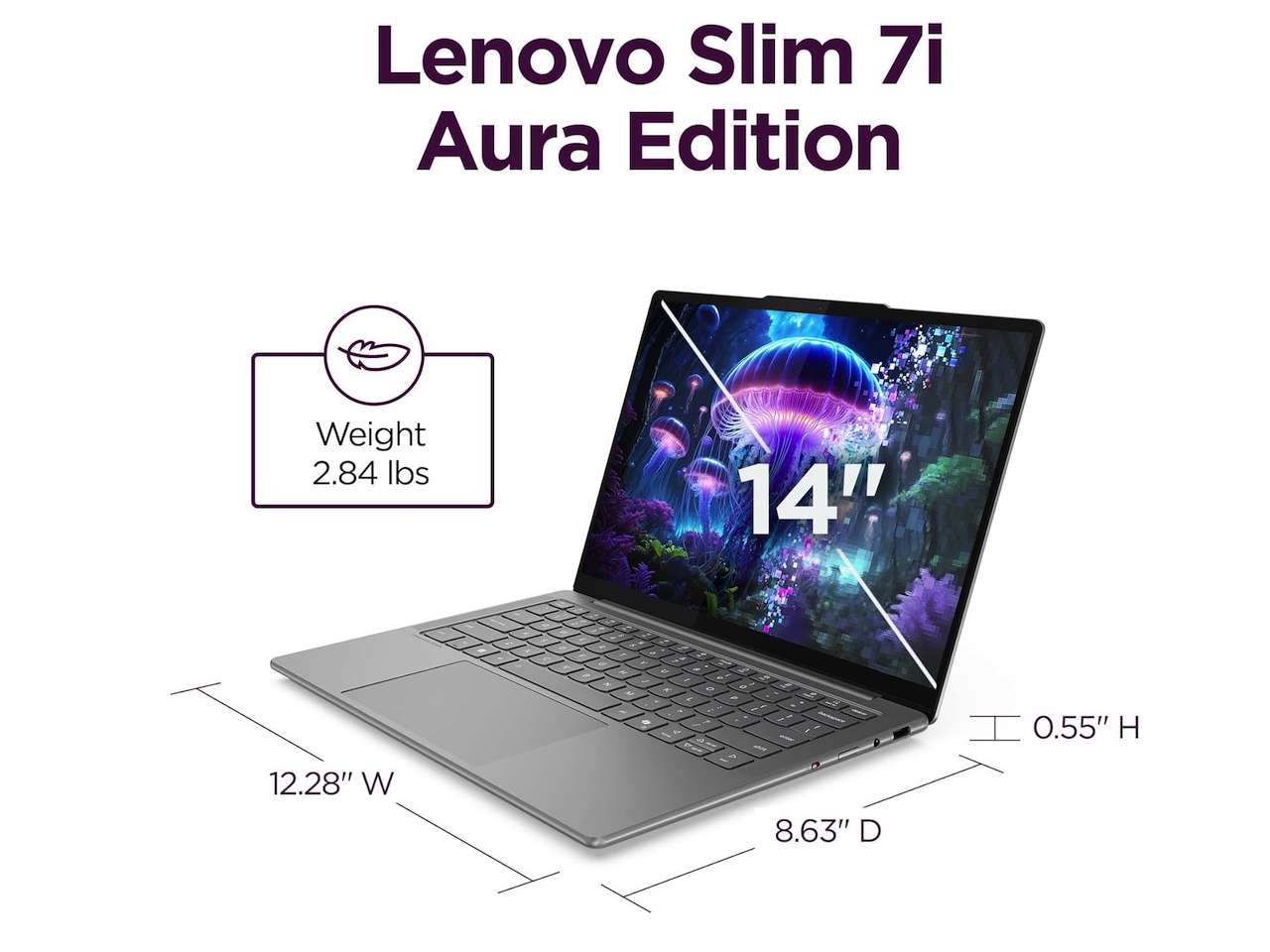
While processors get murkier, memory is getting punishingly expensive. Data center construction is consuming RAM and SSD supplies, making these components vastly more expensive and forcing many laptops to climb in price. The most vivid example is a premium 14‑inch ultrabook whose select configurations have risen up to 31 percent since launch because of higher memory and component costs. The base model that debuted at USD 1,599.99 (approx. ₱89,600) now sits at USD 1,889.99 (approx. ₱105,800), a USD 290 (approx. ₱16,200) jump. Higher‑tier versions tell the same story: one configuration climbed from USD 1,699.99 (approx. ₱95,999) to USD 1,989.99 (approx. ₱112,400), and a fully loaded OLED model surged by USD 680 (approx. ₱38,100), from USD 2,199.99 (approx. ₱124,800) to USD 2,879.99 (approx. ₱163,300).
Behind those headline numbers is a more subtle shift: manufacturers are protecting margins by cutting or soldering RAM while raising or holding prices. The 8GB configuration has become a trap, not a safe default. With memory costs up, brands maintain eye‑catching entry prices by shipping 8GB instead of 16GB, often soldered so you cannot upgrade later. For light browsing this can limp along, but once you add modern workloads—browsers full of tabs, communications apps, sync clients, and security tools—8GB feels slow and cramped. In that sense, hidden laptop costs are not only in the sticker price; they are in the premature obsolescence built into low‑RAM models that force an earlier replacement.
Why shoppers misjudge value: specs, battery myths, and the wrong questions
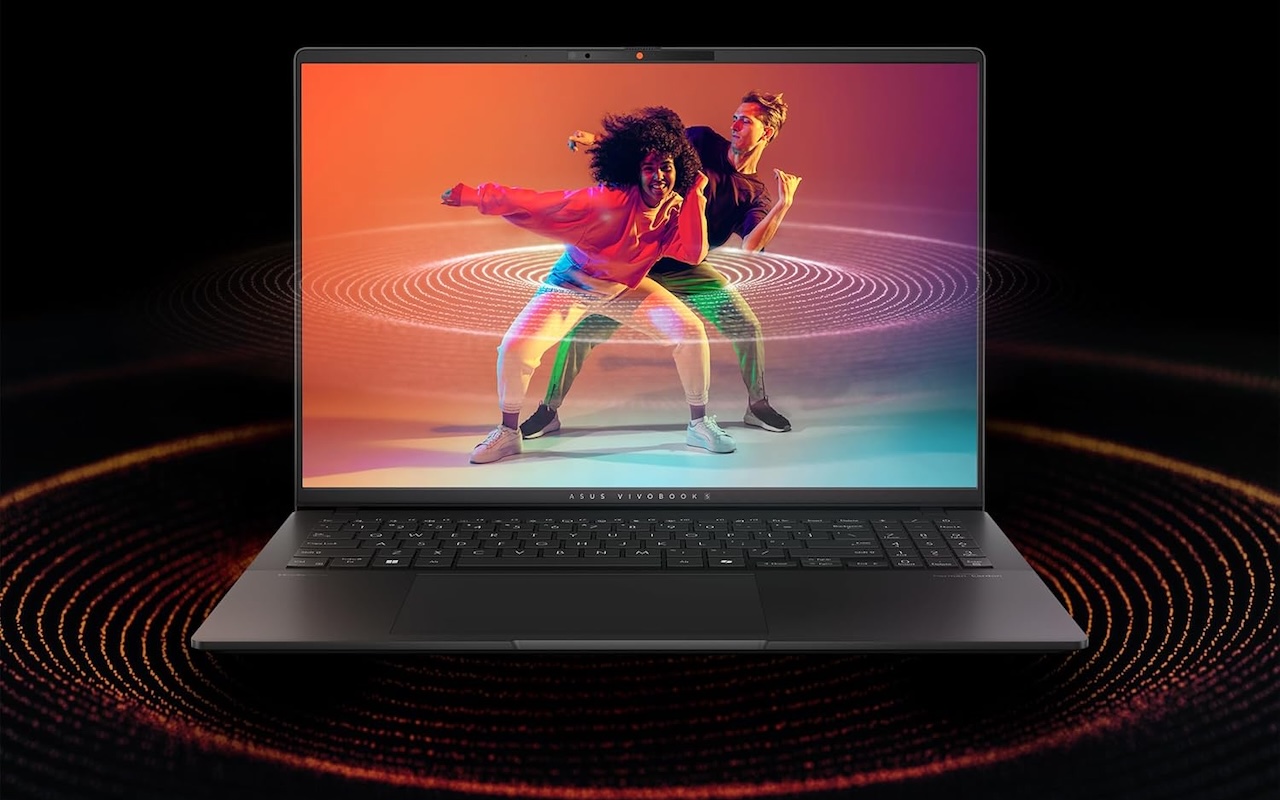
Rising prices would be easier to live with if spec sheets helped people find honest value, but most buyers are set up to fail. The biggest laptop buying mistake today is still paying for the spec that sounds impressive instead of the machine that fits your life. Marketing pushes people toward labels like AI PC, fancy CPU names, or high TOPS figures, none of which can fix a poor screen, cramped RAM, or a tiny SSD. Laptop value comparison should begin with what you do every week, then move to whether 16GB of RAM is enough or if you need 24GB or 32GB, whether the SSD is at least 512GB and replaceable, whether the screen is bright and comfortable, and whether you are paying for a dedicated GPU you will not use. Those questions expose more value than any single processor badge.
Battery marketing makes things worse. Battery‑life claims often describe the easiest possible workload—dim screens, offline video—so believing them without context is another frequent mistake. Hidden laptop costs also surface around storage: many people assume SSDs are easy to upgrade, but some laptops now block replacements entirely. Marketplace listings further blur the picture by mixing first‑party devices with refurbished units, open‑box upgrades, and third‑party resellers, so buyers must check who sells and ships the laptop, whether it was opened for unofficial RAM or SSD upgrades, whether the manufacturer warranty still stands, and how long the return window is. Every one of these errors stems from the same habit: paying for the number that is easy to print instead of the experience you will live with.

How to protect yourself: treat the sticker price as the start, not the answer
If laptop price increases and processor confusion make you feel outgunned, the solution is not to memorize more model numbers but to change how you frame the purchase. Start with a simple checklist: what you will do weekly, how much RAM you need—16GB as a sane floor, 24GB or 32GB for heavier work—whether the SSD is at least 512GB and replaceable, whether the screen suits long sessions, which platform fits your apps, whether you really benefit from a discrete GPU, and whether the laptop’s size and weight match how often you carry it. Treat the CPU label as one data point, not the headline act. In a market where old silicon returns with new names and RAM shortages inflate prices, the only reliable defence is to buy for your workload, not for the box.




