
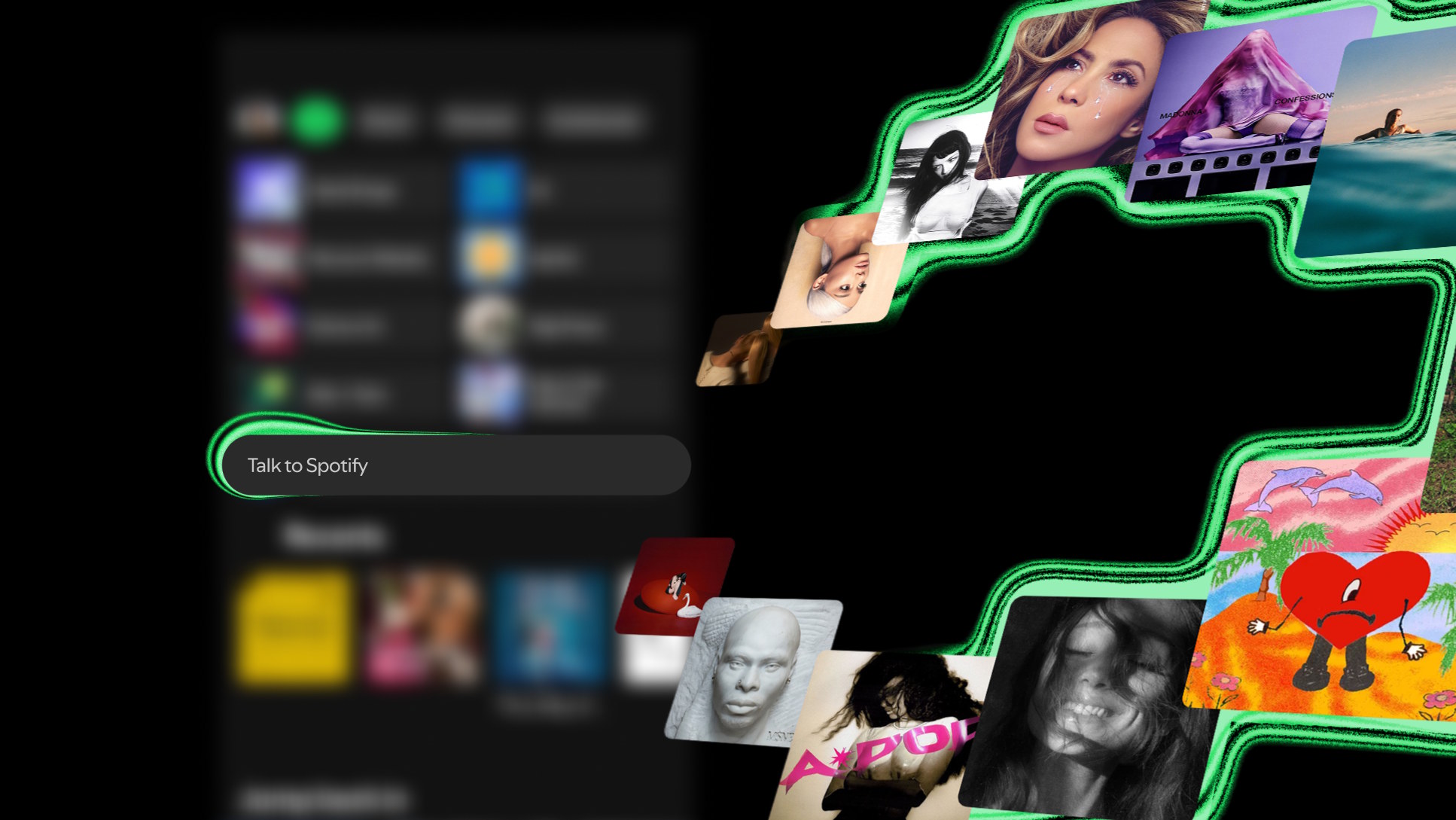

Talk to Spotify: Your Playlist, Now in Conversation Form
Talk to Spotify is a conversational AI feature that puts a text-and-voice Spotify AI chatbot directly inside the mobile app, so you can ask natural questions about music, podcasts, and audiobooks, control playback, and explore your listening habits without relying on traditional search or manual navigation. This is not another bolt‑on voice command; it is Spotify’s clearest statement that the future of the voice control music app is a dialogue, not a menu. Instead of tapping through endless tabs, you speak or type a request into an always-present input box and the app responds in context. In practice, that makes Spotify feel less like a catalog and more like a conversational AI streaming companion that understands who you listen to, what you replay, and how you want to tweak the queue.
How the Spotify AI Chatbot Works Inside the App
Spotify has essentially put an AI chatbot in the app, integrated as a text-and-voice box that is almost always visible on screen. Users can type or speak anything related to their audio experience and Spotify reacts accordingly, from choosing what plays next to adjusting the current session. In beta previews, the box appears in the middle of the app labeled “Ask for some music” or “Talk to Spotify,” and it can answer prompts like “How many times have I listened to Bad Bunny?” You can say “Play some artists I haven’t heard before,” then refine with natural follow‑ups like “save this song,” “follow this artist,” or “play more of this,” steering the listening session through conversation rather than taps. The key shift is that your spoken context, not your manual browsing, becomes the main navigation layer.
From Passive Listening to Interactive Audio Control
The practical impact of Talk to Spotify is that the app starts behaving like a voice‑first remote for everything you hear. The feature allows users to control playback, save songs, ask trivia about albums or podcast guests, analyze their own listening history, and more, all from within the app using text or voice commands. You are not limited to “play/pause”–style controls either. You can ask, “When was this album released?” or “What other podcasts has this guest been on?” to get context around what is in your ears. Because Spotify understands your playlists, favorite artists, repeat listens, and listening history, you can go a step further and ask, “What genres have I been into recently?” which means the AI can help you see patterns in your own taste that you might have missed. This turns a static library into an ongoing conversation about what you like.
Why Conversational AI Streaming Matters for Discovery
Talk to Spotify matters less as a novelty and more as a new mental model for using a music app. Instead of searching for exact titles or scrolling through recommendations, you describe a mood, a gap, or a question, and the Spotify AI chatbot translates that into action. Spotify is testing a new way for users to discover and control their audio using conversational AI, folding this assistant into the heart of the experience rather than hiding it behind a separate voice interface. Because you can ask contextual questions about the content you are listening to, the AI sits on top of the existing catalog and algorithms as a new conversational layer, not a replacement. Discovery becomes iterative: you ask, listen, refine, and repeat, which fits how people already talk about music far better than how they search for it.
Still in Beta, But Pointing Clearly Toward Voice-First Apps
For now, Talk to Spotify is in beta and that limitation is important. The new conversational experience is rolling out gradually to English‑language Spotify Premium users aged 18 and above in select markets on iOS and Android, and Spotify warns that responses will not always be perfect. A test build even shows a notice saying you are about to talk to AI and should not share sensitive data, a reminder that helpful does not mean infallible. The point of this early phase is feedback: how people talk to a voice control music app will shape which commands become smooth and which answers need work. Even at this stage, though, Talk to Spotify makes a clear statement: as conversational AI streaming tools mature, tapping tiny buttons will feel more like a fallback than the default, and your voice will be the way you “log in” to your own habits.





