

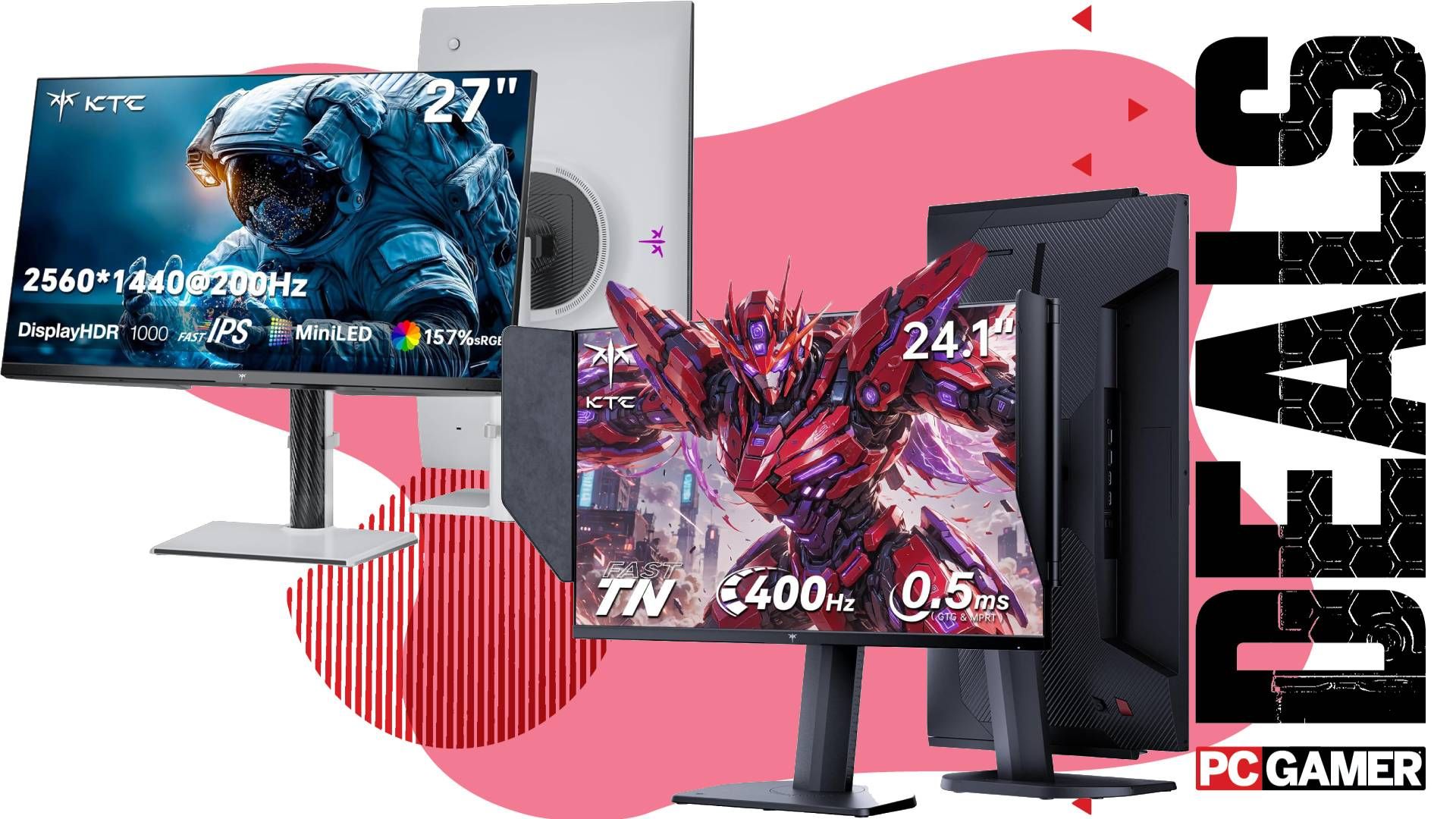
Top Pick: KTC M27T6S – The Best Upgrade for Most Gamers
A 1440p gaming monitor buying guide is a structured overview of budget gaming monitors and premium options that compares resolution, refresh rate, panel type, and price so gamers can match cheap gaming displays to their hardware, favorite genres, and visual preferences without overspending.
For most people, the KTC M27T6S is the clear winner among current gaming monitor deals. It hits the sweet spot of 1440p resolution, 27-inch size, and a fast 200 Hz refresh rate on an IPS panel with a mini‑LED backlight. You can pick it up for US$299.99 (approx. ₱16,800) at Amazon when you apply the US$50 (approx. ₱2,800) coupon at checkout, down from US$349.99 (approx. ₱19,600). That makes it a budget gaming monitor with high-end brightness and strong HDR for the money. One reviewer notes that “one of, if not the best mini-LED monitors I’ve yet seen is this new budget-priced model.” It is not as fast as the most extreme esports panels and, like any local-dimming LCD, can show blooming and visible dimming zones, but for single‑player, RPGs, and general use, this is the display most gamers should buy now.
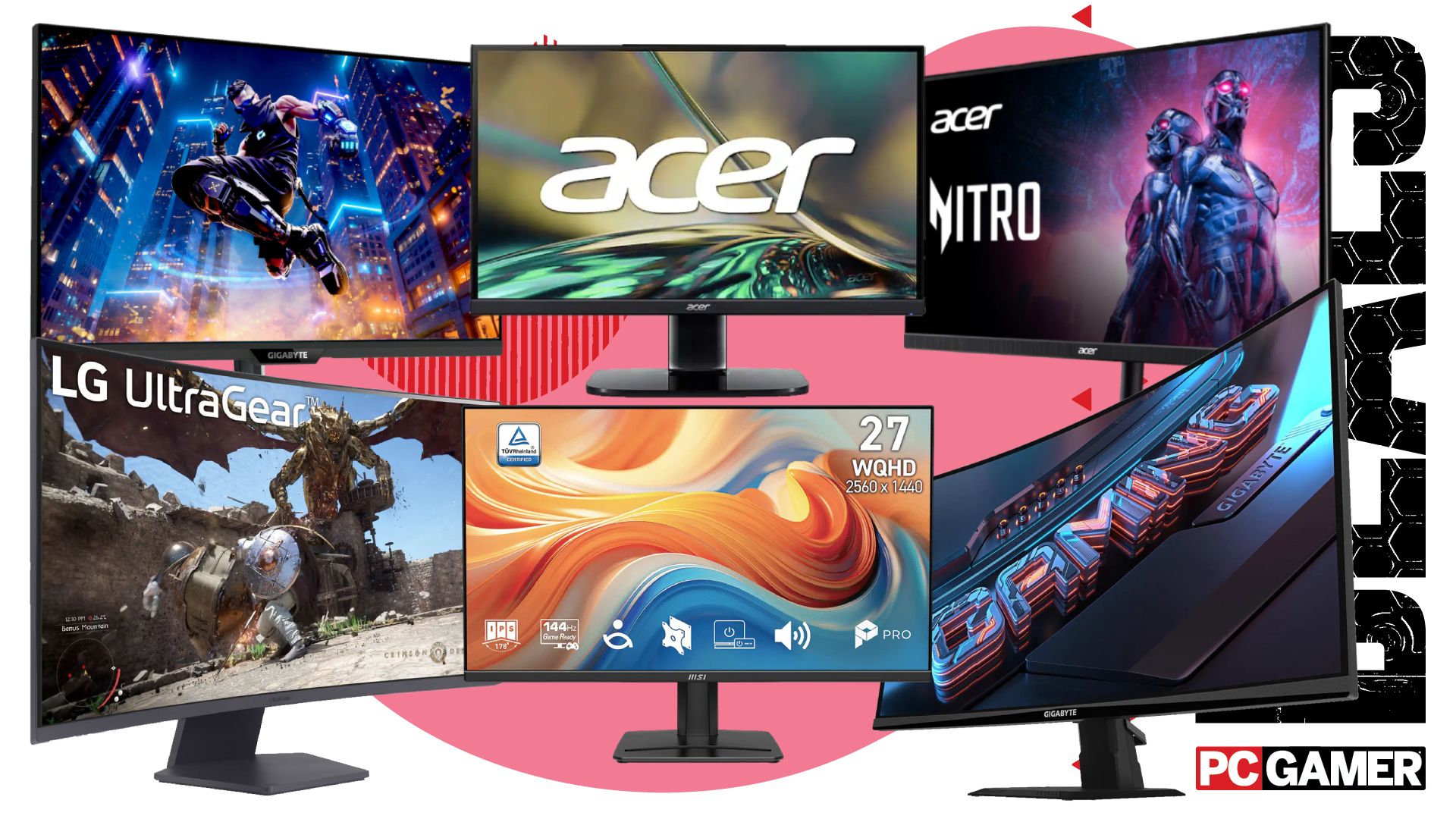
Six 1440p Monitors Under $200: The Best Cheap Gaming Displays
If you want 1440p monitors under 200, there has never been a better moment to jump from 1080p. One source has identified six 1440p gaming monitors for under US$200 (approx. ₱11,200), with the cheapest 27‑inch model coming in at only US$110 (approx. ₱6,200). These cheap gaming displays are aimed squarely at players still on older 1080p panels who want sharper images and more desktop space without blowing up their budget. The set includes a 100 Hz MSI IPS display at US$130 (approx. ₱7,300), a 180 Hz 27‑inch Acer Nitro at US$160 (approx. ₱9,000), and a speedy 200 Hz Gigabyte panel for US$180 (approx. ₱10,100). Each delivers a different balance of refresh rate and image quality, but all qualify as excellent budget gaming monitors and “relatively cheap” upgrades for your gaming setup in 2026.
Expectations here should be realistic. Moving from 1080p to 1440p will be more taxing on your graphics card, so you may need to tweak settings, but the jump in clarity and detail is significant. At around 100–200 Hz, these monitors are ideal for fast-paced single‑player titles, lighter competitive shooters, and everyday productivity. You do give up premium extras: HDR is basic or absent, build quality is modest, and color accuracy will vary. Still, this under‑US$200 tier gives you the most pixels per dollar and is the best place to look if you want 1440p monitors under 200 with the least pain to your wallet.
Speed Demons on a Budget: KTC 25M1 and Other High-Refresh Options
If your priority is frames over resolution, the KTC 25M1 stands out among gaming monitor deals focused on speed. It is a 24.1‑inch TN panel with a huge 400 Hz refresh rate and an advertised 0.5 ms response time, available for US$332.49 (approx. ₱18,600), down from US$349.99 (approx. ₱19,600) at Amazon. This is a 1080p monitor, so it does not belong in the 1440p monitors under 200 category, but it absolutely belongs on the shortlist for competitive players. It is described as “an outstanding monitor for competitive shooters… at a very reasonable price,” though “not the best for casual gaming.” As a TN panel, it suffers from weaker color and viewing angles, so it is not ideal for story games or media consumption, but for Counter‑Strike, Valorant, and similar titles, its speed is hard to match at this price.
On the 1440p side of budget gaming monitors, the faster under‑US$200 options cap out around 180–200 Hz, such as the Acer Nitro and Gigabyte panels mentioned earlier. They strike a balance: you gain a sharper 1440p image and still get a high refresh rate for smooth motion, but you do not reach the extreme 400 Hz tier. That makes the 25M1 the pick for players chasing every competitive advantage, while the cheap 1440p gaming displays are better for those who care about both detail and responsiveness. In short, pick 1080p 400 Hz if esports performance is your only concern, and 1440p 100–200 Hz if you split time between competitive and cinematic games.
1440p Under $200 vs $300 Mini‑LED: Which Tier Should You Choose?
| Spec / Feature | Sub‑US$200 1440p Monitors | KTC M27T6S (US$299.99) |
|---|---|---|
| Price & Size | Up to 27 inches, from US$110 to under US$200 (approx. ₱6,200–₱11,200) | 27 inches at US$299.99 (approx. ₱16,800), was US$349.99 (approx. ₱19,600) |
| Resolution | 1440p across the range | 1440p |
| Refresh Rate | 100 Hz MSI IPS, 180 Hz Acer Nitro, 200 Hz Gigabyte, plus others | 200 Hz native, with an optional 210 Hz overclock |
| Panel Type | Mix of IPS and other LCD panels; basic backlights | IPS with mini‑LED full‑array local dimming |
| Response Time | Gaming‑grade but unspecified in detail | 1 ms response time |
| HDR & Brightness | Entry‑level; not a focus of these deals | High brightness, strong HDR impact, but still some blooming and dimming‑zone artifacts |
| Best For | Budget‑conscious gamers upgrading from 1080p | Players wanting premium image quality and HDR without paying OLED prices |
Choosing between 1440p monitors under 200 and a US$299.99 mini‑LED like the M27T6S comes down to priorities. The cheaper tier gives you a sharp jump from 1080p to 1440p at the lowest possible cost, and is ideal if your GPU is mid‑range and you mostly care about better clarity in everyday games. The M27T6S, on the other hand, belongs firmly in the premium budget gaming monitor camp, with standout HDR and brightness that “really light up your retinas” and an algorithm for its dimming zones that rivals much more expensive displays. It still shares LCD drawbacks like blooming and visible dimming zones around small bright objects, so it is not perfect, but if you can stretch to US$299.99, this is the tier that makes your whole library look more expensive than it is.
Buy if / Skip if
- Buy the KTC M27T6S if you want the best overall balance of 1440p sharpness, 200 Hz speed, and eye‑popping mini‑LED HDR at around US$299.99 (approx. ₱16,800).
- Skip the KTC M27T6S if you are extremely sensitive to HDR blooming and local dimming artifacts and would rather avoid any visible dimming zones.
- Buy the KTC 25M1 if you mainly play competitive shooters and care more about a 400 Hz refresh rate and 0.5 ms response time than resolution or color quality.
- Skip the KTC 25M1 if you mostly play casual or single‑player games and prefer rich colors and wide viewing angles over pure speed.
- Buy the under‑US$200 1440p monitors if you are on a tight budget, still on 1080p, and want a sharper image plus 100–200 Hz performance without spending more than US$200 (approx. ₱11,200).
- Skip the under‑US$200 1440p monitors if you expect premium HDR, high peak brightness, and top‑tier build quality that typically sit in higher price brackets.
- Buy the 100–200 Hz 1440p budget options if you split your time between fast shooters and cinematic games and want a good compromise of smoothness and detail.
- Skip the 100–200 Hz 1440p budget options if you aim for professional‑level esports play where every last frame and the lowest possible latency matter more than resolution.





