

From Answer Box to Action Hub
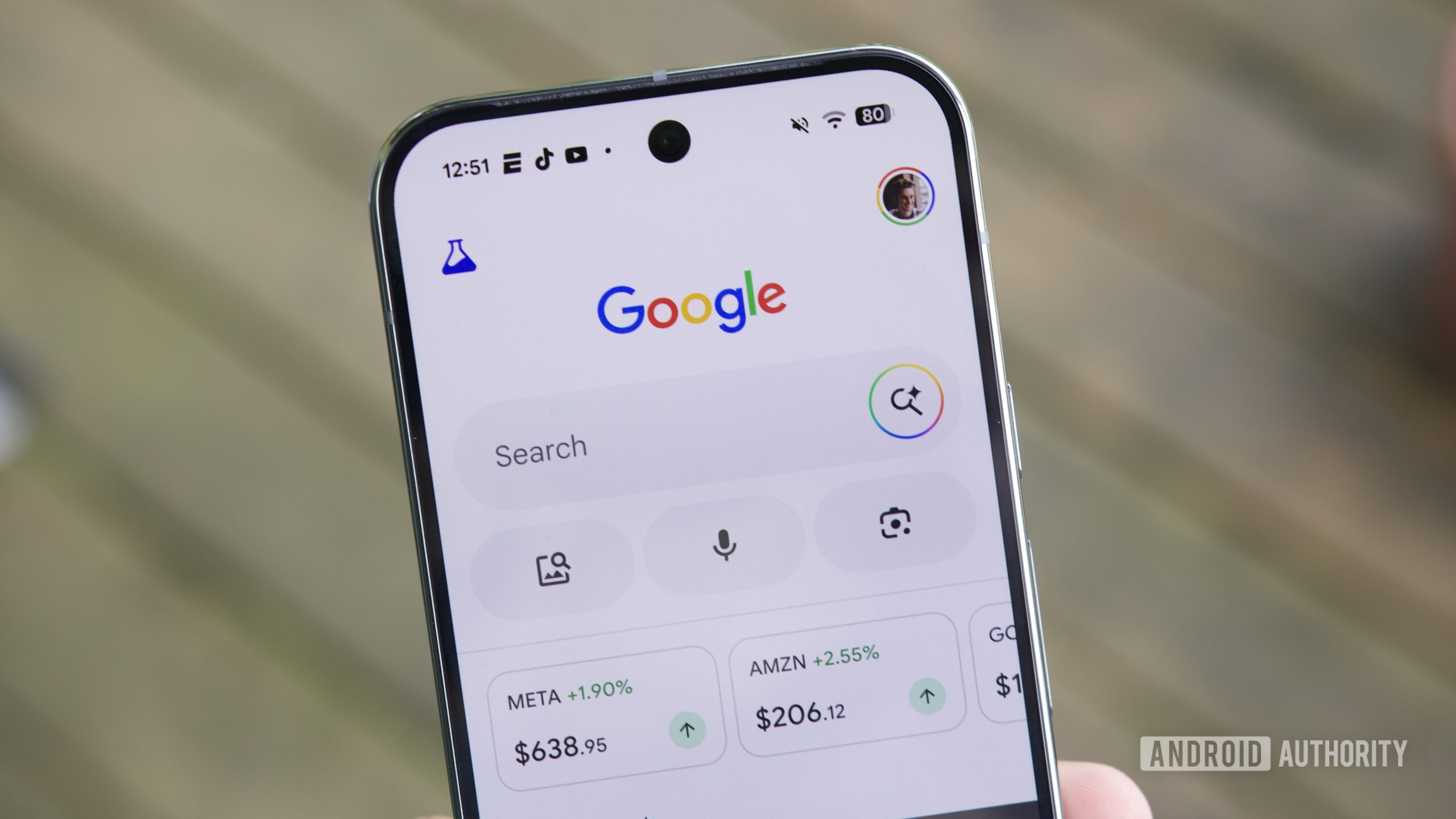
Google Search AI Mode is an AI-powered search experience that connects your queries to third-party apps and personal data so you can move from asking questions to completing multi-step tasks—like designing invitations, building playlists, or filling shopping carts—directly from the mobile search interface using natural language prompts. That is the real pivot: Search is no longer the place where tasks begin; it is where many of them end. Instead of typing a query, reading links, then hopping through apps, you speak in plain language and let Google’s AI act as the middleware between your intent and the tools that can carry it out. This shift matters because it turns Google Search AI Mode from an information product into a task-completion platform, and that will change how we treat the search bar in everyday mobile life.
How Google Search AI Mode Connects to Real Apps
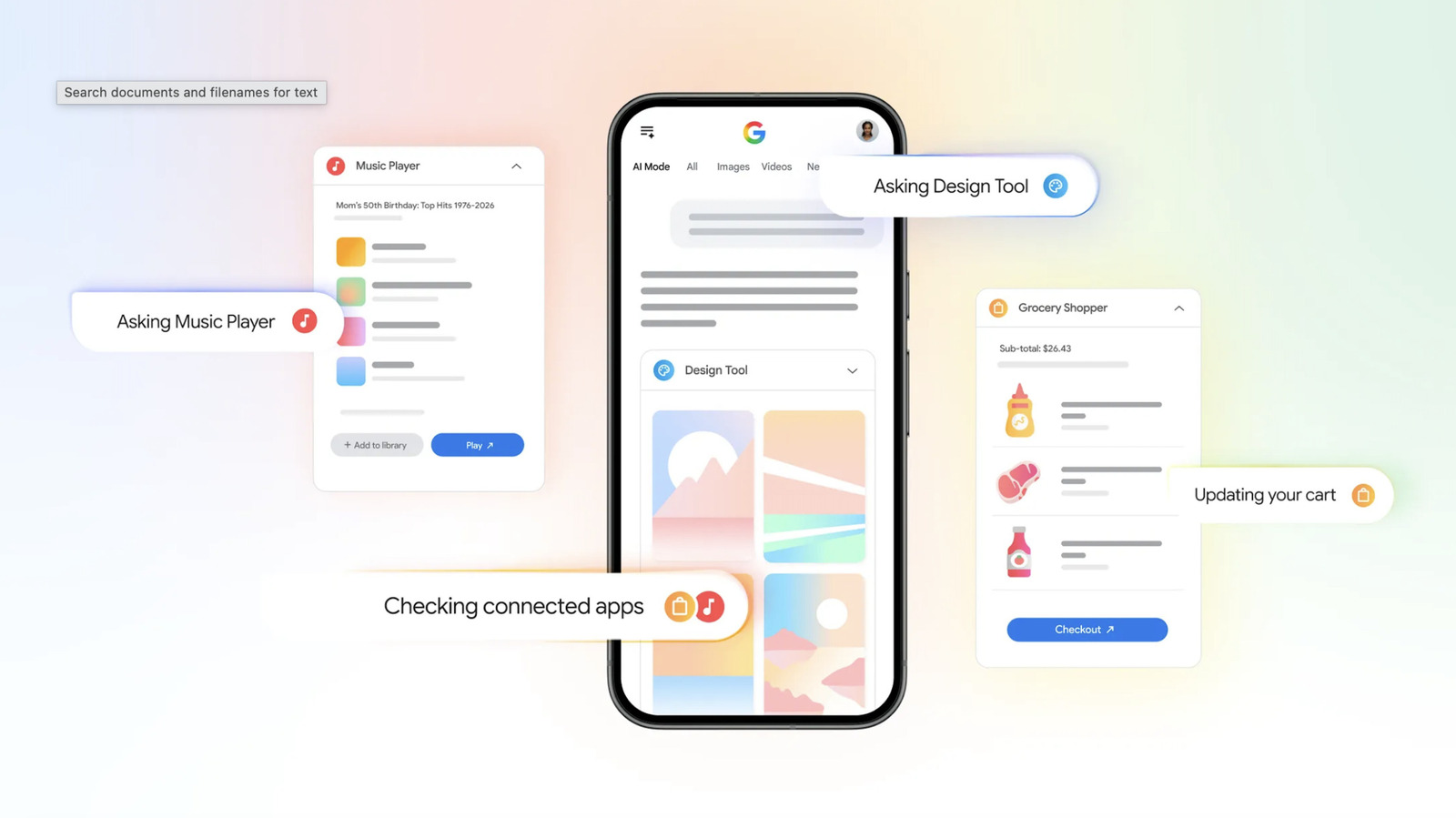
The new update connects Google Search AI Mode with Canva, YouTube Music, and Instacart, so your queries can trigger actions inside these apps without leaving Search. Rolling out in the US, you switch to AI Mode, link your accounts, and the assistant can start pulling in app data and sending instructions back out. This builds on Google’s "Personal Intelligence" features, which let Gemini pull information from apps like Gmail and Calendar to assist with responses. Now that same connective tissue extends to creative, entertainment, and shopping tools. The idea is clear: AI services should slot naturally into your day when you do not have to think about opening a separate Gemini app to use them. AI task integration on mobile becomes the default layer that sits on top of the apps you already use, rather than a destination you visit only when you remember it exists.
What You Can Actually Do: Canva, YouTube Music, Instacart
The real test of any AI-powered search task system is its usefulness, and here Google’s picks are telling. With Canva connected, you can ask AI Mode to mock up design templates—say, colorful invitations for a party next Saturday with a tropical theme—and have a ready-made design sent back into the chat feed, pulling calendar information when relevant. With YouTube Music, AI Mode builds playlists based on prompts like genres and mood, then drops the suggested playlist into the feed, ready to open and save in the app. Instacart integration turns your grocery planning into an AI-powered search task: describe snacks, drinks, and dessert for an event, and Gemini adds ingredients and grocery items straight to your cart. The tedious work—picking templates, hunting songs, searching every item—is quietly offloaded from your thumbs to the assistant.
Why This Shift Matters for Mobile Productivity
The most important change is not that Search gained a few clever shortcuts; it is that Google Search AI Mode now embodies a different role in your mobile stack. According to one report, "AI Mode is gradually evolving from something that simply finds information into something that can actually complete parts of a task on your behalf." That evolution turns Search into a live connector—AI middleware between queries and the productivity tools you rely on. You ask in natural language, AI Mode interprets intent, consults apps or your calendar, and returns not just an answer but partial completion. This is classic Google AI productivity tools thinking: the same time-saving pull-from-your-apps logic that already works in Gmail and Calendar is now wired into the search bar. As more partner apps join, everyday planning, shopping, and creative work could shift into a single AI task integration mobile interface that feels less like "search" and more like a command center.
The New Mental Model: Search as a Command Line
The practical consequence is a new mental model: Google Search AI Mode becomes the command line for your phone. You no longer think, "Open Canva, then do X" or "Open Instacart, then search Y"; you think, "Tell AI Mode what I want," and let it orchestrate the details. Multi-step tasks—planning a BBQ stored in your calendar, generating invites, assembling a playlist, filling a shopping cart—can all be kicked off and partially completed without leaving the Search page. That tighter loop means less tapping and more outcome. It also hints at a future where search engines compete less on links and more on how many steps of a workflow they can finish for you. For now, app support is limited, but Google is working with additional partners, and once access expands AI Mode could become far more useful for everyday planning, shopping, and creative work. The takeaway: if you still treat the search bar as an answer box, you are under-using what it has started to become.





