

Gemini voice customization: from fixed voices to fine-tuned personalities
Gemini voice customization is an emerging set of AI assistant voice settings that will let users adjust output sliders such as speed, energy, warmth, and formality so the assistant’s spoken responses better match individual listening preferences across Android devices and compatible smart home surfaces. This is not a minor cosmetic tweak; it is a clear admission that the one‑size‑fits‑all assistant voice is outdated. Right now, Gemini’s voices are “all‑or‑nothing affairs”: you pick Orbit, Pegasus, Ursa, or another model and use it as‑is. Google is preparing to replace that rigidity with independent controls that live inside Gemini voice settings, exposed as adjustable sliders once the feature ships. The result is an AI agent that starts to feel less like a generic system voice and more like a tool you actively configure to suit how you think and listen.
What the new sliders actually change: speed, energy, warmth, formality
The most important part of this update is not the list of voice models but the four new parameters: Speed, Energy, Warmth, and Formality. According to one teardown of the Google app for Android, Gemini is “getting ready to let us tweak four output options: Speed, Energy, Warmth, and Formality,” exposed as sliders in the voice settings. Speed is likely about words per minute, while Energy will let you alter intensity independent of speaking rate. Warmth should influence how friendly or empathetic the assistant sounds, and Formality may govern word choice and how detailed responses feel. We already have a taste of this through temporary commands like asking Gemini Live to speed up or slow down, but there is still “no sort of settings for making that permanent.” Persistent, granular sliders are the step that turns momentary voice tweaks into durable personalization.
AI assistant voice settings on Android are overdue for this level of control
On Android today, voice personalization often means choosing between a handful of pre‑baked styles and accepting their quirks. Gemini already lets you interact through distinct voice models like Orbit, Pegasus, Ursa, and more, which makes the assistant feel more versatile than a single default voice. But those models are static: you “choose one, and you just get to use it as‑is.” The work‑in‑progress sliders discovered in version 17.41.12.sa.arm64 of the Google app point to a deeper shift toward voice personalization on Android, where users can dial in the exact pacing and tone that fits their context. This is a necessary answer to the frustration of hearing the same delivery style regardless of whether you are glancing at your phone, listening through earbuds, or talking to a smart display. Voice is part of the interface, and it needs to be as adjustable as brightness or font size.
Google Gemini updates show a broader push toward more natural conversations
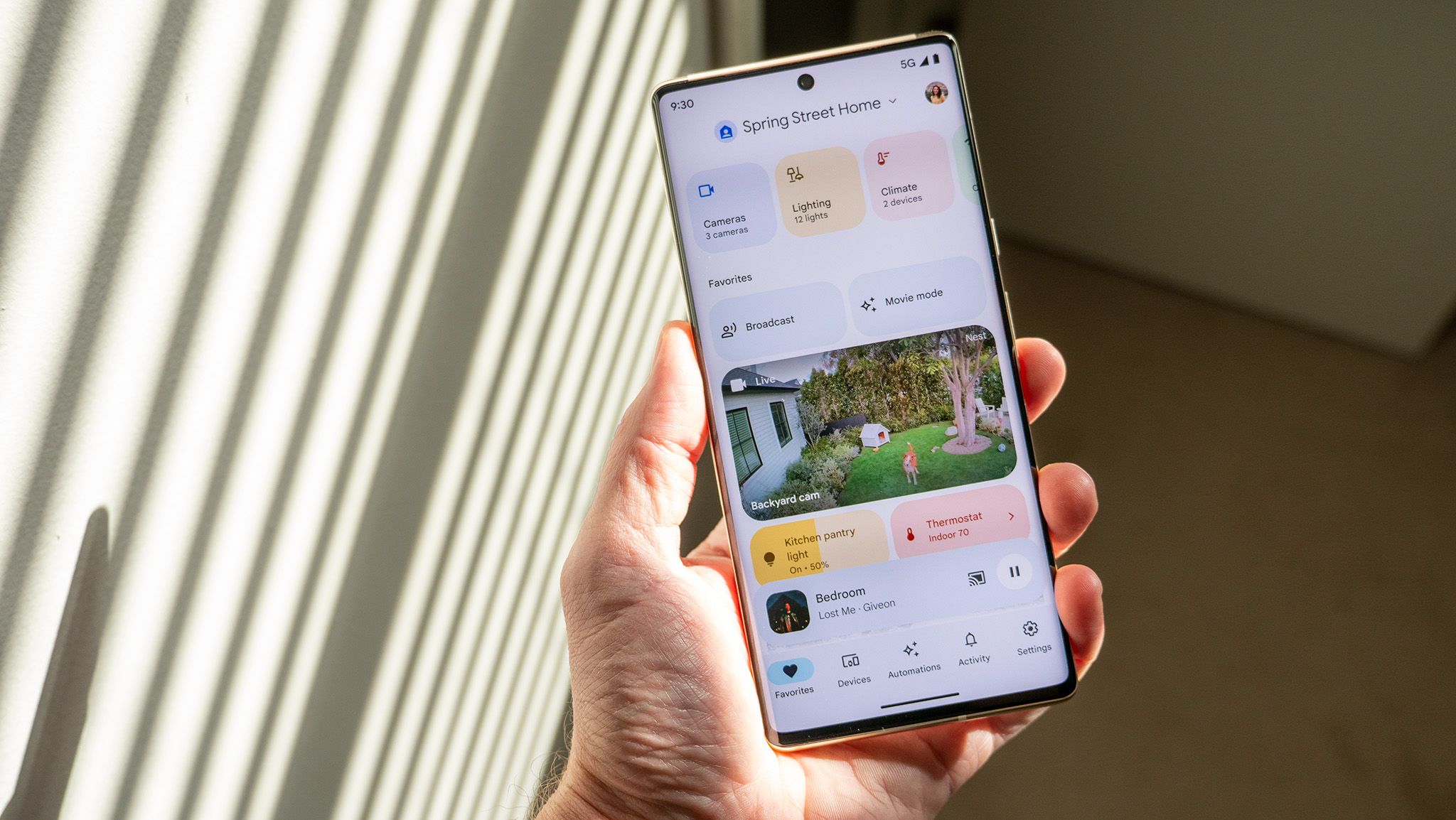
These voice controls do not exist in isolation. They arrive alongside a run of Google Gemini updates aimed at making interactions feel more conversational and reliable. Recent smart home patches introduced improved visual layouts for weather forecasts and general knowledge answers from Gemini on smart displays, so spoken replies are backed by clearer on‑screen information. Another update, Continued Conversations, keeps the mic open for a short period so Gemini can respond more reliably to follow‑up questions and rapid‑fire commands instead of cutting you off. At the same time, Google Home has been receiving features such as “Suggested Automations” and smarter camera behavior, strengthening the assistant’s practical usefulness around the house. Put together, these changes show a deliberate move toward an AI agent that is not only more capable but also more comfortable to talk to across different surfaces.
How to think about using Gemini’s voice personalization when it arrives
Because the sliders are still hidden behind unfinished code and not wired up to live output, you cannot yet rely on them day‑to‑day. But it is worth planning how you might use them once they appear in Gemini voice settings. High Speed and Energy may suit quick information checks, while lower Speed and higher Warmth could be better for longer explanations or background listening. Raising Formality might help when you want more precise, structured answers; lowering it may make casual queries feel less stiff. As Gemini continues to gain smarter visual layouts and more reliable Continued Conversations on smart displays and in Google Home, these controls will matter even more: they promise a consistent voice experience across devices that you tune once instead of fighting with every session. In the long run, the assistants that win will not be the ones that sound the flashiest, but the ones that sound the most like you prefer.





