


Our Top Pick: Buy the Laptop with a Current Platform, Not the Catchy Label
Understanding laptop CPU generation means knowing whether the processor inside a new-looking machine is genuinely recent silicon or a repackaged older chip, and using that knowledge to compare real performance, core counts, and platform support instead of trusting confusing model names and marketing badges. The single best move for most buyers is to focus on a laptop that clearly uses a current processor family rather than chasing the cheapest deal or the flashiest label on the box. That usually means paying for a machine designed around a modern Intel, AMD, or Snapdragon platform with 16GB of RAM, at least 512GB SSD storage, and a screen you can work on for hours. Our top recommendation is to treat the CPU as part of a platform decision: pick the system whose processor is transparently described as new, not “refreshed” or silently renamed, and that still meets that 16GB/512GB floor. This approach fits the buyer facing a wall of near-identical laptops or suspiciously cheap listings and trying to decide what still counts as good value when spec labels keep changing.

How Old CPUs Sneak into New Laptops
Processor makers increasingly repurpose older silicon for new laptop models, and the problem is how hidden that reuse has become. AMD has renamed mobile chips launched the year before into new product families, describing them as “architecturally aligned” with previous generations while shifting the branding again later. Intel, meanwhile, has revived older hardware under labels like “Raptor Lake Refresh” and “Arrow Lake Refresh” to meet demand. The result is a wave of brand‑new laptops with upgraded displays and design touches that look modern, yet may carry cores designed several years ago. According to PCWorld, “microprocessor vendors have begun reusing old silicon, but in a way that obscures that decision from consumers”. Increasingly, the processor name conceals what you are buying rather than clarifying it. If you assume a new laptop automatically includes the latest CPU, or rely on seller marketing alone, you risk paying premium prices for repackaged older technology.
Laptop Specs Explained: The 3–5 Checks That Matter Most
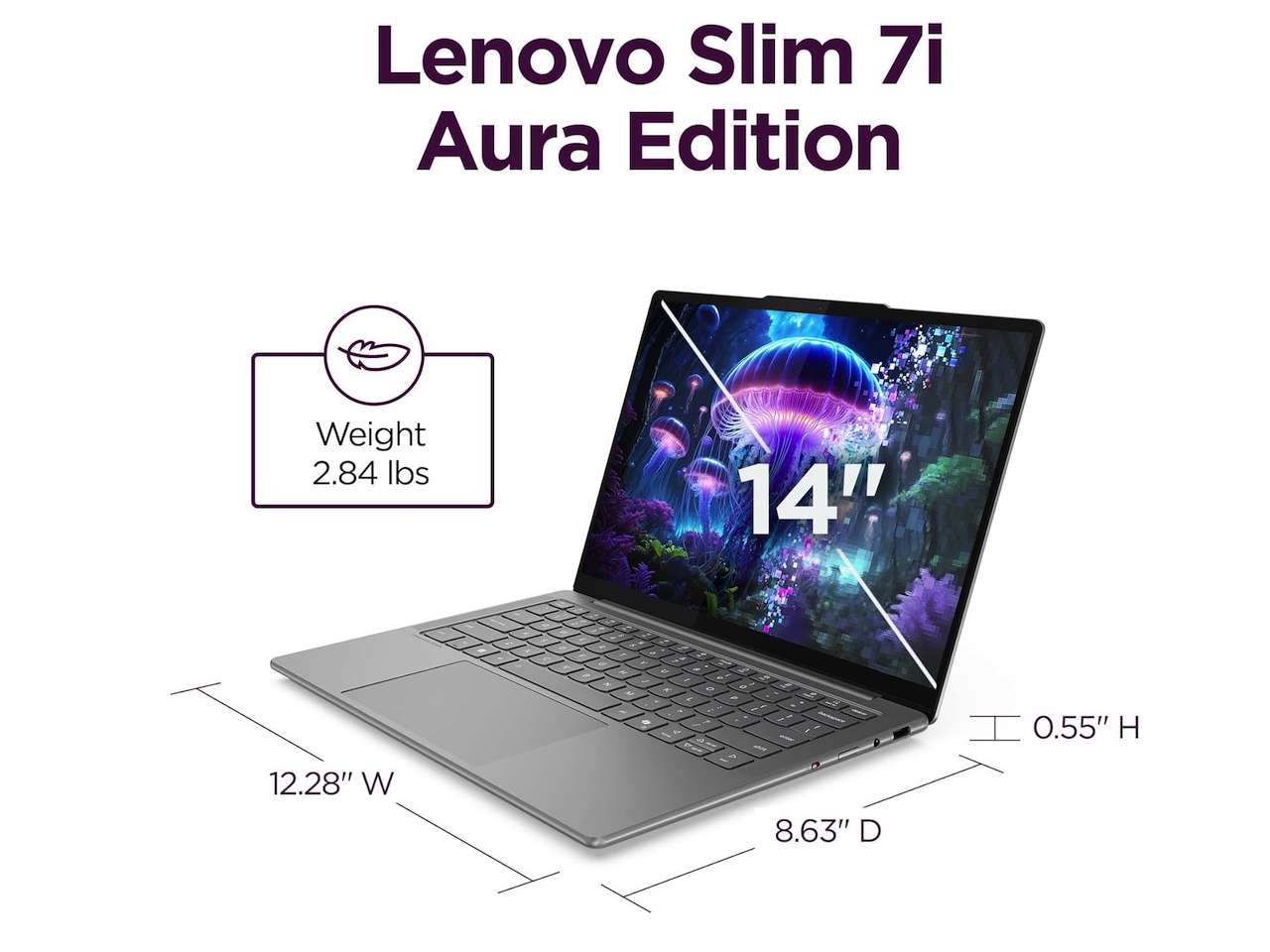
To cut through marketing noise, treat the processor buying guide as part of a wider laptop checklist. Before you buy, answer a few questions in order: what will you do on this laptop every week, whether 16GB of RAM is enough or you should move to 24GB or 32GB, whether the SSD is at least 512GB and can be replaced, whether the screen is bright and sharp enough for long sessions, and whether the platform—Intel, AMD, or Snapdragon—fits the apps and peripherals you rely on. A processor label like Core Ultra, Ryzen AI, or Snapdragon X only tells part of the story and can mean very different things even at the same badge level. Older branding such as Core i3, i5, i7, and i9 used to roughly signal “good, better, best,” but as cores, threads, and turbo speeds multiplied, naming stopped reflecting clear performance tiers. That’s why you must look past the name and confirm the platform and memory, storage, and screen meet your needs.
| Spec to Check | What to Look For | What to Avoid |
|---|---|---|
| CPU platform | Clearly stated Intel, AMD, or Snapdragon platform that matches your apps | Vague “AI PC” or renamed chips without explanation |
| RAM | 16GB as a sane floor; 24–32GB for heavy work or long‑term use | 8GB, especially when soldered and non‑upgradeable |
| Storage | At least 512GB SSD for a main Windows laptop | Tiny SSDs that push you into constant space management |
Pricing Reality: Why the Cheapest CPU Deal Is Often the Worst
A memory shortage and rising storage costs have quietly changed laptop pricing, and brands have responded by downgrading specs while keeping prices tempting. That means the cheapest laptop that clears the checkout page is more likely to hide compromises today: weak RAM, slow storage, dim screens, and short support windows that only feel bad once you’ve lived with them for a few months. A supposedly “good deal” around USD 399 (approx. ₱22,300) with 8GB of soldered RAM and a cramped SSD can be fine for a week and miserable by month six as browser tabs, video calls, and updates pile up. Meanwhile, new laptops built around repackaged CPUs can carry prices starting from USD 880 (approx. ₱49,200), USD 1,005 (approx. ₱56,200), or even USD 1,114.44 (approx. ₱62,300) on major marketplaces. If those machines pair old silicon with downgraded memory or storage, they are poor value. The safe move is to pay for balanced specs—a current platform, 16GB of RAM, and 512GB SSD—rather than the lowest sticker.
Buy if / Skip if
- Buy the current‑platform laptop if you want a machine that fits your weekly workload and passes the 16GB RAM, 512GB SSD, and good‑screen checklist.
- Skip the renamed‑CPU laptop if the processor branding looks new but sources show it is repurposed silicon sold as a fresh lineup.
- Buy the balanced‑spec laptop if you are standing in front of near‑identical models and need a safe choice that trades AI labels for proven platform support.
- Skip the cheapest laptop if it only clears the checkout page by cutting RAM, storage, and long‑term support to protect the brand’s margins.
- Buy the transparently labeled Intel, AMD, or Snapdragon system if you can confirm the platform, generation, and app compatibility instead of trusting vague AI marketing.
- Skip the 8GB soldered‑RAM laptop if you plan to stack browser tabs, communication apps, and background tools, or keep the machine for several years.




