

The Big Idea: Google AI Models Are Purpose-Built Tools
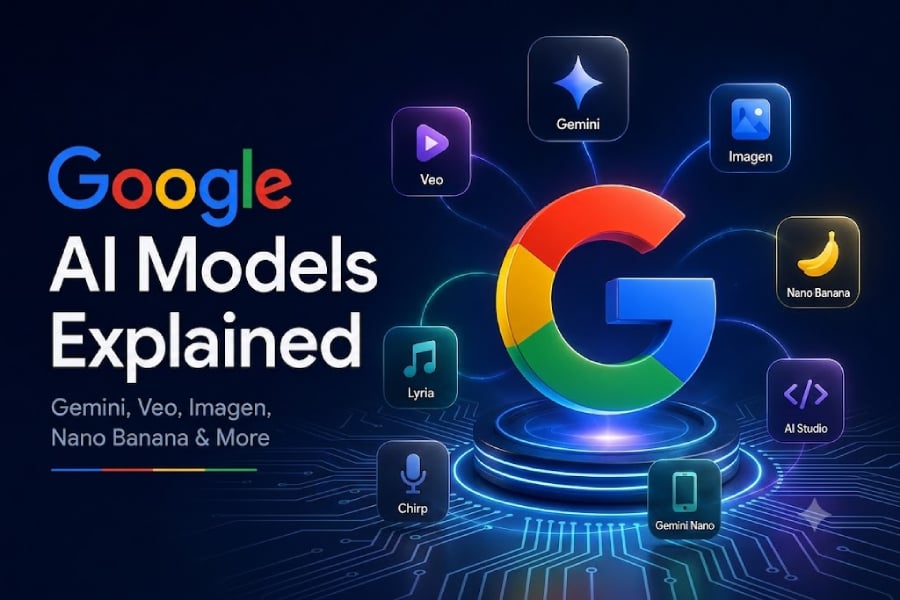
Google AI models are a set of specialized systems, including Gemini, Veo, Imagen, Nano Banana, Gemma, Lyria, Chirp, and Gemini Nano, each built to handle different kinds of information and tasks so that writing, video, images, music, speech, and on-device features can be powered by tools tuned for that specific job rather than one generic model.
If you feel lost in Google’s alphabet soup of AI, that confusion is understandable—and costly. Picking the wrong model wastes money and produces weaker results. Google’s lineup is not a single magical brain; it is closer to a workshop full of distinct machines, each good at one thing. The opinionated way to use this ecosystem is simple: stop asking “Which AI is best?” and start asking “What job am I trying to get done?” Once you anchor on the task, the model choice becomes far clearer and your workflow gains speed and reliability.
Gemini vs the Rest: General Intelligence vs Media Specialists
Gemini is Google’s flagship multimodal AI family, meant for writing, research, coding, analysis, agents, and other general-purpose work across text, images, audio, video, and code. You meet it in the Gemini app, Workspace, Search, Android, and enterprise tools, where different Gemini variants trade off depth of reasoning against speed and cost. In opinionated terms, Gemini should be your default brain for everyday knowledge work—if it involves words, logic, or mixed media, start here.
But the “Gemini vs alternatives” mindset misses the point: the alternatives are not rivals, they are specialists. Veo exists for AI video generation, creating clips from prompts and reference images with control over camera movement, style, lighting, scenery, and action. Imagen is a specialized text-to-image family focused on turning descriptions into visuals such as illustrations, ad concepts, presentation graphics, and product mockups. While Gemini image options now matter more for new deployments, Imagen still helps you understand how Google’s image stack evolved. Treat Gemini as the generalist and Veo and Imagen as media-first tools you call in when pixels—not paragraphs—are the main outcome.
Nano Banana: Conversational Images, Not Just Text-to-Image
Nano Banana is Google’s current family of image-generation and editing models built on Gemini, using Gemini’s language and multimodal understanding to follow detailed instructions, work with uploaded images, and refine results through an ongoing conversation. In practice, you use Nano Banana when you want to treat image work as a dialogue: replace a background, remove an object, adjust clothing, change lighting, or keep a character consistent across multiple images, then iterate until it looks right.
Here is the key confusion to avoid: Imagen and Nano Banana are separate model families. Imagen is specialized text-to-image technology, while Nano Banana is built on Gemini and emphasizes multimodal, conversational image creation and editing. If your workflow is “type a single prompt, get an image,” Imagen embodies that older pattern. If your workflow is “upload, tweak, and refine through many instructions,” Nano Banana is the better fit. Google’s current Nano Banana lineup—Nano Banana Pro, Nano Banana 2, and Nano Banana 2 Lite—trades precision and control against speed and cost, with Pro favoring fine-grained edits and the 2/2 Lite variants prioritizing faster, more efficient generation. In short, Nano Banana shines for image creation, editing, iterative design, social graphics, and character consistency.
Gemma and Gemini Nano: When You Care About Control or Constraints
Not every team wants to send everything to Google’s cloud. Gemma is Google’s family of open models for developers and researchers, downloadable and adaptable for supported computing environments. Unlike Gemini, which is mostly accessed through Google products or APIs, Gemma gives organizations more control over deployment and customization—at the cost of handling infrastructure, security, testing, updates, and safeguards themselves. If you care about owning your stack and tuning a model deeply to your domain, Gemma is the more opinionated choice than simply wiring yet another SaaS API.
Gemini Nano tackles a different constraint: running AI straight on devices. It is designed for selected workloads on supported hardware, reducing latency, dependence on a constant internet connection, and sending less data off-device. Because Nano models are smaller than main Gemini cloud models, they fit focused functions like summarization, suggested replies, transcription assistance, and other mobile features rather than broad reasoning. In a world of rising AI power use—where “AI data centers are straining carbon budgets” and Google’s emissions rose 18% driven by energy-hungry workloads—on-device Nano deployments are not just a convenience; they are a strategic way to keep some intelligence close to the user and lighter on infrastructure.
Lyria, Chirp, and Workflow Fit: Making the Ecosystem Work for You
Beyond text, video, and images, Google’s catalog includes niche but powerful specialists. Lyria is the music-generation model family, with its current flagship Lyria 3 able to create high-fidelity tracks lasting up to three minutes. Chirp is the speech-focused family for recognition, transcription, captions, voice interfaces, and analysis of customer calls. These sit alongside the visual specialist Nano Banana, which addresses image creation and editing as an ongoing conversation rather than a one-shot prompt.
So how do you turn this into a coherent workflow instead of a menu of buzzwords? Google’s own guidance is blunt: use Gemini for writing, research, coding, reasoning, and agents; use Veo for video generation; use Nano Banana for current image creation and editing projects; use Gemma when deployment control and customization matter; use Lyria for music generation; use Chirp for speech recognition and transcription; and use Gemini Nano for supported on-device features. Businesses should also compare cost, security, availability, data governance, output quality, and integration requirements before committing to a model. The conclusion is clear: mastering Google AI models is less about chasing the newest name and more about matching each tool to a precise job—and being opinionated enough to say no when a model does not fit.