
Top Pick: HP OmniBook 3 – Best All-Round Laptop for Most People
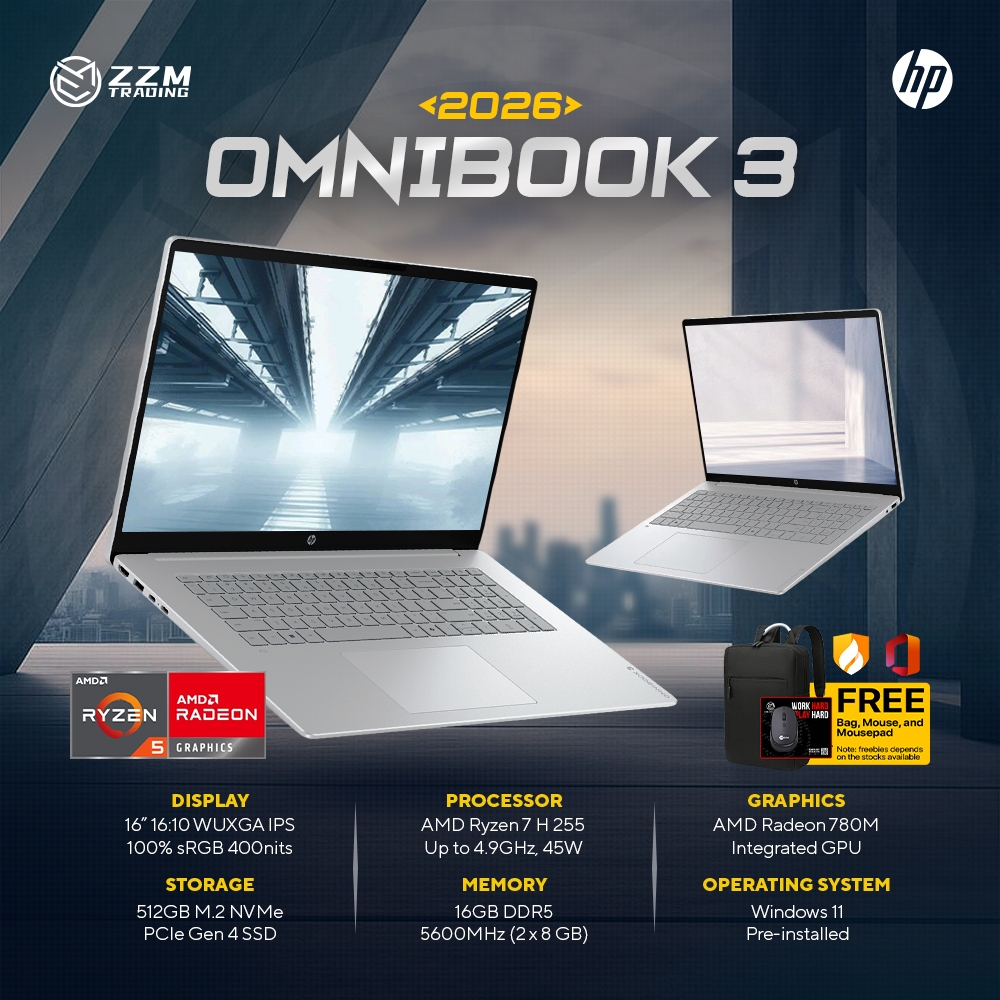
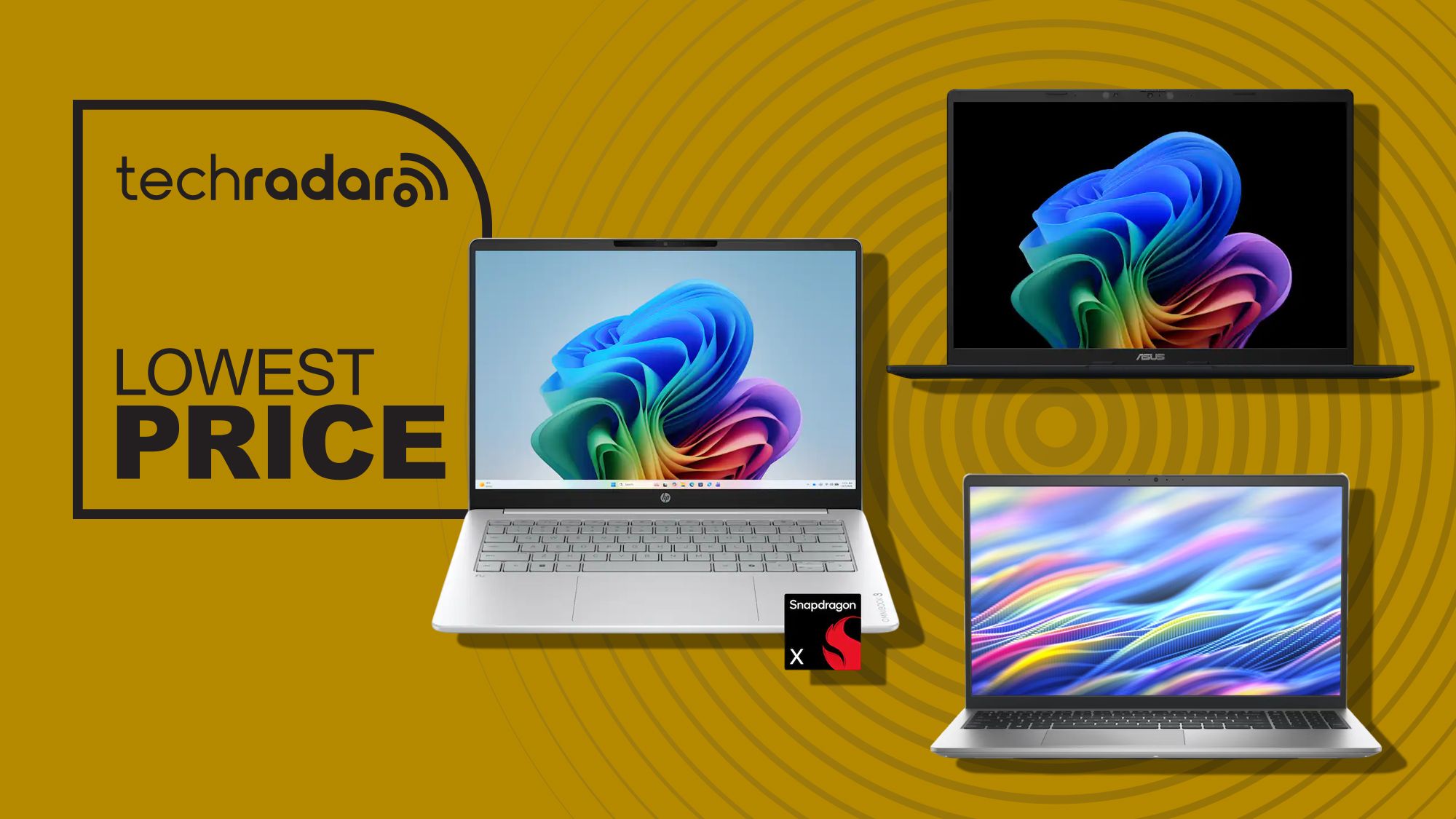
A buying guide to budget laptops under 600 focuses on comparing affordable Windows 11 laptops deals from major brands, explaining specifications, performance, and use cases so office workers and students can confidently choose reliable work study laptops without overspending. My clear top recommendation is the HP OmniBook 3, because it gives the best balance of performance, battery life, and features for the price. At USD 599.99 (approx. ₱33,600) (was USD 949.99, approx. ₱53,200) at Best Buy, it sits right at the top of the budget window but feels like a mid-range machine in day-to-day use. Powered by Qualcomm’s Snapdragon X processor, 16GB of memory, and a 512GB SSD, the OmniBook 3 is built for heavy multitasking and modern AI features in Windows 11. It also includes a 14-inch 1920 x 1200 touchscreen, Wi‑Fi 6E, and HDMI 2.1, making it ideal for productivity, remote work, and back-to-school setups where you might hook up a second monitor. Battery life is the clincher: up to 32.25 hours means you can work through long days away from an outlet. For most people, this is the best work and study laptop in this affordable laptop comparison.
Asus Vivobook 14 – Best Value if You Don’t Need a Touchscreen
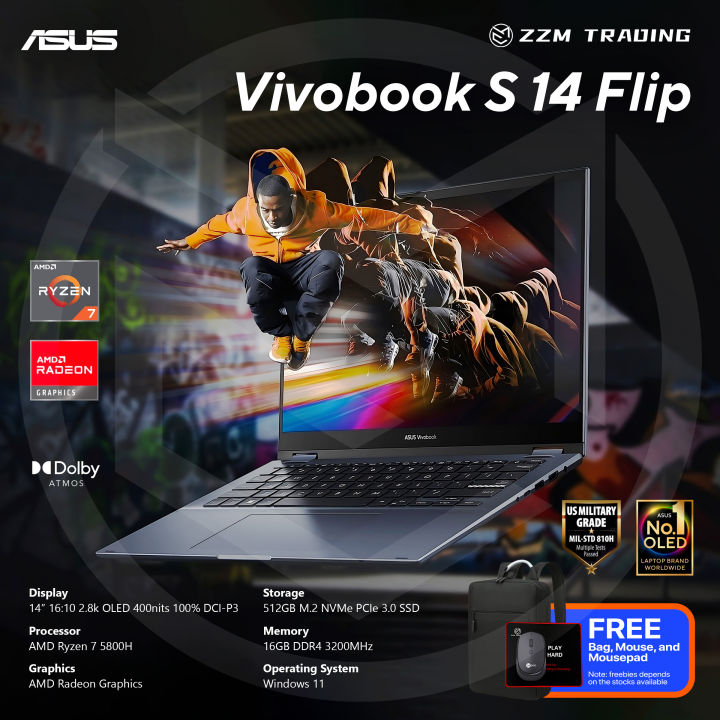
If you want the strongest value in Windows 11 laptops deals and can live without touch, the Asus Vivobook 14 is the standout choice. Priced at USD 548 (approx. ₱30,700) at Best Buy, it undercuts the OmniBook 3 while keeping nearly identical core specs. According to the source, “If you don't need touch support, I'd say this is the best all-round buy of the three.” You still get the Snapdragon X processor, 16GB of memory, and a 512GB PCIe 4.0 SSD for smooth multitasking across Microsoft 365, online classes, and everyday office apps. The 14-inch 1920 x 1200 IPS display is sharp and comfortable for long reading and writing sessions, even without touch. It keeps Copilot+ PC AI features, a 45 TOPS NPU, Wi‑Fi 6E, HDMI 2.1, and USB4, plus up to 29 hours of battery life. At 3.28lb, it is the lightest laptop here, which makes it a great fit for students carrying a device between classes or commuters with compact backpacks. The main trade-off is the missing touchscreen, but if you never sketch or tap through apps, this is usually the smarter buy.
| Spec | HP OmniBook 3 | Asus Vivobook 14 |
|---|---|---|
| Price | USD 599.99 (approx. ₱33,600) | USD 548 (approx. ₱30,700) |
| Processor | Qualcomm Snapdragon X | Qualcomm Snapdragon X |
| RAM | 16GB | 16GB |
| Storage | 512GB SSD | 512GB PCIe 4.0 SSD |
| Display | 14" 1920 x 1200 touchscreen | 14" 1920 x 1200 IPS (non-touch) |
| Battery life | Up to 32.25 hours | Up to 29 hours |
| Weight | Heavier than 3.28lb (not specified) | 3.28lb |
Dell 15 – Larger Screen and 120Hz Refresh on a Tight Budget
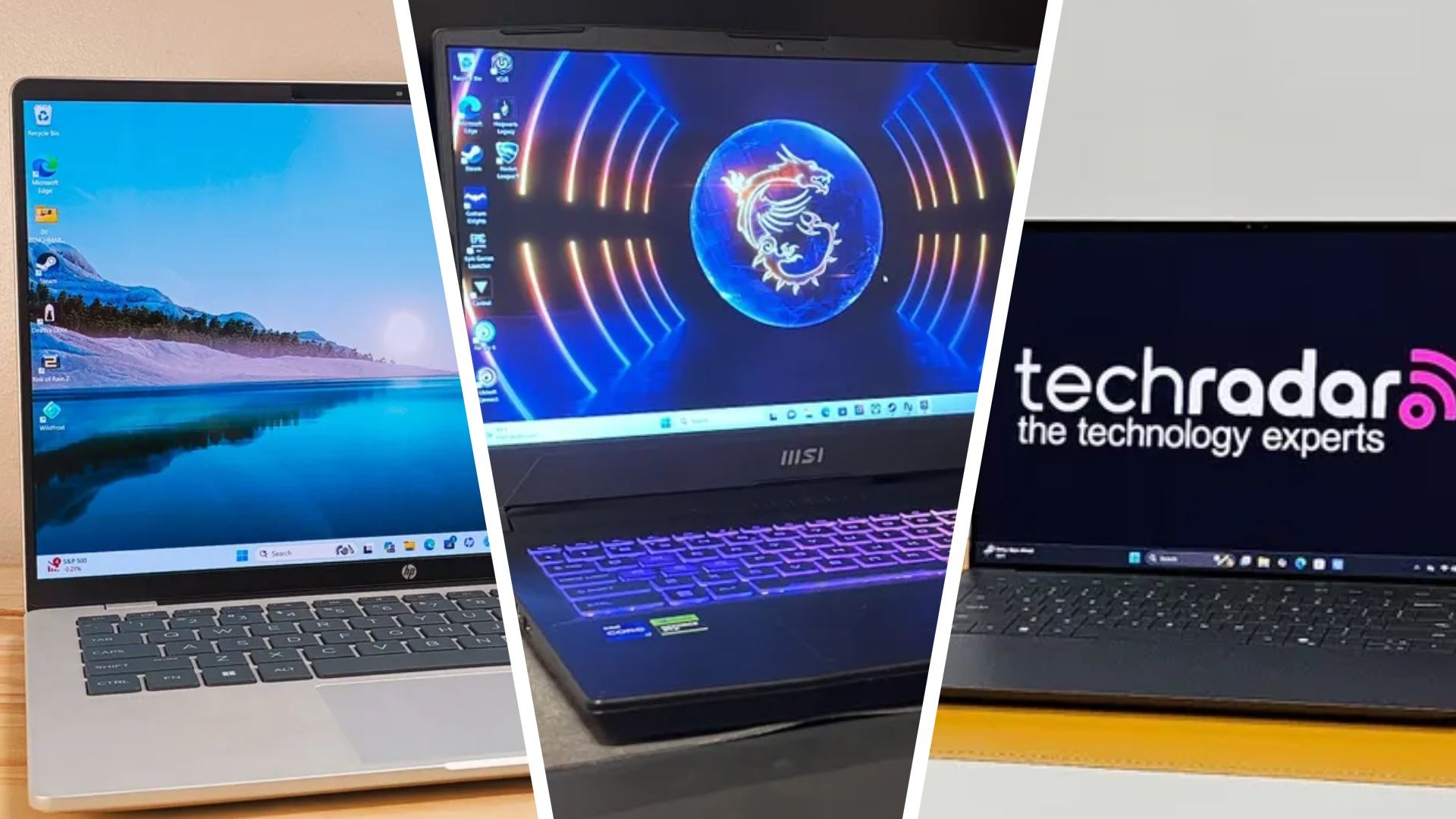
For buyers who care most about a larger display, the Dell 15 laptop is the best of the budget laptops under 600 with a 15.6-inch screen. It currently costs USD 550 (approx. ₱30,800), down from USD 750 (approx. ₱42,000), which keeps it in the same affordable bracket as the HP and Asus machines. This model targets schoolwork and everyday computing, with enough speed for typical office apps. The key difference is the processor: a 13th Generation Intel Core i7‑1355U paired with a 512GB PCIe NVMe SSD and a 15.6-inch Full HD 120Hz IPS display. That 120Hz refresh is rare at this price and helps scrolling and note-taking feel smoother. Connectivity is excellent too, with Wi‑Fi 6, USB‑A, USB‑C, HDMI, an SD card reader, and a headphone jack. The big drawback is memory: the Dell 15 ships with only 8GB of DDR5 RAM, which “really isn't enough” for 2026 workloads and limits multitasking. Upgrading to 16GB is possible but pushes the price up to USD 949.99 (approx. ₱53,200), which no longer counts as budget.
Which Laptop Fits Your Workflow: Students, Office Workers, Remote Setups
All three machines are solid Windows 11 laptops deals that cover core productivity, schoolwork, and light creative projects without feeling underpowered. The right choice comes down to how and where you work. If you are an office professional or student who spends many hours away from a power outlet, the HP OmniBook 3’s huge battery life makes it the safest pick. Its touchscreen also suits users who annotate documents or prefer tapping through apps. If you are a student moving between classes with a light bag, the Asus Vivobook 14 is tailored to that use case: it is the lightest of the three at 3.28lb and still includes long battery life and fast storage. Those planning a remote work setup with an external monitor will appreciate that both HP and Asus provide HDMI 2.1 and Wi‑Fi 6E for modern connectivity. Meanwhile, the Dell 15 is best for buyers who want a bigger, smoother 120Hz 15.6-inch display and multiple ports for accessories, and who can accept more limited RAM for multitasking. In short, this affordable laptop comparison helps match display size and processor differences to real workloads.
Buy if / Skip if
- Buy the HP OmniBook 3 if you need long battery life for work and study days away from power and want a responsive touchscreen for note-taking and productivity.
- Skip the HP OmniBook 3 if you never use touch and would rather save money with a cheaper non-touch option like the Vivobook 14.
- Buy the Asus Vivobook 14 if you want the best value among budget laptops under 600 with strong performance, light weight, and long battery life but do not need a touchscreen.
- Skip the Asus Vivobook 14 if your workflow depends on pen input, touch gestures, or creative apps that work better with a touchscreen.
- Buy the Dell 15 if you care most about a larger 15.6-inch display with a 120Hz refresh and need plenty of ports for external drives, monitors, and SD cards.
- Skip the Dell 15 if you plan to run many apps at once or keep dozens of browser tabs open, because its 8GB of RAM is not enough for heavy multitasking.