

AI Photo Enhancement Tools Are No Longer One-Size-Fits-All
AI photo enhancement tools are software and services that use artificial intelligence to automatically sharpen, upscale, denoise, and creatively transform images, combining traditional photo editing with AI image generators and automated photo editing workflows to serve everyone from casual users to professional retouchers across different skill levels and creative needs. The headline question isn’t whether you should use them, but which kind of AI help fits your work. Topaz Photo AI’s Wonder 3 model targets photographers who want minimal fuss: it can sharpen, reduce noise, and increase resolution in one pass, restoring fine detail while aiming to keep a natural look. Nik Collection 9 (as a broader suite) appeals to specialists who still want strong manual control. Adobe Firefly, on the other hand, leans into generative design, giving pros integrated AI image generation inside familiar editing tools. The key takeaway: your best choice depends less on "image quality" in the abstract and more on how much automation, creativity, and control you want in your daily workflow.
Topaz Photo AI Wonder 3: Automation for the Time-Poor Photographer
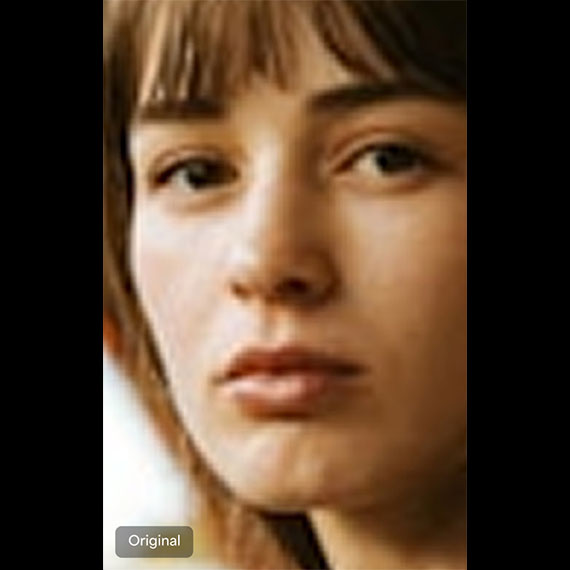
Topaz Photo AI’s Wonder 3 model is built for people who would rather spend time shooting than babysitting sliders. It combines upscaling, sharpening, and noise reduction into a single workflow, turning three classic repair jobs into one automated photo editing step. Instead of hopping between separate photo upscaling software and denoising tools, you choose Wonder 3, set a scale factor, and let it restore detail in hair, skin, feathers, and fur while keeping images photorealistic. From a usability standpoint, this is the most opinionated tool of the three. The Scale slider controls enlargement, while the Strength setting fine-tunes how aggressive the enhancement should be. That design clearly favors non-technical shooters, event photographers, and social media editors who want clean results without technical deep dives into masking and local adjustments. The trade-off is obvious: Wonder 3’s automation is a blessing when you have noisy, soft, or low‑resolution files to fix quickly, but it’s less appealing if you enjoy sculpting every pixel by hand.
Nik Collection 9: Power Tools for Manual Control
Where Topaz Wonder 3 hides complexity, Nik Collection 9 leans into it. As a suite focused on specialized editing, it is better matched to photographers who think in terms of selective contrast, local color grading, and nuanced sharpening rather than full automation. Compared to highly automated photo enhancement tools, this approach demands more skill but pays off in control. If you live in RAW workflows and enjoy building looks from the ground up, the appeal is obvious. Nik Collection gives you a toolbox, not a magic button. In practice, that means it sits between Topaz and Firefly on the automation–creativity spectrum: less automated than Wonder 3, but more traditional than full-blown AI image generators. It suits experienced editors, studio shooters, and retouchers who might use AI to assist but never to dictate their final style.
Adobe Firefly: Generative AI Inside a Traditional Workflow
Adobe Firefly is the outlier in this comparison because it isn’t just about fixing photos; it’s about inventing them. It is a family of generative AI image tools built directly into creative editing software, including Photoshop, making it a natural choice for professional creatives already living in that ecosystem. Firefly integrates AI image generators with more classic enhancement features, letting you generate scenes, composite them, and refine them using familiar adjustment layers. According to Adobe’s own description, Firefly models are trained on licensed and public domain stock content and are designed to produce commercially safe outputs. That matters for pros who worry about legal risk when using AI. Pre‑generation settings such as style and aspect ratio make it comfortable for designers and illustrators who want to steer the look up front. The downside: Firefly still struggles with photorealistic images, so if your priority is faithful photo repair or subtle portrait enhancement, it lags behind tools that were built for realism first and creativity second.
Which Tool Fits Which User—and How Pricing Shapes the Choice
Each of these AI photo enhancement tools is aiming at a different user profile. Wonder 3 favors casual editors and busy photographers who want automated photo editing and photo upscaling software that "does the right thing" most of the time with minimal input. Nik Collection 9 is better suited to experienced shooters and professional retouchers who treat AI as a helper, not a decision-maker. Adobe Firefly, by contrast, serves professional creatives experimenting with AI image generators and needing commercially safe assets that slot straight into larger design projects. Pricing and subscription models also pull users in different directions. Some services in the wider AI image space offer low‑cost monthly plans—one open‑source provider lists a USD 10 (approx. ₱560) subscription and an opt‑out from training data, while other platforms let you disable AI training and upgrade to a USD 20 (approx. ₱1,120) plan as needed. The key point: the "best" tool isn’t a single winner but the one whose mix of automation, creative power, and payment model matches how you work and how often you need AI help.