

Android Auto 17.3: A Stability Update You Should Not Skip
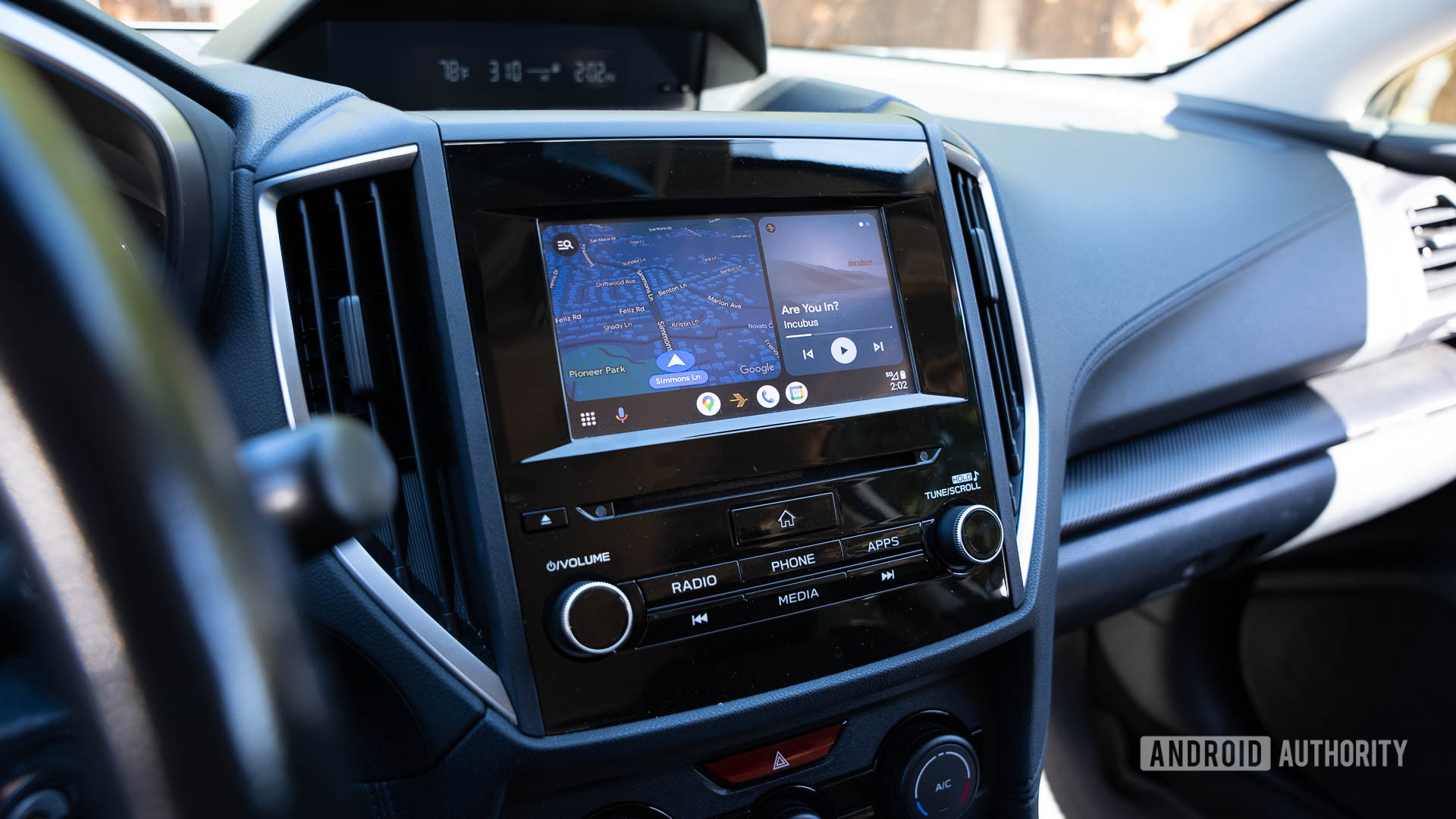
Android Auto 17.3 is a targeted stability update for Google’s in-car app that focuses on fixing widespread crashes and random disconnects introduced with version 17.2, restoring reliable connections between phones and head units and making the platform usable again for daily commuting and in-car navigation tasks. This is not a flashy release with new features; it is a repair job. And that is exactly why it matters more than any cosmetic refresh. Earlier this month, Android Auto 17.2 users began reporting problematic crashes and random disconnects that left the system virtually unusable during normal driving. When your primary navigation and media controls fail mid‑commute, you do not need gimmicks—you need stability. Android Auto 17.3 promises to stop those crashes and clean up the damage caused by 17.2, making it a must‑download for anyone who relies on Android Auto every day.
What Went Wrong with Android Auto 17.2
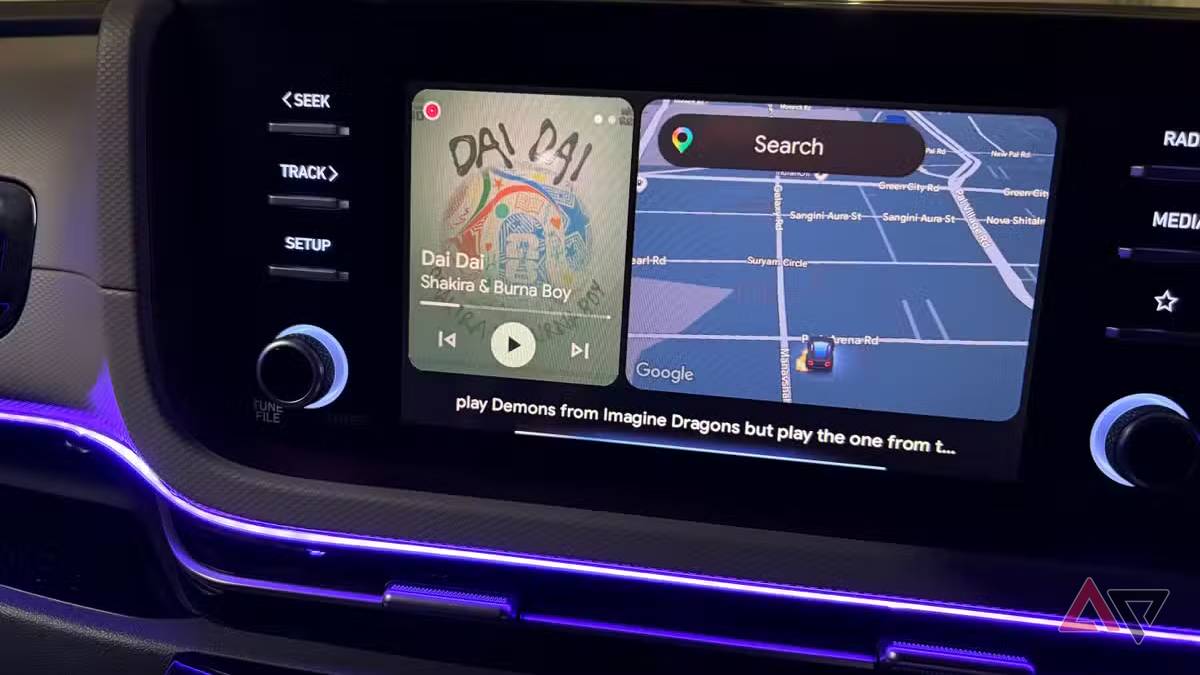
Android Auto 17.2 did not look dangerous on paper. It had been out for a while but only really started to filter through to the public last week, which is when the problems exploded into view. Users across different phone brands and Android versions began reporting frequent crashes and unexpected disconnects, turning the app into a liability rather than a convenience. According to Mishaal Rahman from Google, the company identified “an issue with uncertified aftermarket head units” that impacted a small number of people during the rollout of Android Auto 17.2. That “small number” matters when you are the one stuck without navigation or hands‑free controls in traffic. Practical reality: for affected drivers, the best workaround had been downgrading to an earlier Android Auto release. That is an embarrassing situation for any platform that is supposed to improve road safety and reduce distraction.
How Android Auto 17.3 and the Latest Builds Fix Crashes and Disconnects
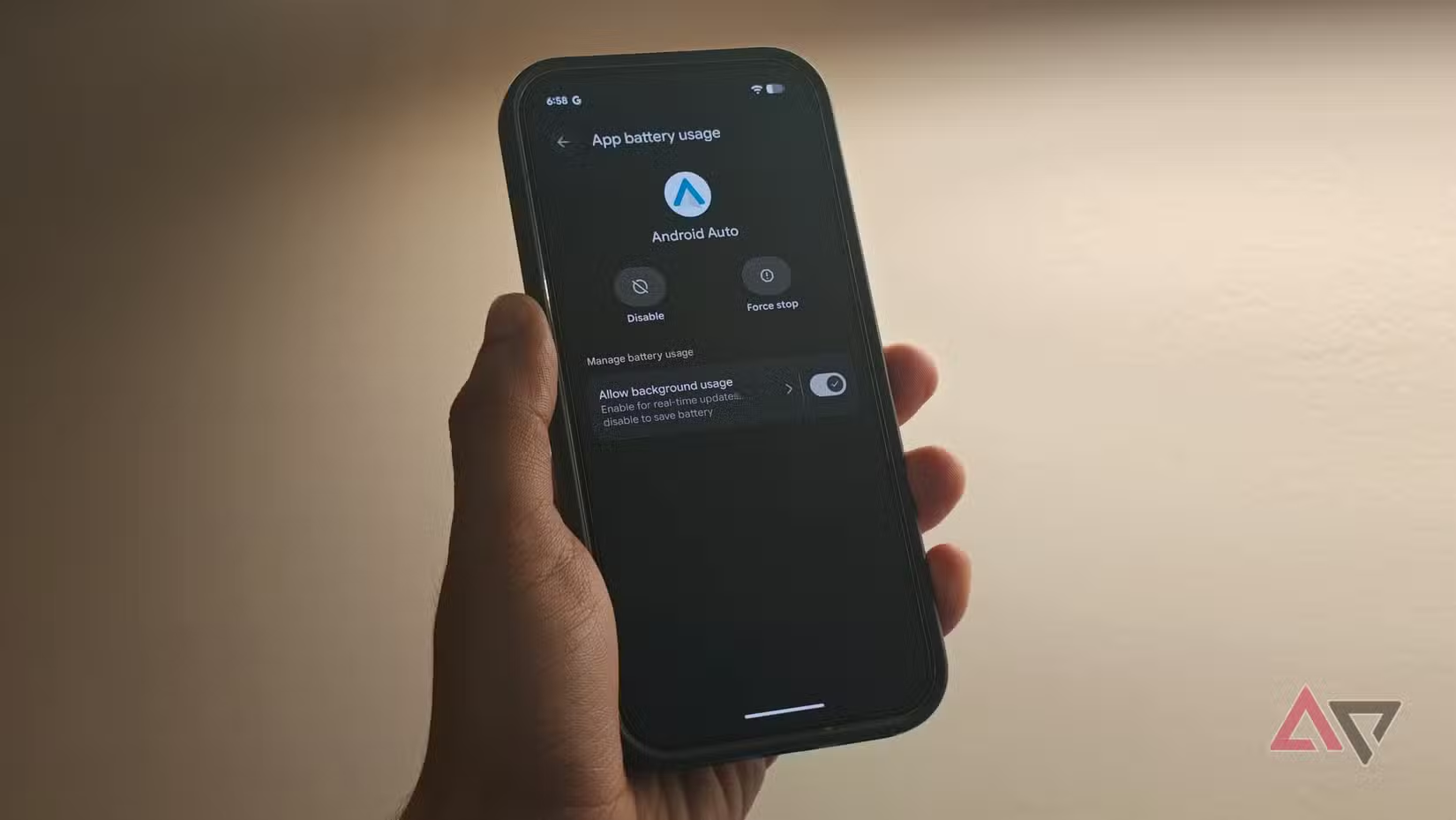
Google’s answer is straightforward: fix Android Auto disconnects and crashes first, worry about new features later. Android Auto 17.3 has now arrived and promises to do little other than fix the bugs and crashes caused by the older update. The changelog lists only “bug fixes and other improvements,” a clear sign this release was rushed out with one priority—stability. For beta testers, the relevant build is Android Auto 17.3.662813, while non‑beta users are receiving a stable build labeled 17.2.662638 that also includes the disconnect fix. Either way, once the new build is installed, the random disconnects should fade into memory and the platform should feel usable again. This is the kind of unglamorous maintenance work that keeps safety‑critical apps trustworthy. If your head unit has been dropping your Android Auto session mid‑drive, this update is not optional—it is overdue.
Getting the Fix Faster: Early Access and Manual Install
There is one catch: Android Auto 17.3 will slowly roll out across the user base, and you cannot control where you land in that queue. If you only use Android Auto occasionally, you might decide to wait. But if crashes and disconnects have been wrecking your commute, waiting weeks for relief is hard to defend. Fortunately, there is an early‑access route. If you are desperate to get the update—for example, you depend on Android Auto and have been suffering since the last release—you can download the APK for Android Auto 17.3 directly to your device and install it yourself. You may need to enable installation from unknown sources, but that is a small hurdle compared with daily app failures. In short, Google is fixing Android Auto stability, but you have to decide whether to sit through the slow rollout or take control and install the update manually.
Should You Update Right Now?
If you rely on Android Auto for commuting, navigation, or media control, updating is the common‑sense move. The 17.3 update should stop the crashes triggered by 17.2 and restore a stable experience across different phones and head units. Google’s own messaging is clear that the latest builds are aimed squarely at the disconnecting issue users have been facing. This makes Android Auto 17.3 a must‑download for anyone who uses the automotive app regularly and has been hit by disconnects or freezes. The only real downside is the slow automatic rollout, but the manual APK route gives power users an escape hatch. Once you have the new build installed—whether beta 17.3.662813 or stable 17.2.662638—the random disconnects should be a fading memory, and your in‑car system can get back to being what it was meant to be: invisible, reliable, and out of your way.





