

Our Top Pick and Why Budget Gaming Laptops Matter
Gaming laptops under 1000 are portable computers with dedicated graphics and modern processors that deliver smooth gaming, streaming, and everyday productivity at a lower price than high-end flagship machines, making them ideal for students and gamers who need strong performance without premium costs. Right now, memory and storage prices are climbing, which means you get less laptop for the same money than in previous years. That is exactly why you should not wait: locking in the right budget gaming laptop deals now protects you against further markup on quality gaming systems. Our clear winner for most people is the Lenovo Slim 3 IdeaPad 15-Inch at USD 729.99 (approx. ₱41,000). It combines capable AMD processing, plenty of RAM, and fast storage with a practical 15-inch display, making it the best default choice for mixed gaming and school or office work.
Lenovo Slim 3 IdeaPad 15-Inch — Best Overall for Students and Everyday Gamers
If you want one machine that does a bit of everything well, buy the Lenovo Slim 3 IdeaPad 15-Inch first. At USD 729.99 (approx. ₱41,000), it delivers excellent everyday performance thanks to an AMD Ryzen 5 7535HS 6-core processor, 16GB of DDR5 RAM, and a 512GB PCIe SSD. The 15-inch FHD+ display, WiFi 6, Bluetooth 5.3, and built-in webcam are all wrapped in a light luna grey chassis, which makes it a smart choice for commuting students or anyone moving between home, campus, and work. The clear strengths here are multitasking and study-friendly features: plenty of memory for dozens of browser tabs, fast storage for launching games and apps, and modern connectivity for online classes and streaming. The main trade-off is that it lacks dedicated RTX-class graphics, so it is best for lighter or older games and productivity rather than maxed-out AAA titles.
HP Victus 15.6-Inch and MSI Thin A15 — Affordable Entry Gaming
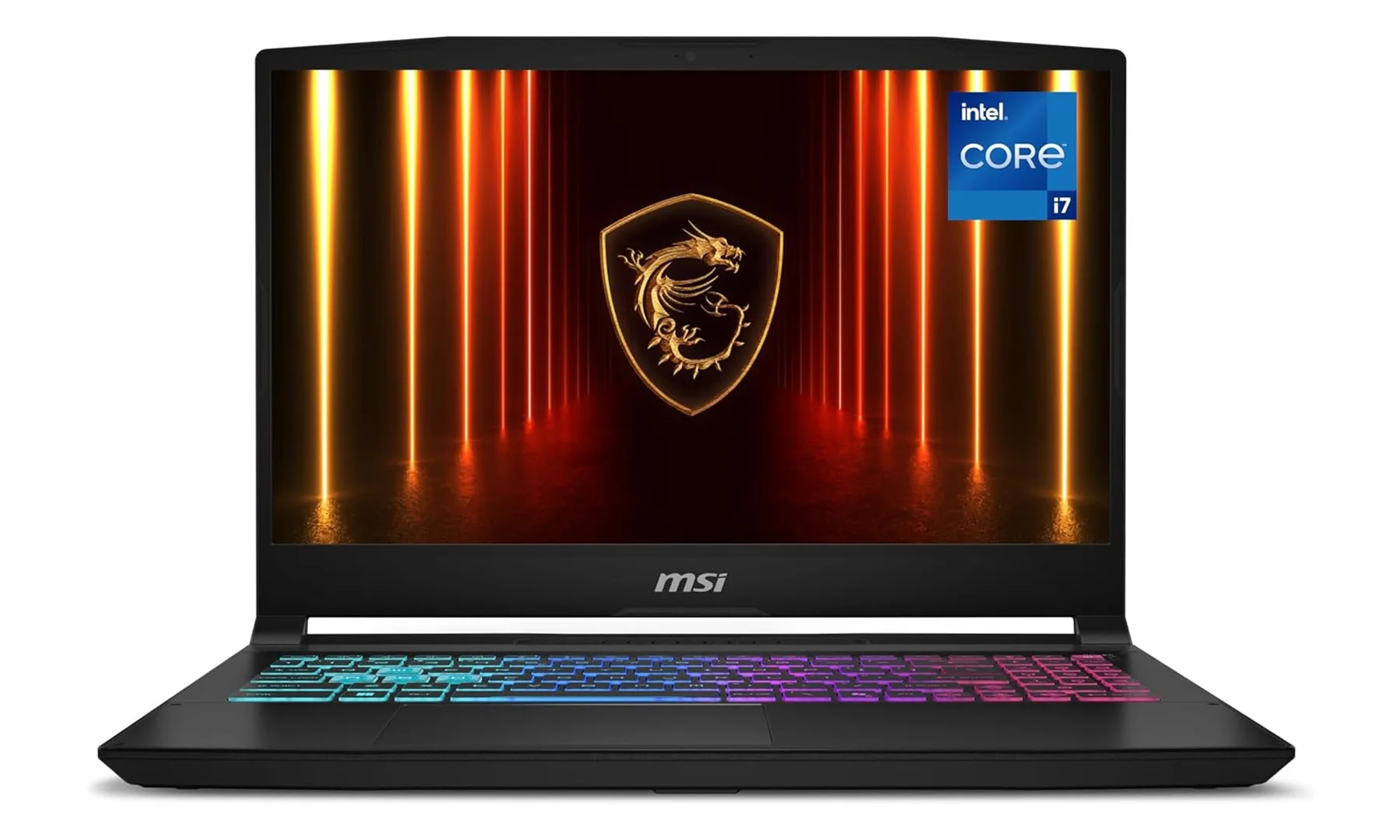
If you care more about frame rates than premium design, the HP Victus 15.6-Inch Gaming Laptop and MSI Thin A15 Gaming Laptop sit in a sweet spot. The Victus comes in at USD 823.99 (approx. ₱46,000) with an Intel Core i5-12450H CPU, Nvidia RTX 3050 dedicated graphics, 16GB of RAM, and a 512GB SSD, plus a Full HD screen with a 144Hz refresh rate and Wi-Fi 6. It is ideal for budget-conscious gamers who want smooth esports performance and a backlit keyboard for late-night sessions without paying for extras they do not need. The MSI Thin A15 at USD 899 (approx. ₱50,000) pairs a Ryzen 5-7535HS CPU with an RTX 3050 GPU, 16GB DDR5, and 512GB SSD under a 15.6-inch FHD 144Hz panel. It is better for those who prefer AMD processing and a relatively thin chassis. Both are strong gaming laptops under 1000, but their older-generation GPUs mean you will dial down settings in the most demanding games.
| Spec | HP Victus 15.6 | MSI Thin A15 |
|---|---|---|
| Price | USD 823.99 (approx. ₱46,000) | USD 899 (approx. ₱50,000) |
| CPU | Intel Core i5-12450H | AMD Ryzen 5-7535HS |
| GPU | Nvidia RTX 3050 | Nvidia RTX 3050 |
| RAM | 16GB | 16GB DDR5 |
| Storage | 512GB SSD | 512GB SSD |
| Display | 15.6" FHD, 144Hz | 15.6" FHD, 144Hz |
Alienware 16 Aurora and MSI Katana 15 HX — When Gaming Shares Space With Heavy Workloads
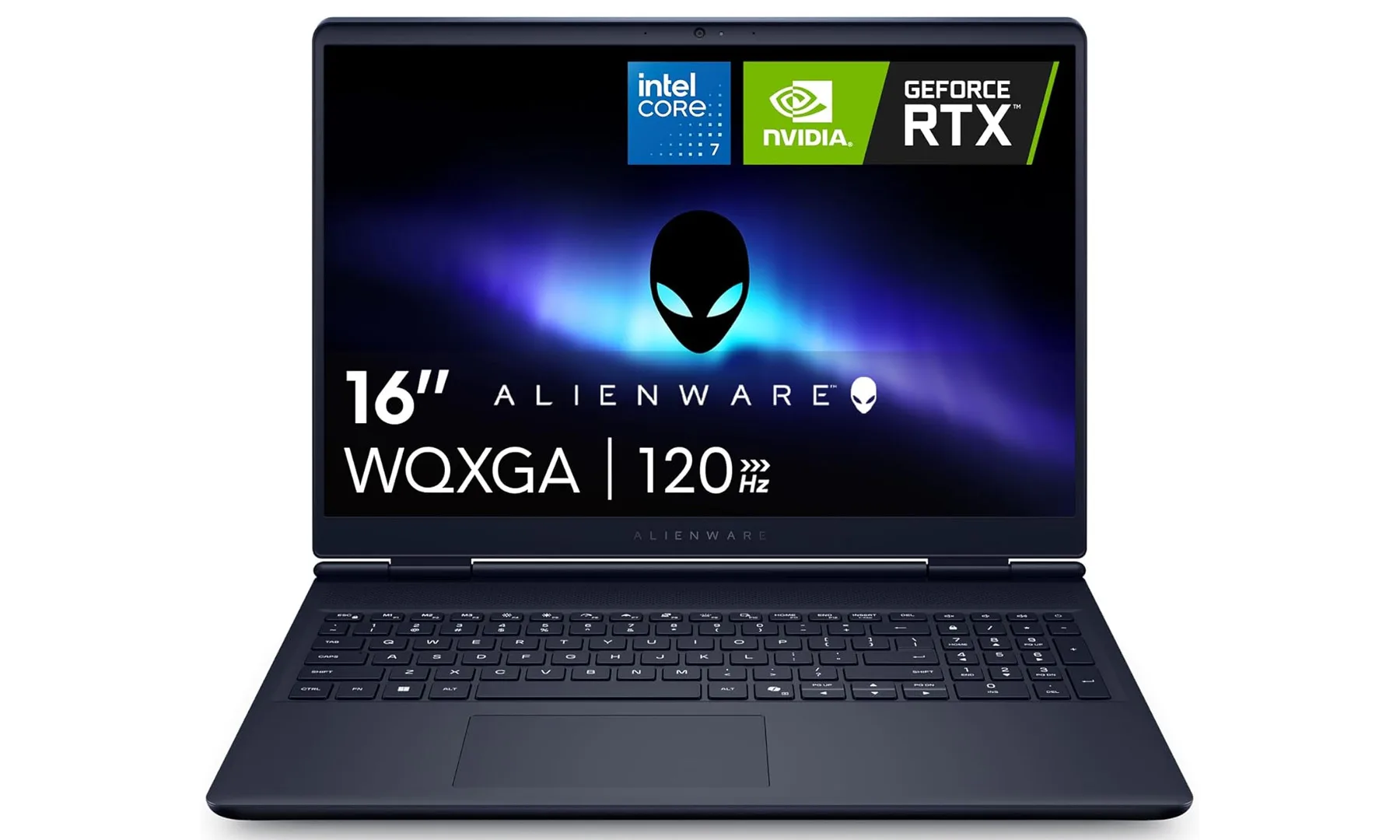
While not always under USD 1,000, these two models show what you gain if you stretch your budget for better longevity and heavier workloads. The Alienware 16 Aurora combines an Intel Core 7 240H processor, 16GB DDR5 memory, and an RTX 5050 Laptop GPU, which is more than capable of handling modern multiplayer titles alongside coding projects, Photoshop work, video editing, and everyday multitasking. It adds a 16-inch WQXGA 120Hz display and a spacious 1TB SSD, plus a premium build, though the 120Hz panel is slower than some rivals and the Core 7 is oriented toward mainstream rather than extreme gaming. The MSI Katana 15 HX is built for students who expect gaming to be a big part of their lives, pairing a powerful Core i7-14650HX with an RTX 5060 Laptop GPU, 16GB DDR5, a 1TB NVMe SSD, and a sharp 165Hz QHD display. Its cons are weaker battery life and a design that feels more functional than premium, but its upgrade-friendly hardware suits buyers who want desktop-class performance without going to the very top end.
Why Previous-Gen and Refurb Options Are Smart Buys
With memory and storage at record highs, the amount of laptop you get for your money has shrunk, and prices are unlikely to fall soon. That is why previous-generation and refurbished gaming laptops under 1000 can be the smartest affordable gaming notebooks: they often use slightly older GPUs and CPUs while still offering dedicated graphics and strong multicore performance. For gaming laptops in this price range, you are likely to see lower-end RTX 5050 parts and graphics chips from older generations, along with previous-gen processors. In practice, that means you can still enjoy responsive 1080p gaming, streaming, and study workloads without paying for the very newest silicon. According to one hardware-focused deals team, these budget gaming laptop deals change quickly as inventory sells through, so acting fast when you see the right balance of specs and price is important. The key is to match your real needs—esports, coursework, content creation—to the hardware instead of chasing the highest model numbers.
Buy if / Skip if
- Buy the Lenovo Slim 3 IdeaPad 15-Inch if you want the best all-round mix of study, streaming, and light gaming at a lower price.
- Skip the Lenovo Slim 3 IdeaPad 15-Inch if you need dedicated RTX-class graphics for high-settings AAA games and GPU-heavy creative work.
- Buy the HP Victus 15.6-Inch Gaming Laptop if you care most about smooth 1080p esports performance on a 144Hz display and a sensible price.
- Skip the HP Victus 15.6-Inch Gaming Laptop if you prefer newer-generation GPUs or plan to play the most demanding games at ultra settings.
- Buy the MSI Thin A15 Gaming Laptop if you want an affordable RTX 3050 system with a relatively thin design and modern AMD processor.
- Skip the MSI Thin A15 Gaming Laptop if you expect top-tier ray tracing, maxed-out visuals, or long-term future-proofing from your GPU.
- Buy the Alienware 16 Aurora if you want a premium-feeling student laptop with RTX 5050 performance, 1TB storage, and strong multitasking ability.
- Skip the Alienware 16 Aurora if you demand the fastest refresh rates available or high-end processors tailored to enthusiast-level gaming.
- Buy the MSI Katana 15 HX if gaming will be a big part of your life and you value desktop-class CPU and GPU performance with a 165Hz QHD screen.
- Skip the MSI Katana 15 HX if you need long battery life away from the charger or prefer a more premium-feeling design over raw performance.





