
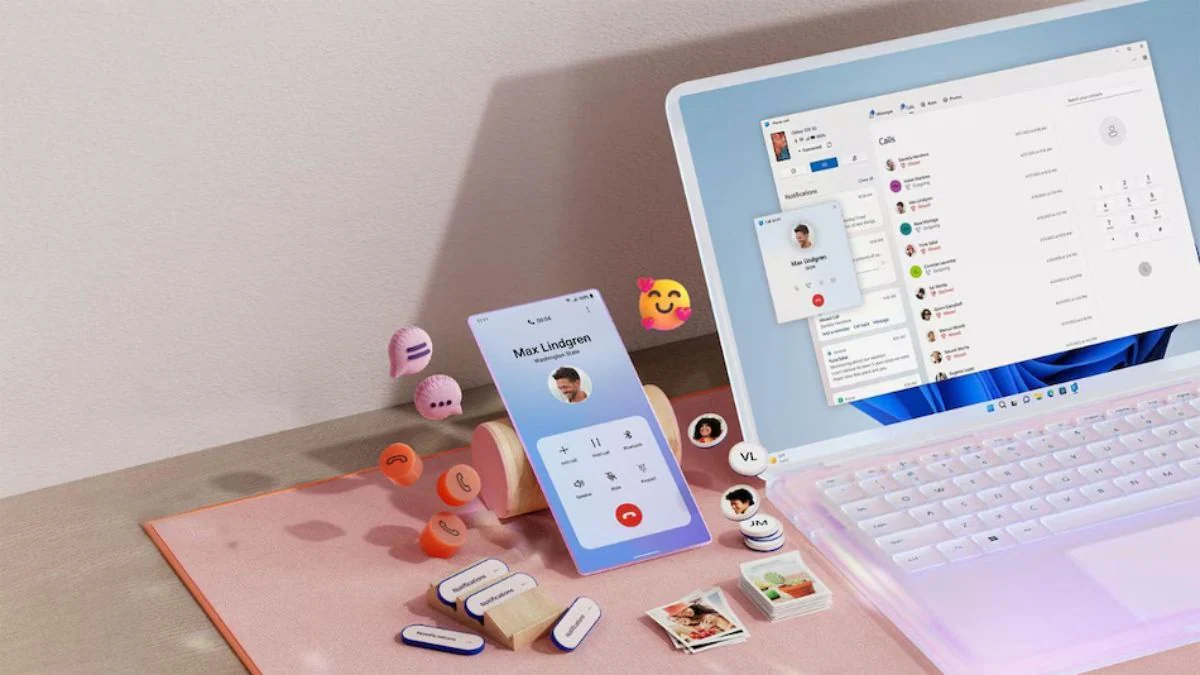

Phone Link on Windows 11 is finally growing up
Phone Link on Windows 11 is Microsoft’s built‑in bridge that connects your Android phone and PC so you can see messages, calls, notifications, files, and clipboard content on your desktop without constantly picking up your handset. According to one report, Microsoft is now exploring ways to expand and improve upon Phone Link so these experiences feel more native to its own OS. Another report cites people with knowledge of the matter who say the company is planning to bring new features to the standalone Phone Link app for a more deeply integrated user experience within Windows 11. This is not a minor refresh; it is Microsoft conceding that Android Windows integration is no longer a nice-to-have add‑on but core to the everyday workflow of anyone living in both ecosystems.
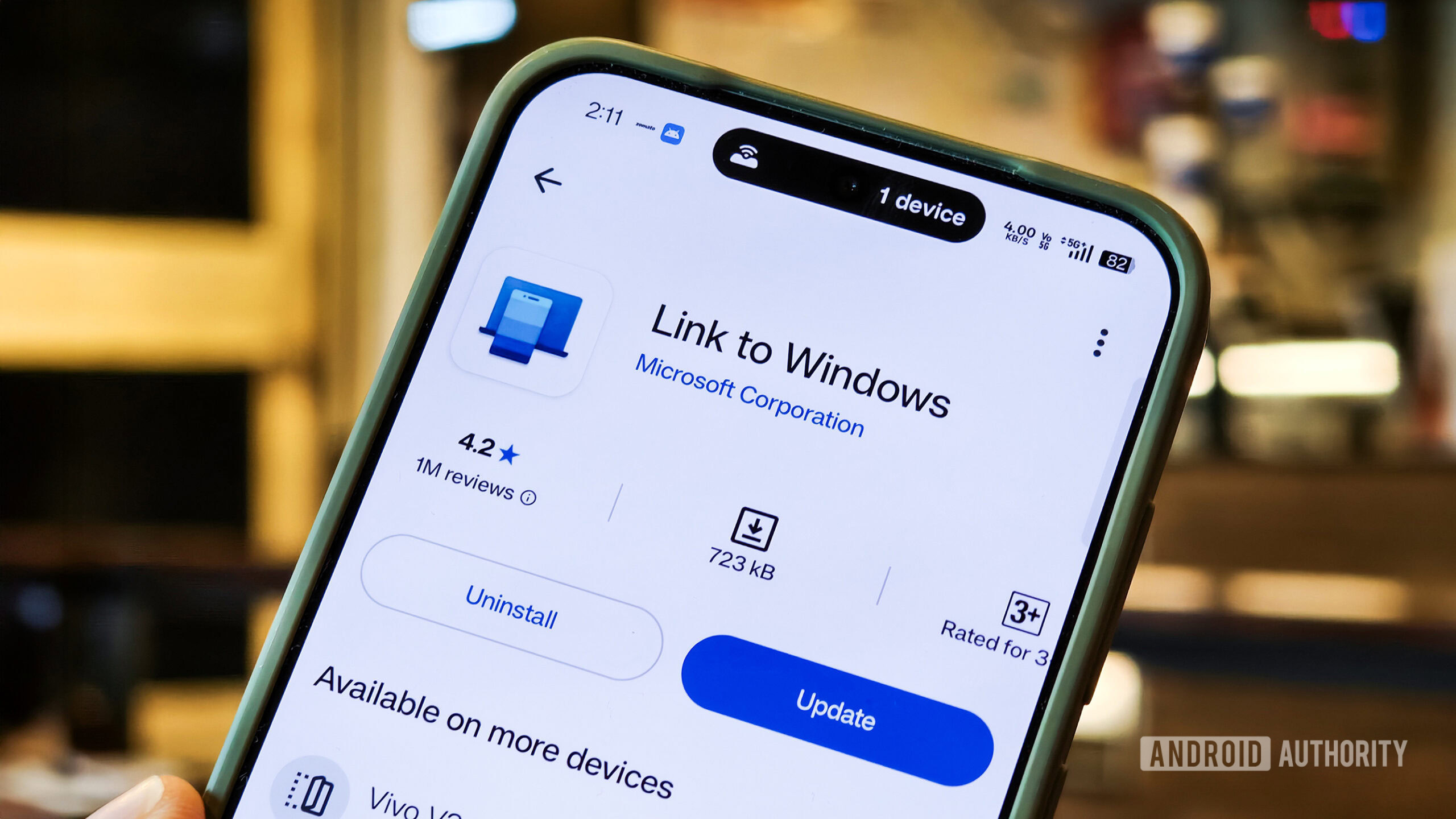
Start menu activity and a taskbar flyout: less app, more system
The most important change is philosophical: Phone Link Windows 11 integrations are moving from “one more app” to first‑class system features. Microsoft is discussing upgrades that enhance the phone companion section in Start so it shows more recent activities from your handset, and you can scroll through them without opening Phone Link at all. Hovering over these entries could reveal full messages and images, turning the Start menu into a live feed of your phone’s digital life. A new phone icon in the taskbar system tray would open a smartphone flyout showing status, toggles for Do Not Disturb and vibrate, and a find phone button. In practice, that means fewer context switches and fewer windows, which is exactly what Android desktop connectivity has been missing.
Messaging, clipboard history, and file drag‑and‑drop: the real productivity wins
If you work across an Android phone and Windows PC all day, the planned Microsoft Phone Link update targets the friction points you feel most. Microsoft is said to be testing a standalone Messages app seeded by your phone that can sit on the taskbar like any native chat client, instead of hiding inside Phone Link’s UI. At the same time, the company wants to move beyond today’s single‑item clipboard sync; it is reportedly planning a synchronized clipboard history so your past copied items are available across phone and desktop. On top of that, you may soon be able to drag files directly onto the phone icon in the tray to send them to your device. This is Android Windows integration finally treating the phone as part of the file and text pipeline, not an external accessory.
What this means for everyday users right now
Today, Phone Link already lets you check messages and attend or initiate calls directly from your desktop, eliminating the need to open your phone each time. The new features aim to make those actions feel less like remote control and more like a single environment where devices share context. If you can skim recent phone activity from the Start panel, hover to see full messages, toggle Do Not Disturb without reaching for your handset, and paste from a shared clipboard history, then Android desktop connectivity stops being a novelty and starts being infrastructure. The caveat: all of this is still being explored and prototyped internally, and sources note that the features may change before users see them. For now, it is a strong signal that Microsoft sees Phone Link as a long‑term pillar of Windows 11, not a forgotten accessory.
The road ahead: from experiment to essential workflow
These changes are not yet finished products. The reports agree that Microsoft is currently exploring and prototyping the new Phone Link experiences internally and plans to gather internal and Insider feedback before pushing them more widely. That matters: it means the company is willing to iterate on how Phone Link Windows 11 integration should feel, not just ship a single static design. The risk is that half‑baked features or confusing settings could undermine the promise. The opportunity is much larger: if Microsoft gets this right, Android Windows integration becomes a reason to stay in the Windows ecosystem, not a compromise. The message to power users is clear: start paying attention to Phone Link now, because it is on track to become the backbone of how your phone and PC share attention, data, and time.





