
From Timelines to Talk: What Gemini Omni Changes About Editing
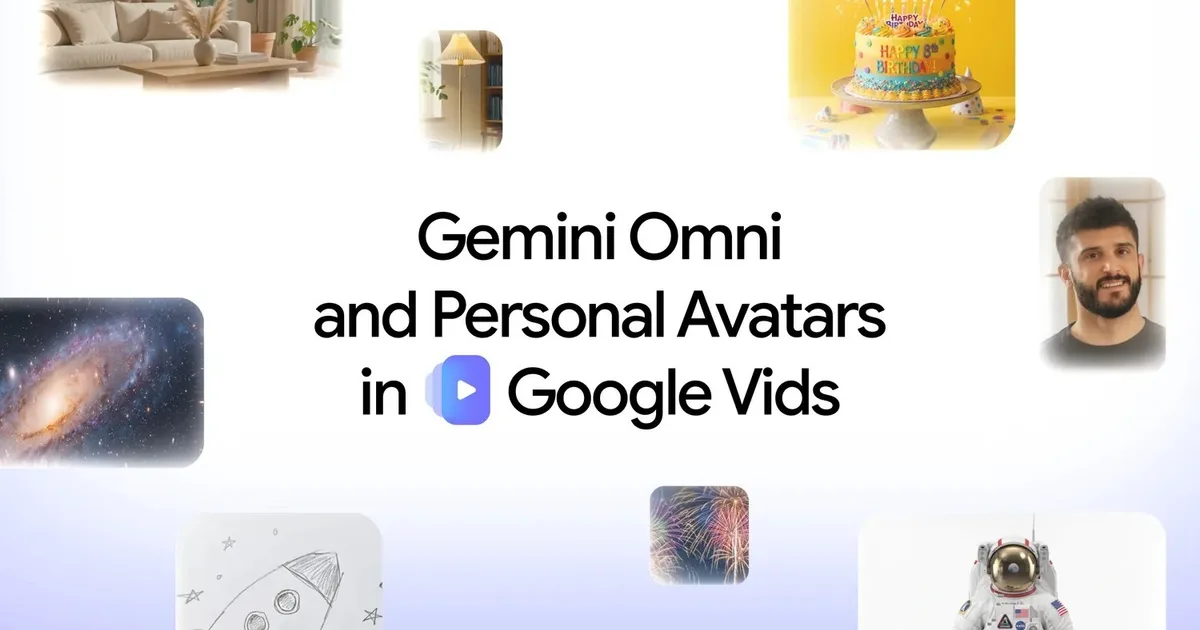
AI-powered conversational video creation means describing the video you want in plain language while an assistant automatically generates, edits, and refines your footage without manual timeline work, allowing non-technical users to reach professional-quality results through step-by-step dialogue rather than traditional software complexity. Google has now folded this idea directly into Google Vids by bringing Gemini Omni and personal avatars to the platform, expanding its AI video editing tools for paid users. This is not a novelty feature; it is a direct attack on the biggest barrier in video production: the steep learning curve of tools like Premiere Pro or Final Cut Pro. Instead of wrestling with tracks, keyframes, and nested sequences, creators describe the scene, review the output, then refine it in conversation. In practice, Gemini video editing turns what used to be a technical craft into a creative dialogue.
Conversational Video Creation: Editing Becomes a Back-and-Forth
Gemini Omni inside Google Vids treats editing as an ongoing conversation rather than a rigid project file. Users type simple descriptions to generate the initial clip and can add reference images or rough sketches to guide the look and composition. Once that first version exists, every change—background swaps, lighting tweaks, added effects, or adjustments to individual parts of the scene—happens through follow‑up instructions in chat. The model keeps the characters, setting, and visual style consistent across these iterations, so creators are refining a single story, not restarting from scratch each time. The practical impact is huge: AI handles the grunt work of cuts, transitions, and visual polish while the human stays focused on narrative and intent. Traditional editors reward deep technical knowledge; conversational video creation rewards clarity of ideas. That is a very different incentive structure for anyone intimidated by classic video software.
Digital Avatars for Video: Presence Without Performance
Personal avatars in Google Vids tackle another bottleneck: the need to be on camera. Upload a selfie and a short voice recording, type your script, and the system generates a digital avatar that looks and sounds like you. For solo creators, trainers, and business leaders, this is more than a neat trick—it breaks the dependence on a quiet room, good lighting, and camera confidence. The avatar can deliver training modules, product demos, company updates, or presentation-style content without any physical recording session. Because the avatars are tied to individual accounts and restricted to adults in specific regions, Google is clearly trying to curb misuse of someone else’s likeness. At the same time, every generated clip carries an invisible SynthID watermark so viewers can verify that AI tools were involved. In other words, the platform is betting that digital avatars for video will become a normal productivity feature, but it wants them to be traceable and accountable.
Why This Feels Like Core Productivity Software, Not a Toy
The most telling detail is who gets these features. Gemini Omni and personal avatars are available to Google AI Pro and Ultra subscribers and eligible Workspace business customers. That is classic productivity software positioning: if you pay for the work stack, you get the powerful tools. By putting conversational editing and avatar creation in that tier, Google is signaling that video is no longer a specialist activity but a default medium for everyday work. This matters for non‑technical creators. Instead of buying separate editing tools or hiring professionals, they can treat AI video editing tools like a document editor: describe the changes, iterate, and publish. According to Google’s announcement, creators can “chat to edit [clips] step-by-step and create a digital avatar that looks and sounds like you”. The message is plain: professional‑style video is becoming an office task as routine as writing a report.
The Trade-Off: Empowerment With New Responsibilities
By removing timelines, cameras, and complex tools from the equation, Google Vids risks making video creation look effortless—and it certainly becomes faster. AI now handles technical editing tasks such as lighting adjustments, effects, and scene tweaks through conversational instructions, sidestepping much of the friction that used to define professional editing workflows. That democratizes content, but it also raises the bar for what “basic” communication looks like. Training materials, updates, and pitches can all be turned into polished clips with minimal skill, which means audiences may start expecting video everywhere. The SynthID watermark is a quiet acknowledgment that this power needs guardrails, enabling viewers to verify that a clip was AI-generated. The trade-off is clear: these tools expand who can create, especially non‑technical and camera‑shy people, but they also demand more thought about authenticity, consent, and the line between representation and simulation. Used well, they turn more workers into visual storytellers instead of forcing them to become editors.