


Our Top Pick: A Well-Balanced Work and Study Laptop
A laptop buying guide is a practical checklist that helps you match real-world tasks to the right combination of processor, memory, storage, display quality, battery life and ports, so you avoid overpriced brand badges and underpowered hardware that will feel slow or cramped after a few months. For most people, the best laptop choice is a midrange machine with a current-generation Intel, AMD or Snapdragon platform, 16GB of RAM, at least a 512GB SSD, a sharp, bright display, and a sensible port layout. This balanced profile gives enough power for heavy browsing, office apps, video calls and media streaming without the cost, heat and weight of high-end creator or gaming rigs. It also avoids the biggest laptop mistakes: weak memory, tiny storage and flashy labels on a poor screen. If you are standing in front of a wall of near-identical laptops or scrolling a marketplace full of suspiciously cheap models, this is the configuration you should actively look for.

Mistake #1: Treating RAM and Storage Like Bragging Rights
The most costly laptop mistakes to avoid start with memory and storage: buying too little, or wasting money on far more than you will use. A memory shortage has rewritten the rules; prices have jumped, and brands now protect margins by cutting RAM and SSD capacity while keeping tempting stickers. The old habit of buying more machine than you need, or trusting the biggest number on the box, now costs more than it used to. For most people, 16GB is the sane floor; creators, coders, heavy multitaskers, and local AI experiment fans are safer with 24GB or 32GB. At the same time, a 256GB SSD fills up quickly with Windows, recovery partitions, apps, photos, downloads and cloud sync, turning updates and file management into daily chores. The smart move is to buy enough capacity for the way you work—usually at least 512GB as a main Windows drive—and check whether the SSD can be replaced later instead of paying for unused terabytes upfront.
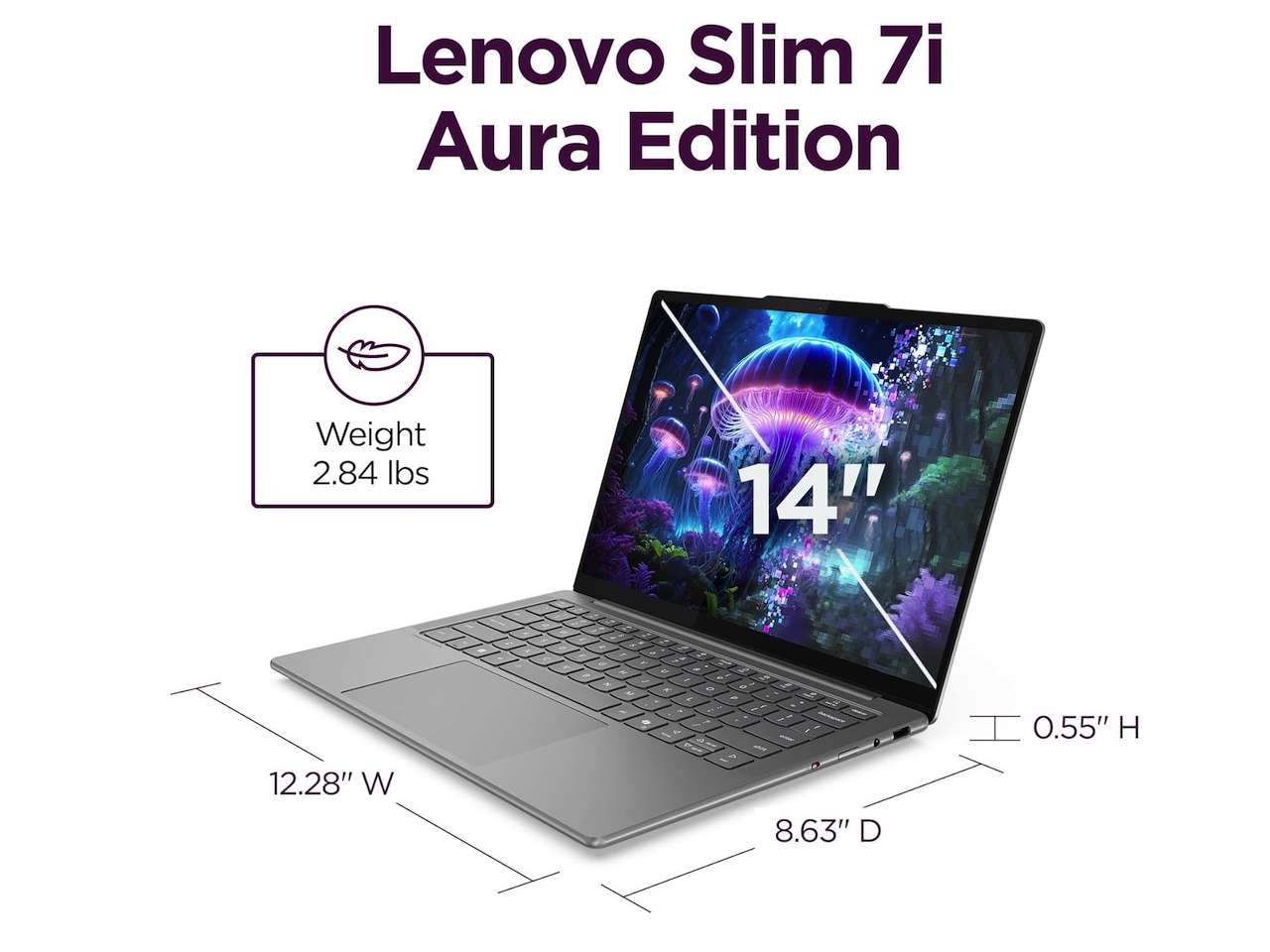
Mistake #2: Misreading Processor Specs and Battery Claims
Processor specs explained today are more confusing than helpful because names often hide how old the silicon really is. Microprocessor vendors now reuse older designs and rebrand them, so the processor name can conceal, rather than clarify, what you are buying. For example, Ryzen 8000 mobile chips were described as “architecturally aligned” with Ryzen 7000, then renamed the Ryzen 200 lineup despite sharing the same Zen 4 architecture. New Ryzen 100 chips even use Zen 3+ designs from 2022. That means a laptop sold at USD 900 (approx. ₱50,400) with a Ryzen 250 processor can contain 3-year-old hardware priced like a premium productivity machine, not a bargain-basement model. On top of that, battery-life claims often quote local video playback at low brightness, which barely resembles a day of Wi‑Fi browsing, calls and apps. If a company claims 20, 30 or 34 hours, treat it as a ceiling, not a promise, and confirm with independent reviews.
Mistake #3: Ignoring Display Quality and Ports for Hype Labels
Marketing now shouts AI PC, Copilot+ PC, NPU, TOPS, OLED, Wi‑Fi 7 and flashy CPU names, but none of those badges can rescue a bad screen, weak RAM or poor keyboard. The screen is the part you use every minute; a faster processor will not make a dim 250‑nit panel easier to see near a window, and a bigger NPU will not fix washed-out colors. You want a bright, sharp display shaped for how you work—wide enough for multiple documents, accurate enough for photos, and comfortable for long reading sessions. Port selection also matters more than the sticker: missing ports turn every desk into dongle math and can add hidden cost over time. Before you get carried away by processor or AI branding, walk through a simple checklist: what you will do on the laptop every week; whether 16GB RAM is enough or you need more; if the SSD is at least 512GB and replaceable; if the screen and ports match your everyday tasks; and whether you truly need a dedicated GPU or are only paying for extra heat and weight.
Mistake #4: Trusting Sellers, Prices and Specs Without Verification
Recognizing seller traps and price manipulation is the final step in choosing the best laptop, not the brand with the loudest discount. A low price from a questionable seller can work, but it carries higher risk; that risk should be part of the price you are willing to pay. Some listings quietly downgrade RAM or SSD capacity compared with the main product line, or rely on rebranded older processors to justify midrange prices. For instance, one list of productivity laptops with Ryzen 250 processors showed prices between USD 900 (approx. ₱50,400) and USD 1,000 (approx. ₱56,000) despite using silicon that traces back several years. To avoid laptop mistakes, always check the exact model number, not just the family name; confirm whether memory is soldered or upgradable; and verify the return policy and warranty terms before you buy. The right laptop is the one that fits your work and life for the next four years—not the one that only clears the checkout page today.
- Buy the midrange balanced laptop if you need reliable performance for browsing, office work, calls and media without gaming-level hardware.
- Skip the 8GB RAM laptop if you run many browser tabs plus Teams, Slack, email, cloud sync and background apps; it will feel tight quickly.
- Buy the 24GB–32GB RAM laptop if you are a creator, coder, heavy multitasker or you plan to run local AI tools and keep the machine for years.
- Skip the 256GB SSD laptop if it will be your main Windows machine; storage stress will turn routine updates and downloads into constant babysitting.
- Buy the current-generation Intel, AMD or Snapdragon platform if your apps depend on modern features and you want years of software support.
- Skip the laptop with a rebranded older CPU at a premium price if the processor generation and architecture do not match the claimed model family.
- Buy the laptop with a bright, sharp display and useful ports if you spend hours reading, working near windows, or plugging into multiple devices.
- Skip the laptop from a seller with vague return policies or unclear warranty, even if the sticker price looks like a bargain.




