
What the iOS 27 Public Beta and Siri AI Give You
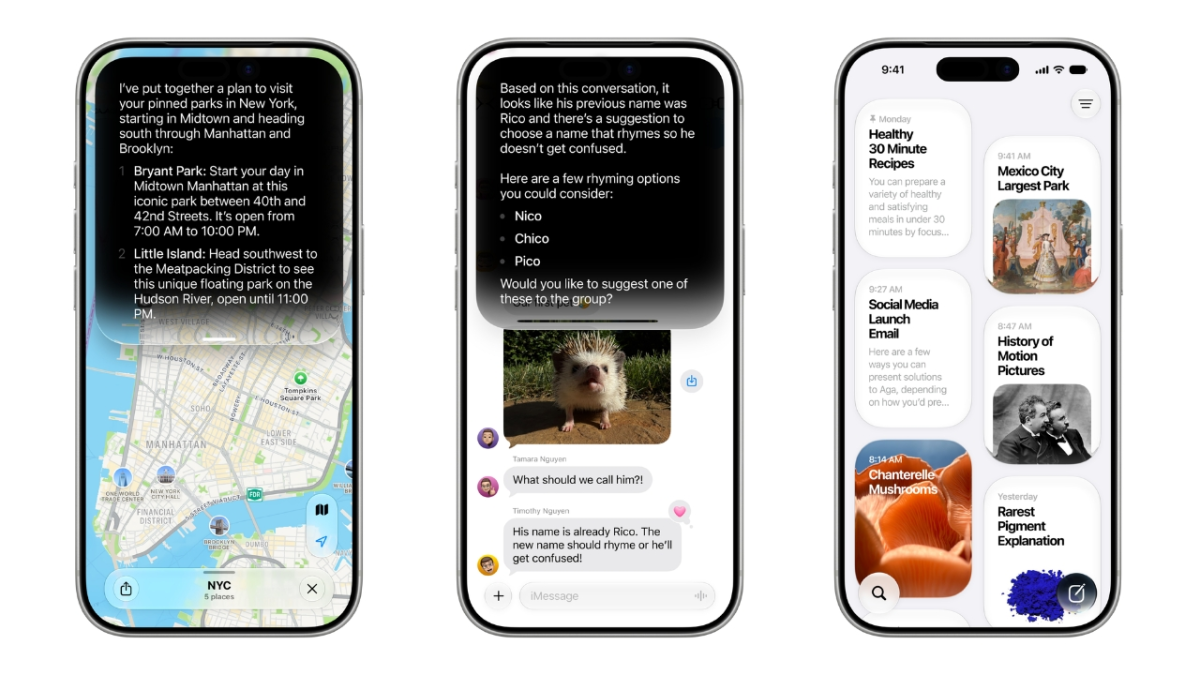
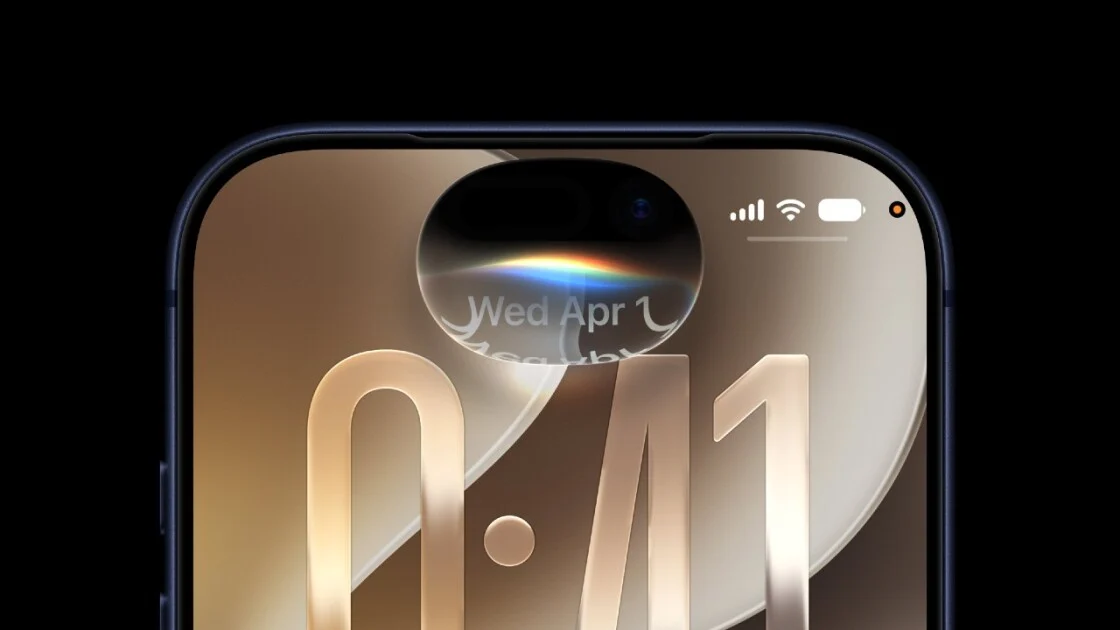
The iOS 27 public beta is a pre-release version of Apple’s upcoming iPhone software that includes a major AI-powered Siri overhaul, new Liquid Glass design options, and deeper Apple Intelligence integration, allowing everyday users to test features early in exchange for living with occasional bugs and performance issues. If you’ve been underwhelmed by Siri before, this is the update that may change your mind. The new Siri AI can read what’s on your screen, tap into emails, photos, and messages, and tie its answers to broader world knowledge, much closer to modern AI chatbots. It also lives everywhere on your device: activated by voice or side button, pulled down from the Dynamic Island, opened as a standalone app, and wired into Spotlight search. According to one report, Apple now has some 2.5 billion active devices, making this its largest test of the redesigned Siri assistant so far.
Check Your Device and Prep for Apple Beta Testing
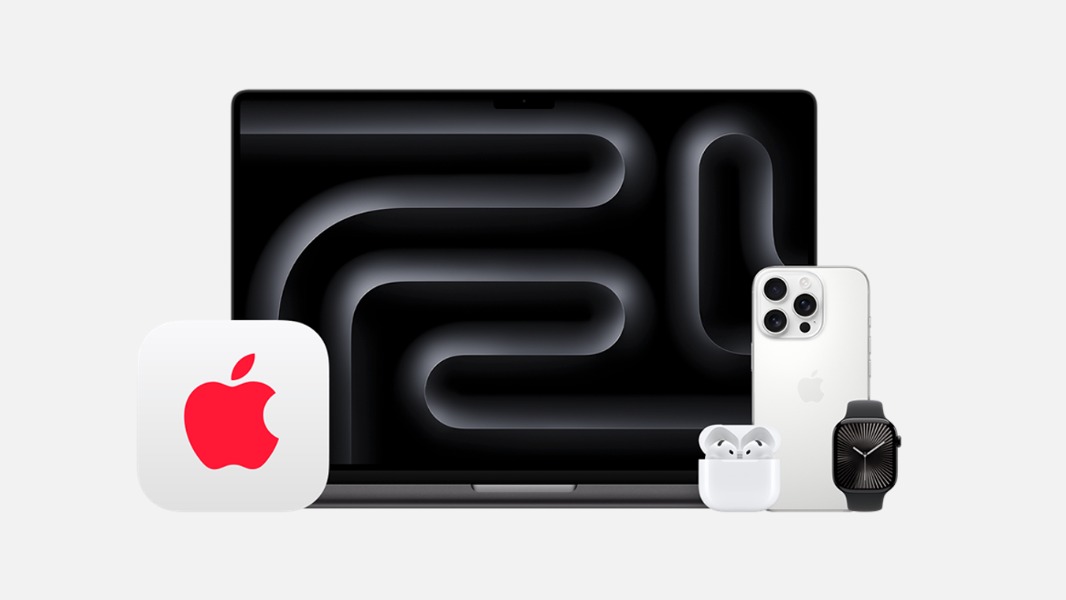
Before you rush to install iOS 27, you need to make sure your hardware and expectations are ready. Apple says the iOS 27 public beta runs on iPhones starting from the iPhone 11 and newer, including second‑generation and later iPhone SE models. You can also try the upgraded Siri on iPad, Mac, Apple Watch, CarPlay, AirPods, Apple TV, and Vision Pro for a unified assistant across your gear. Some of the most advanced Apple Intelligence features only work on recent phones like the iPhone 15 Pro and 15 Pro Max, so older devices will not get every trick in the book. As with any beta, this build is expected to be buggier than the final release and can drain battery faster. The safe move is to install on a secondary device if you have one, or at least back up your primary phone so you can recover if something goes wrong.
Step-by-Step: How to Install iOS 27 Public Beta
Getting onto the iOS 27 public beta is mostly a one-time setup with Apple’s official beta program. The real gotcha is that this is not a quick toggle; your phone will be running pre-release software until you update again later, so treat it like a commitment. Here’s the sequence you should follow on your iPhone.
- On any browser, visit beta.apple.com, which hosts the Apple Beta Software Program.
- Sign in using the same Apple ID you use on your iPhone, then enroll your device in the program.
- On your enrolled iPhone, open Settings and go to General > Software Update.
- Tap Beta Updates, then select iOS 27 Public Beta from the list.
- Download and install the update, keeping your phone plugged in and on Wi‑Fi until it completes.
Once the installation finishes and your phone restarts, you’ll be running the iOS 27 public beta with all currently released features from the earlier developer builds. If you want to mirror the experience on an iPad, follow the same sign‑up process but choose iPadOS 27 Public Beta instead. There is also a separate developer beta track that requires registering as an Apple developer and then selecting the developer build under Settings > General > Software Update > Beta Updates after a restart, but that path is aimed at app makers and may not include every feature at all times.
Hands-On: Siri AI Features and Liquid Glass in Daily Use
After installation, the fun part is exploring how the new Siri AI and visual changes fit into your routine. The assistant can pull context from your device to handle everyday tasks better, like finding specific photos in your Photo Library, summarizing group texts, adding appointments from messages to your calendar, and even looking up nutritional information for what the camera sees. You can access Siri by saying “Hey Siri,” pressing the side button, swiping down from the Dynamic Island, or opening the dedicated Siri app, and you can use it inside Spotlight to search for almost any question. The public beta adds Liquid Glass customization, giving the system a fresh, translucent look along with updates to Screen Time and more Apple Intelligence tie-ins. You can also try voice controls for Pace and Expressivity to change how quickly or expressively Siri talks, plus Write with Siri, Wallet Insights, and improved iPhone‑to‑Android RCS chats, depending on your device.
Is iOS 27 Public Beta Worth Installing Right Now?
Living with the iOS 27 public beta is a trade-off: you get the most ambitious Siri AI yet, along with Liquid Glass and other new features, in exchange for bugs, performance quirks, and possible battery hit. In early developer testing, Siri AI was already more capable but could still throw errors or misinterpret requests, like confusing a news query with a contact search. That kind of occasional confusion is part of day‑to‑day beta life. If you enjoy experimenting with new software and understand that not everything will be perfect, installing the public beta on a supported iPhone is a good way to see where Apple Intelligence is headed and how a unified Siri experience works across iPhone, iPad, Mac, Apple Watch, and more. If you depend on your main phone being rock‑solid, it might be better to watch from the sidelines until the stable release arrives.