
Top pick: HP OmniBook 3 – all‑day power and polish
The best budget laptops students should consider combine long battery life, comfortable screens, and enough processing power to handle notes, research, and light creative work without lag or frequent charging.
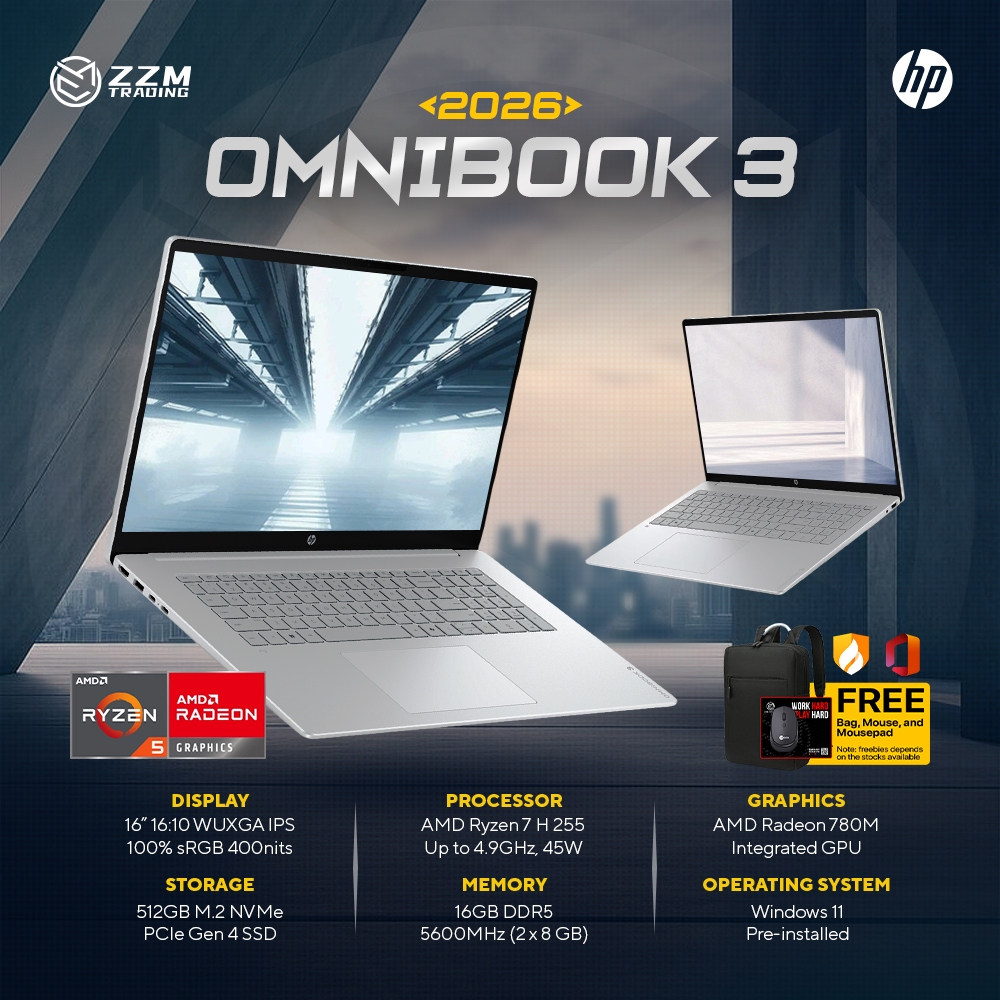
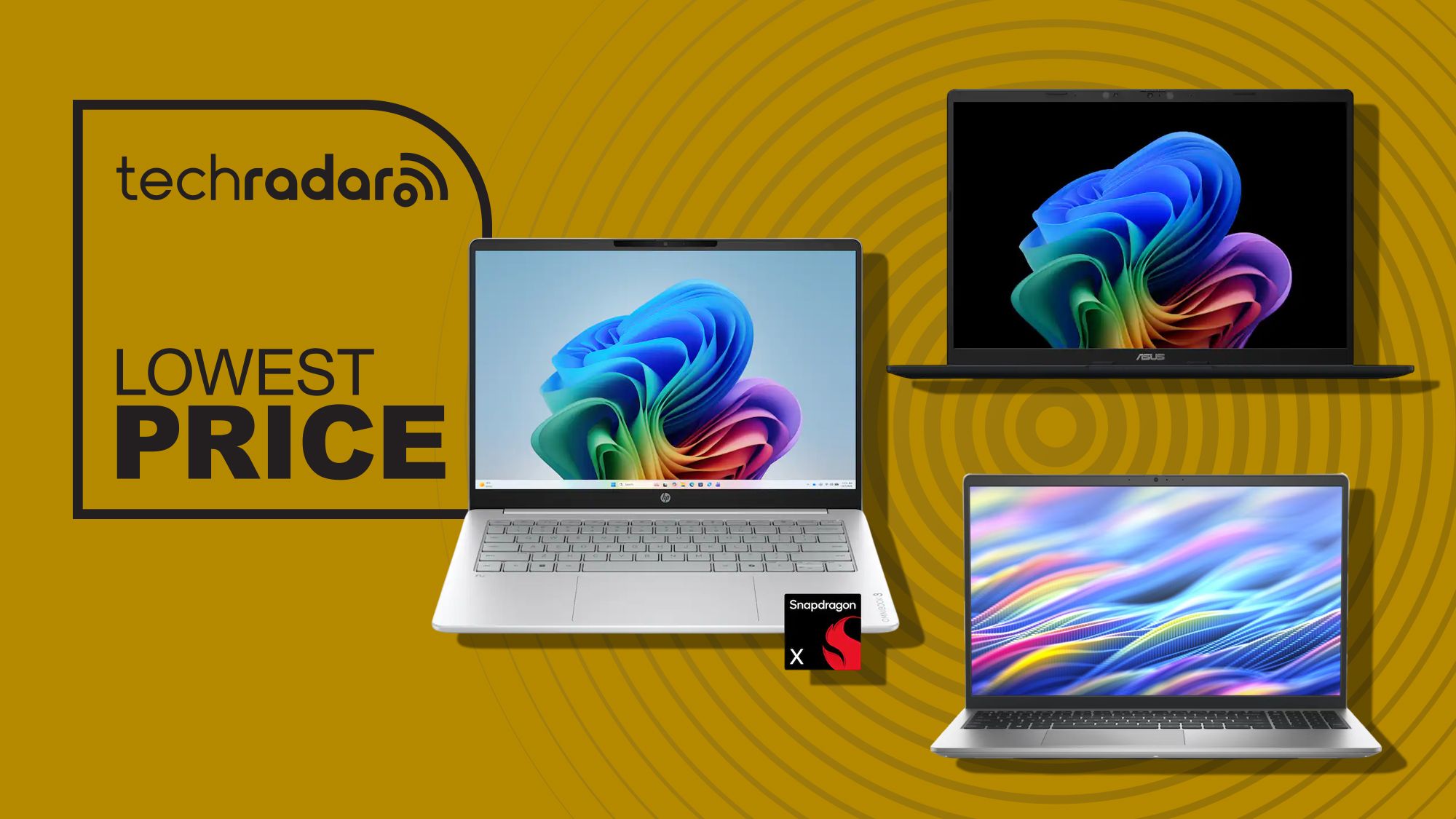
For most students, the HP OmniBook 3 is the standout choice among laptops under $600. At USD 599.99 (approx. ₱33,600), down from USD 949.99 (approx. ₱53,200), it gives you premium-grade endurance and specs at a mid-range price. Qualcomm’s Snapdragon X processor and up to 32.25 hours of battery life mean you can move from morning lectures to late study sessions without hugging a wall socket. You also get 16GB of memory and a 512GB SSD, so tabs, PDFs, and Office apps stay smooth while leaving room for years of coursework and media.
The 14‑inch 1920 x 1200 touchscreen is a big win for annotating slides or scrolling long documents, and Wi‑Fi 6E plus HDMI 2.1 make it easy to plug into fast networks and external displays. The only drawback is that it is not the lightest option here, so commuters who walk long distances between classes may prefer the Asus.
Asus Vivobook 14 – best value all‑rounder for campus life
If you want maximum value and portability from affordable Windows 11 laptops, the Asus Vivobook 14 should be your first stop. At USD 548 (approx. ₱30,700), it undercuts the HP while keeping almost all of the same core strengths. You still get the Snapdragon X processor, 16GB of RAM, and a fast 512GB PCIe 4.0 SSD, so multitasking browser tabs, video calls, and note‑taking apps remains smooth.
The 14‑inch 1920 x 1200 IPS display is sharp, bright enough for library work, and roomy for split‑screen study. Battery life is quoted at up to 29 hours, only slightly behind the OmniBook but still more than a full day of classes. At 3.28lb, it is the lightest laptop in this group, making it ideal for students who carry a backpack across campus.
You lose touchscreen input, but in exchange you keep Copilot+ PC AI features, a 45 TOPS NPU, Wi‑Fi 6E, USB4, and HDMI 2.1. If you do not care about tapping the screen and want the strongest combination of price, performance, and portability, this is the best all‑round buy among these back to school deals.
Dell 15 – bigger display and high refresh for desk‑bound students
The Dell 15 targets students who prefer a larger 15.6‑inch screen and plan to work mostly at a desk rather than on the move. Priced at USD 550 (approx. ₱30,800), down from USD 750 (approx. ₱42,100), it trades some memory for a bigger, smoother display.
An Intel Core i7‑1355U processor and a 512GB PCIe NVMe SSD give it plenty of muscle for writing essays, juggling research tabs, and streaming lectures. The Full HD 120Hz IPS panel makes scrolling long documents and timelines feel more fluid, and the extra screen space is useful for side‑by‑side windows. Connectivity is excellent: Wi‑Fi 6, USB‑A, USB‑C, HDMI, an SD card reader, and a headphone jack mean you can plug in almost anything you need.
The big compromise is memory. The base model ships with only 8GB of DDR5 RAM, which “really isn't enough in 2026” for heavy multitasking. Upgrading to 16GB pushes the price to USD 949.99 (approx. ₱53,300), which takes it well beyond the budget bracket these laptops under $600 are meant to occupy. Choose this only if you value the large, fast screen and port selection more than long‑term multitasking headroom.
| Spec | HP OmniBook 3 | Asus Vivobook 14 | Dell 15 |
|---|---|---|---|
| Price (sale) | USD 599.99 (approx. ₱33,600) | USD 548 (approx. ₱30,700) | USD 550 (approx. ₱30,800) |
| CPU | Qualcomm Snapdragon X | Qualcomm Snapdragon X | Intel Core i7‑1355U |
| RAM | 16GB | 16GB | 8GB DDR5 (base) |
| Storage | 512GB SSD | 512GB PCIe 4.0 SSD | 512GB PCIe NVMe SSD |
| Display | 14" 1920 x 1200 touchscreen | 14" 1920 x 1200 IPS | 15.6" FHD 120Hz IPS |
| Battery | Up to 32.25 hours | Up to 29 hours | Not specified |
| Weight | Not specified | 3.28lb | Not specified |
| OS | Windows 11 | Windows 11 | Windows 11 |
Premium alternative: Samsung Galaxy Book6 in the Back to School sale
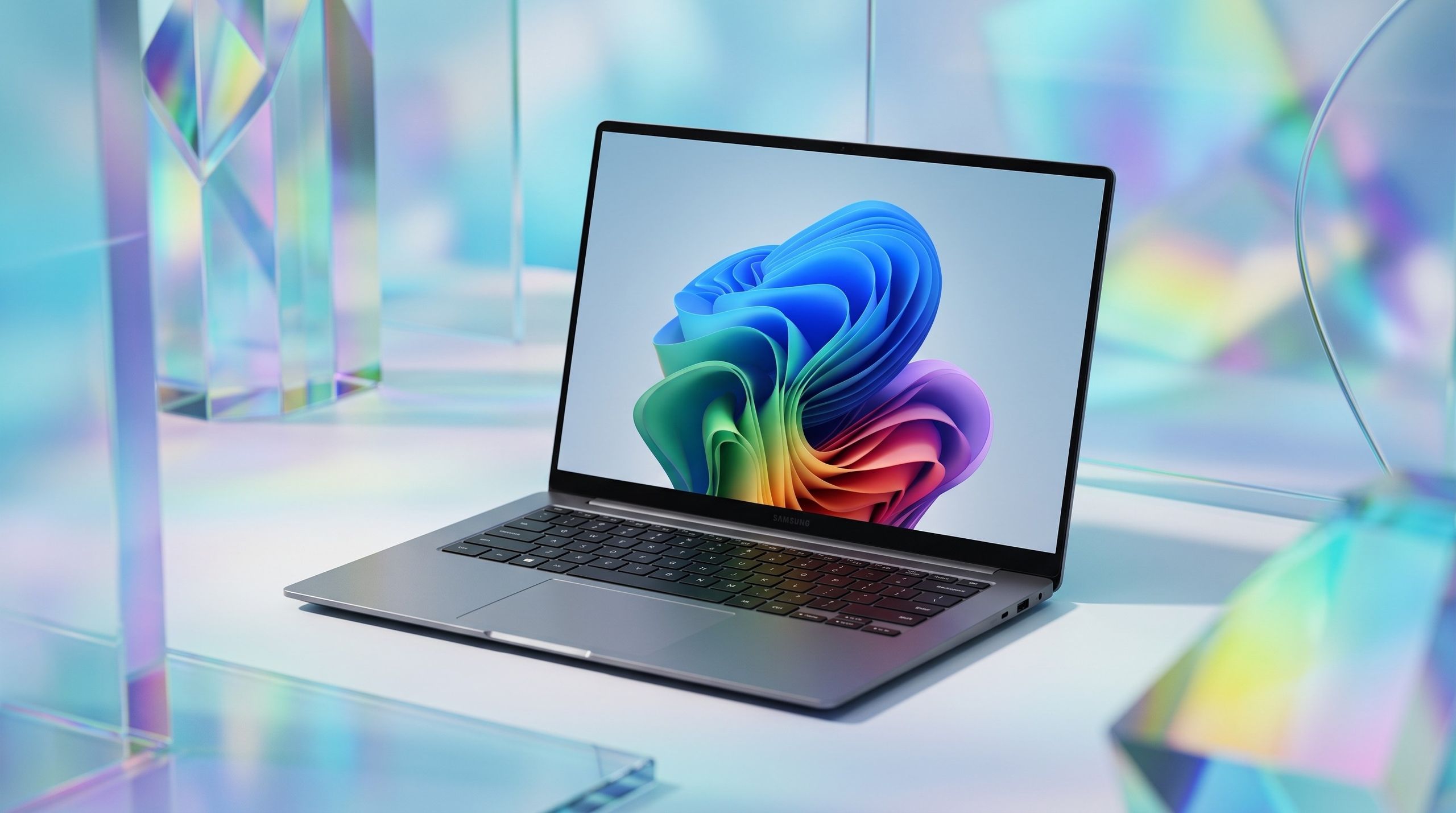
If you can stretch beyond these budget laptops students usually buy, the Samsung Galaxy Book6 is a premium step up that is heavily discounted in a major Back to School sale. Best Buy is cutting its list price from USD 1,449.99 (approx. ₱81,200) to USD 899.99 (approx. ₱50,400), a 38% saving.
You get an Intel Core Ultra 7 CPU, 16GB of RAM, and a 512GB SSD, giving you more than enough performance for demanding study workloads, Adobe Photoshop, and multiple Office apps at once without slowdown. The 16‑inch 2K LED touchscreen is a highlight, with bright, vibrant colors and sharp detail for documents and streaming. According to one customer review, “the battery easily gets me through most of the day” when used for studying, browsing, videos, and everyday work.
You also get long battery life up to 24 hours, a slim yet sturdy design, many USB and HDMI ports, microSD support, Copilot+ integration, and wireless phone linking so you can answer calls and texts on your laptop. The main limitation is its integrated graphics, which means it is not suitable for mid to high‑end PC gaming compared to the Galaxy Book6 Ultra. The Back to School sale runs from mid‑July to early September, so this upgrade window is limited.
Buy if / Skip if
- Buy the HP OmniBook 3 if you want maximum battery life, a touchscreen, and strong all‑round performance for long study days away from outlets.
- Skip the HP OmniBook 3 if you need the lightest possible laptop to carry all day; the Asus Vivobook 14 is easier on your back.
- Buy the Asus Vivobook 14 if you want the best overall value, light weight, and long battery life and do not need a touchscreen.
- Skip the Asus Vivobook 14 if your workflow depends on pen or touch input for drawing, handwriting, or direct screen annotation.
- Buy the Dell 15 if you study mostly at a desk and prefer a larger 15.6‑inch 120Hz screen plus plenty of ports under USD 600.
- Skip the Dell 15 if you run lots of heavy apps and browser tabs; its 8GB of RAM will feel tight over time.
- Buy the Samsung Galaxy Book6 if you can afford a higher price for a 16‑inch 2K touchscreen, stronger CPU, and long exam‑ready battery life.
- Skip the Samsung Galaxy Book6 if you are strictly shopping for laptops under $600 or want a machine that can play mid to high‑end PC games.