
Hasselblad Phocus Mobile Android: A Long-Delayed Upgrade for Serious Shooters
Hasselblad Phocus Mobile for Android is a professional mobile photo editing app that brings Hasselblad’s end-to-end Natural Colour Solution, AI-powered RAW noise reduction, and full image management workflow to Android devices, enabling desktop-grade professional RAW editing mobile and HDR export for owners of compatible Hasselblad cameras wherever they are. Sixteen years after Phocus first appeared on iOS, Hasselblad Phocus Mobile Android V1.0.0 is finally available, ending a long era in which Android photographers were second-class citizens in Hasselblad’s ecosystem. This isn’t a small quality-of-life update; it is a strategic move that closes a painful gap between platforms and signals that Hasselblad now sees mobile computational photography tools as part of its core professional workflow, not a mere companion novelty. If you shoot with a compatible Hasselblad body and rely on Android, your workflow options have changed in a meaningful way.
Supported Cameras and Hardware: Who Actually Benefits
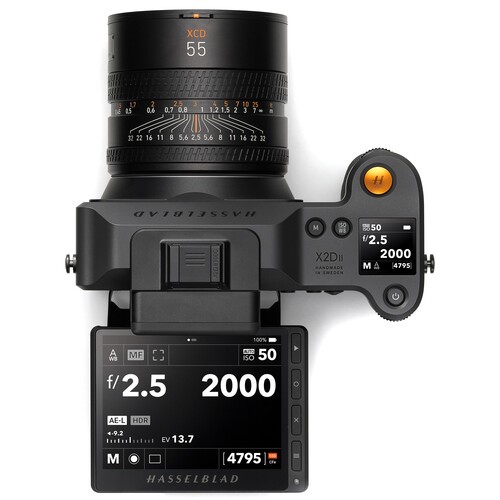
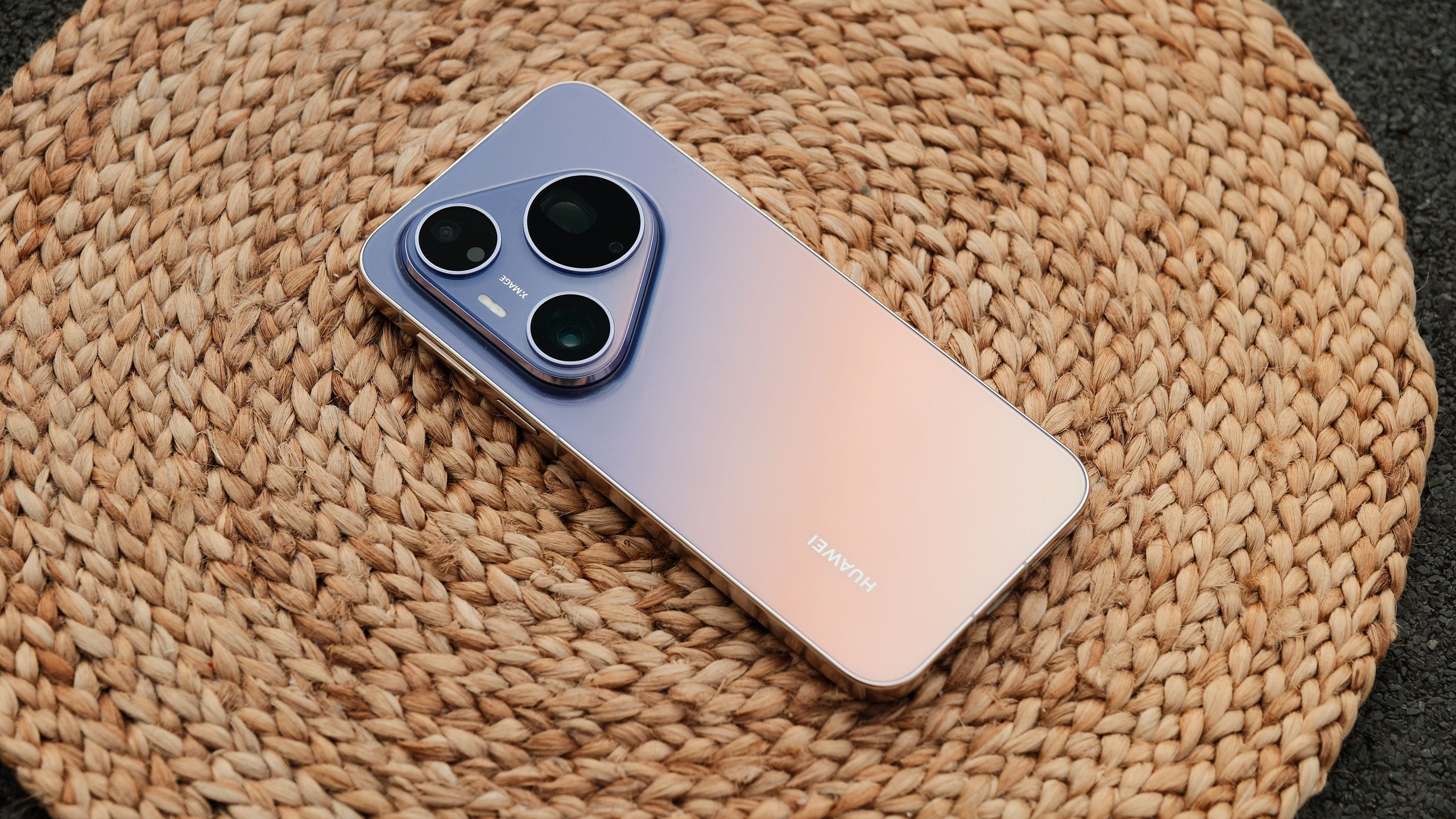
For now, Hasselblad is targeting committed system users rather than casual smartphone shooters. Phocus Mobile V1.0.0 for Android supports the X2D II 100C, X2D 100C, 907X, and CFV 100C, tying the app to Hasselblad’s modern medium-format bodies instead of treating it as a generic mobile editor. That focus makes sense: owners of these cameras are the ones most likely to need a serious mobile workflow and to care about colour consistency between desktop and pocket devices. On the Android side, the bar is high too. The app requires at least 12 GB of RAM and Android 12 or later, with Hasselblad recommending Android 16 and a Snapdragon 8 Gen 3 or newer for the best colour and editing experience. In other words, Phocus Mobile Android is clearly designed for flagship phones and tablets. That decision will disappoint users on older hardware, but it avoids the sluggish performance that often ruins professional mobile tools.
Desktop-Grade Workflow: RAW Editing and Computational Photography Tools
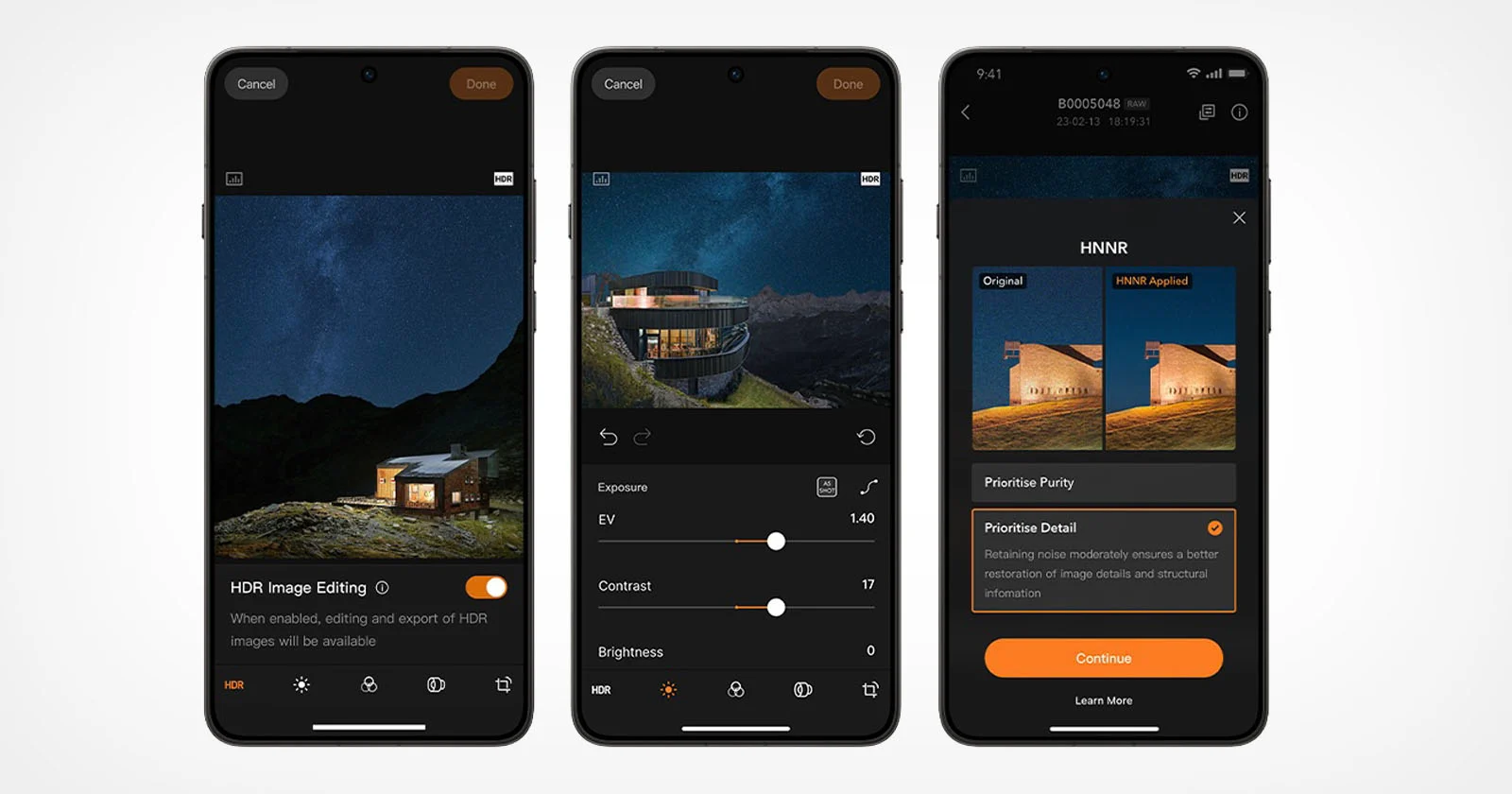
The real story is not that Android got an app; it’s that Android finally got Hasselblad’s full colour and computational stack. Phocus Mobile for Android delivers the complete Hasselblad Natural Color Solution (HNCS) experience on mobile, combining AI-powered noise reduction with a comprehensive editing suite and photo management tools. Photographers can review, edit, organize, and export images directly on their device, keeping true-to-life colours, smooth tonal gradation, and rich highlight detail from preview to final export. The app supports HDR display on compatible Android devices and can export HDR photos from the X2D II 100C as Ultra HDR JPG, while RAW files can be exported as Ultra HDR JPG or HDR TIFF. This is not a watered-down companion: it is a real computational photography toolkit built around Hasselblad Natural Noise Reduction (HNNR), an AI-powered RAW noise reduction solution trained on hundreds of thousands of Hasselblad images.
Noise Reduction Modes and Editing Tools: Where Android Catches Up
Android users finally get the same noise-handling intelligence that iOS users have enjoyed for years. When shooting at high ISO in low light, the AI-powered RAW noise reduction algorithm produces cleaner, more natural-looking images while preserving fine detail, taking around 15 to 20 seconds for a 100MP RAW image. Hasselblad’s HNNR offers two processing modes: Purity Mode, which prioritizes noise suppression for a cleaner result, and Detail Mode, which keeps luminance noise to retain micro-textures and fine image detail. On top of that, Phocus Mobile for Android contains a full suite of editing tools: exposure, curves, white balance, monochrome correction, lens correction, noise reduction, sharpening, cropping, rotation, and keystone correction, with batch application of settings. Images can be imported via Wi‑Fi or USB‑C, and exported in JPG, TIFF, HEIF, 3FR, and RAW formats. This is the level of control mobile photographers have been demanding on Android for years.
Closing the iOS–Android Gap (With One Notable Caveat)
Phocus has been available on iOS for years and was upgraded to Phocus Mobile 2 back in August 2020, with six more years passing before Android users received similar support. That long delay created a two-tier ecosystem that undermined Hasselblad’s claim to a unified professional experience. With Phocus Mobile Android, that split finally narrows: Android users can now review, edit, organize, and export images wherever they are, confident that colour and tonal precision will match the desktop workflow. However, parity is not complete. Mobile phone tethering, which arrived with Phocus Mobile 2 on iOS, is missing from the Android release. For now, that omission means iOS still has an edge in live shooting workflows. Even so, Phocus Mobile V1.0.0 for Android, available today for free, marks a clear shift: Hasselblad is no longer treating Android as an afterthought, and that is good news for the future of serious mobile photo editing app ecosystems.