
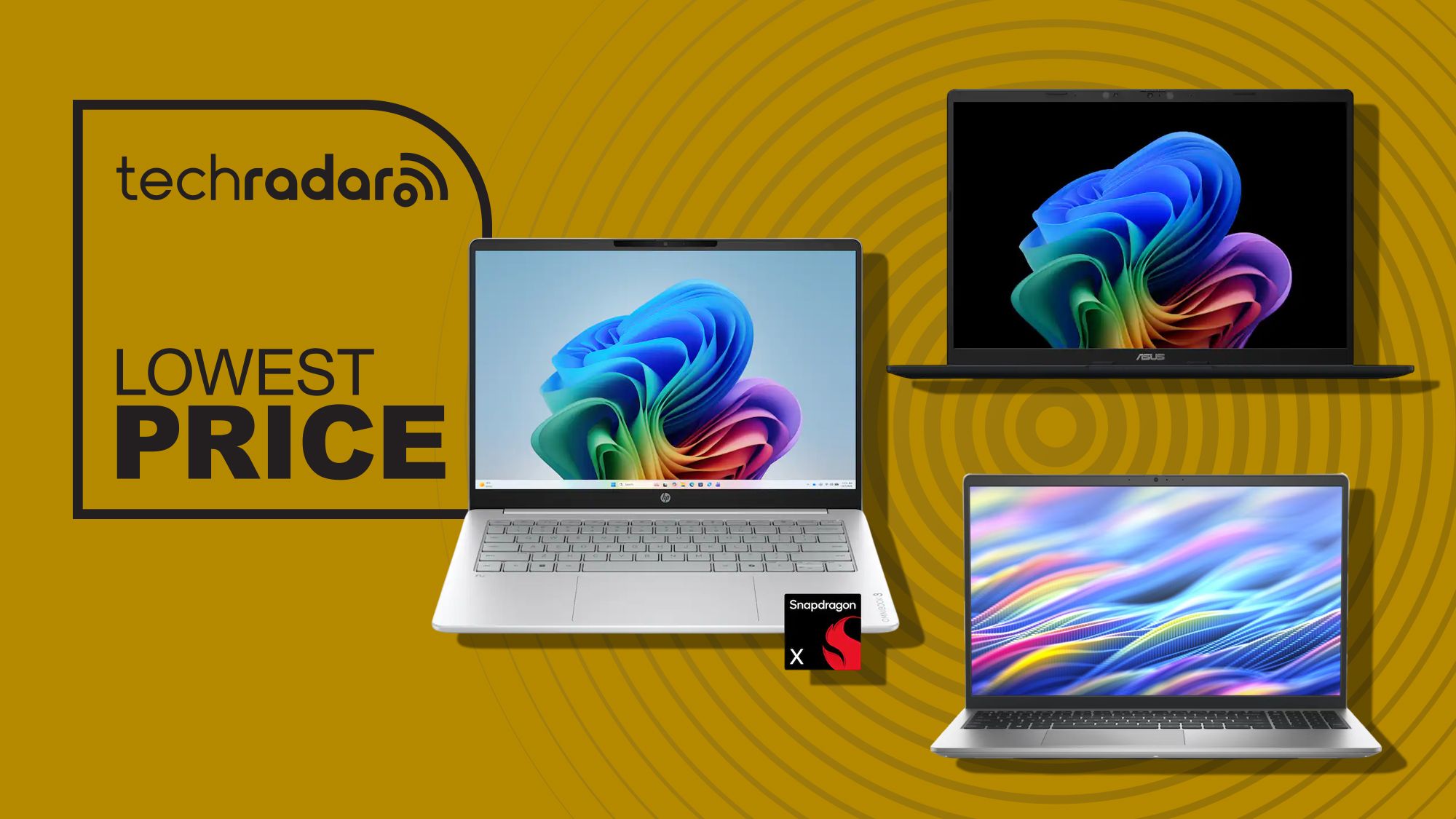

Are these sub-$600 Windows 11 laptops worth it?
Laptops under 600 are budget work laptops and student laptop deals that promise enough power for everyday tasks such as web browsing, office documents, video calls, and light creative work, without the cost of premium ultrabooks or the limitations of basic Chromebooks. The three Windows 11 laptops highlighted here focus on long battery life, decent screens, and solid storage, aiming to give office workers and students reliable machines for at least a few years of work and study.
If you want the quick verdict: these are good deals for people who live in Office, Teams, and browsers, but not for heavy multitaskers or creative pros. The HP OmniBook 3 17.3-inch model at Amazon drops to USD 449.99 (approx. ₱25,200) from a USD 729.99 (approx. ₱40,800) list, a 38% discount that makes a big-screen home and productivity machine far more affordable. The Snapdragon-based OmniBook 3, Asus Vivobook 14, and Dell 15 options around USD 548–599.99 (approx. ₱30,700–₱33,600) slot neatly into the budget work laptops category and compete well with more expensive Windows 11 laptops for everyday use.
| Laptop | Original price | Current price | Retailer |
|---|---|---|---|
| HP OmniBook 3 (17.3" Ryzen) | USD 729.99 (approx. ₱40,800) | USD 449.99 (approx. ₱25,200) | Amazon |
| HP OmniBook 3 (14" Snapdragon) | USD 949.99 (approx. ₱53,100) | USD 599.99 (approx. ₱33,600) | Best Buy |
| Asus Vivobook 14 | Not stated (was higher) | USD 548 (approx. ₱30,700) | Best Buy |
| Dell 15 Laptop | USD 749.99 (approx. ₱41,900) | USD 549.99 (approx. ₱30,800) | Dell |

HP OmniBook 3: Big-screen browsing or all-day mobile worker?
There are effectively two HP OmniBook 3 deals to think about: a 17.3-inch Ryzen model tailored for home use, and a 14-inch Snapdragon X version tuned for all-day mobility. The 17.3-inch OmniBook 3 at Amazon offers a Full HD IPS display with a wide 178-degree viewing angle, up to 300 nits brightness, and 1080p resolution, plus 62.5% sRGB coverage, which suits streaming, web browsing, and schoolwork more than colour-critical content creation. Under the hood you get an AMD Ryzen 3 30 processor, AMD Radeon 610M graphics, 8GB RAM, and a 512GB SSD, running Windows 11.
According to one source, this HP OmniBook 3 is “a solid, affordable midrange laptop” with over 14 hours of battery life and fast charging to 50% in 45 minutes. That makes it a strong pick for casual browsing, school assignments, and media consumption, especially if you prefer a large screen. Meanwhile, the Snapdragon-based OmniBook 3 at another retailer costs USD 599.99 (approx. ₱33,600), down from USD 949.99 (approx. ₱53,100), and comes with 16GB of memory, a 512GB SSD, and a 14-inch 1920 x 1200 touchscreen, plus Wi‑Fi 6E and HDMI 2.1. With up to 32.25 hours of battery life, it is clearly aimed at office professionals and students who work long days away from power.
Asus Vivobook 14 and Dell 15: Compact student laptops or balanced all-rounders
The Asus Vivobook 14 sits right in the heart of student laptop deals. Priced at USD 548 (approx. ₱30,700), it matches the Snapdragon X processor of the OmniBook 3 with 16GB memory and a 512GB PCIe 4.0 SSD, plus a 14-inch 1920 x 1200 IPS display. You lose a touchscreen, but keep Copilot+ PC AI features, a 45 TOPS NPU, Wi‑Fi 6E, HDMI 2.1, and USB4, with up to 29 hours of battery life. At 3.28lb, it is the lightest system in this group, ideal for students moving between classes or commuters carrying a laptop daily.
The Dell 15 Laptop, discounted from USD 749.99 (approx. ₱41,900) to USD 549.99 (approx. ₱30,800), targets users who prefer a larger screen and more traditional Intel setup. It uses a 13th Gen Intel Core i7‑1355U processor, a 15.6-inch Full HD 120Hz IPS display, and a 512GB PCIe NVMe SSD, plus Wi‑Fi 6, USB‑A, USB‑C, HDMI, SD card reader, and a headphone jack. The clear compromise is memory: with only 8GB DDR5, it will feel tight for heavy multitasking, and upgrading to 16GB pushes the price to USD 949.99 (approx. ₱53,100). For straightforward schoolwork and everyday computing, though, it remains a dependable option among Windows 11 laptops under 600.
Which sub-$600 laptop is the best fit for work and study?
All three laptops under 600 focus on productivity and study rather than gaming or demanding creative workloads. One source notes that there are “plenty of big-brand Windows 11 machines under $600 right now that can handle productivity tasks, schoolwork, creative projects, and everyday use without issue, and will stay useful well beyond the next school year.” The Snapdragon-based HP OmniBook 3 and Asus Vivobook 14 lean hardest into battery life and AI-ready specs, while the Dell 15 offers a fast 120Hz display and a strong Intel CPU but is hampered by 8GB RAM. The 17.3-inch Ryzen OmniBook 3, meanwhile, plays the role of a big-screen home and family laptop, with enough power for browsing, schoolwork, and streaming, and a strong discount that makes it a compelling budget work laptop.
Multiple retailer options also work in your favour. The big-screen OmniBook 3 deal appears at Amazon, while the Snapdragon-based OmniBook 3 and Vivobook 14 are available through an electronics retailer, and the Dell 15 comes directly from Dell. That spread gives you some flexibility for stock, shipping, and potential price matching. If you want the lightest Windows 11 laptop with long battery life, the Vivobook 14 is hard to beat. If you need the longest battery and a touchscreen, the Snapdragon OmniBook 3 is the standout. For a large, affordable display at home, the Ryzen OmniBook 3 makes sense, while the Dell 15 is for those who value a 120Hz 15.6-inch panel and are willing to live with 8GB RAM or pay more later.
Buy if / Skip if
- Buy the HP OmniBook 3 if you want a big 17.3-inch Windows 11 laptop for home browsing, schoolwork, and streaming at a strong discount.
- Skip the HP OmniBook 3 if you need colour-accurate graphics work or more than 8GB RAM for heavy multitasking.
- Buy the Asus Vivobook 14 if you are a student who values light weight, long battery life, and Copilot+ PC AI features in a compact Windows 11 laptop.
- Skip the Asus Vivobook 14 if you specifically need a touchscreen for drawing, annotations, or accessibility reasons.
- Buy the Dell 15 Laptop if you want a 15.6-inch 120Hz display, plenty of ports, and a strong Intel Core i7 for everyday work and study.
- Skip the Dell 15 Laptop if 8GB RAM is not enough for your workloads or you are unwilling to pay much more for a 16GB upgrade.
- Buy the HP OmniBook 3 Snapdragon model if you are an office worker or student who spends long days away from power and wants up to 32.25 hours of battery life.
- Skip the HP OmniBook 3 Snapdragon model if you do not need the touchscreen and can save with the slightly cheaper Vivobook 14.





