
iOS 27 Is More Than Siri AI—and That’s the Point
iOS 27 is the latest major iPhone software update whose public beta combines a revamped Siri AI with visual, media, and cross‑device upgrades that quietly reshape everyday use across iPhone, CarPlay, and Apple Watch while Apple Intelligence works in the background.
The public beta arrives with the expected AI-powered Siri and deeper Apple Intelligence integration, but framing iOS 27 new features only as an AI story misses the real value. The update is a lifestyle release: it touches how your screen looks, how your car behaves when parked, and how your Watch fits into that system. From new Liquid Glass design controls to under-the-radar tweaks in Music, Photos, and Clock, Apple is quietly shipping features people will feel dozens of times a day, long after the novelty of talking to a smarter assistant fades.
Liquid Glass Design: A Real Upgrade You’ll See All Day
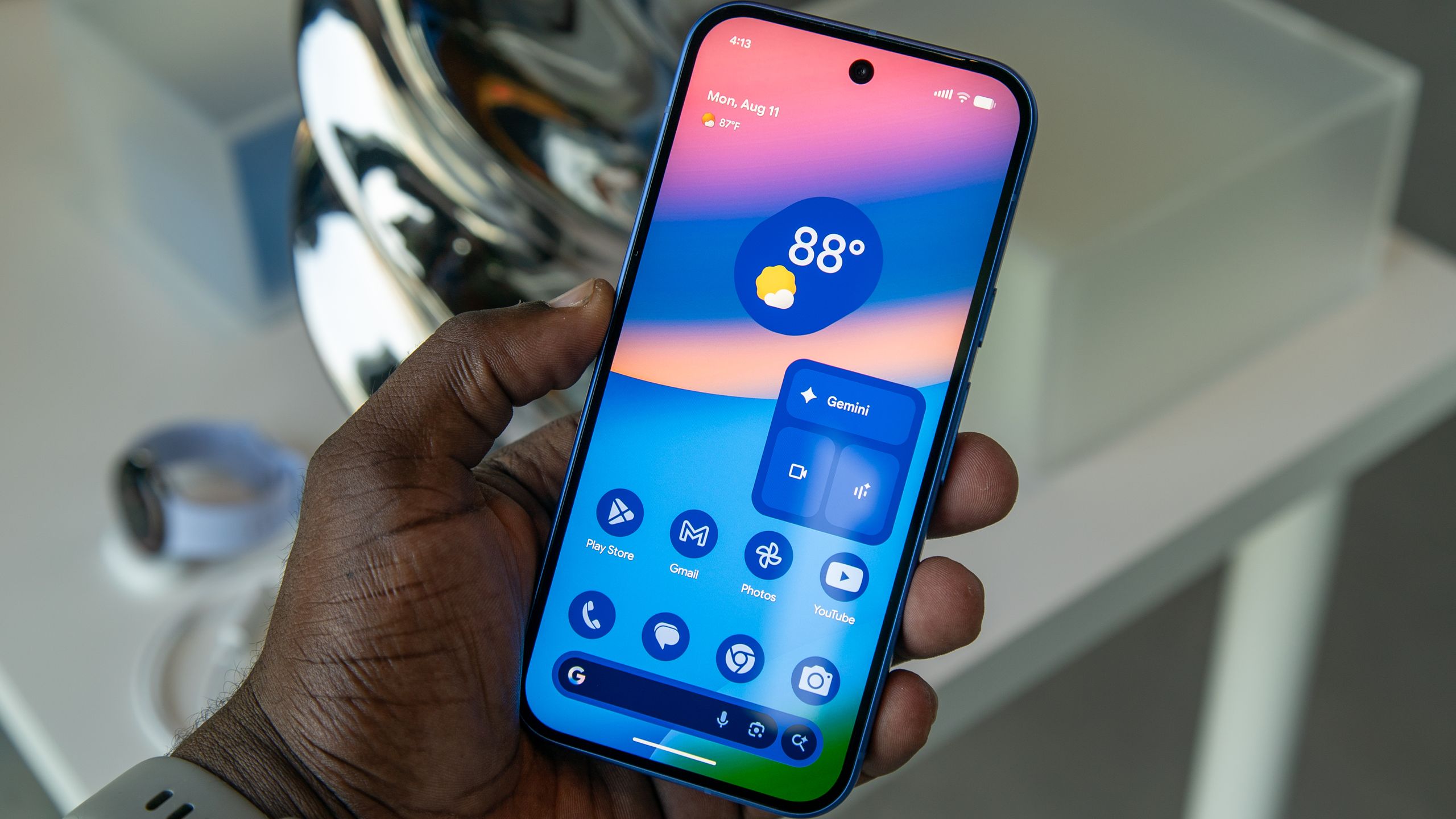
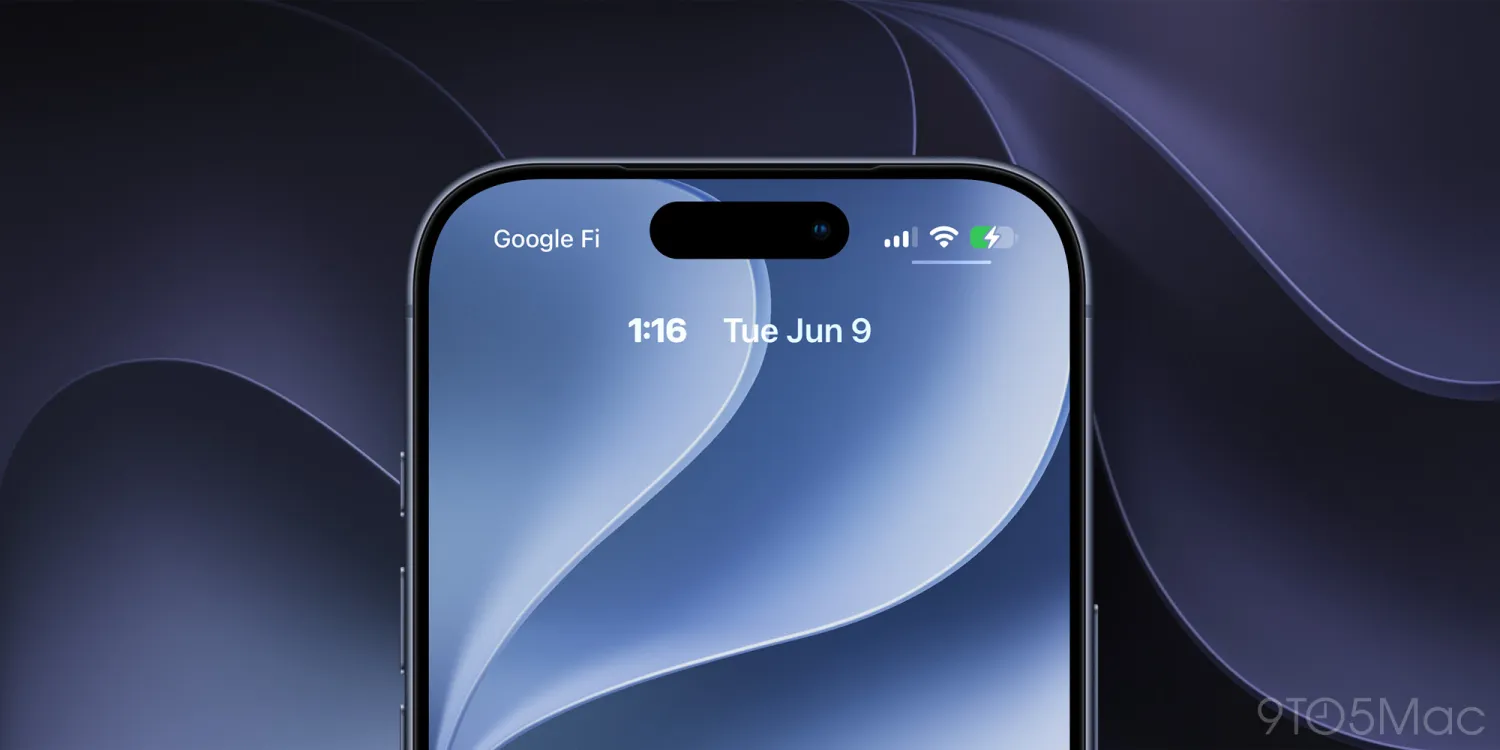
Apple is using iOS 27 to push a genuine visual reset through the Liquid Glass design system, and it deserves as much attention as any chatbot. The public beta includes new Liquid Glass customization options, which means more control over how translucent elements bend light and color across your Home and Lock Screens. According to the iOS 27 coverage, "Liquid Glass has been updated to focus on readability with more uniform refraction and better contrast," which is the part that matters for daily use—not just aesthetics.
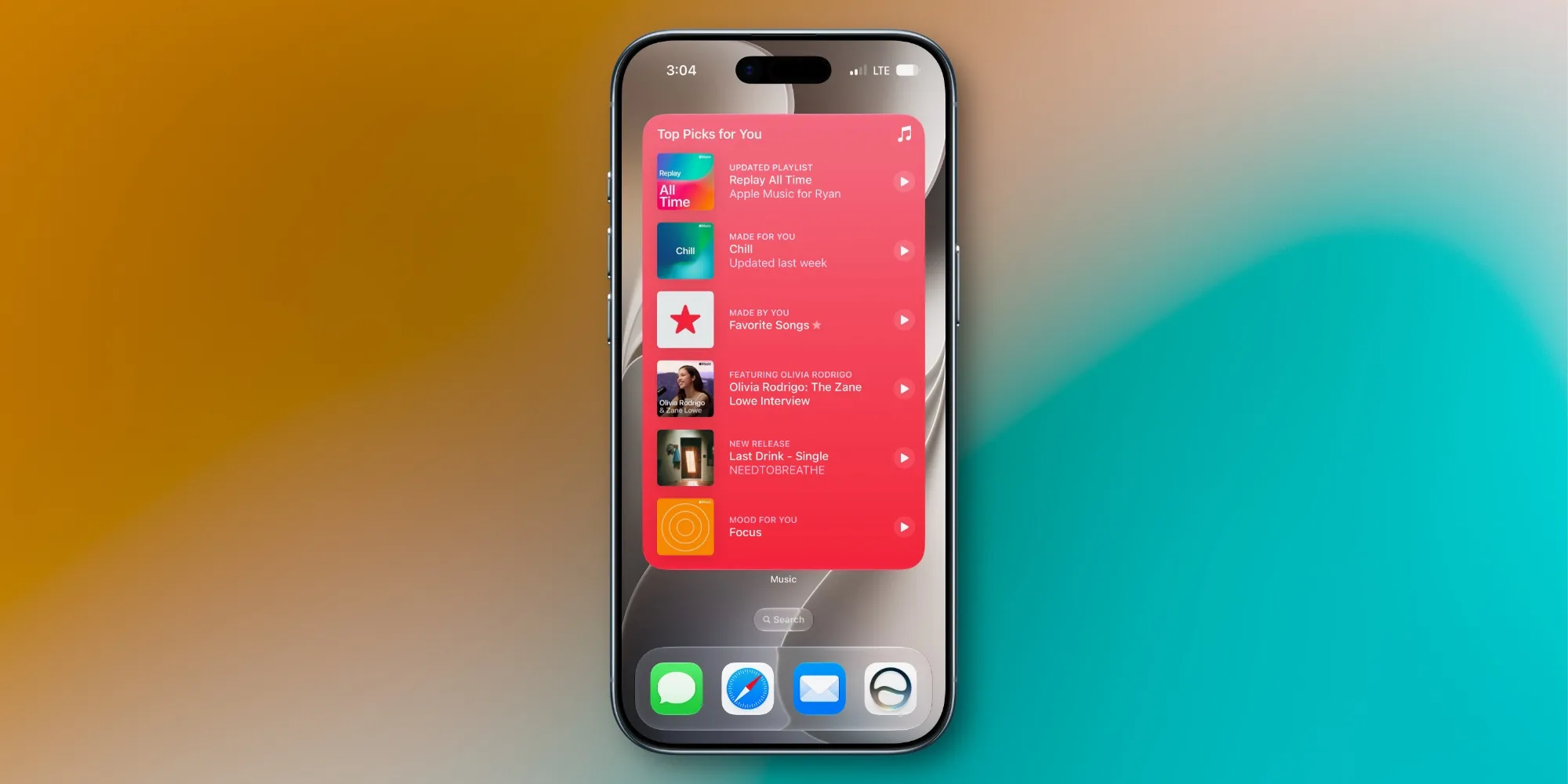
In plain terms, your widgets and system panels should be easier to read in bright environments, while still feeling modern and fluid. This ties neatly into the extra-large widget size on the Home Screen and the ability to move the Lock Screen clock so it no longer blocks your wallpaper. These are small changes on paper but big ones for people who actually stare at their phones for hours: better contrast, better layout, less visual noise. That is far more valuable than yet another AI demo.
CarPlay Video Playback: A Parked-Car Perk With Real Potential
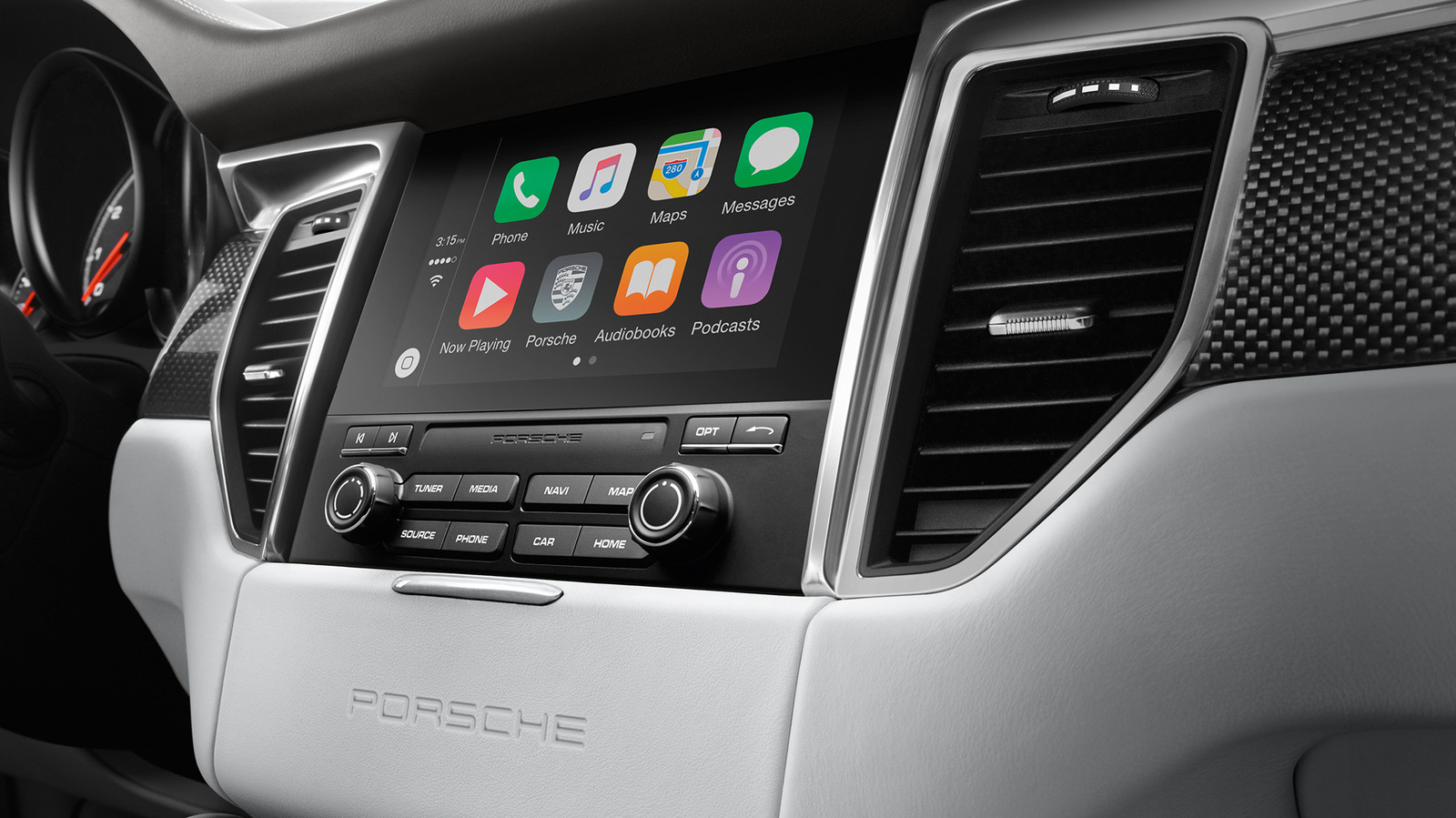
One of the boldest but most underplayed iOS 27 new features is native video browsing and playback in CarPlay when the vehicle is parked. Video on CarPlay is not brand new—Apple had already introduced video mirroring from an iPhone using AirPlay in iOS 26.4—but that approach depended on individual apps and finicky support. You had to enable AirPlay in supported apps, select your vehicle’s CarPlay system as a mirroring source, and hope the video appeared on the car display.
The new iOS 27 CarPlay video playback model is smarter and safer by design. Automakers must explicitly implement CarPlay video functionality to meet hardware demands and, critically, to detect when the vehicle is parked. That constraint is the feature: it aims to keep video as a parked-car indulgence, not a driver distraction. Today, no automaker is loudly shipping this, but as support trickles in, this could turn your dashboard into a legitimate screen for waiting in lots, charging, or killing time—without balancing your iPhone on the steering wheel.
watchOS 27: The Watch Finally Joins the New Siri Era
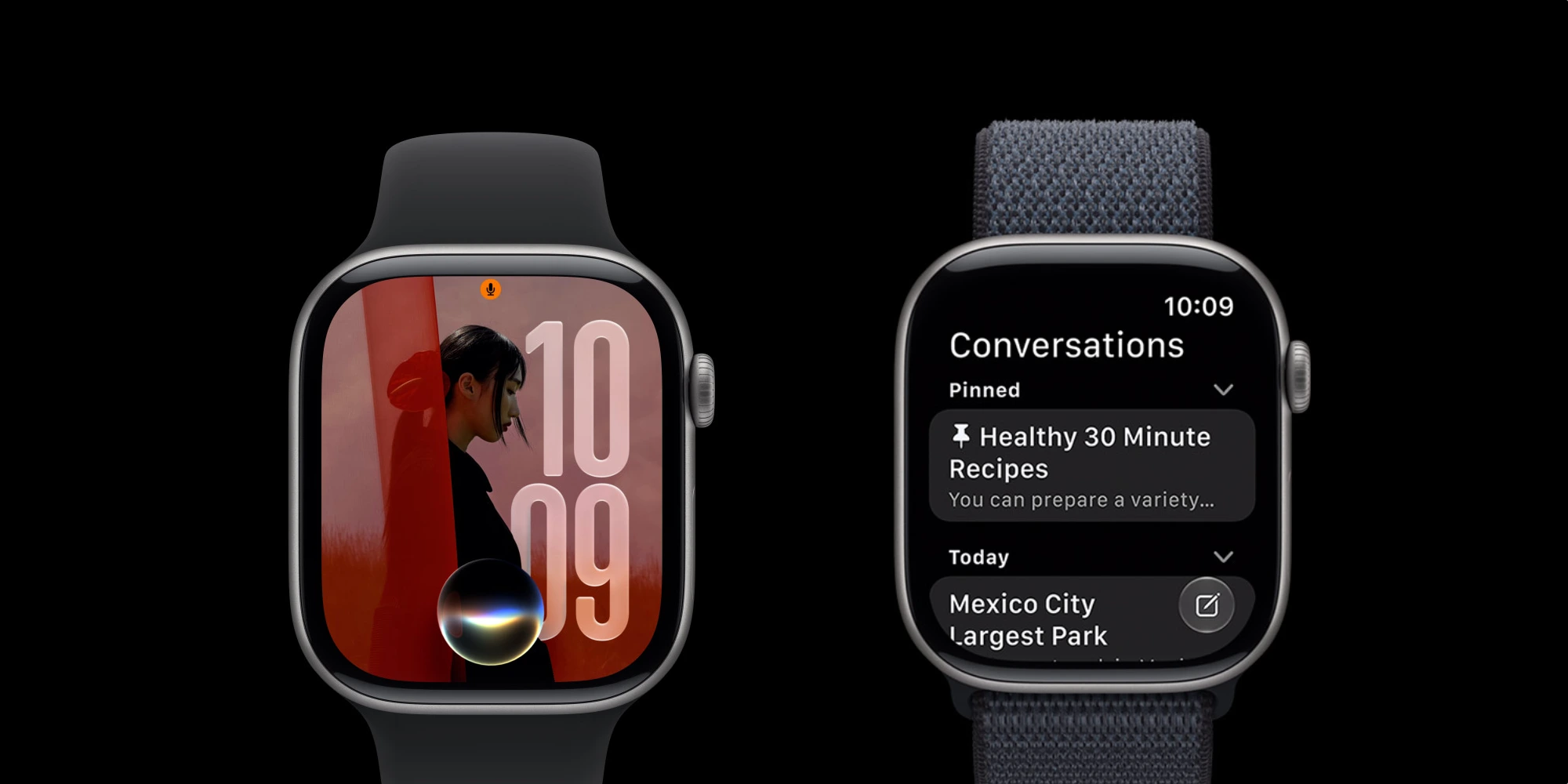
While iPhone headlines chase iOS 27, watchOS 27 features might be the real story for many people. The update “packs some great new features” and is rolling out this fall after a period in developer and public beta. Its flagship addition is Siri AI: Apple Watch is finally gaining access to the redesigned and enhanced Siri that launched elsewhere two years ago.
There is now a dedicated Siri app on watchOS that syncs with the Siri app on iPhone, iPad, Mac, and Apple Vision Pro, so assistant behavior feels consistent across your devices. Beyond Siri AI, watchOS 27 introduces a dynamic app grid triggered by the Digital Crown with six Siri-suggested apps, plus upgrades to Workout Buddy and more advanced Cycle Tracking with perimenopause and menopause support. This is the kind of integration that turns the Watch from a notification sidekick into a more independent part of your Apple setup—less about novelty, more about continuity.
The Unsung Daily Wins: Music, Photos, and Clock Tweaks
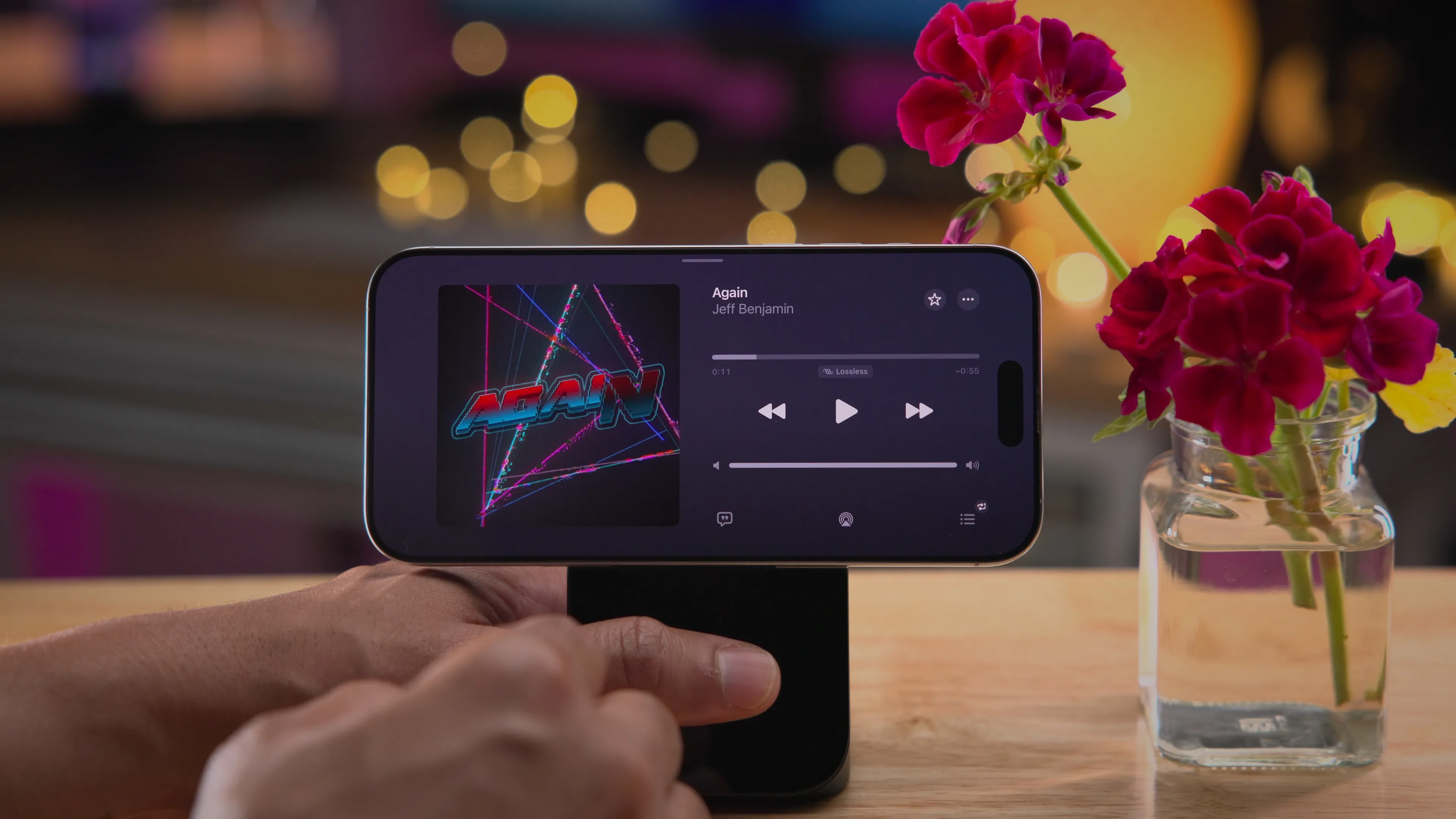
The most convincing case for iOS 27 is in the non-AI features people will touch every single day. One detailed rundown of the update notes that the Music app’s AutoMix now has new transitions that feel “noticeably better and more immersive,” while iCloud Shared Albums finally support full-resolution sharing in Photos. That alone removes a quiet frustration for people who care about image quality when sharing.
Practical quality-of-life tweaks keep coming. You can now set an independent volume for alarms in the Clock app so alarms and timers no longer match your ringtone volume, a change buried in Sounds & Haptics settings. Add an extra-large widget size for apps like Music, Photos, Weather, and Calendar, plus the ability to swipe away the Now Playing widget and move the Lock Screen clock, and a pattern appears: iOS 27 is less about gimmicks and more about respecting how people actually use their phones. AI may sell the update, but these small fixes will make you want to keep it.