
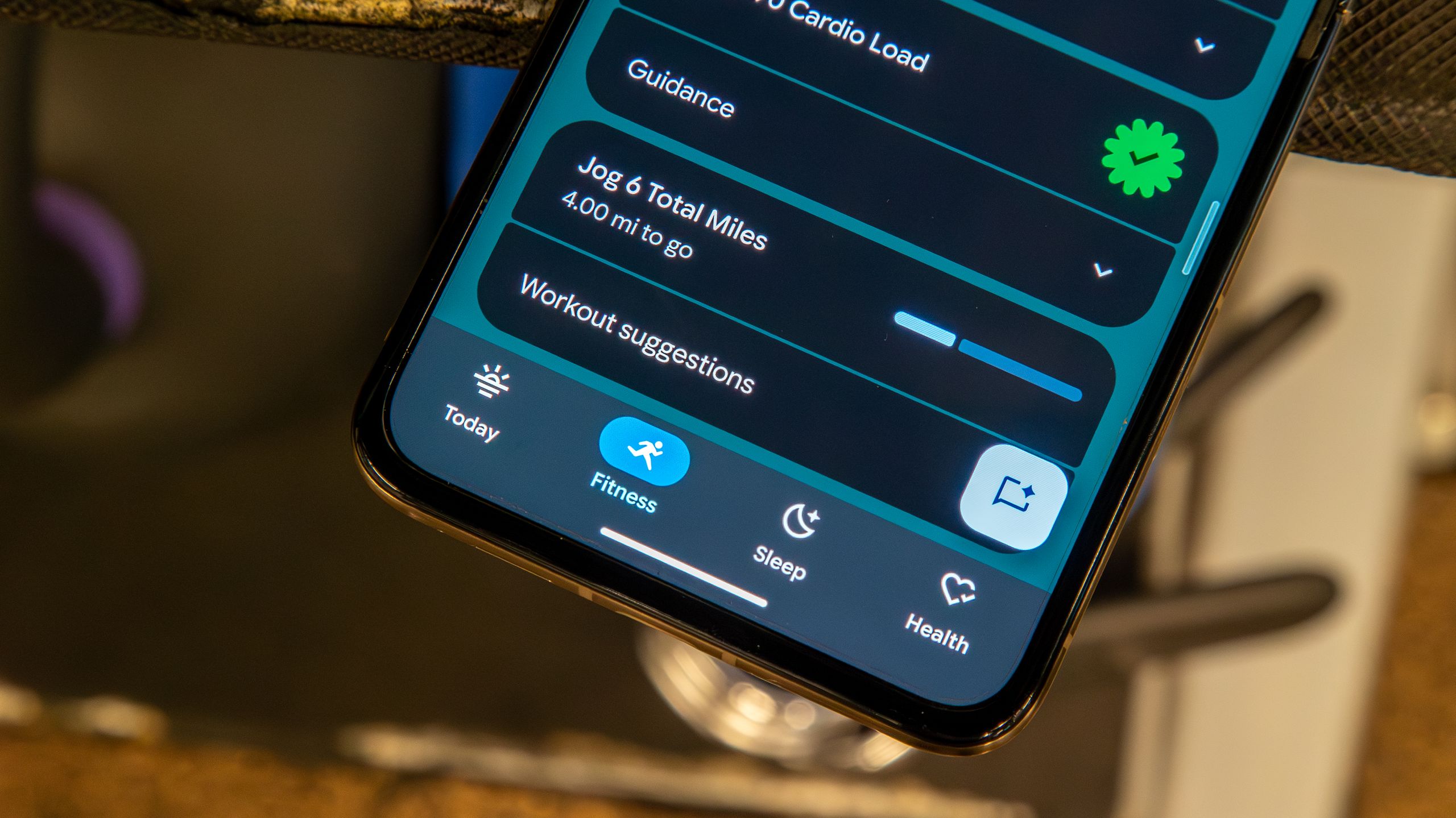

Google Health’s New Focus: A Dashboard for Real-Life Health
The latest Google Health app update on Android is a redesign of the Today tab that turns it into a customizable dashboard for health stats, expanding beyond steps and workouts to include detailed metrics, nap-aware sleep tracking, and a clearer view of your daily wellbeing in one glance-friendly screen.
This overhaul matters because it changes what the app thinks is important. Instead of hiding advanced Android health stats in nested menus, Google is moving a “massive selection of metrics” from the Health tab onto the main Today tab, where people actually live day to day. This is not a cosmetic health app redesign; it’s a statement that heart rate variability and sleep patterns deserve the same prominence as step counts.
At the same time, Google has been forced to confront reliability. Users recently ran into syncing and pairing problems in the Google Health app, and those issues have now been fixed according to the service’s status page. Putting more data on screen is only useful if that data is accurate and up to date.
Tiles, Metrics, and a Smarter Today Tab
The headline change in this Google Health app update is tiles—lots of them. The Today tab is “receiving a major selection of metric tiles” that users can add and rearrange once version 5.03 lands on their devices. This is Google finally admitting that health isn’t one-size-fits-all.
You can now surface tiles for heart rate variability, breathing rate, oxygen saturation (SpO2), resting heart rate, skin temperature variation, blood glucose, mindful days, mindful minutes, resilience, macronutrient intake, and even a friend leaderboard. It turns the Today tab into a personalized control panel for fitness tracking features, instead of a generic activity feed.
Crucially, Google says that every new metric tile on the Today tab is also available in the Health tab, and adding them to Today “serves to give users a glanceable spotlight into the metrics that matter and to track goals, milestones, etc.” The redesign is about faster decisions: you glance, you see whether you’re on track, and you adjust your day accordingly.
Nap Tracking Grows Up: Sleep Is Now a 24-Hour Story
The most quietly important change is how Google Health treats sleep. Main sleep session stats will now include naps of 20 minutes or more, and those naps count toward your 24-hour total sleep duration. For people who rely on short recovery sleeps—shift workers, parents, athletes—this is overdue.
Previously, nap recording arrived as a background feature, but now it is integrated into the core sleep view. Users can find these aggregated stats in the Sleep tab, which displays trends for their main sleep session while folding naps into the total. The Today tab still only shows the main sleep session, which is a sensible compromise: it keeps the dashboard clean while allowing deeper analysis in the dedicated sleep section.
This is what modern fitness tracking features should do: respect how people actually rest. Instead of pretending everyone sleeps once, perfectly, at night, Google is acknowledging fragmented sleep realities and counting all meaningful rest toward recovery.
A Redesign That Finally Puts Key Stats Within Reach
Beyond new tiles and nap logic, this health app redesign is about control. Android users gained tools to “re-order Key Metrics,” including a long-press gesture to drag stats anywhere they want on the screen. That June reorganization patch laid the groundwork for this July expansion, turning the Today tab into a board you can arrange around your priorities.
This focus on glanceable information isn’t accidental: “The point of this is convenience,” as one analysis put it. Wearable and app users want to see the right thing at the right moment—resting heart rate before a workout, blood glucose before a meal, sleep trends after a rough night. The new layout supports that by improving data visualization and accessibility, especially for health-conscious users who track multiple metrics daily.
Importantly, Google is also cleaning up the experience around workouts. The latest patch notes mention fixes for swimmers who were seeing incorrect distances and units during exercises and a correction for elevation discrepancies with Strava. A dashboard is only as strong as the data feeding it, and this update shows Google is finally tackling both sides: interface and integrity.
Reliability, Rollout, and What Comes Next for Google Health
No redesign can succeed if the app fails at the basics, and Google Health’s recent wobble proved it. Earlier on the same day as the patch notes, users reported syncing and pairing issues with the app; later, Google’s own status page confirmed that “the syncing/pairing issue has been fixed.” That sequence underscores how fragile trust can be when your health data lives in the cloud.
Version 5.03 is rolling out this week on Android and iOS, bringing the new Today tab tiles and sleep changes to both platforms. According to the patch notes, iOS is catching up to features Android received in June, including Hourly Activity, re-ordered key metrics, nap recording, and food search. This is a rare moment of alignment: no matter which phone you use, the core experience is converging.
The takeaway is simple: Google Health is moving from a basic fitness tracker to a more serious health companion. For power users, the update is a win—more metrics, more customization, better sleep insight. For everyone else, it raises the bar for what a health app should do: show the right stats, count every meaningful nap, and stay reliably in sync.





