
The One App Everyone Should Install First: Material Files
Open source Android apps are privacy focused alternatives to default Google app replacements that give you more control over data and performance without subscriptions or tracking. If you install only one tool from this guide, make it Material Files. It replaces Files by Google with a faster, more flexible file manager that respects your privacy and your time. Built by a single developer, it is a completely free, open-source file manager for Android with no ads whatsoever, so there are no subscription fees or hidden data collection hooks. In day-to-day use, it opens folders faster than Google’s app and populates thumbnails quickly, which makes large photo and document libraries far less painful to manage. For power users, it supports root access and network connections like FTP, SFTP, SMB, and WebDAV without any cloud login requirement.
Material Files is ideal if you want to de-Google your phone without losing convenience: you can customize layout, apply Material You themes, and even set folder-specific views, such as switching a photo-heavy directory into a grid view only for that folder. This is where a solo developer matches and exceeds a full corporate team on speed, customization, and privacy. The main trade-off is cloud integration: you will miss instant access to Google Drive and other Google services that are baked into Files by Google. However, you gain tighter control over local storage and less background data chatter, which makes it a better fit for anyone who values free Android privacy apps over deep Google integration.
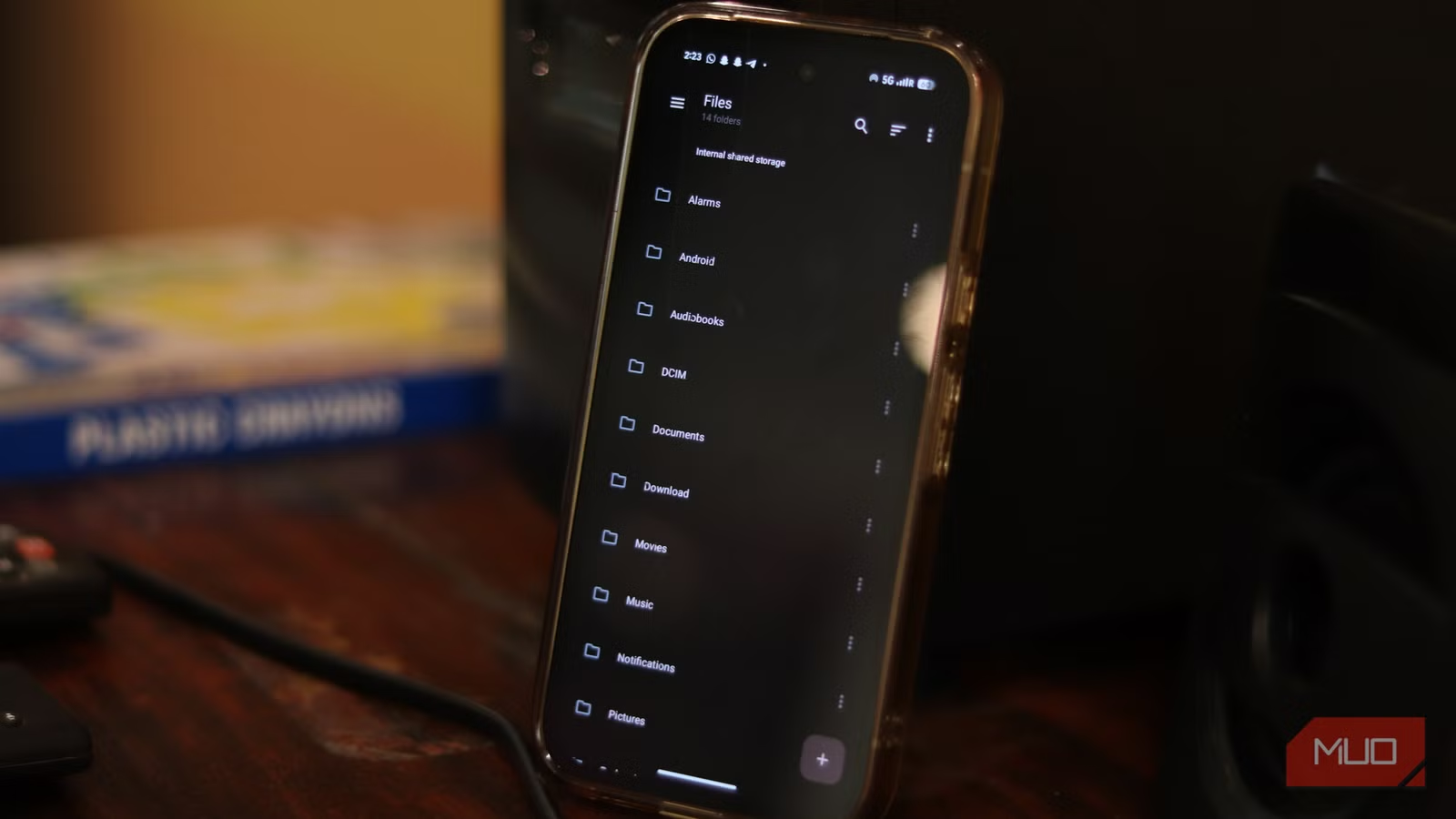
Photo U and Clipboard: Clean Photos, Smarter Copy-Paste
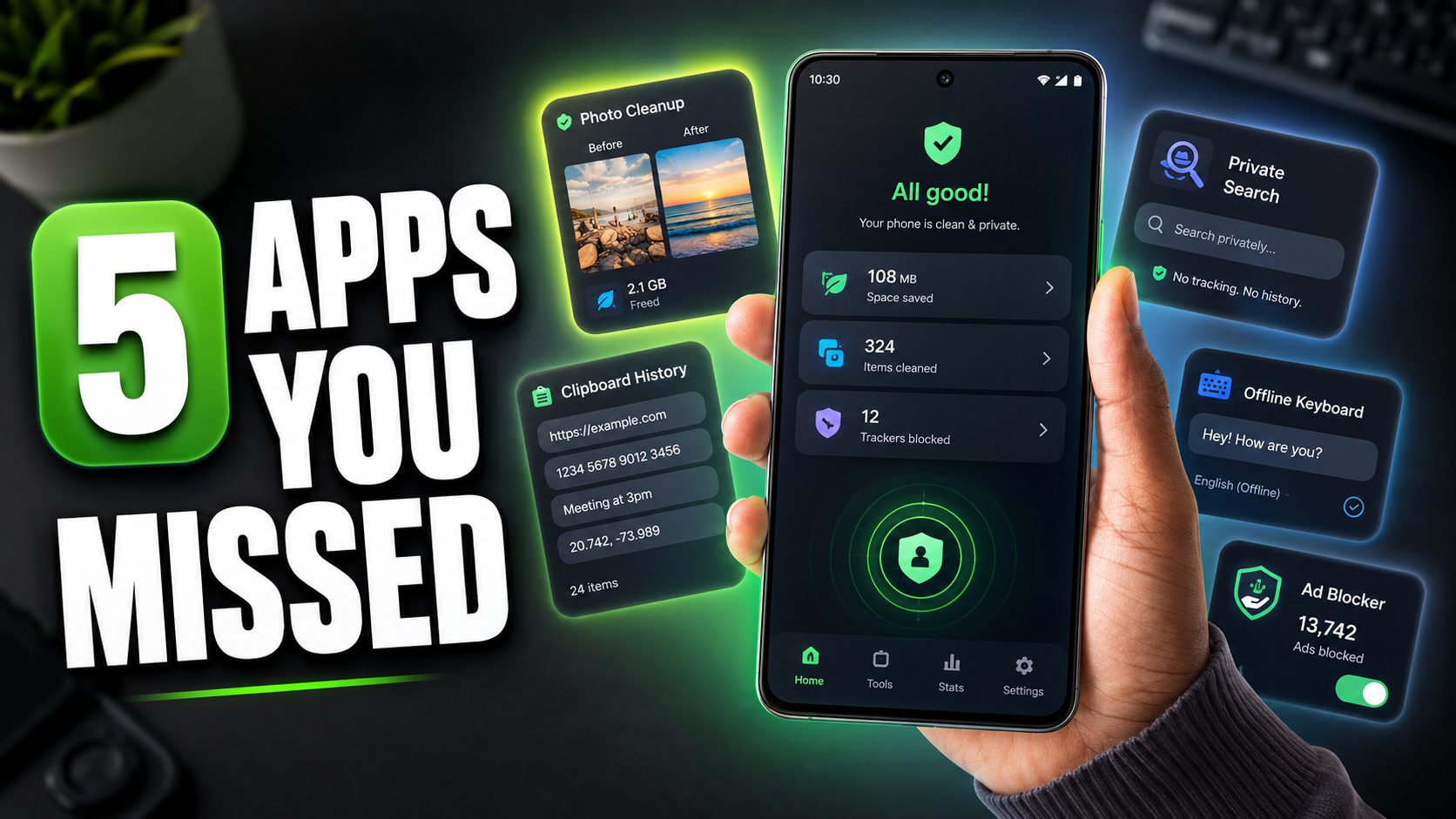
Your next move after fixing file management should be to tame photos and copy-paste. Photo U (often referred to as Photoo) is an open-source Android gallery cleaner that turns a bloated camera roll into a manageable, private library. Its swipe-based triage lets you favorite, delete, or keep photos in seconds, which is perfect after trips where you have several near-identical shots. The standout feature is its on-device AI that groups similar images and detects low-quality shots like blurry or poorly lit photos without sending any data off your phone; this operates 100% offline and remains completely ad-free. That means no subscription-driven cloud upsell and no third-party training on your memories, making it one of the most privacy focused alternatives to cloud galleries.
Clipboard tackles a different bottleneck: Android’s default clipboard that holds only one item at a time. This advanced manager automatically logs every URL, paragraph, and note you copy, so you can reuse text without constant app switching. A smart icon appears near text fields, letting you insert saved snippets right where you are, which turns your phone into a real productivity assistant instead of a friction source. You can organize clips in folders with tags and use a read-only mode that keeps the keyboard from popping up when you are only viewing content. Neither Photo U nor Clipboard charges a subscription, and as open source Android apps, they avoid the usual app-store bloat and hidden trackers. The trade-off is that you may need a bit of setup time and, for Clipboard, to trust a new workflow over the default system behavior.
Zerch and Lean Type: Replace Google Search and Keyboard
To de-Google your phone further, you should replace the search bar and keyboard, because these two inputs see nearly everything you type or look for. Zerch is a customizable Android search widget that aims to swap the stock Google bar for a privacy-first launcher. It is designed to let you switch among privacy-focused search engines such as DuckDuckGo and Brave Search directly from your home screen, and to search both the web and your local apps and files through one unified bar. It reportedly even integrates a media controller so you can manage music playback from the same widget. However, independent verification of Zerch’s specific features and functionality remains limited; potential users should confirm these capabilities directly before relying on them for daily use.
Lean Type, an open-source Android keyboard, exists for anyone who considers on-device privacy non-negotiable and does not want their keystrokes sent to remote servers. It integrates AI features that run fully offline, including grammar correction, text proofreading, and language translation on your phone. Because its intelligence does not depend on a cloud backend, it avoids the data collection typical of many commercial keyboards, while still delivering a modern typing experience. This makes it one of the strongest Google app replacements if you currently use Gboard but are concerned about telemetry. The main downside is that offline models can lag behind cloud-powered keyboards in niche languages or advanced predictions, so expect a focus on privacy and consistency over experimental features.
Block Ads and the Bigger Picture: A De-Googled, Faster Phone
Rounding out your setup, Block Ads is a free, open-source, system-wide ad blocker for Android that works across browsers and most apps. Because it operates at the system level rather than in a single browser, it not only removes intrusive banners but also cuts tracking requests, which can improve both privacy and performance. With no subscription fees and no incentive to harvest data, it complements other privacy focused alternatives in this guide to create a quieter, more responsive phone. The trade-off is that some apps may misbehave or nag you when they detect an ad blocker, so you may occasionally need to whitelist services that you want to support.
Taken together, these Google app replacements show that de-Googling your Android phone is achievable without sacrificing functionality or user experience. Material Files proves that a single developer can build a better file manager than Google’s own team, with faster folder browsing and more customization, while giving you extra privacy and control that Files by Google does not offer. Photo U and Clipboard handle your photos and text more efficiently without sending data to the cloud. Zerch and Lean Type reduce dependence on Google for search and typing by relying on local engines and offline AI. According to one analysis, these five tools cut through the noise, offering enhanced privacy and efficiency without the usual app-store bloat. The result is an Android device that works for you, not for advertisers.
- Buy the Material Files app if you want a faster, customizable file manager that is free, open source, and ad-free while giving you more control than Files by Google.
- Skip the Material Files app if deep Google Drive integration and instant access to other Google cloud services are more important to you than privacy and customization.
- Buy the Photo U app if your camera roll is overflowing with duplicates and you want on-device, offline AI to clean it without uploading anything.
- Skip the Photo U app if you rely on cloud gallery features like cross-device syncing and shared albums and do not mind their data collection.
- Buy the Clipboard app if you copy-paste all day and want a persistent, organized history with quick insertion from any app.
- Skip the Clipboard app if you rarely reuse copied text and prefer to keep Android’s default single-item clipboard.
- Buy the Zerch app if you want a home screen search bar that can switch among privacy-focused engines and search local content instead of locking into Google.
- Skip the Zerch app if you are uncomfortable with limited independent verification of its features and prefer fully documented, long-established widgets.
- Buy the Lean Type app if you care about on-device privacy and want grammar correction, proofreading, and translation that run offline.
- Skip the Lean Type app if you depend on cloud keyboards for niche languages or cutting-edge prediction features.
- Buy the Block Ads app if you want a free, open-source way to remove system-wide ads and trackers across browsers and most apps.
- Skip the Block Ads app if you heavily use ad-supported apps that break or complain when an ad blocker is active and you do not want to manage exceptions.