
Android Finally Becomes a Serious Camera Platform
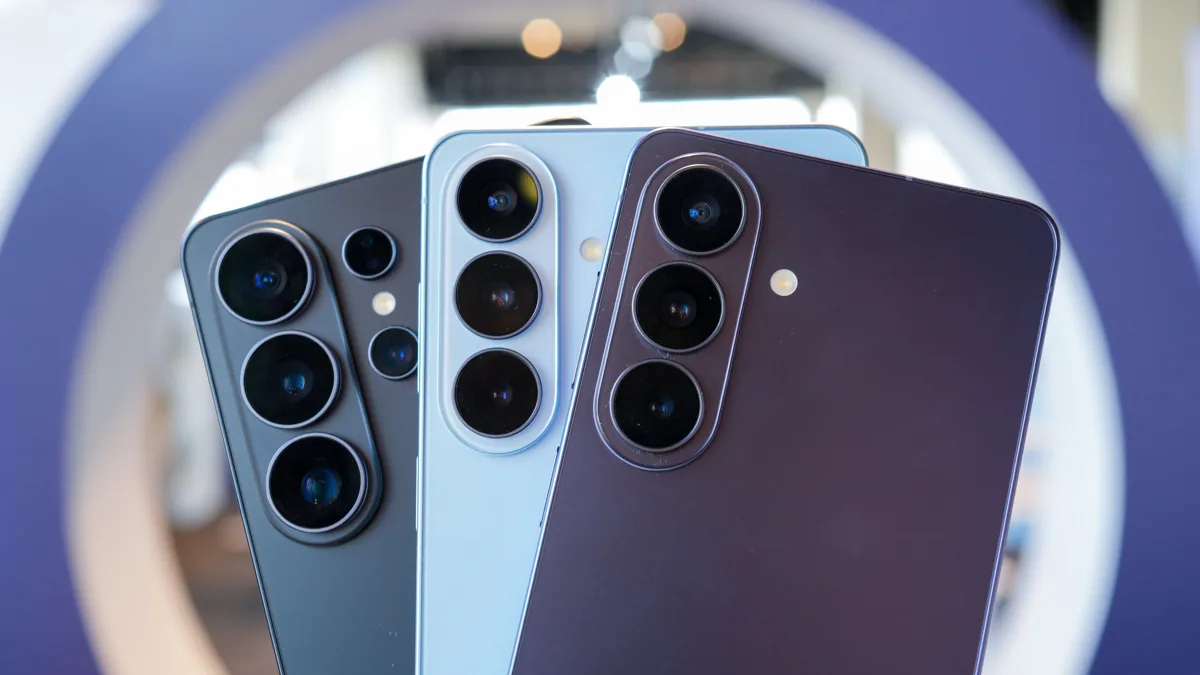
Professional camera apps on Android are dedicated, production-focused tools that add advanced control, monitoring, color management, and workflow features to smartphones, allowing them to function more like cine or studio cameras rather than casual point‑and‑shoot devices. For years, iOS had a clear lead in high‑end photo and video workflows, while Android users were mostly stuck with consumer camera software and partial, inconsistent pro options. The arrival of powerful, brand‑backed apps changes that balance. With Blackmagic Camera Android and Hasselblad Phocus Mobile entering the scene, Android is no longer an afterthought in mobile video production and professional stills work—it is becoming a viable first choice for serious, paid projects.
Blackmagic Camera 3.4: Turning Android Phones into Production Cameras
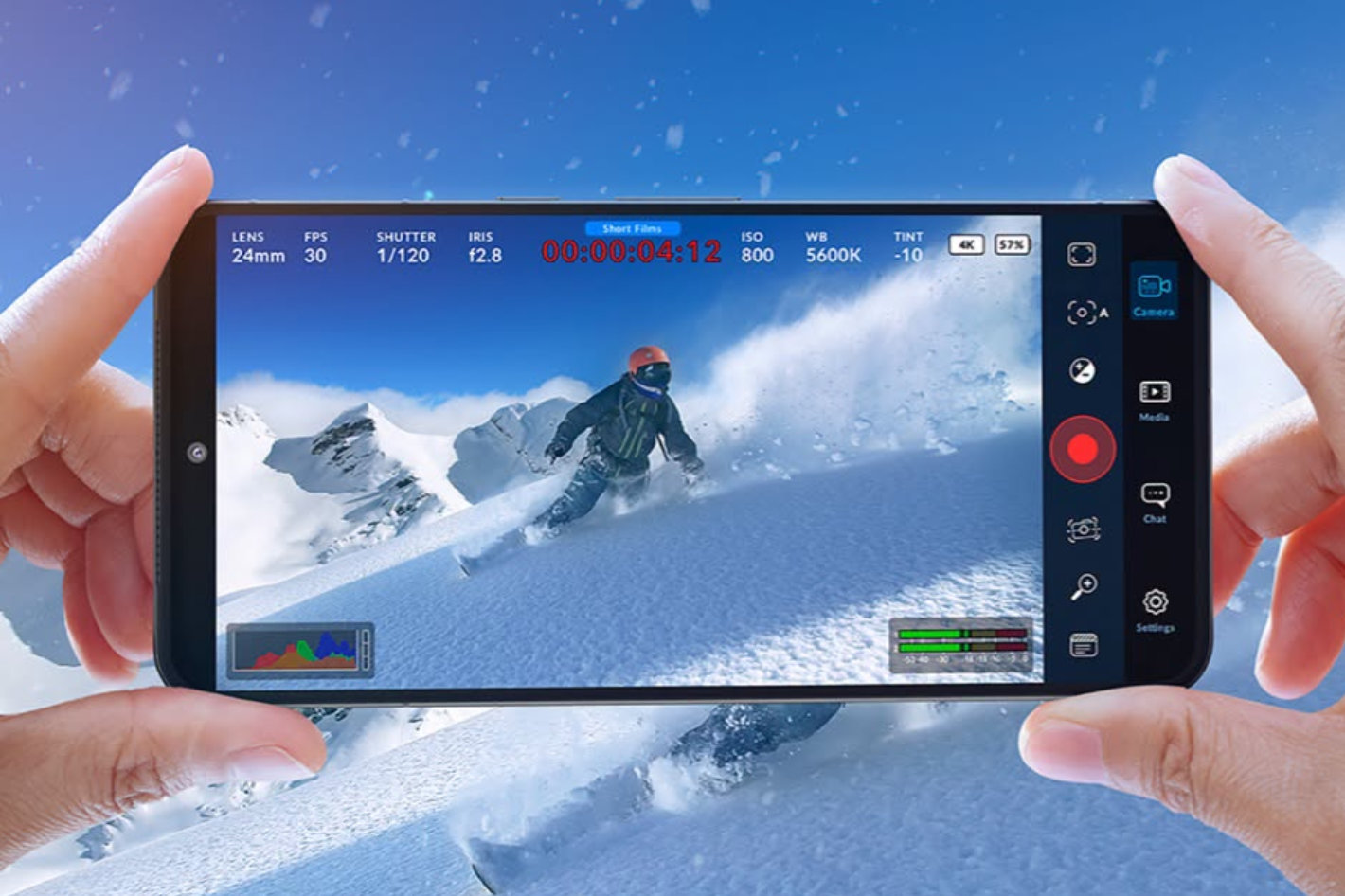
Blackmagic Camera for Android 3.4 is the clearest signal yet that phones can sit inside real production workflows, not just film TikToks. This update adds 4K HDMI output with audio, camera control from a WearOS companion app, remote control via REST API, continuous recording pause, Blackmagic Focus and Zoom demand support, and proxy clip management, among other improvements. In practical terms, that means an Android phone can now feed a clean 4K signal to external monitors, switchers, or recorders while remaining a controllable camera node in a multi‑camera setup. WearOS control and the new Remote Camera Manager let operators start, stop, and adjust cameras mounted in hard‑to‑reach places—from car rigs to ceiling mounts—without crawling over gear. This is professional camera behavior on a device you keep in your pocket, and it pushes mobile video production far beyond "good enough" B‑roll.
The small but crucial features show the intent: continuous recording pause keeps interviews and event coverage in one manageable clip instead of dozens of fragments, proxy clip management acknowledges that editors often work with low‑bandwidth versions first, and improved LUT handling plus a PCM audio option indicate attention to color and sound workflows. Support for Blackmagic Focus and Zoom demands and remote support for immersive cameras tie phones into the same ecosystem as the company’s dedicated cinema gear. According to Blackmagic Design, “Android phones running Blackmagic Camera can now be used in more flexible production workflows,” from remote camera positions to operator‑controlled setups. In other words, Android is finally gaining the kind of professional camera apps Android users have been asking for.
Hasselblad Phocus Mobile: Medium Format Workflow in Your Pocket
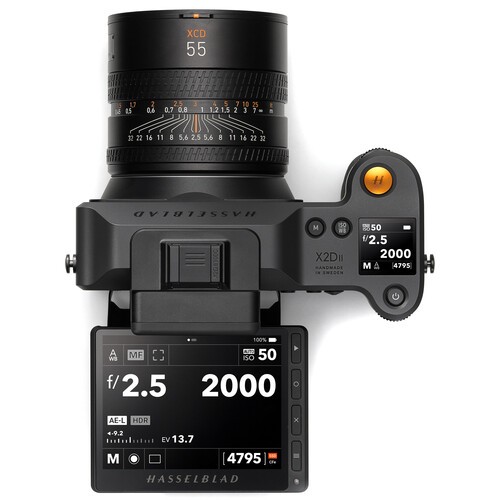
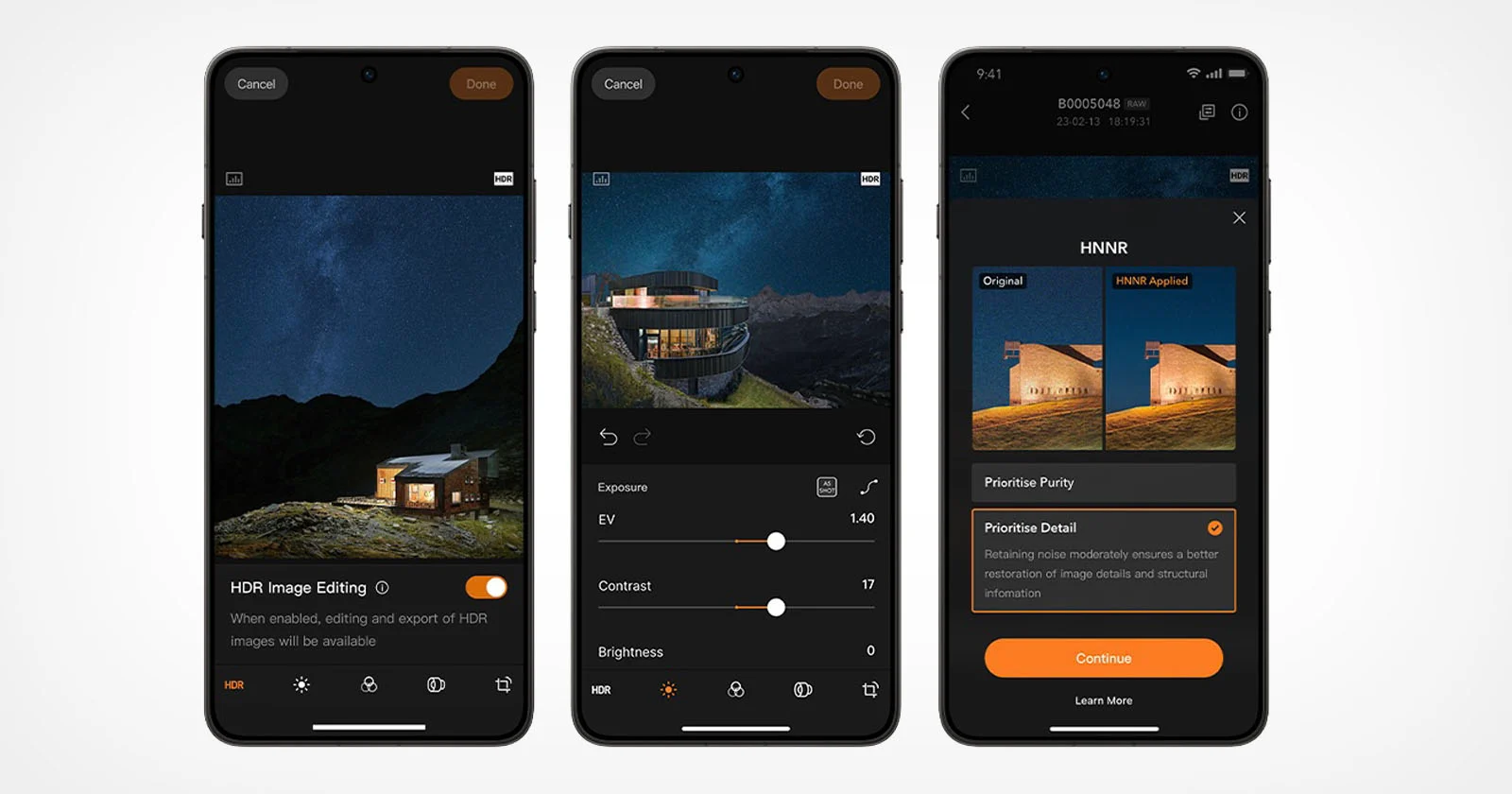
On the stills side, Hasselblad Phocus Mobile V1.0.0 for Android is a long‑overdue acknowledgment that high‑end photographers use Android too. The app now supports the X2D II 100C, X2D 100C, 907X, and CFV 100C, bringing an end‑to‑end Hasselblad Natural Colour Solution (HNCS) workflow to Android devices. That means true‑to‑life color, smooth tonal gradation, and rich highlight detail are preserved from preview through final export, instead of being mangled in generic mobile processing. Images can be moved from camera to phone over Wi‑Fi or USB‑C—wired transfer currently works with the X2D II 100C on specific firmware—and then reviewed, edited, organized, and exported away from a desktop. HDR photos from the X2D II 100C also display correctly on HDR‑capable Android screens and can be exported as Ultra HDR JPG, while RAW files can become Ultra HDR JPG or HDR TIFF.
The standout feature is Hasselblad Natural Noise Reduction (HNNR), an AI‑powered RAW noise reduction tuned to the company’s 100MP sensors. It processes 100MP RAW images in about 15 to 20 seconds, trading a bit of waiting for far cleaner low‑light files. Two processing modes—Purity Mode, which emphasizes noise suppression, and Detail Mode, which keeps luminance noise to preserve micro‑textures—give photographers a real aesthetic choice instead of a one‑size‑fits‑all slider. This is not a toy app; it demands serious hardware, supporting Android devices with at least 12 GB of RAM and Android 12 or later, with recommendations for newer platforms to get the best color and editing experience. Phocus Mobile for Android is free, but its requirements make clear that it is aimed at users who treat their phones as part of a professional camera system, not as an afterthought.
Closing the Workflow Gap: What This Means for Creators
Taken together, Blackmagic Camera Android and Hasselblad Phocus Mobile show that the old divide between "phone cameras" and "real cameras" is more about software than sensors. Blackmagic’s update lets Android phones plug into multi‑camera, HDMI‑based live or recorded pipelines with remote control, proxies, and LUT‑aware monitoring. Hasselblad’s app brings enterprise‑level color science, RAW handling, AI noise reduction, and HDR export to Android users who were previously stuck with iOS‑only mobile tools. Six years after Phocus 2 landed on iOS, Android finally sees similar support, even if not feature‑for‑feature yet. That delay matters: it shows how slow camera brands were to treat Android as a serious creative platform. But the arrival of these professional camera apps Android users can rely on signals a shift. Phones are becoming primary nodes in professional image workflows, not emergency backups.
For working creators, the impact is practical. A cinematographer can rig an Android phone running Blackmagic Camera as a crash cam, control it from a watch, and feed 4K HDMI into a switcher. A photographer can shoot 100MP RAW on a Hasselblad body, transfer files to a high‑spec Android device, apply HNCS and HNNR, and deliver HDR‑ready exports before leaving location. These are capabilities that used to belong to laptops and tightly coupled iOS ecosystems. Now they live on Android too, closing a gap that was more about software support than technical limits. The message is clear: if you treat your phone as part of a professional kit, the platform you pick no longer has to be a compromise. Android is finally in the mobile video production and medium‑format photography game for real.
Conclusion: Android Grows Up for Photo and Video Pros
The arrival of mature tools like Blackmagic Camera for Android and Hasselblad Phocus Mobile is not a minor app release—it is a turning point. Blackmagic gives Android phones the language of production: HDMI outputs, remote APIs, wearable controls, proxy workflows, and integration with existing camera hardware. Hasselblad brings the grammar of high‑end photography: controlled color pipelines, RAW‑first editing, AI noise handling, HDR exports, and serious tethered‑style transfer options. For years, the advice to professionals was to pick iOS if they cared about mobile workflows; that recommendation now looks lazy. The gap between smartphone and dedicated camera production tools is narrowing, and it is doing so on Android as well as elsewhere. The smartphones we carry are no longer just convenient cameras—they are becoming fully fledged production instruments. Professionals should start planning their workflows with that reality in mind.