
Android 17 Security Features: A Quiet but Major Lock Screen Shake-Up
Android 17 security features are a set of behind-the-scenes changes that sharply limit lock screen password guesses and tighten Android phone security, so your device becomes far harder to brute-force or casually crack through repeated PIN attempts while still remaining usable for genuine owners who mistype a few times. This is not a cosmetic update; it is a clear philosophical shift. Previous Android versions treated failed unlock attempts generously, which helped forgetful users but also gave attackers thousands of chances over time. With Android 17, Google cut the maximum number of device passcode or password attempts on the lock screen from 1,800 guesses to just 20 tries, transforming how hard it is to compromise a phone through guessing alone. If you care about Android phone security, this is the change that matters most, even though you will rarely see it on screen.
This stricter rate-limiting approach forces everyone to confront a simple truth: unlimited convenience has been quietly undermining our security. On older versions, you could keep trying to enter an Android passcode or password for years, with the system allowing 110 guesses on the first day and up to 1,800 guesses over five years. That may sound user-friendly, but it also gave attackers ample room to run the most common PINs, birthdays, and simple patterns. Android 17 absolutely nixes this vulnerability, allowing only a fraction of those attempts and stretching them out over years. By putting hard brakes on guessing, Google is finally treating physical device theft and targeted attacks as serious, everyday threats instead of rare edge cases.
How Android 17’s New Rate Limits Change Everyday Phone Security
The real story of Android 17 security features is rate-limiting: a deliberate cap on how often someone can try to unlock your phone. In software terms, rate-limiting is about controlling how many requests are allowed in a given time. Applied to the lock screen, it is there "to slow down, and given enough attempts, block attackers performing brute-force attacks" on your PIN or password. Before Android 17, Android phones had forgiving rate limits, effectively letting both owners and attackers keep pushing their luck indefinitely. Now, Google only permits a maximum of 20 login attempts, which is about 1.1% of what Android 16 allowed. That is a radical tightening of the rules.
The new schedule is surprisingly strict. You get up to six guesses in the first minute and eight in 25 minutes. After that, the system stretches your opportunity to try again over days and even years: to use 19 guesses, you would need to wait five years, and your 20th guess arrives after nine more years. Once you hit 20 incorrect guesses, no further attempts are allowed. To make this livable, Android 17 adds duplicate guess detection, so repeatedly entering the same wrong PIN does not burn through your limit, and it finally presents timeout durations in human units — seconds, minutes, hours, days, or years — instead of confusing long strings of seconds. In practice, this means you can still recover from occasional mistakes, but deliberate, large-scale guessing is effectively dead.
Private Space on Pixel: A Clumsy Stand-In for a Real App Lock
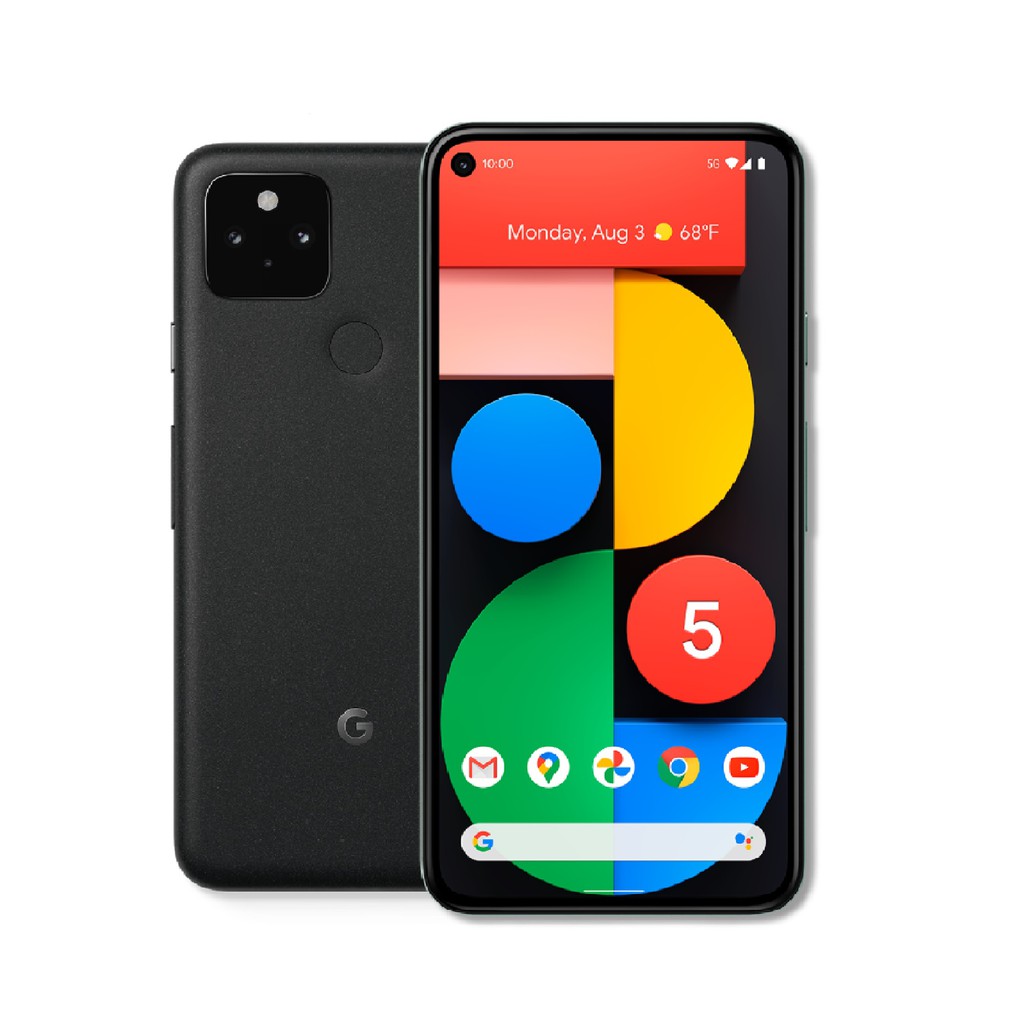
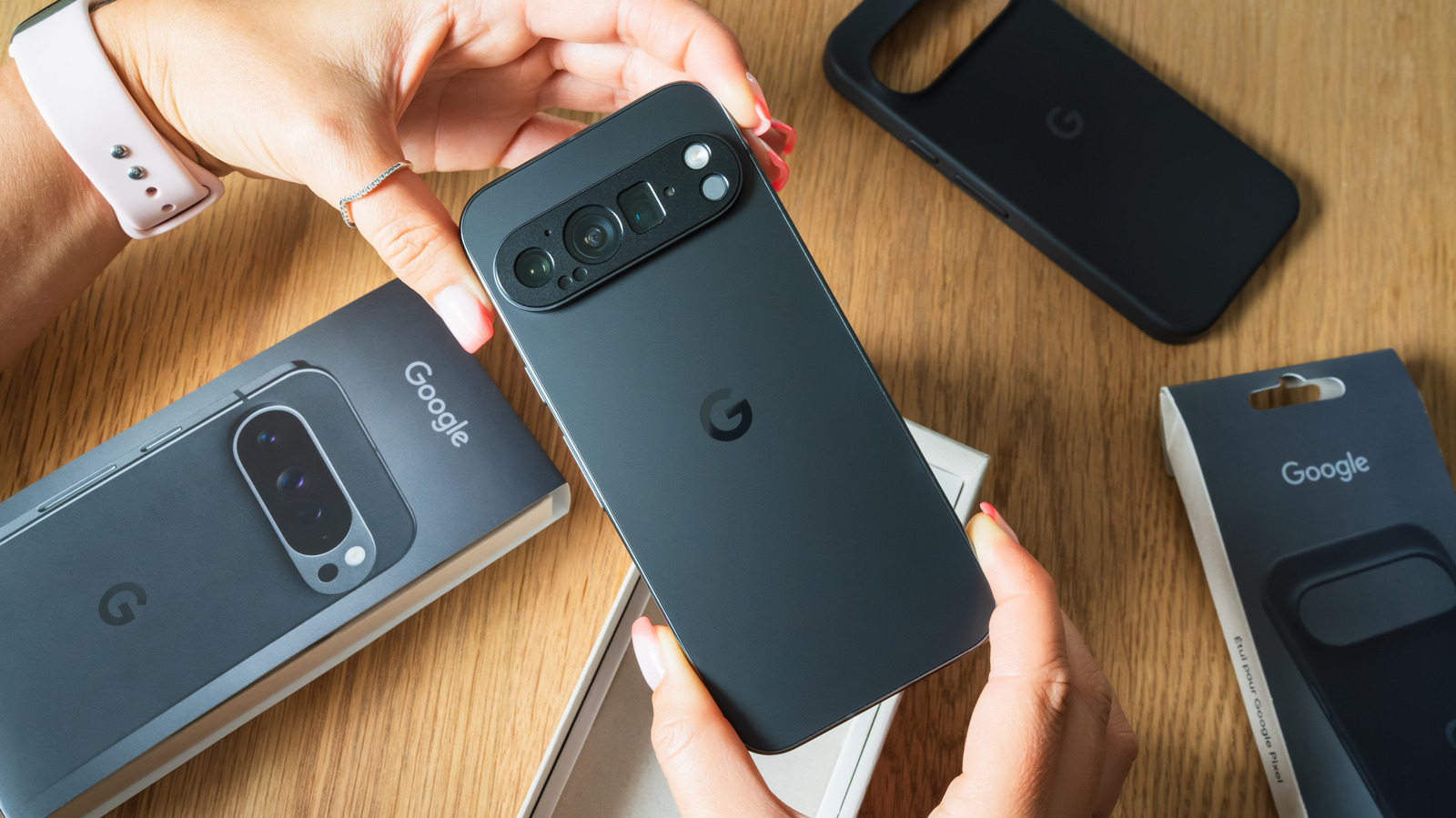
Alongside the Android 17 security features, the Google Pixel security update story includes an older but suddenly more relevant tool: Private Space. Private Space is not a true dedicated app lock and is certainly a lot less convenient than one; instead of locking specific apps behind a password, this hidden Pixel feature creates a second, locked interface inside your phone. You set up a password for this space, then download apps from within it, and you only access them by entering that password. Conceptually, it does everything people expect from an app lock — keeping certain apps and their data away from prying eyes — but the way it does it reveals Google’s cautious, sometimes awkward approach to app-level protection.
Using Private Space shows why many Pixel owners have been asking for a simpler app lock for years. To enable it, you open the Settings app on any Pixel released after the Pixel 5, go to Security & Privacy, tap Private Space, add a new Google account to manage this space, then reinstall any apps you want inside it. You cannot just tap an app on your home screen and unlock it with a password; you must first open Private Space, enter its password, and then access the app. The version of an app you install in Private Space is separate from the normal one, so if you do not want others to access an app normally, you have to delete it outside Private Space. You also cannot access data or receive notifications from apps inside Private Space while using your phone normally. The protection is strong, but the friction makes it feel like a workaround, not the polished security feature Pixel owners deserve.
What These Changes Mean for Creative Pros and Everyday Users
Taken together, Android 17 and the current Google Pixel security update finally treat smartphone security as an everyday, not niche, concern. On one hand, Google is taking the very real threat of PIN and password guessing, or advanced brute-force attacks, seriously by slashing attempts and reshaping lock screen behavior. On the other, Private Space tries to cover the gap in app-level privacy, even if it stops short of the quick, per-app locks that many competitors already offer. For creative professionals who keep client work, drafts, or unreleased content on their phones, and for everyday users juggling banking, messaging, and social apps, these changes shift the default from "open unless protected" to "protected unless you choose otherwise."
The uncomfortable truth is that most people do not choose strong, random PINs or passwords, and attackers can achieve a significant success rate by entering common PINs or using personal info like birthdays. Android 17’s aggressive rate limits push against that weakness, making brute-force tactics impractical even when users stick with predictable codes. Meanwhile, Private Space gives Pixel owners a way to wall off sensitive apps and data entirely from the main profile. The trade-off is that convenience takes a hit: extra steps, duplicate installs, and no notifications from the locked space. But given how much of our lives sit on our phones, a little friction may be the price we have to pay for meaningful Android phone security.
Conclusion: Security Is Finally Becoming a Default, Not an Add-On
Android 17’s hardened lock screen and the Pixel’s Private Space are far from perfect, but they signal something important: Google is moving from optional security tools to enforced protections baked into the operating system. You can upgrade a Pixel to Android 17 now and immediately benefit from App Bubbles and enhanced lock screen security, even if you never tweak a single setting. And while Private Space still feels like a clunky substitute for a true app lock, it shows that Google recognizes the demand for app-level privacy. If you care about keeping your device, your work, and your conversations safe, these changes are worth embracing — and pushing Google to refine. Security should not be a bonus feature; it should be the baseline your phone gives you out of the box.