
The Real Cheapest Streaming Services: Stop Paying for What You Don’t Watch
The cheapest streaming services for budget-conscious viewers are usually a mix of free platforms, antennas for local channels, and a small number of ad-supported subscriptions chosen around specific viewing habits rather than a single all-in-one app. Sometimes the cheapest streaming service is not a service at all but a smarter setup that cuts out unused subscriptions and pricey hardware you do not need.
If your goal is value, not bragging rights, you start by asking one blunt question: what do you watch every week? That answer should drive everything else. Many households combine a free option like Pluto TV with a digital antenna, which can deliver local broadcasts, national news and major network programming without monthly fees. This mix already covers casual channel surfing, nightly news and big-network shows for the cost of the antenna alone. From there, you add only the paid services that unlock the specific shows you care about, such as a platform with exclusives like “Only Murders in the Building,” “The Morning Show” or “Tulsa King” when those matter to you.
According to one analysis, “sometimes the cheapest streaming service isn't a single service at all” because free channels plus over-the-air broadcasts can beat most paid lineups on value. In other words, the budget win comes from your strategy, not the logo on your home screen.
Budget Streaming Options by Content Type: Free, On-Demand, and Live TV
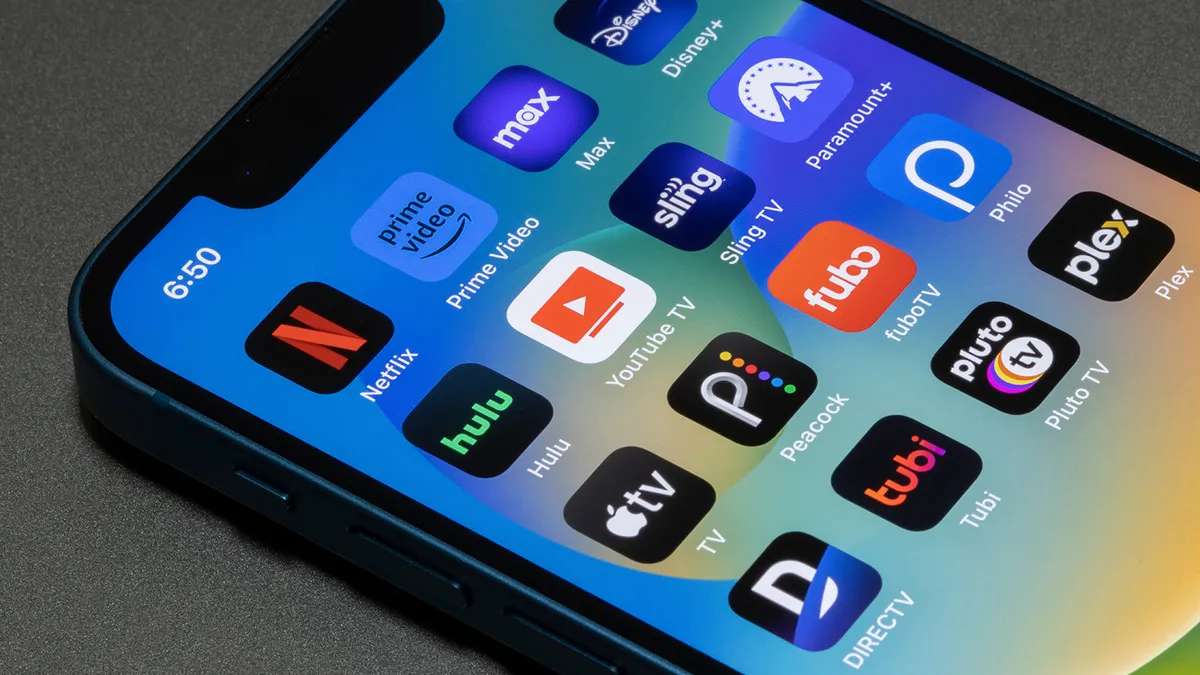
Once you accept that no single platform will magically meet every need for the lowest price, the next smart step is to split your streaming service comparison by content type. For casual TV and background viewing, free ad-supported platforms shine. Many households lean on Pluto TV, then use an indoor digital antenna for local broadcasts, local and national news and major network shows without ongoing fees. That combination handles daytime viewing, local sports carried by major networks, and live event coverage at zero monthly cost.
On-demand entertainment is where you add selective paid services. The key is to focus on what you actually watch: if your household lives on a specific set of originals or current-season dramas, you subscribe to the one or two apps that carry those series instead of hoarding six or seven platforms you rarely open. Premium exclusives such as “Only Murders in the Building,” “The Morning Show,” or “Tulsa King” only justify their subscription if people in your home are pressing play often enough to matter. Otherwise, rotate: subscribe for a month, binge what you want, then cancel and move on.
For live TV, the budget play is clear: start free with an antenna, then reserve paid live TV bundles only for viewers who truly need continuous cable-style channels or niche live sports. Everyone else can survive with a mix of free linear channels and time-shifted on-demand content.
Bundles and Ad-Supported Plans: Where the Big Savings Hide
If you are willing to trade time for money, ad-supported tiers are among the most powerful budget streaming options. You can reduce costs by choosing plans that include ads instead of premium ad-free versions. The experience is less polished, but the savings are real, especially if you are streaming on a secondary screen or in the background while doing other things.
Bundles take that logic further. Bundles that include Disney+, Hulu and HBO Max with ads can cost around USD 20 (approx. ₱1,120) per month, which is often less than paying for each service separately. That means one combined bill gives you family content, prestige TV and big-budget franchises for a price that would barely cover one or two standalone subscriptions in many lineups. The catch is that these lower headline prices depend on you accepting ads, restricted downloads in some tiers, and occasional content rotations that quietly remove shows you planned to watch.
This is where hidden costs creep in. Upgrading to ad-free, adding more simultaneous streams or higher resolution can wipe out the bundle savings that attracted you in the first place. The rational move is to default to ad-supported bundles, then upgrade only if the interruptions bother you enough to justify the higher bill.
Hardware and Home Screens: Why Your Streaming Device Choice Also Matters
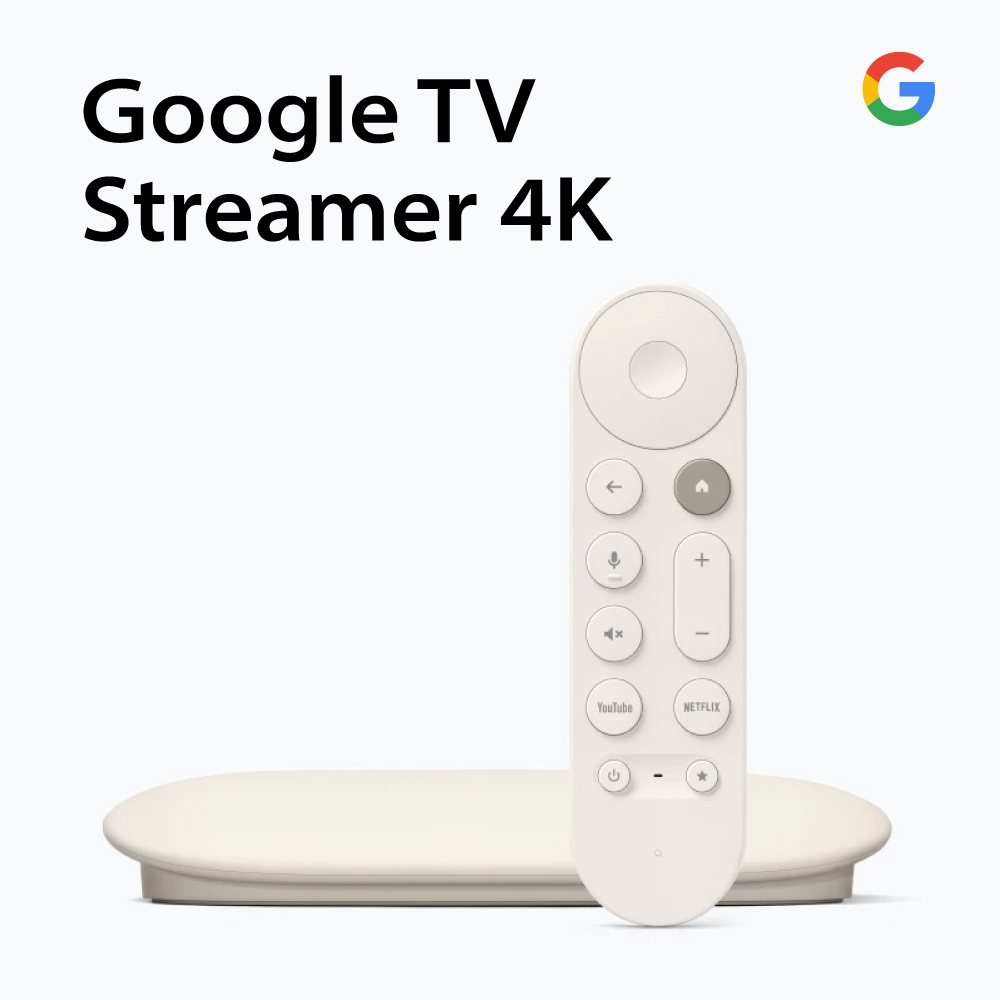
Price comparisons usually focus on subscriptions, but the box plugged into your TV has its own impact on value. A premium device that was once USD 129 (approx. ₱7,224) is now USD 199 (approx. ₱11,136), which means you should inspect whether cheaper competitors deliver enough performance for far less. A Google TV streamer at USD 99 (approx. ₱5,544) is USD 100 (approx. ₱5,600) cheaper than that newly revalued premium box, yet it outputs in 4K/60fps and supports the same major HDR and audio formats.
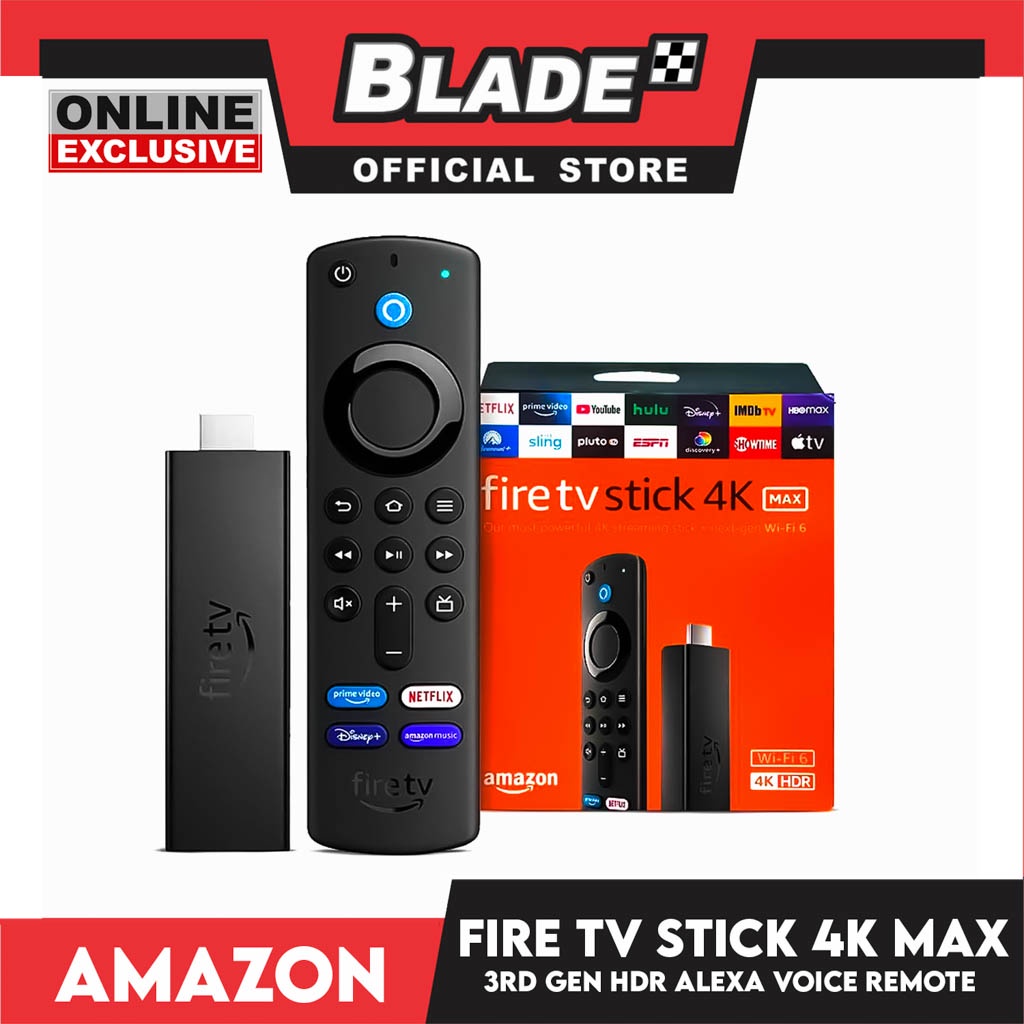
On the Amazon side, there is a set-top box equivalent at USD 140 (approx. ₱7,840), along with even cheaper sticks such as a Fire TV 4K model at USD 60 (approx. ₱3,360). These devices cover 4K output, Dolby Vision, HDR10+ and Dolby Atmos while keeping hardware costs much lower than the highest-priced option. The shared weakness of these cheaper ecosystems is not performance but the viewing experience: you have to live with more ads and constant self-promotion baked into the interface. One platform even bombards you with its own promotions every time you turn the device on.
In other words, you can save upfront with lower hardware prices, but the tradeoff is long-term ad clutter on your home screen. If your priority is a calm, mostly ad-free interface, the more expensive device might be worth its higher price; if you care only about streaming your subscriptions for less, the cheapest capable stick wins.
Conclusion: Build a Lean, Intentional Streaming Stack
The pricing showdown does not crown a single champion; it exposes a mindset. The cheapest streaming services in practice are those you combine and rotate with intention. Free platforms plus a digital antenna cover a surprising amount of live and linear viewing without any recurring payment. Ad-supported tiers and bundles, including packages where Disney+, Hulu and HBO Max with ads come to around USD 20 (approx. ₱1,120) per month, squeeze more content into each dollar if you are comfortable with commercials.
Meanwhile, the hardware landscape shows that you can pay USD 199 (approx. ₱11,136) for a premium box or drop as little as USD 60 (approx. ₱3,360) on a capable streaming stick, with the main compromise being more ads on your home screen. The lesson is simple: stop paying for theoretical value you do not use. Audit what you watch weekly, accept ads where you can, choose bundles over one-off subscriptions, and buy the cheapest hardware that makes your viewing feel smooth enough. That combination, not a single app, is what delivers the best value for your budget.