


Our top pick: buy the laptop that fits your life, not the loudest CPU name
Old CPUs in new laptops means manufacturers reuse previously released processors under fresh names, making it harder for buyers to tell whether they’re paying premium prices for genuinely new hardware or rebranded older silicon that offers only modest real-world gains. Laptop CPU confusion grows when brands highlight marketing labels instead of clear specs, leaving shoppers unsure what level of performance they’re getting for their money. The best choice for most people is simple: buy the laptop that fits what you do every week, with a current processor family, at least 16GB of RAM, and an SSD of at least 512GB that can be replaced. This approach protects you from the biggest laptop buying mistakes like chasing the flashiest chip name or grabbing the cheapest machine that clears the checkout page. New labels such as AI PC, NPU, and Wi‑Fi 7 matter far less than balanced specs and a platform that supports your apps. This guide is for anyone facing a wall of near-identical laptops or scrolling through suspiciously cheap listings, trying to work out which CPU is worth paying for when the sticker and the branding no longer tell the full truth.

How rebranded processors hide old silicon behind new names
Processor makers increasingly reuse old silicon but present it as new, which is the core of today’s laptop CPU confusion. Rebranded processors can be perfectly competent, yet they’re often positioned and priced like cutting‑edge chips, even when the underlying design is several years old. One example is mobile Ryzen processors that launched as Ryzen 7000, were described as “architecturally aligned” with those chips, then resurfaced as the Ryzen 200 lineup. Another is the addition of Ryzen 100 models built on Zen 3+ designs dating all the way back to 2022. On the Intel side, older hardware returns under code names such as “Raptor Lake Refresh” and “Arrow Lake Refresh,” with Core Ultra branding stretching from laptops into desktop chips. According to PCWorld, “new chips” based on four‑year‑old designs have even turned up at prices around USD 900 (approx. ₱50,400), competing with much cheaper or more capable alternatives. The issue isn’t the performance of those older CPUs; it’s paying a premium for something that isn’t as new as the label implies.
A practical processor generation guide: what to check before you buy
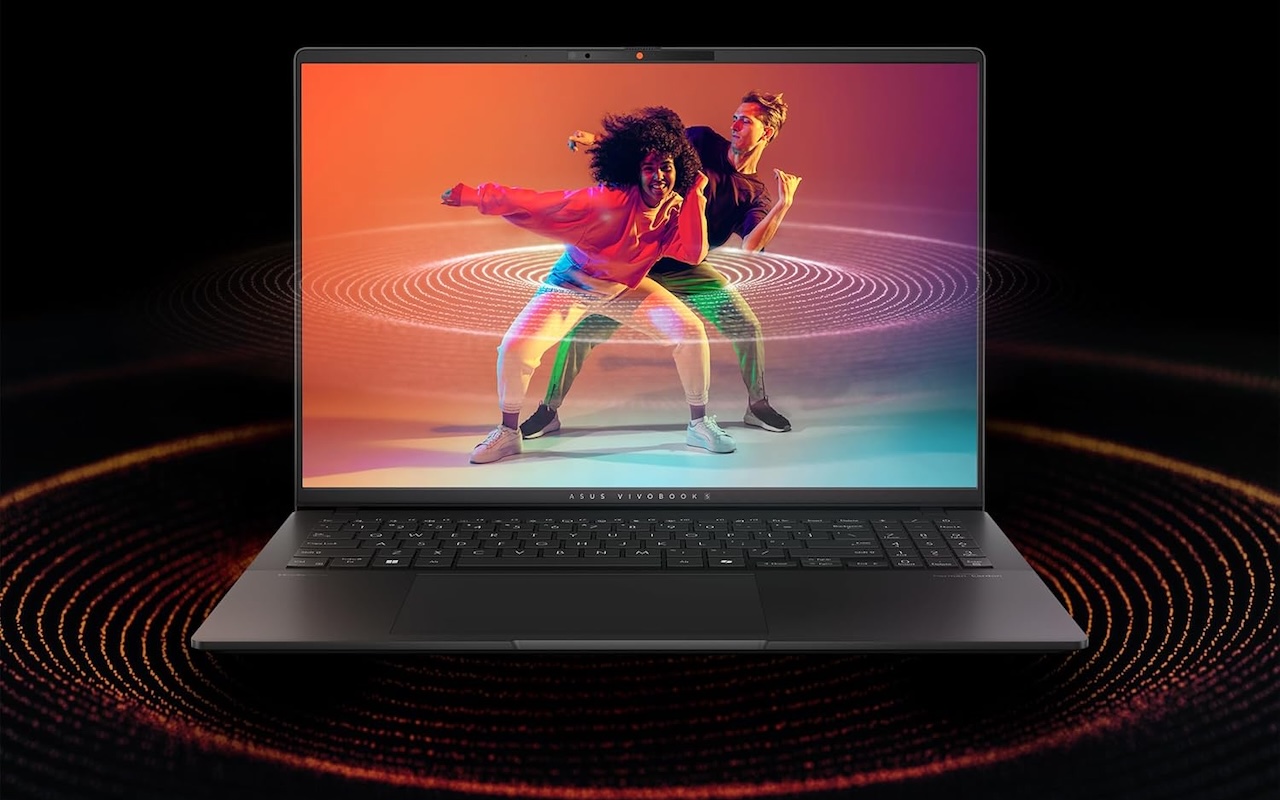
To cut through rebranded processors and marketing noise, treat the CPU as part of a platform rather than a magic number on the box. Historically, simple labels like Core i3, i5, i7, and i9 marked clear tiers of “good, better, best,” but that rhyme and reason has largely disappeared. Today, you’ll see Core Ultra, Ryzen AI, Snapdragon X, and AI PC badges that often conceal more than they clarify. Use a short checklist before you commit: First, ask what you will do on the laptop every week. Then confirm whether 16GB of RAM is enough or whether you should buy 24GB or 32GB now; check that the SSD is at least 512GB and can be replaced; make sure the screen is bright and sharp enough to stare at for hours; and verify that the platform—Intel, AMD, or Snapdragon—fits the apps you rely on. Increasingly, there’s no easy way to tell from the name alone whether a CPU is new or repurposed, so you should rely on transparent spec sheets and independent reviews that explain a chip’s lineage and where it sits in current performance tiers.
| Spec check | Why it matters | What most people should do |
|---|---|---|
| Weekly workload | Stops you buying the spec that sounds impressive instead of what fits your life. | Write down your real tasks (browsing, office, editing, gaming) before comparing CPUs. |
| RAM amount | Avoids the trap of 8GB feeling fine at first but tight once you stack apps and tabs. | Treat 16GB as the floor; move to 24–32GB if you multitask or plan to keep the laptop for years. |
| SSD size & upgradability | Prevents storage stress, babysitting folders, and blocked updates. | Aim for at least 512GB and confirm the SSD can be replaced on your chosen model. |
| Screen quality | Because no CPU can redeem a dim, tiring display you stare at all day. | Prioritize brightness and clarity over minor CPU name differences at the same price. |
| Platform fit (Intel/AMD/Snapdragon) | Ensures your apps run well on the CPU and graphics combination you’re buying. | Pick the platform your key software supports and ignore hype labels that add cost but no benefit. |
Pricing reality: don’t reward old CPUs sold as new laptops
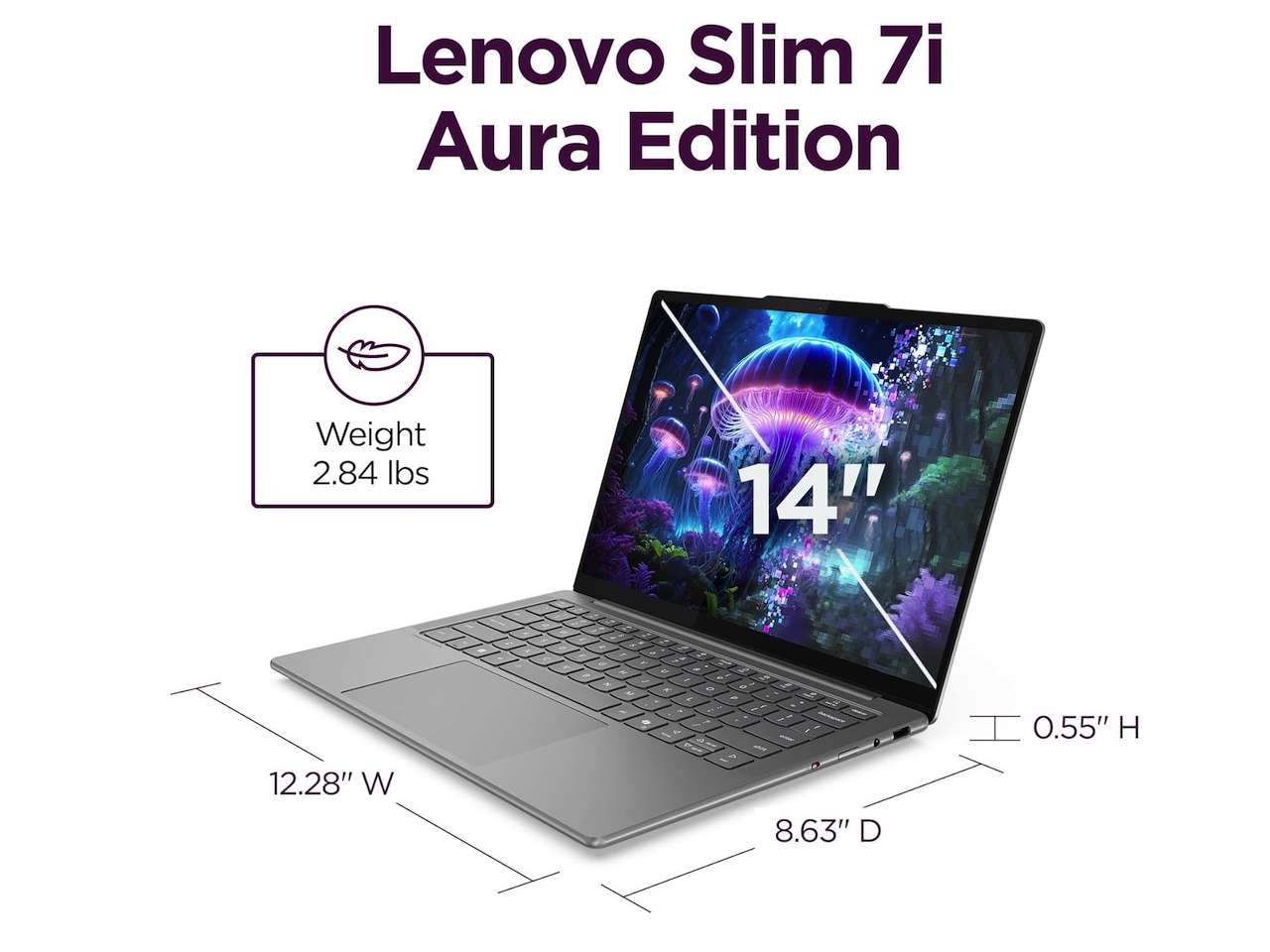
The biggest laptop buying mistake today is paying for the spec that sounds impressive instead of the machine that fits your life. That mistake gets worse when rebranded processors hide how old the silicon really is and push older performance at premium prices. Older chips can still be effective for day‑to‑day tasks, but a three‑year‑old CPU marketed as “new” should be heavily discounted, not close to high‑end pricing. One guide to modern buying warns against grabbing the cheapest laptop that clears the checkout page, because a low sticker often hides weak RAM, slow storage, dim screens, and short support lifespans. With memory prices up, some brands ship 8GB machines to protect margins, even though 16GB is a far safer baseline for most people. At the other end, there are laptops with rebranded CPUs selling around USD 900 (approx. ₱50,400), which is far from the bargain territory you’d expect for hardware based on four‑year‑old designs. Avoid both traps by aligning performance, generation, and total configuration to what you actually do every week.
Buy if / Skip if
- Buy the laptop that fits your weekly workload if you want to avoid the classic mistake of chasing impressive-sounding CPU names that don’t match your real needs.
- Skip the laptop with a rebranded processor at a premium price if its silicon dates back several years and independent reviews show only modest gains over cheaper current options.
- Buy the laptop with at least 16GB of RAM and a 512GB replaceable SSD if you want a machine that stays comfortable instead of turning sluggish and storage-starved within months.
- Skip the cheapest laptop that clears the checkout page if it combines an older CPU, 8GB of soldered RAM, and a small SSD that locks you into compromises you can’t fix later.
- Buy the model with transparent spec sheets and clear processor generation information if you care about avoiding laptop CPU confusion and want to understand the platform you’re paying for.
- Skip the laptop whose marketing leans on AI PC, NPU, or flashy branding if its screen, RAM, storage, and platform support are weak for your everyday apps.




