
Verdict: Fast and Slim, But Not Built for Marathon Gaming
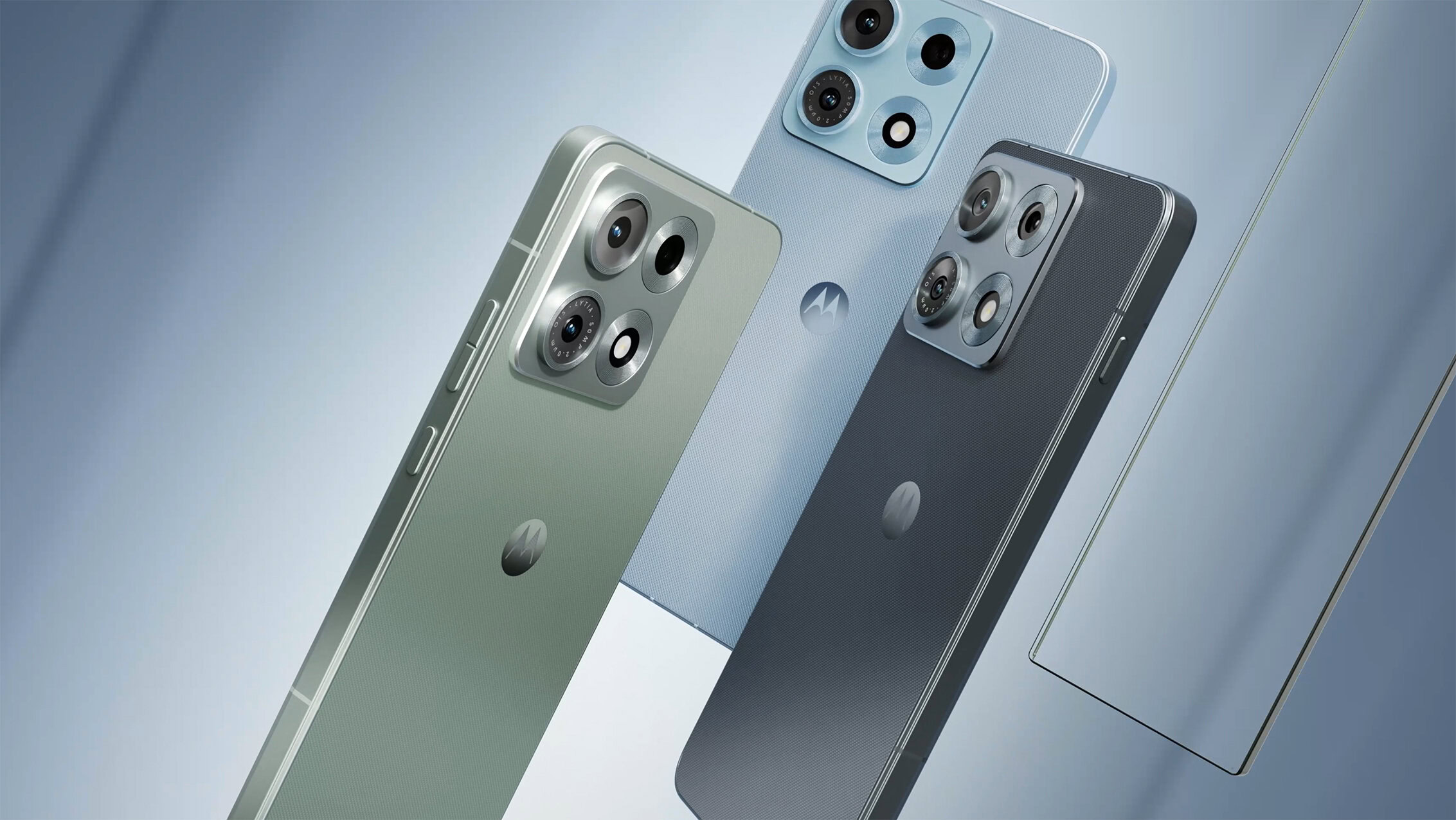
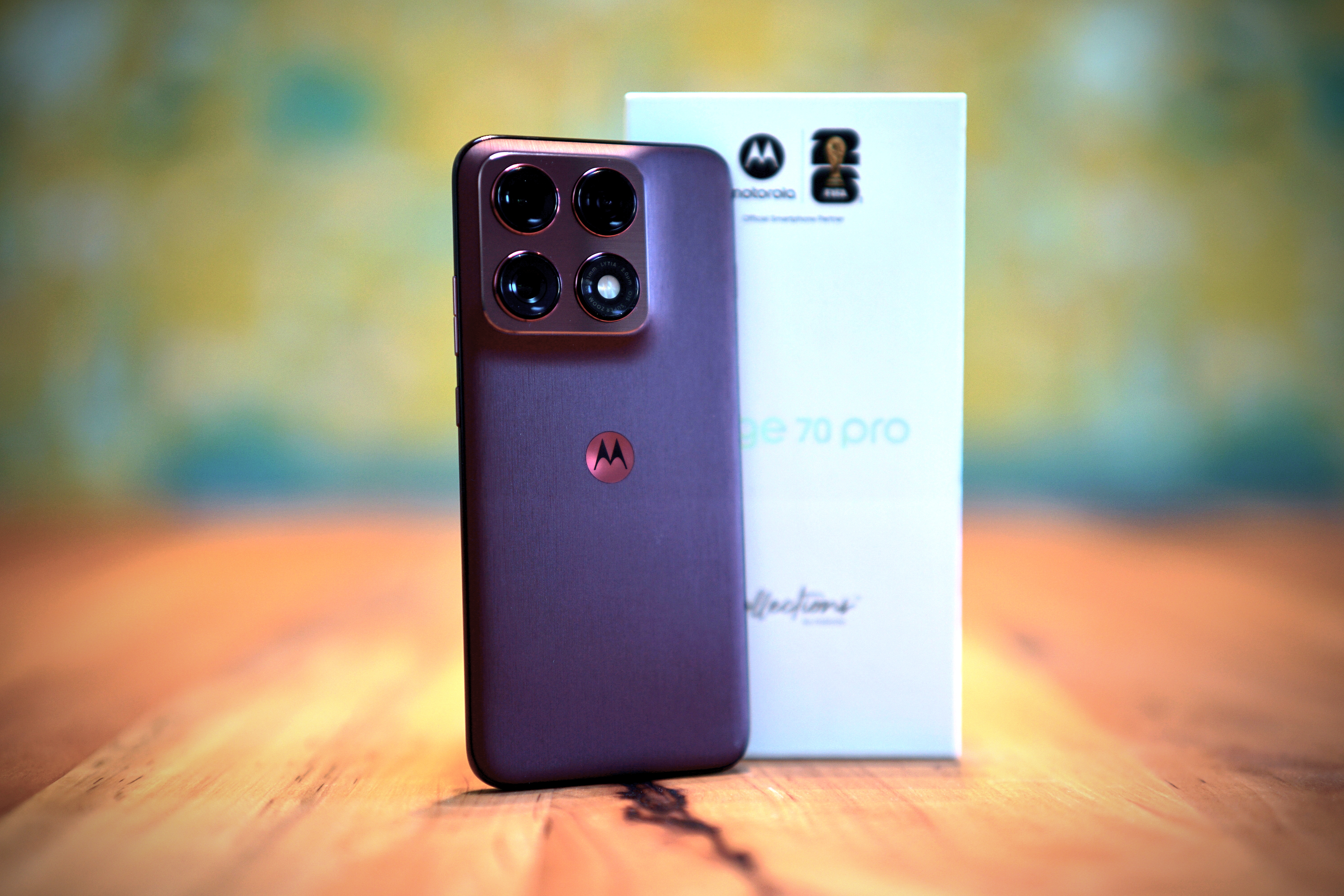
The Motorola Edge 70 Pro is a slim, lightweight smartphone built around the MediaTek Dimensity 8500, an all-performance-core chip that delivers very quick everyday responsiveness but runs into thermal management issues and performance throttling during longer gaming and heavy workloads. In simple terms, this is a phone that feels fast in day‑to‑day use, offers upper‑class graphics for casual play, and packs its power into a 183‑gram chassis—but it struggles to keep that speed under sustained load. If you mostly scroll, message, and snap photos, the trade‑off works. If you push your phones with extended 3D gaming or continuous CPU‑intensive tasks, the Edge 70 Pro’s thermal behavior is a real limitation rather than a minor quirk.
Dimensity 8500: All Big Cores, All About Instant Speed
The MediaTek Dimensity 8500 inside the Motorola Edge 70 Pro uses an unusual layout: eight Cortex‑A725 cores, all designed as performance cores. One core boosts to 3.4 GHz, three reach 3.2 GHz, and four run at 2.2 GHz. There are no efficiency cores here, so the chip prioritizes raw speed over frugal power use. In practice, this pays off in everyday tasks. Launching apps, switching browser tabs, or editing photos feels snappy, and opening the camera from idle is noticeably faster than on many big.LITTLE devices. Synthetic benchmarks echo this focus on performance: in BaseMark OS II, Dimensity 8500 devices—including the Edge 70 Pro—sit in a high band between 9265 and 9423 points overall, well above many phones tested in the last two years. For users, that means excellent burst performance, with the caveat that what is fast in short bursts may not stay fast over time.
Graphics are handled by the Mali‑G720 MP8, which places the Edge 70 Pro in the upper smartphone segment for GPU capability. Benchmarks for the graphics portion of BaseMark OS II show Dimensity 8500 devices clustering between 39353 and 40006 points, again clearly in the upper bracket among recent phones. Casual gamers benefit most from this: evening sessions of lighter titles run with smooth frame rates at default settings. Once you move to more demanding 3D games, however, you need to dial back graphics options to maintain fluid play. The chip and GPU combination is geared towards responsive interaction and short gaming bursts rather than uncompromised visuals at maximum settings over long sessions.
Pros
- Extremely responsive everyday performance thanks to eight Cortex‑A725 performance cores.
- Upper‑class Mali‑G720 MP8 GPU delivers smooth casual gaming frame rates.
- Slim 183‑gram design feels light and comfortable in the hand.
Cons
- Significant throttling of CPU clock speeds under sustained load.
- Noticeable case heating during extended gaming sessions.
- All‑big‑core design sacrifices efficiency, limiting sustained performance in the thin chassis.
Thermal Management: Where the Edge 70 Pro Falls Behind
The main weakness of the Motorola Edge 70 Pro is not peak speed but how that speed degrades when the chip is stressed. During extended gaming sessions, the case temperature rises noticeably, and the Dimensity 8500 cuts its clock speeds down. The slim 183‑gram body appears to have limited ability to dissipate heat, so the chip’s theoretical performance cannot be sustained or fully realized. According to one detailed test report, “the inadequate thermal management in the slim chassis prevents its full potential from being realized—a typical trade‑off in favor of a slim form factor.” In benchmark terms, the System scores for Dimensity 8500 devices fall between 10954 and 11003, which is strong on paper—but those numbers represent short or controlled runs, not a phone held in your hand for a 45‑minute ranked match.
Real‑world gaming performance exposes this gap between theoretical and sustained output. Casual players who log a round or two in the evening will see stable, smooth frame rates. As load and session length increase, heat builds, and you start to feel the chassis getting warm; throttling follows, and frame rates dip or become inconsistent. Compared with competitors using different SoCs, the Edge 70 Pro does not fare best here: a comparison shows that the Vivo X300, for example, operates more stably under sustained load, maintaining performance more evenly. For users, this means the Edge 70 Pro is fine for occasional gaming but a questionable choice if you demand consistent high performance across long, intense sessions.
User Experience: Slim Form Factor vs. Performance Stability
The Edge 70 Pro’s design and day‑to‑day feel are closely tied to its performance story. At 183 grams, the phone is slim and light, which makes it comfortable for long periods of general use and easy to slip into a pocket. That same design means less mass and internal volume to soak up and spread heat, which is why the phone gets warm and throttles more aggressively than thicker rivals under stress. Everyday tasks—messaging, browsing, social media, quick photo edits—run flawlessly, backed by fast memory and healthy baseline scores in the Memory and Web parts of BaseMark OS II, where Dimensity 8500 devices achieve figures between 10367 and 10455 for memory and 1785 to 1845 for web performance. The Edge 70 Pro feels quick and responsive for these scenarios and will satisfy users who rarely hit its thermal limits.
The tension appears once you layer longer workloads onto that slim hardware. Continuous navigation, video recording, or prolonged gaming do not instantly break the experience, but they push the thermal system toward its ceiling. When the chip pulls back its clocks to protect itself, you see longer app load times, occasional stutters in complex apps, and fluctuating frame rates in games that were initially smooth. Buyers need to decide whether this pattern matches their habits. If you value a lightweight phone with fast reactions in short bursts more than unwavering performance over time, the Edge 70 Pro makes sense. If your use mirrors a mini‑gaming console or mobile workstation, the thermal behavior is likely to be a recurring annoyance rather than a rare edge case.
Buy if / Skip if
- Buy the Motorola Edge 70 Pro if you want a slim, 183‑gram phone that feels fast and responsive in everyday use.
- Skip the Motorola Edge 70 Pro if you play demanding 3D games for long sessions and need stable, high frame rates without throttling.
- Buy the Motorola Edge 70 Pro if your gaming is casual and short, and you are fine lowering graphics settings in heavier titles.
- Skip the Motorola Edge 70 Pro if you prioritize sustained performance and cooler operation over a thin, lightweight design.
- Buy the Motorola Edge 70 Pro if you care more about a snappy interface and quick app launches than about peak benchmark numbers over long runs.
- Skip the Motorola Edge 70 Pro if you regularly run CPU‑intensive workloads and expect the chip to maintain its theoretical performance for extended periods.