
Top pick: ViewSonic XG2736-2K, the fastest 1440p gaming monitor under $200
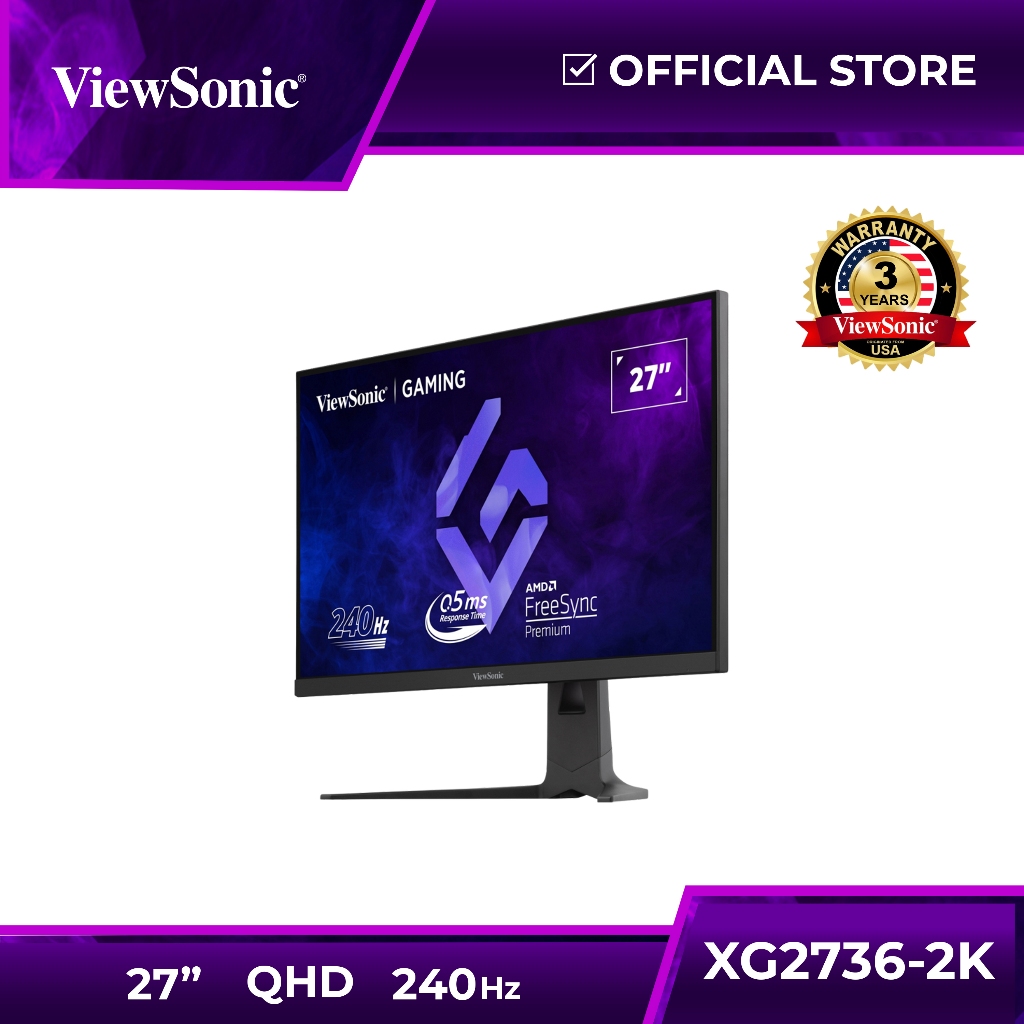
A 1440p gaming monitor under 200 offers a sharper 2560×1440 resolution, high refresh rates, and gamer-focused features at a price accessible to most PC players, making it a smart upgrade over older 1080p budget gaming displays without demanding a top-end graphics card.1440p gaming monitors at this price point now include serious high refresh rate monitors, and the ViewSonic XG2736-2K is the one most people should buy. It is a 27-inch 1440p IPS gaming monitor with a 240Hz refresh rate, 0.5ms response time, FreeSync Premium, NVIDIA G-Sync compatibility, RGB lighting, advanced ergonomics, HDMI and DisplayPort inputs, plus a 65W USB-C port, all at USD 199.99 (approx. ₱11,300). According to PC Guide, this Amazon deal cuts the price by 38%, taking it to its lowest level yet. If you play fast-paced shooters or competitive titles and want the best mix of speed, features, and value under 200, this is the clear winner.
Cheapest 1440p upgrade: the $110 class and MSI’s 100Hz IPS option
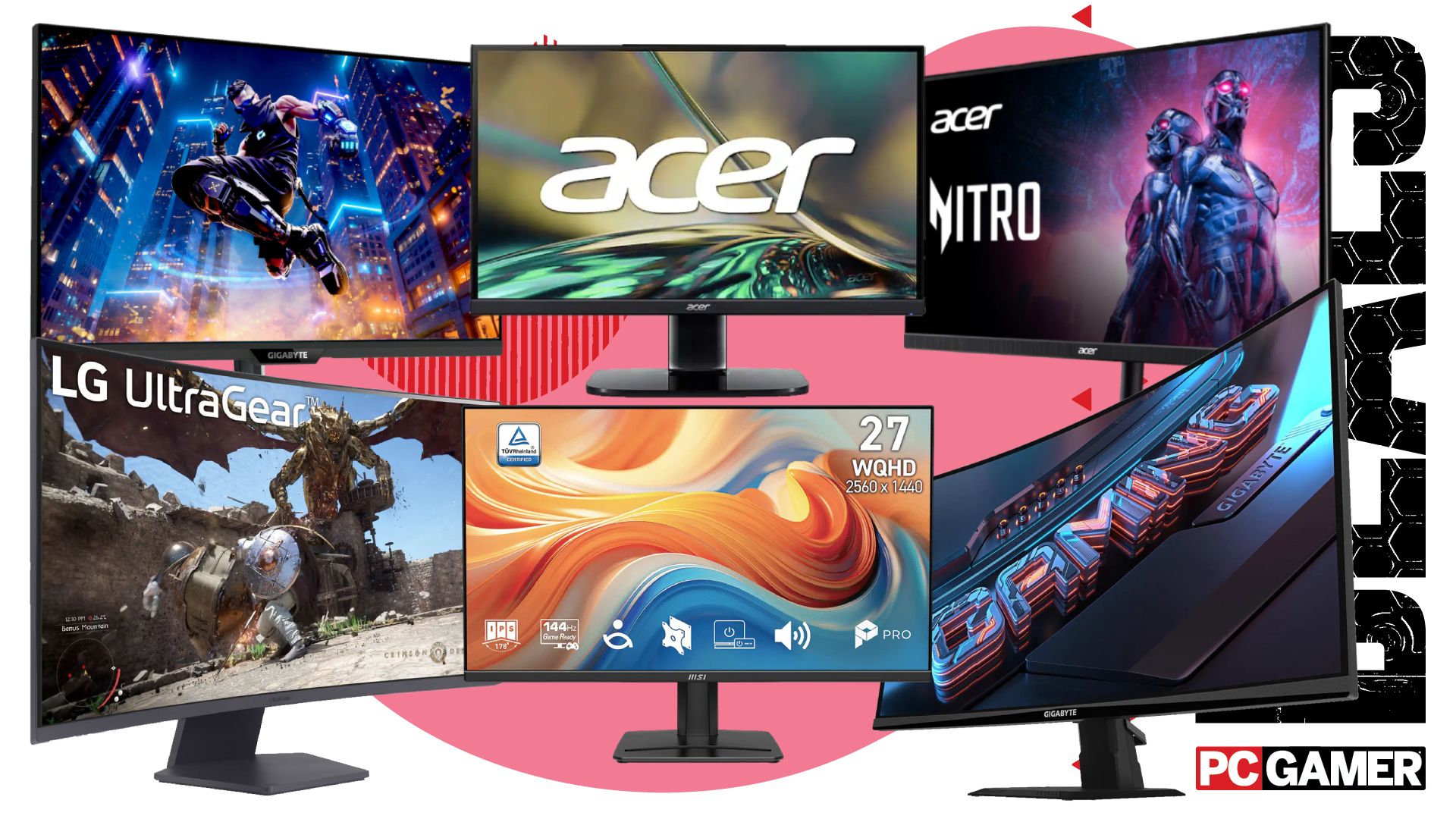
If you are still on a 1080p panel and want the cheapest path into 1440p gaming monitors, the current crop of budget gaming displays starts at a remarkably low level. One 27-inch 1440p screen is available for USD 110 (approx. ₱6,200), and that alone makes upgrading from 1080p very hard to argue against if your graphics card can handle the extra pixels. Stepping up slightly in price, an MSI 1440p IPS gaming monitor with a 100Hz refresh rate sells for USD 130 (approx. ₱7,300). This MSI model suits players who mainly enjoy RPGs, strategy games, and casual multiplayer, where smoothness matters but extreme refresh rates are not essential. The IPS panel means decent color and viewing angles, and 100Hz is a noticeable jump over standard 60Hz. The trade-off is that competitive esports players may find 100Hz limiting compared with the 180Hz, 200Hz, and 240Hz options also now sitting under 200.
Mid-range speed: Acer Nitro 180Hz and Gigabyte 200Hz under $200
Between entry-level 100Hz and our 240Hz top pick, two mid-speed high refresh rate monitors stand out in the sub-200 bracket. A 27-inch Acer Nitro 1440p gaming monitor hits 180Hz for USD 160 (approx. ₱9,000), giving a big boost in motion clarity and responsiveness compared with 100Hz or 144Hz panels. Right above it, a Gigabyte 1440p display runs at 200Hz for USD 180 (approx. ₱10,200), pushing frame pacing even closer to our 240Hz recommendation while still staying under 200. These mid-range options are ideal for players who want competitive performance on a budget but may not always push frame rates high enough to exploit 240Hz. The downside is that they usually drop some of the extra features you see on the ViewSonic XG2736-2K, such as advanced ergonomics or a 65W USB-C port, and they cost more than the MSI 100Hz for gamers who do not need extreme speed.
| Spec | MSI 100Hz IPS (USD 130) | Acer Nitro 180Hz (USD 160) | Gigabyte 200Hz (USD 180) | ViewSonic XG2736-2K 240Hz (USD 199.99) |
|---|---|---|---|---|
| Resolution | 1440p (2560×1440) | 1440p (2560×1440) | 1440p (2560×1440) | 1440p (2560×1440) |
| Refresh rate | 100Hz | 180Hz | 200Hz | 240Hz |
| Panel type | IPS | Not specified | Not specified | IPS |
| Sync tech | Not specified | Not specified | Not specified | FreeSync Premium, G-Sync Compatible |
| Extras | Entry-level 1440p upgrade | Higher refresh on a budget | Speed-focused option | RGB lighting, advanced ergonomics, 65W USB-C |
Mini LED wild card: AOC Q27G3XMN and wider Amazon deal context
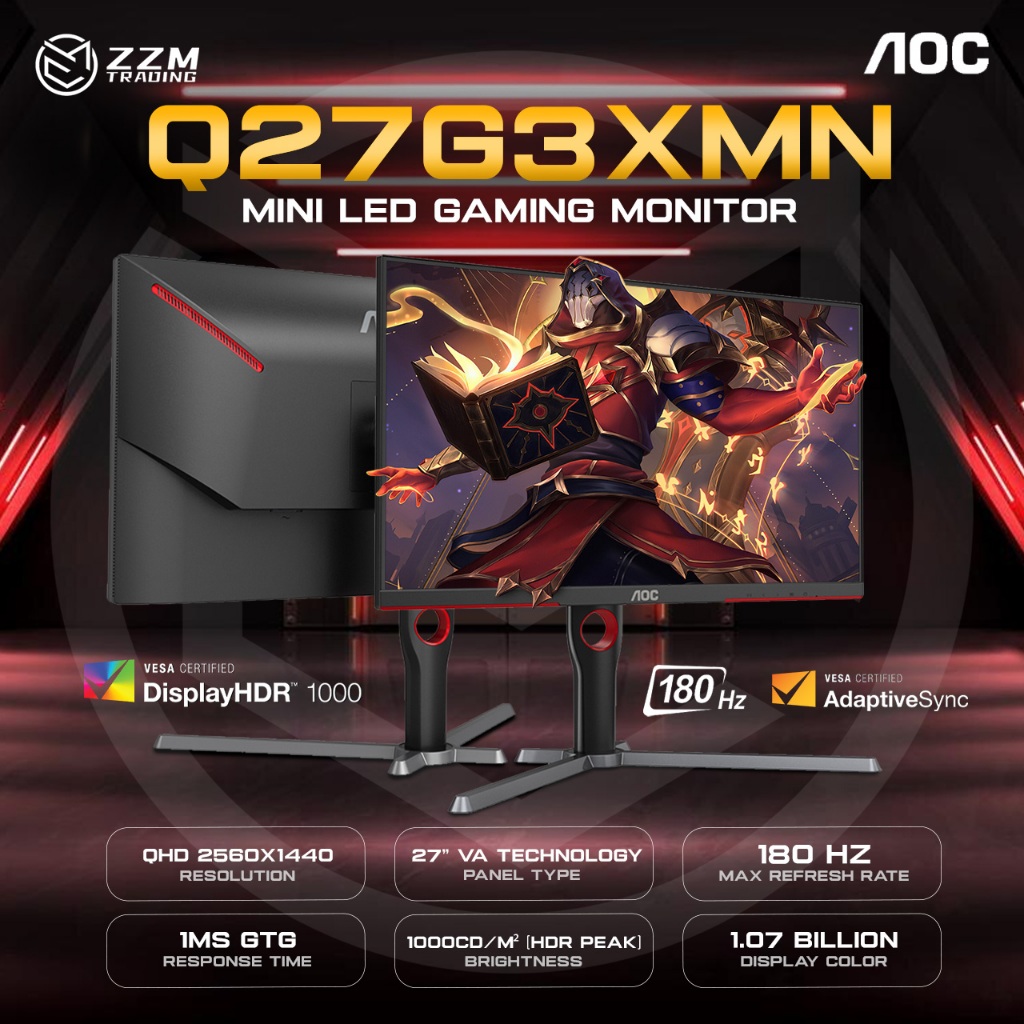
If you can stretch your budget and catch the right Amazon deals, there is a more advanced 1440p gaming monitor worth noting: the AOC Q27G3XMN 27-inch QHD display. It offers 2560×1440 resolution, a Mini LED backlight, 180Hz refresh rate, 1ms GtG response time, HDR 1000, an sRGB coverage of 137.5%, HDMI 2.0, DisplayPort 1.4, Adaptive Sync, and a three-year zero-bright-dot policy. While the exact promotional price is not restated in the deal summary, it is highlighted alongside other discounted gaming monitors, including the ViewSonic XG2736-2K’s 38% reduction to USD 199.99 (approx. ₱11,300). This AOC model suits players who care about image quality and HDR more than absolute refresh rate, accepting 180Hz instead of 240Hz in exchange for Mini LED and HDR 1000. The downside is that, compared with the ViewSonic, it is less focused purely on esports-style performance and may sit slightly above strict under-200 budgets depending on the current discount.
Buy if / Skip if
- Buy the ViewSonic XG2736-2K if you want the best overall 1440p gaming monitor under 200 with 240Hz, strong features, and excellent competitive performance.
- Skip the ViewSonic XG2736-2K if your priority is top-tier HDR and cinematic visuals, where QD-OLED or Mini LED models with certifications like HDR 1000 fit better.
- Buy the MSI 100Hz IPS monitor if you mainly play slower-paced games and want an affordable 1440p upgrade from 1080p without chasing esports-level refresh rates.
- Skip the MSI 100Hz IPS monitor if you are a competitive player who will benefit from 180Hz, 200Hz, or 240Hz high refresh rate monitors instead.
- Buy the Acer Nitro 180Hz if you want smoother competitive gaming than 100Hz provides but still need a gaming monitor under 200.
- Skip the Acer Nitro 180Hz if you can afford the ViewSonic XG2736-2K and want the extra speed, FreeSync Premium, and fully adjustable design.
- Buy the Gigabyte 200Hz if you want near-esports speed and are fine with a lean feature set to keep the price at USD 180.
- Skip the Gigabyte 200Hz if RGB lighting, advanced ergonomics, and USB-C power delivery matter more to you than a small refresh rate bump over 180Hz.
- Buy the AOC Q27G3XMN if HDR 1000, Mini LED, and richer color are more important to you than hitting the absolute lowest price under 200.
- Skip the AOC Q27G3XMN if your main goal is minimum input lag and the highest possible refresh rate at 1440p within a strict sub-200 budget.