
Hasselblad Phocus Mobile Android: Why This Launch Matters
Hasselblad Phocus Mobile for Android is a professional photo editing app that brings the company’s full Hasselblad Natural Color Solution pipeline, AI-powered RAW processing, and end‑to‑end image management from medium format camera to export directly onto compatible Android smartphones for the first time after more than a decade of iOS exclusivity.
Hasselblad Phocus Mobile V1.0.0 on Android is not a side project; it is a correction of a long‑standing imbalance. Sixteen years after the first Phocus Mobile version appeared on iOS, and six years after Phocus Mobile 2 arrived on iPhone, the same toolset finally lands on Android too. For photographers who chose Android hardware but invested in Hasselblad bodies, this is the overdue removal of a major workflow penalty. Instead of treating Android as an afterthought, Hasselblad is now acknowledging that serious shooters use more than one mobile platform—and they expect equal treatment when it comes to raw image editing mobile workflows and professional color.
Desktop-Class Raw Image Editing in Your Pocket
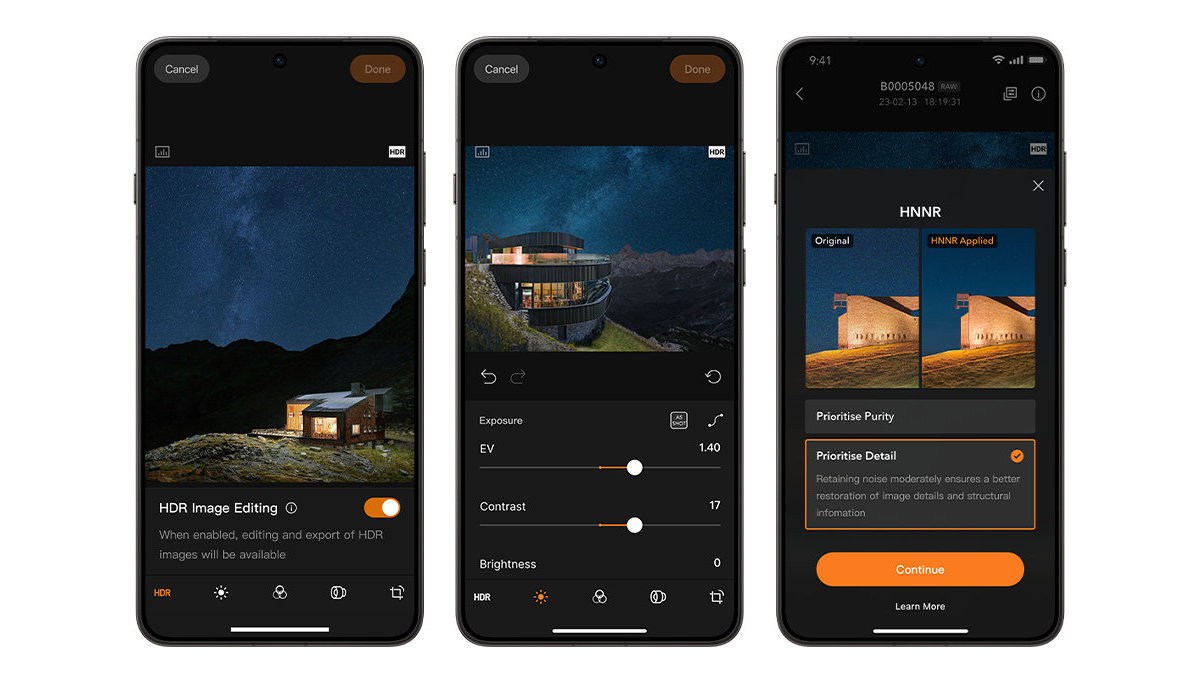
The core promise of Hasselblad Phocus Mobile Android is simple: 100MP raw image editing and grading on a phone without sacrificing the look that made these cameras desirable. The app brings the full Hasselblad Natural Color Solution (HNCS) experience to mobile, combining AI-powered noise reduction with a comprehensive editing suite and photo management tools so colors, tonal gradations, and highlight details are preserved from preview to export. On the X2D II 100C and supported HDR Android devices, that extends to full-spectrum HNCS HDR, which is designed to more closely match what the eye sees.
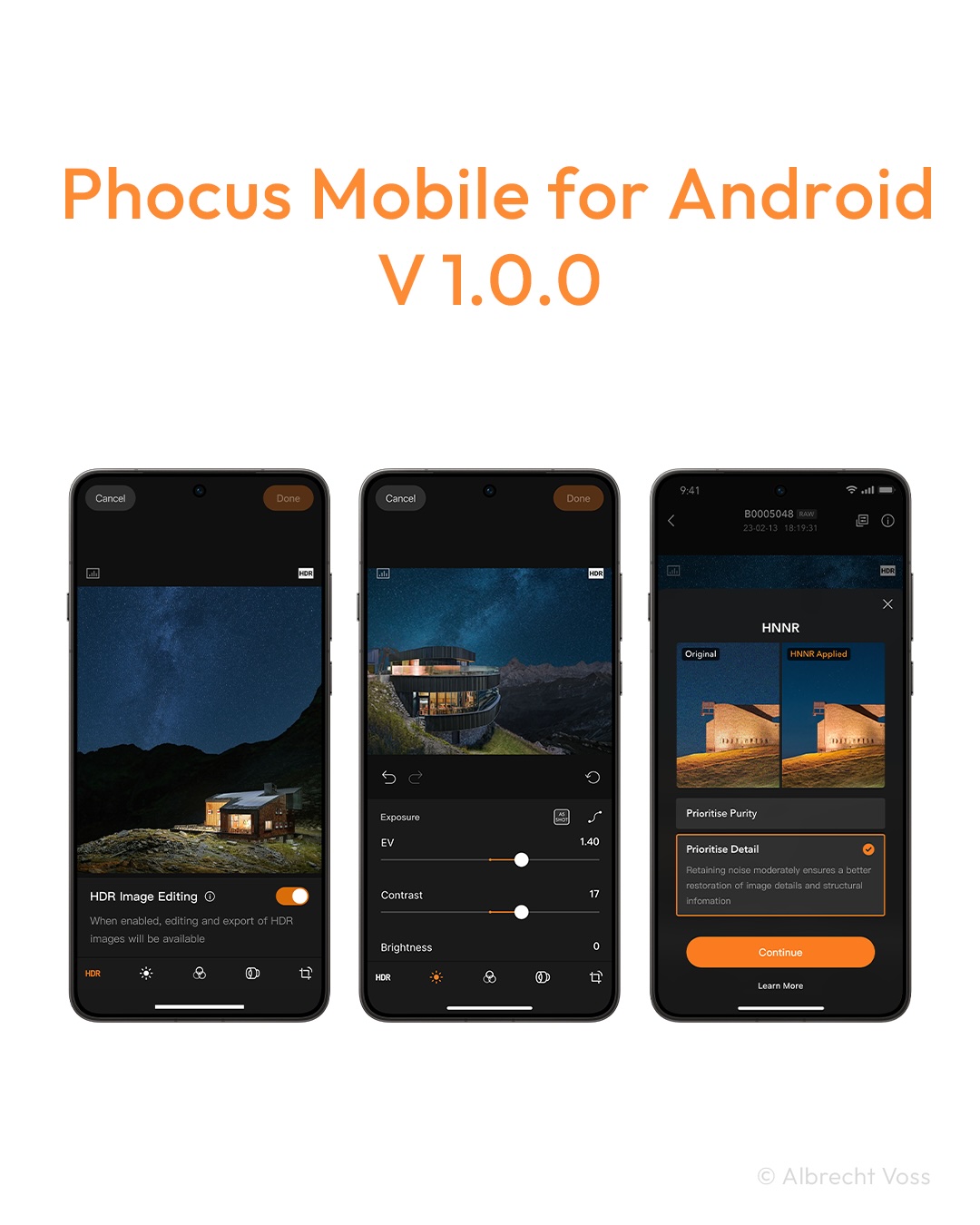
This is desktop thinking translated to touchscreens. When shooting at high ISOs in low light, an AI-powered RAW noise reduction algorithm delivers cleaner, more natural-looking images while keeping fine detail, taking around 15 to 20 seconds to process a 100MP RAW file. Two modes—Purity for maximum noise suppression and Detail for preserving luminance texture—give photographers real aesthetic choices instead of a one‑size‑fits‑all slider. In practical terms, serious users can now shoot, grade, and export 100MP work on location, instead of waiting to get back to a computer.
Supported Cameras, Demanding Hardware
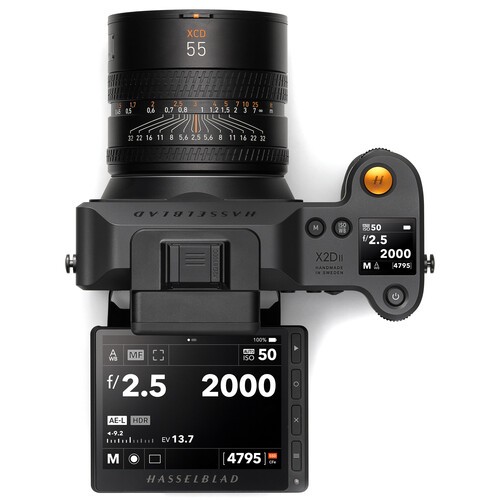
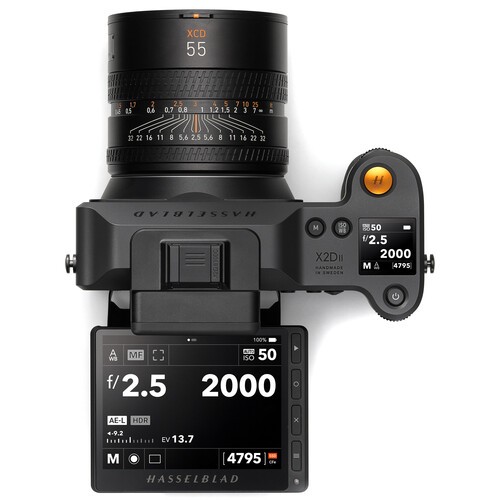
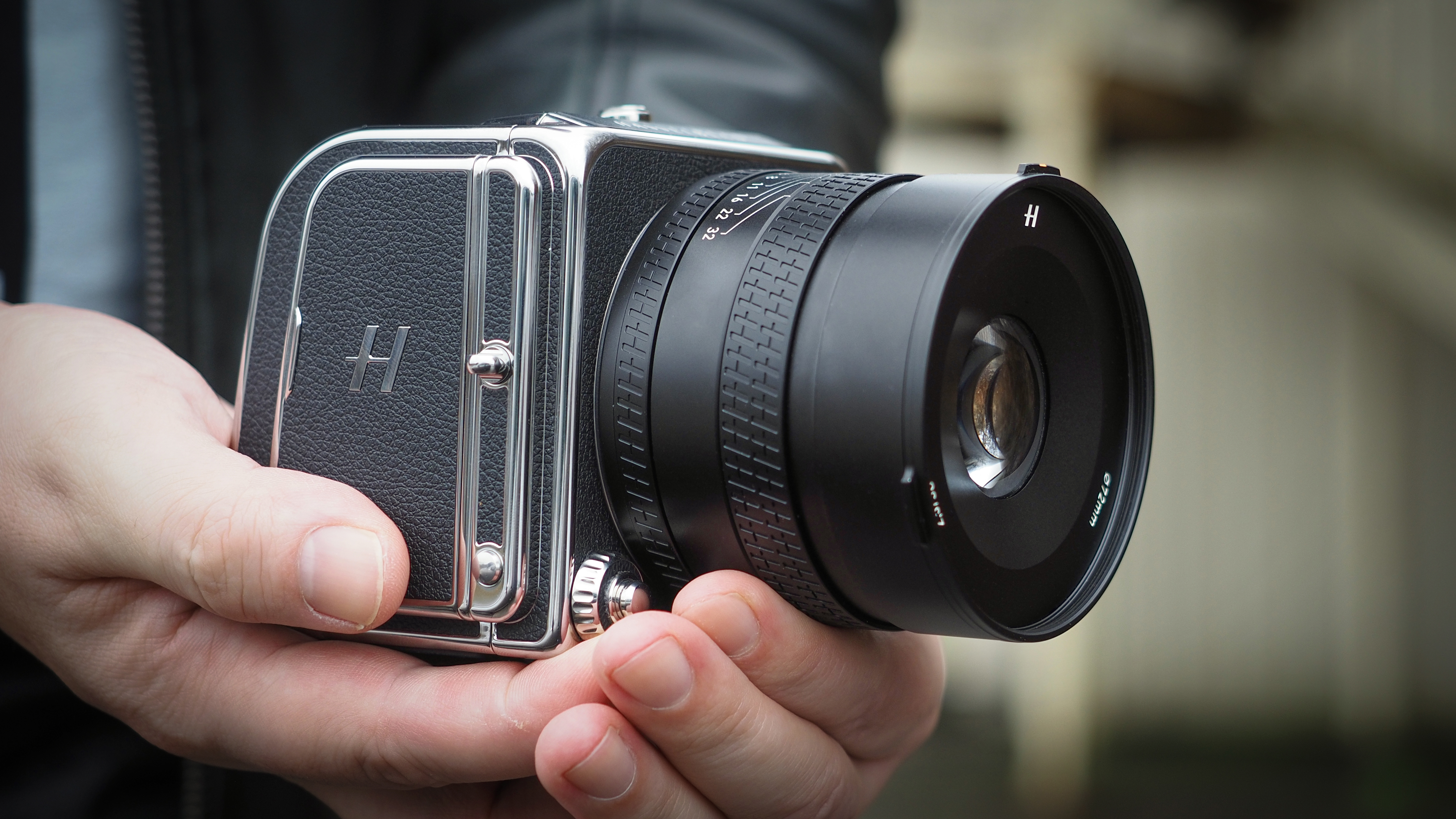
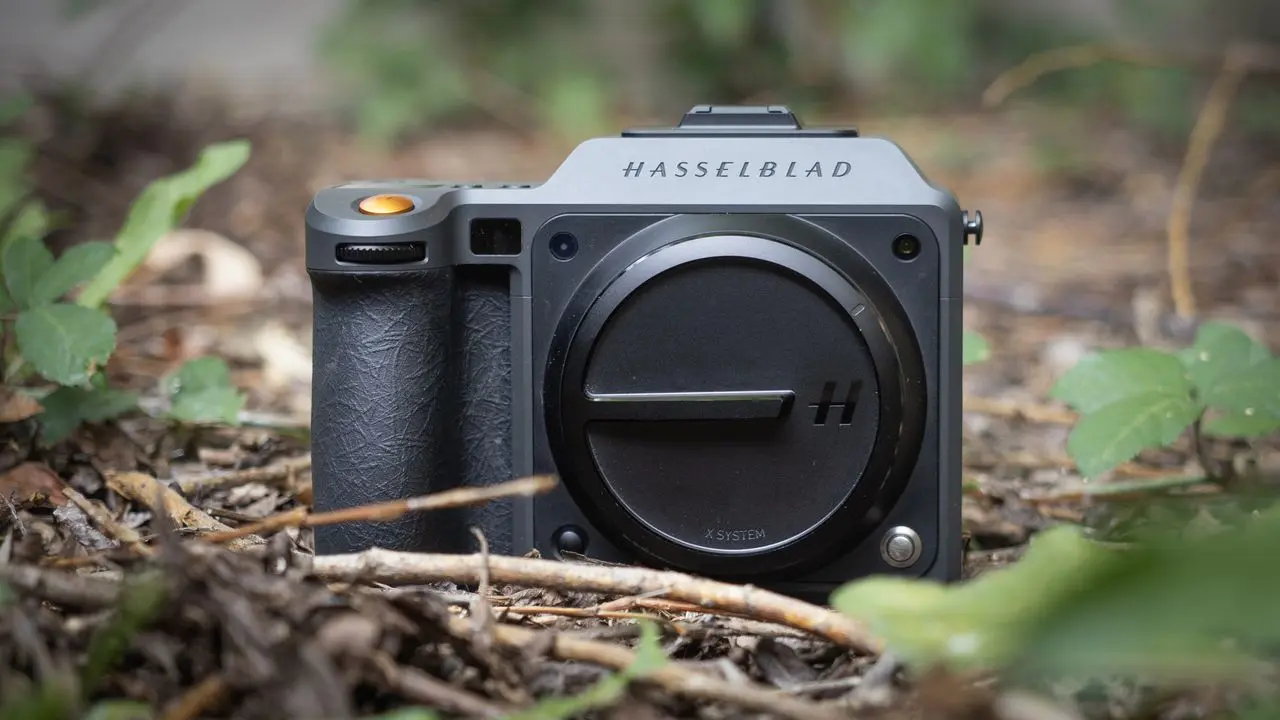
Crucially, this is not a generic Android photography software experiment; it is tuned for Hasselblad’s current medium format line. The Android app works with the X2D II 100C, X2D 100C, and 907X & CFV 100C cameras, extending the workflow from sensor to screen without a color science detour. HDR images captured on the X2D II 100C can reveal intricate shadow detail, luminous highlights, and color gradations on HDR‑capable Android devices, according to Hasselblad’s own description.
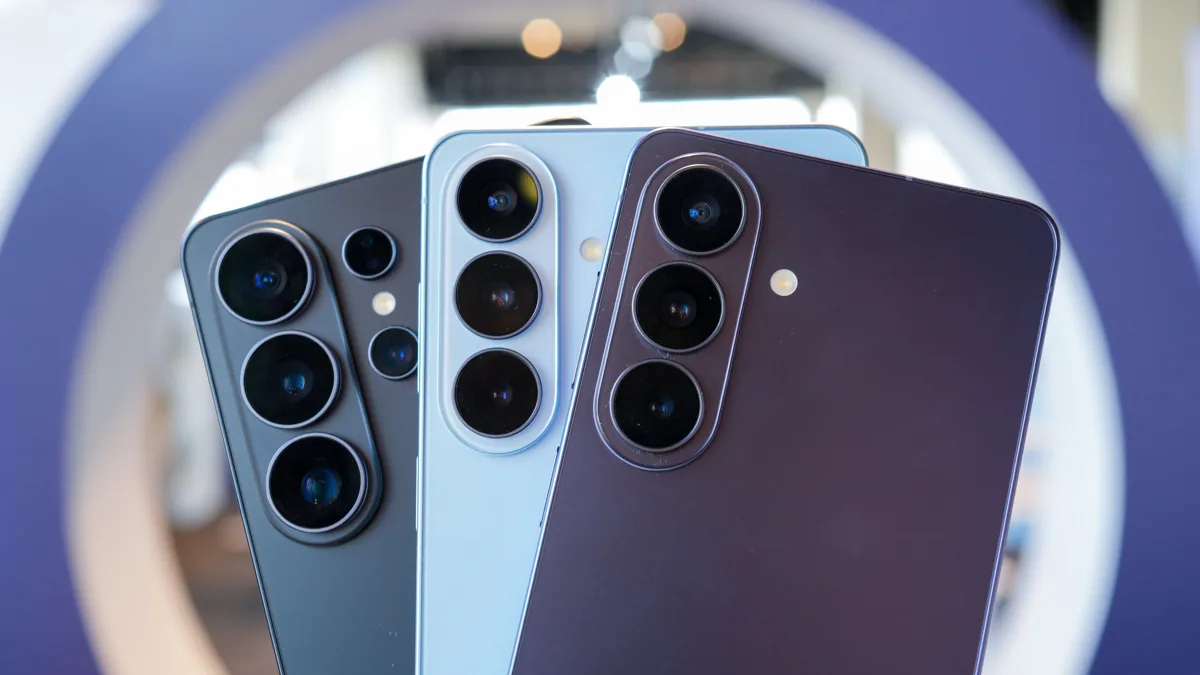
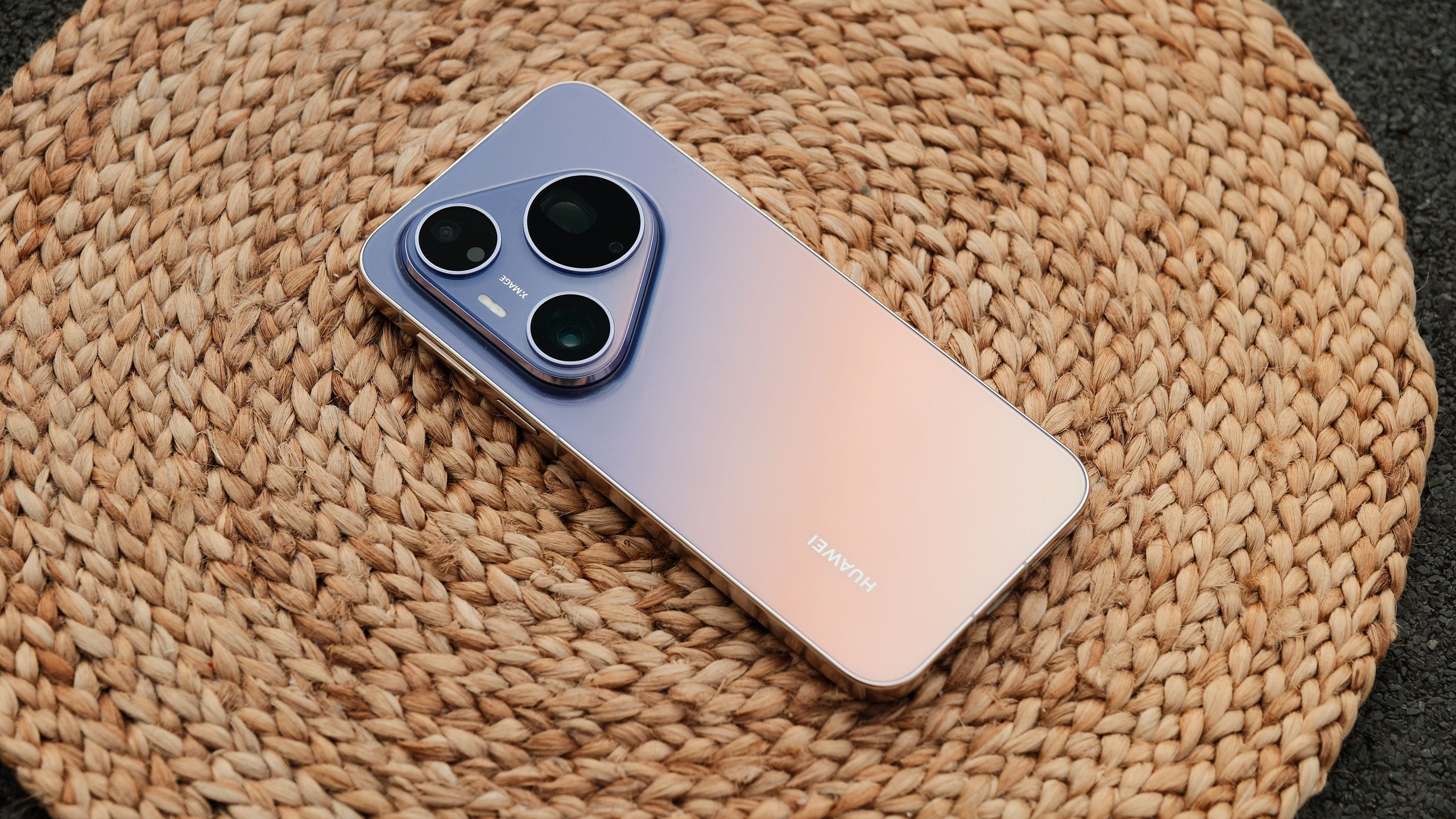
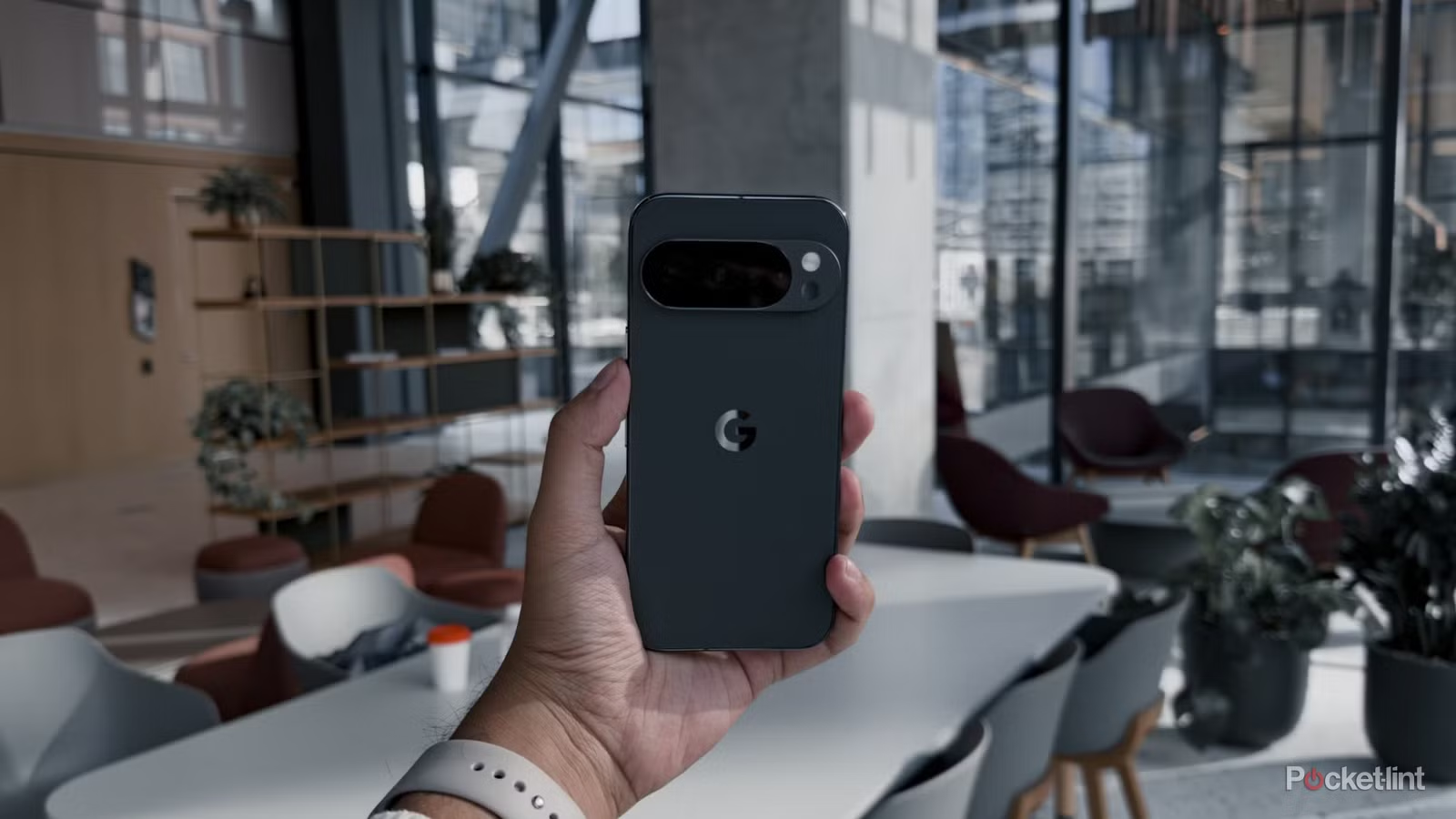
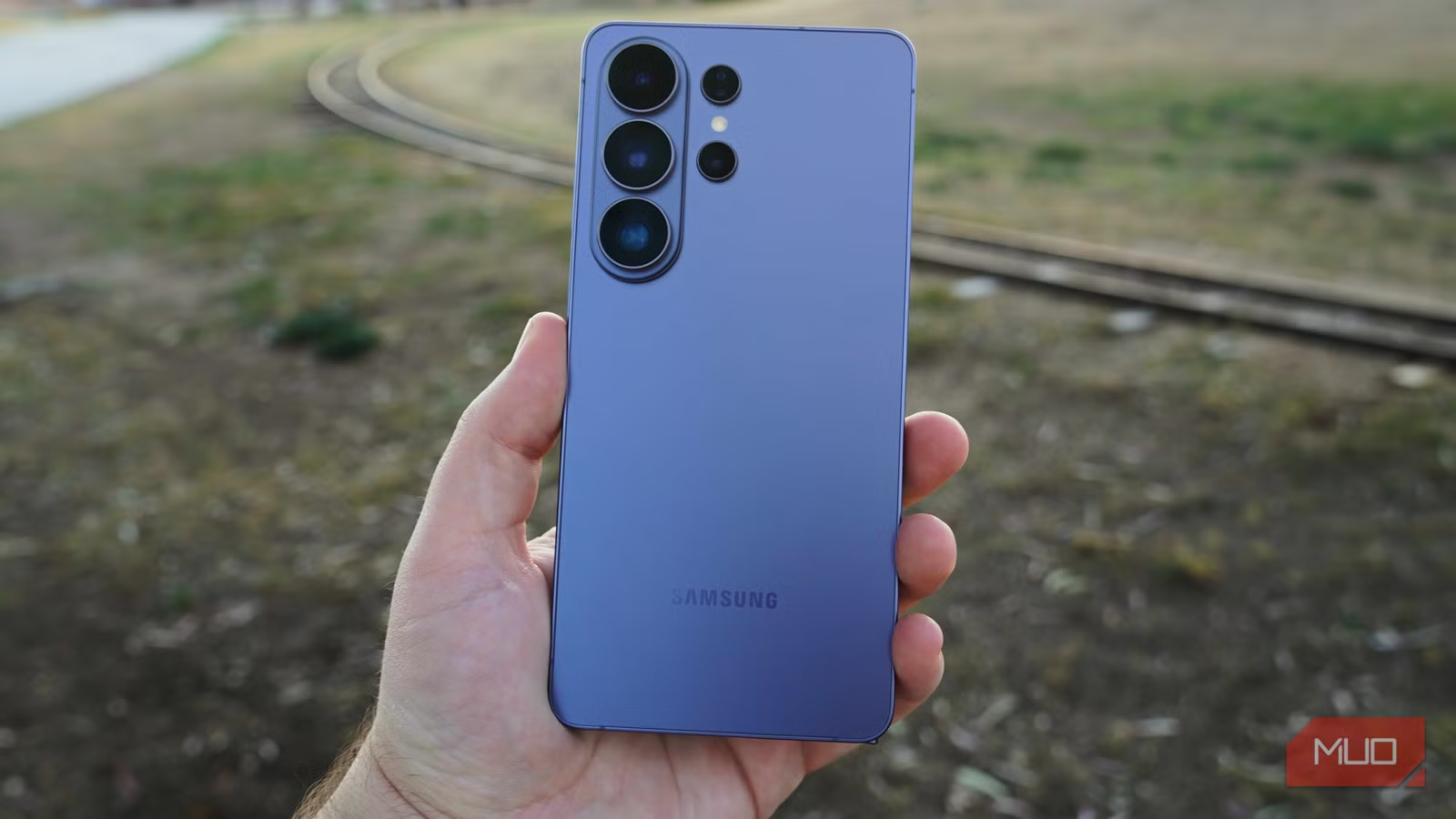
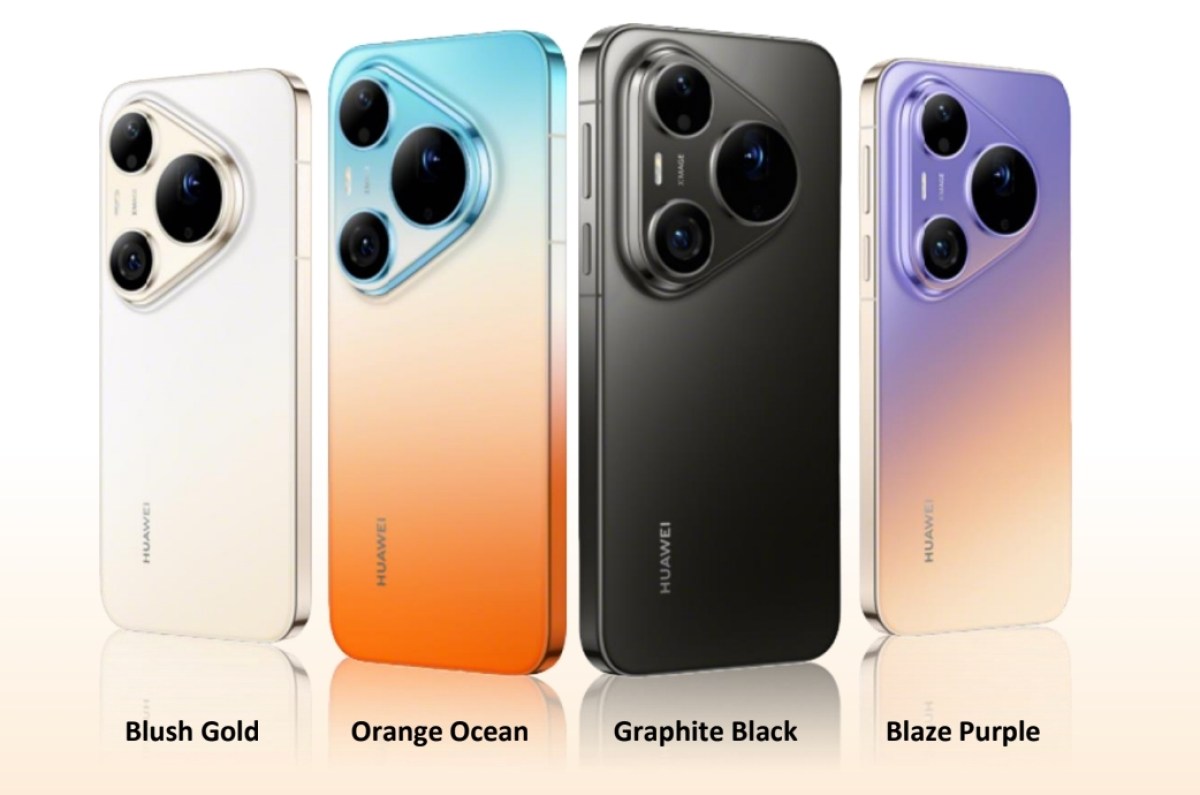
The catch—and it is an important one—is hardware. The Phocus Mobile app requires at least 12GB of RAM and is compatible with Android 12 and newer devices, with Hasselblad recommending Android 16 with Snapdragon 8 Gen 3 or newer for the best performance. That is a clear statement: if you want to handle 100MP RAW files in 15–20 seconds, you need flagship‑class silicon. This is high‑end Android photography software aimed at users who already treat their phone as a serious creative tool, not an entry‑level accessory.
From Camera to Export: A Complete Mobile Workflow
Beyond the wow factor of 100MP edits, the workflow details show why this is a proper professional photo editing app rather than a marketing checkbox. In the Android app, you can review, edit, organize, and export images in formats including JPG, TIFF, HEIF, 3FR, and RAW. Files move from camera to phone over Wi‑Fi or, for the X2D II 100C with updated firmware, via USB‑C wired transfer. That flexibility matters when you are moving large raw sequences and do not want wireless bottlenecks.
Editing tools cover the usual essentials—exposure, curves, white balance, monochrome correction, lens correction, sharpening, cropping, rotation, keystone correction, and noise reduction, with the ability to apply settings in batches. You can also rate your best shots and batch edit multiple images at once, turning the app into a practical culling and grading station, not just a novelty filter engine. For working photographers, that means scouting, client previews, and social‑ready exports can all happen from the same device you are already carrying.
Why Phocus Mobile on Android Changes Expectations
Phocus Mobile first arrived on iOS in April 2012, with a major Phocus Mobile 2 overhaul in 2019—both as iOS exclusives. More than 15 years after that first launch, Hasselblad has officially brought its Phocus Mobile app to Android devices. That long delay had an obvious message: if you were serious about Hasselblad workflows, you were expected to live on iOS. Today’s release rejects that assumption.
By delivering Hasselblad Phocus Mobile Android with feature parity—HNCS color, AI noise reduction, HDR support, batch tools—Hasselblad is acknowledging that mobile platform choice should not decide who gets desktop‑class quality on the go. It also aligns with the company’s recent willingness to play better with third‑party ecosystems, such as adding support for other editing platforms. For medium format shooters who rely on Android, the takeaway is clear: your phone is now a first‑class part of the Hasselblad workflow, not a second‑tier companion.