
The best budget gaming monitor under $300 right now
The best gaming monitors under $300 are affordable high-refresh 1440p displays and OLED gaming monitors that deliver smooth motion, deep contrast, and sharper detail than older 1080p panels while staying within a modest budget for most PC players.
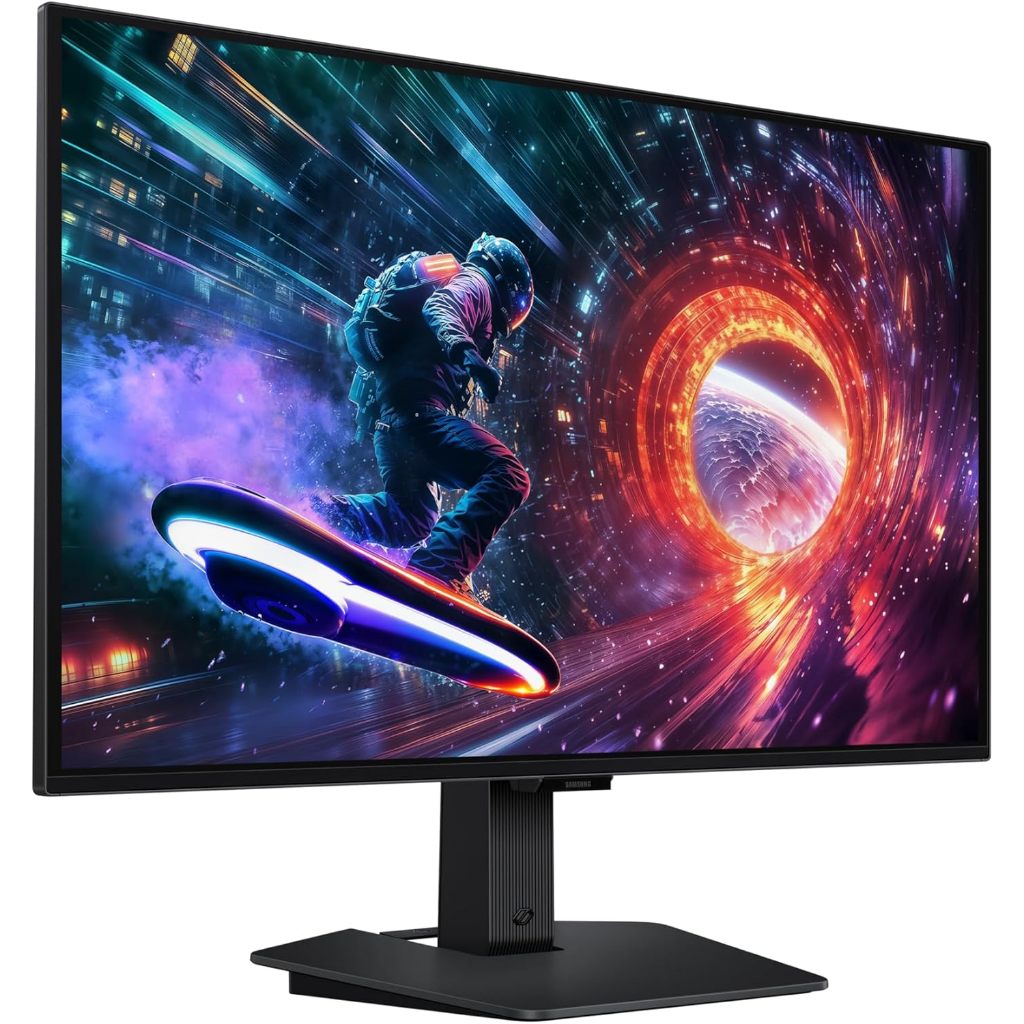
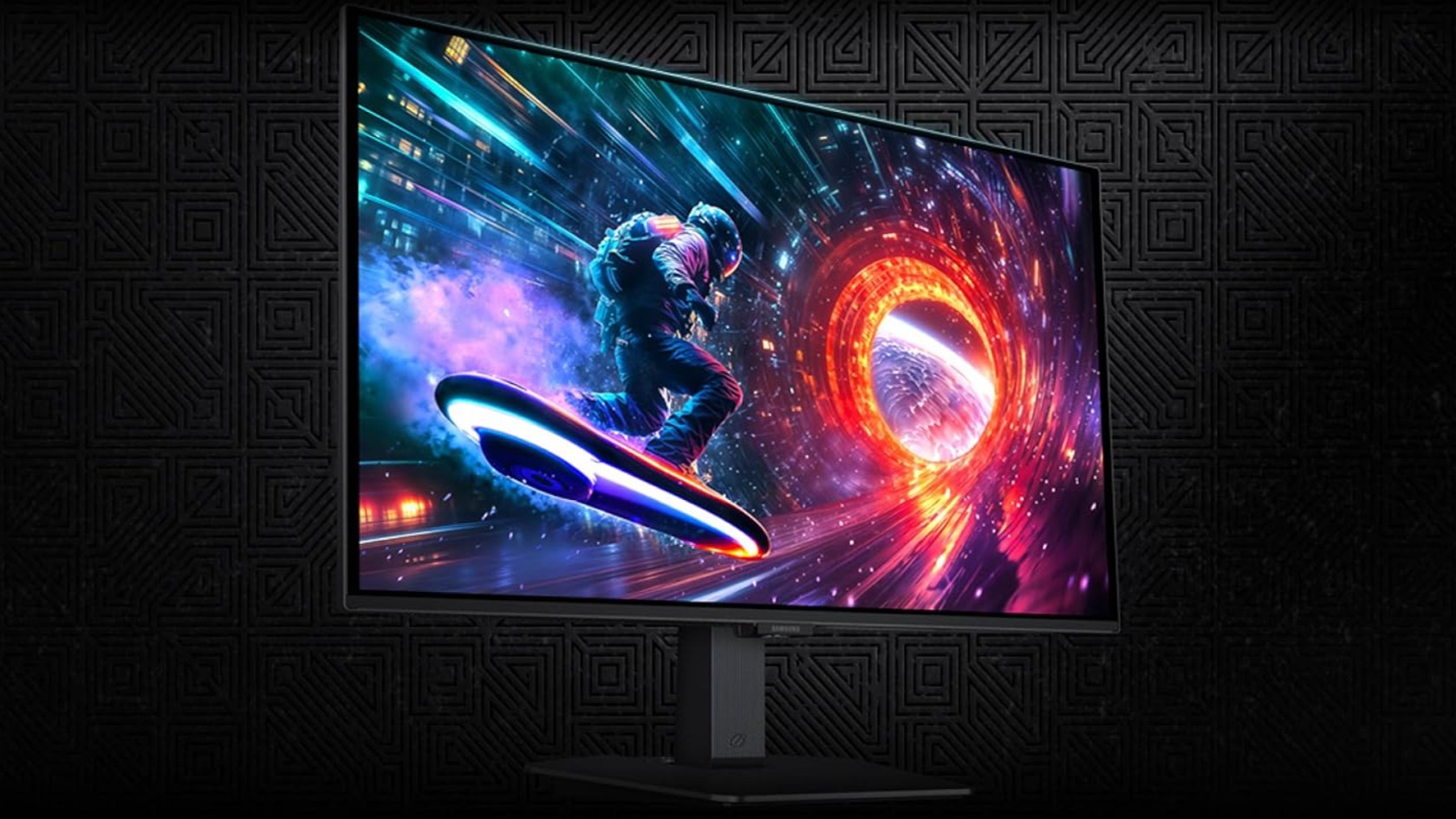
If you want one clear recommendation, buy the Samsung 27‑inch Odyssey OLED G5. It is the only OLED gaming monitor in this price bracket that combines 1440p resolution, an ultra-fast 180Hz refresh rate, and OLED-level contrast for under USD 300 (approx. ₱16,800). This 27‑inch flat QD‑OLED panel runs at 2560 x 1440 with a 0.03ms GTG response time, plus HDR10 support, deep blacks, vivid color, and a glare‑free screen for games and video. It is currently USD 299.99 (approx. ₱16,800) on Amazon, down from a USD 499.99 (approx. ₱28,000) list price, a USD 200 (approx. ₱11,200) saving that beats its recent sale low. For most people who can stretch to this deal, this is the budget gaming monitor to buy.
Why the Samsung Odyssey OLED G5 is the standout deal
At this price, the Samsung 27‑inch Odyssey OLED G5 turns features that used to be reserved for flagship displays into a mainstream option. The 2560 x 1440 QD‑OLED panel at 180Hz delivers far smoother motion and cleaner detail than older IPS or VA 1080p screens, while the 0.03ms GTG response time helps keep competitive titles sharp during fast camera pans. According to one deal report, “Amazon has dropped the Samsung 27‑inch Odyssey OLED G5 to USD 299.99 (approx. ₱16,800), down from its USD 499.99 (approx. ₱28,000) recommended retail price”.
This model also supports G‑Sync and AMD FreeSync to limit tearing across different GPUs, and buyer feedback scores it at 4.4 out of 5 as a value entry into OLED gaming monitors. If you care about deep blacks, strong contrast, and vivid color as much as speed, while staying under USD 300 (approx. ₱16,800), this is the gaming monitor deal that makes the most sense.
The best 1440p monitors under $200 for tight budgets
If USD 300 (approx. ₱16,800) is out of reach, 1440p budget gaming monitors under USD 200 (approx. ₱11,200) now offer excellent value. One roundup found six 1440p gaming monitors for under USD 200, with the cheapest 27‑inch model starting at USD 110 (approx. ₱6,200). For players on 1080p panels, this makes moving up to sharper 1440p an easy upgrade path, with only a modest extra load on your graphics card.
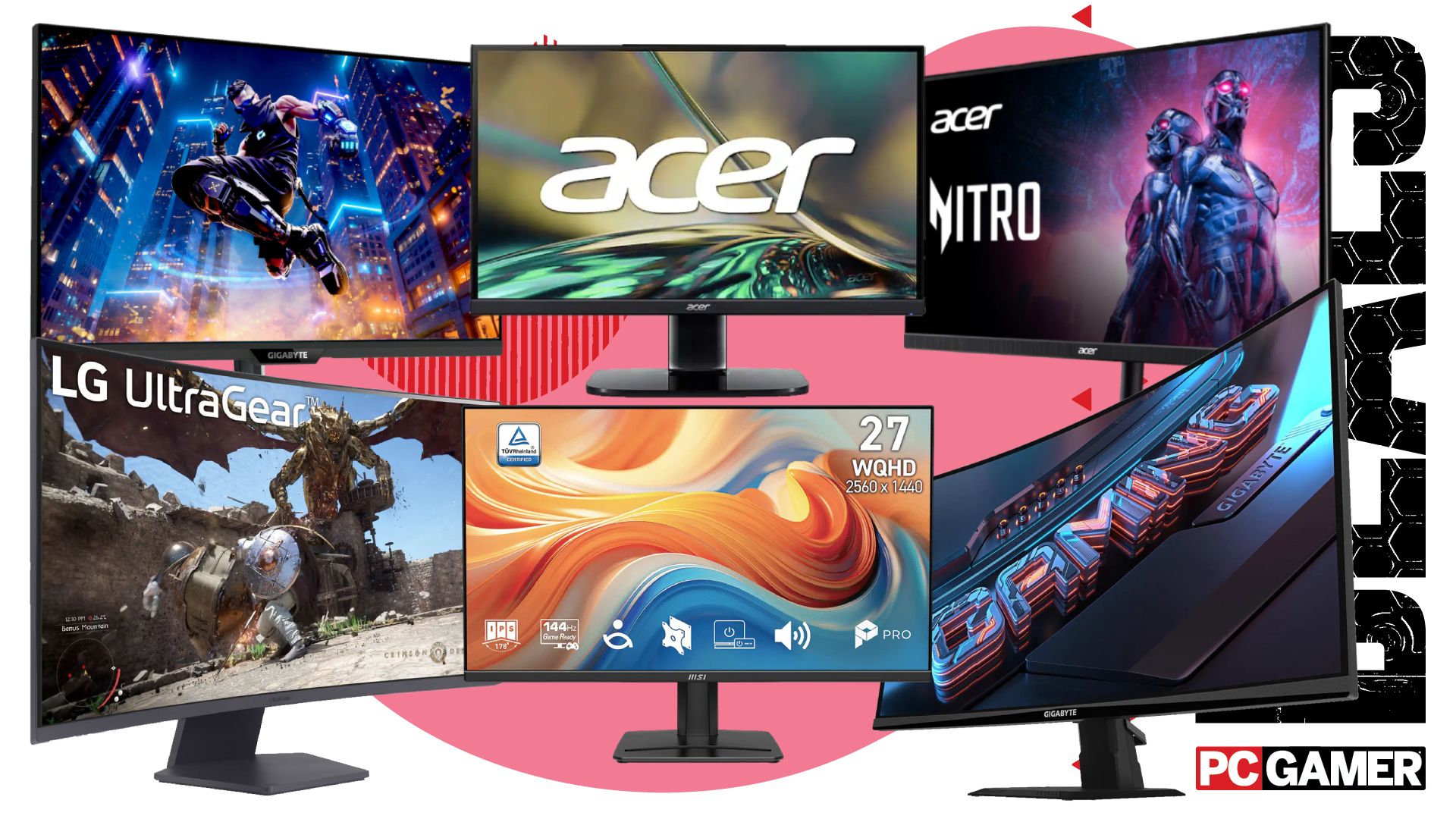
Within these gaming monitor deals you can find a 100Hz MSI IPS display for USD 130 (approx. ₱7,300), a 180Hz 27‑inch Acer Nitro model for USD 160 (approx. ₱9,000), and a 200Hz Gigabyte panel for USD 180 (approx. ₱10,100), among others. Each option pairs a 1440p resolution with a high refresh rate, proving that budget gaming monitors can now deliver premium-feeling smoothness without premium prices. For anyone stepping up from 1080p who prioritizes value over OLED contrast, these are the best 1440p monitor under 300 picks.
| Spec / Example Model | OLED G5 (Samsung) | Budget 1440p Options (MSI / Acer / Gigabyte) |
|---|---|---|
| Panel type | 27" QD‑OLED | 27" IPS and similar LCD panels |
| Resolution | 2560 x 1440 | 2560 x 1440 |
| Refresh rate | 180Hz | 100Hz (MSI) / 180Hz (Acer) / 200Hz (Gigabyte) |
| Response time | 0.03ms GTG | Not specified, but tuned for high‑refresh gaming |
| Typical price | USD 299.99 (approx. ₱16,800) | USD 110–180 (approx. ₱6,200–₱10,100) |
How these sub-$300 monitors compare for different players
For players who want both speed and picture quality and can reach the higher end of the budget, the Samsung Odyssey OLED G5 is the clear winner under USD 300 (approx. ₱16,800). Its QD‑OLED panel, HDR10 support, and near‑instant response suit single‑player visuals and competitive titles in equal measure. Reviews describe it as a strong value choice for anyone entering OLED gaming monitors, with a solid 4.4/5 buyer rating.
If price matters more than black levels or HDR, the sub‑USD 200 (approx. ₱11,200) 1440p gaming monitor deals are better fits. They still give you the jump from 1080p to 1440p, with options up to 200Hz for fast‑paced shooters and esports. Each one represents a cheap upgrade that keeps more cash free for a new GPU or storage. In short: pick the OLED G5 if you want the best image and can afford it; pick one of the 1440p IPS or similar panels if you need to spend as little as possible but still want a meaningful upgrade.
Buy if / Skip if
- Buy the Samsung 27-inch Odyssey OLED G5 if you want the best overall sub‑USD 300 (approx. ₱16,800) experience with OLED contrast and 180Hz speed.
- Skip the Samsung 27-inch Odyssey OLED G5 if you must stay under USD 200 (approx. ₱11,200) and care more about price than OLED image quality.
- Buy the MSI 1440p 100Hz IPS option if you want a very cheap step up from 1080p and can spend about USD 130 (approx. ₱7,300).
- Skip the MSI 1440p 100Hz IPS option if you play mainly high‑FPS shooters and would benefit more from a 180–200Hz panel.
- Buy the Acer Nitro 27-inch 1440p monitor if you want a 180Hz refresh rate at around USD 160 (approx. ₱9,000) without paying OLED prices.
- Skip the Acer Nitro 27-inch 1440p monitor if HDR and deep blacks matter more to you than saving about USD 140 (approx. ₱7,800) versus the OLED G5.
- Buy the Gigabyte 1440p 200Hz panel if you prioritize the highest refresh rate possible under USD 200 (approx. ₱11,200) for competitive gaming.
- Skip the Gigabyte 1440p 200Hz panel if you play more cinematic single‑player games and would benefit more from OLED’s contrast and HDR10 support.