
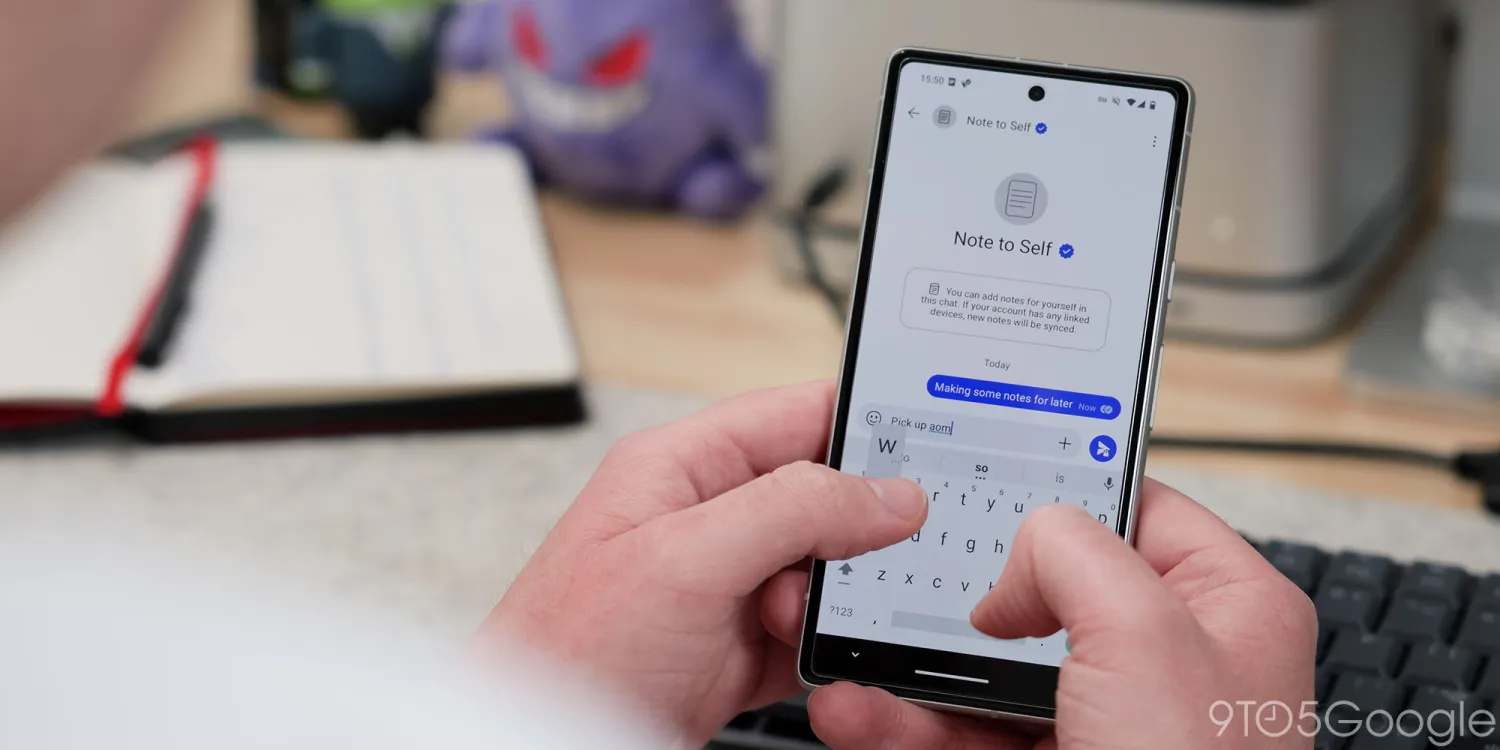

Signal Multi-Device Support: The Single-Account Era
Signal multi-device support is a new beta feature that lets you link an Android phone or tablet as a secondary device to your existing Signal account, so you can use one phone number with synchronized chats across multiple screens instead of juggling separate accounts or repeated sign-ins. This matters because Signal has long forced privacy-conscious users into a painfully single-device life: one primary phone, one active app. If you wanted Signal on another phone, you had to register a separate number or constantly sign in and out. The new model finally treats encrypted messaging apps as part of a fluid, multi-device workflow rather than a locked box on a single handset, and that’s a welcome, overdue shift for anyone who lives between phone and tablet all day.
How Signal’s New Linked Devices Work on Android
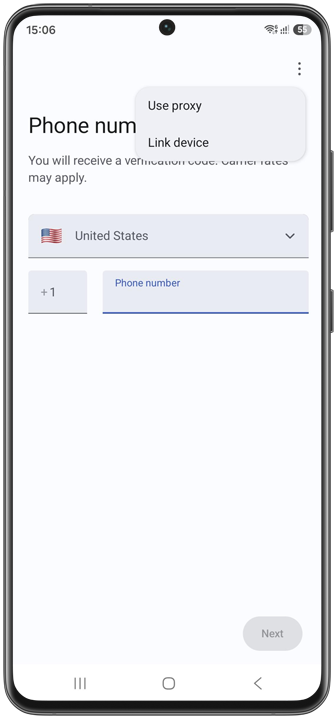
The new Android multi-device flow centers on a “Link device” option that appears where you’d normally enter a phone number. On an Android phone, you start the usual welcome process, tap the overflow (kebab) menu on the number screen, and choose “Link device” instead. On a tablet, you’ll see a clear “Link your account” button on the welcome screen. In both cases, Signal secondary device setup displays a QR code; you scan that code from your primary phone via Settings → Linked devices → Link a new device. At that point you decide whether to synchronize your chat history to the secondary device or keep history local to the primary. If you skip history sync and change your mind later, you must reinstall Signal on the secondary device before linking again, which is a small but important friction that encourages you to choose carefully up front.
Why This Is Different From Old Workarounds and Other Apps
Until now, using Signal on more than one phone meant either registering a separate number for each device or laboriously signing in every time you switched, since Signal would only work on one device at a time. Desktop and iPad users were the only exceptions, treated as second-class mirrors of the main account. The new Signal multi-device support removes the second-number requirement entirely on Android, putting phones and tablets on equal footing as true linked devices. Conceptually, it is closest to how WhatsApp handles linked devices, where a central base phone mirrors account data and chats to secondary devices. That comparison matters: it shows Signal isn’t reinventing the idea of multi-device encrypted messaging apps; it is catching up to expectations that your secure chat service should follow you, not trap you on one screen.
What Multi-Device Signal Means for Your Daily Workflow
The practical payoff is obvious: you get one account and a synchronized chat history across devices, so your Signal conversations feel continuous rather than fragmented. That alone transforms Signal secondary device use from a niche hack into a serious productivity tool for people who hop between phones and tablets. According to Signal’s updated support info, you can link up to five devices to a single account, and linked devices automatically drop off after 45 days of inactivity while your original phone must come online at least every 30 days. Those limits strike a sensible balance between convenience and security in encrypted messaging apps. On tablets, Signal has built a split-screen interface: a chat list on the left and an expanded conversation pane on the right, tuned for landscape mode and customizable so you can hide the list if you prefer a distraction-free view. It’s a clear signal that multi-device is not an afterthought—it’s a first-class way to use the service.
Still in Beta, But Already a Big Shift for Secure Messaging
All of this is rolling out in beta, starting with Signal 8.20 for Android, so it is not yet a polished, universal default. But the direction is unmistakable: encrypted messaging apps are done pretending that privacy and multi-device life are incompatible. Signal’s move from a single-device lock-in to native multi-device support on Android is a structural change in how it thinks about identity, presence, and convenience. The QR-based linking, limited device count, and inactivity timeouts signal a design that cares about security without punishing people for using more than one screen. When this leaves beta, the expectation will be simple: your secure conversations should be where you are—on your phone during commutes, on your tablet during deep work, and on whichever device you pick up next—without extra numbers or account juggling.





