


CarPlay in iOS 27: A Practical Redesign, Not a Rethink
CarPlay in iOS 27 is Apple’s in-car experience that runs on a connected iPhone, and this update focuses on reducing everyday driving friction through cleaner media controls, smarter voice input, safer visuals, and more reliable connections rather than flashy new dashboards or dramatic redesigns.
The key point: iOS 27 does not reinvent CarPlay; it removes the small frustrations that slow you down on every drive. Media controls are easier to reach, Siri is less stubborn, and navigation options are easier to express in plain language. Right now, iOS 27 improves CarPlay most where people feel it: media controls, voice input, and routing. That focus matters more than another glossy demo because it keeps the design safety-first while making the system less distracting. If you connect your iPhone to your car regularly, these are the iPhone driving updates that will quietly reshape your commute.

Media Controls That Stay Put: Mini‑Player and Audio Scrubbing
The most obvious CarPlay improvements in iOS 27 are in media playback, and they finally respect how drivers use audio. A new persistent Now Playing mini‑player lives in the top‑right corner whenever audio is running, across apps and screens. That means you no longer dig back through menus just to pause a podcast or skip a track. The mini‑player shows album art and basic controls and is a system template any CarPlay media app can adopt, so streaming apps are expected to plug into it over time.
More important for real life, the full Now Playing view now includes an audio scrubber, letting you drag to a specific point in a song, podcast, or audiobook. Audio scrubbing did not exist in iOS 26, which left drivers stuck with imprecise skip buttons. These changes work on any CarPlay setup with no configuration, and they touch every drive you take. If you care about CarPlay usability, this is the single biggest upgrade.
Siri Grows Up: Smarter Requests, Less Screen Time
Voice control has always been the safest way to run CarPlay, but it was also the most frustrating. Siri AI in iOS 27 pushes CarPlay toward the assistant it should have been years ago. On supported phones, Siri AI can answer questions using your personal context, broader world knowledge, and more, all from the car. Siri AI with context memory works on iPhone 15 Pro or later, with Apple Intelligence enabled, and is available to try now.
In the car, that translates into fewer repeated commands and more natural conversations. Siri remembers what it just did: if you ask it to send a message and then correct yourself, it applies the change without making you restate the whole request. That directly reduces distraction. Visually, Siri now appears as a dark glassy orb at the bottom of the CarPlay display instead of taking over the screen, which makes it less intrusive while driving. For any driver who leans on hands‑free control, iOS 27 finally gives Siri the power it deserves in CarPlay.
Navigation and Safety: Natural‑Language Routes and Stronger Connections
Navigation is where small interface tweaks can have big safety effects. iOS 27 extends natural‑language search to Apple Maps navigation in CarPlay, so you can state your destination and routing preferences in one breath. Instead of digging through menus, you can say, “Navigate to O’Hare Airport, avoid toll roads,” and Maps sets up the route with those constraints applied, no follow‑up taps needed. There is no new syntax to memorize; it listens for how people naturally talk. This works on any CarPlay setup and on every iOS 27 iPhone, independent of Apple Intelligence.
Under the hood, Apple says iOS 27 improves navigation heading and GPS accuracy in CarPlay and boosts wireless CarPlay reliability. That means fewer dropouts and more stable positioning, which matter more than any novelty interface when you are mid‑journey. Navigation apps, including Apple Maps and Google Maps, can now share active route data with the vehicle’s onboard system, which is especially important for EV route sharing where supported. Both wired and wireless methods restrict video playback to park mode and switch to audio‑only when the car shifts to drive, keeping safety at the center.
Visual Polish, New Apps, and Why the Public Beta Is Worth It
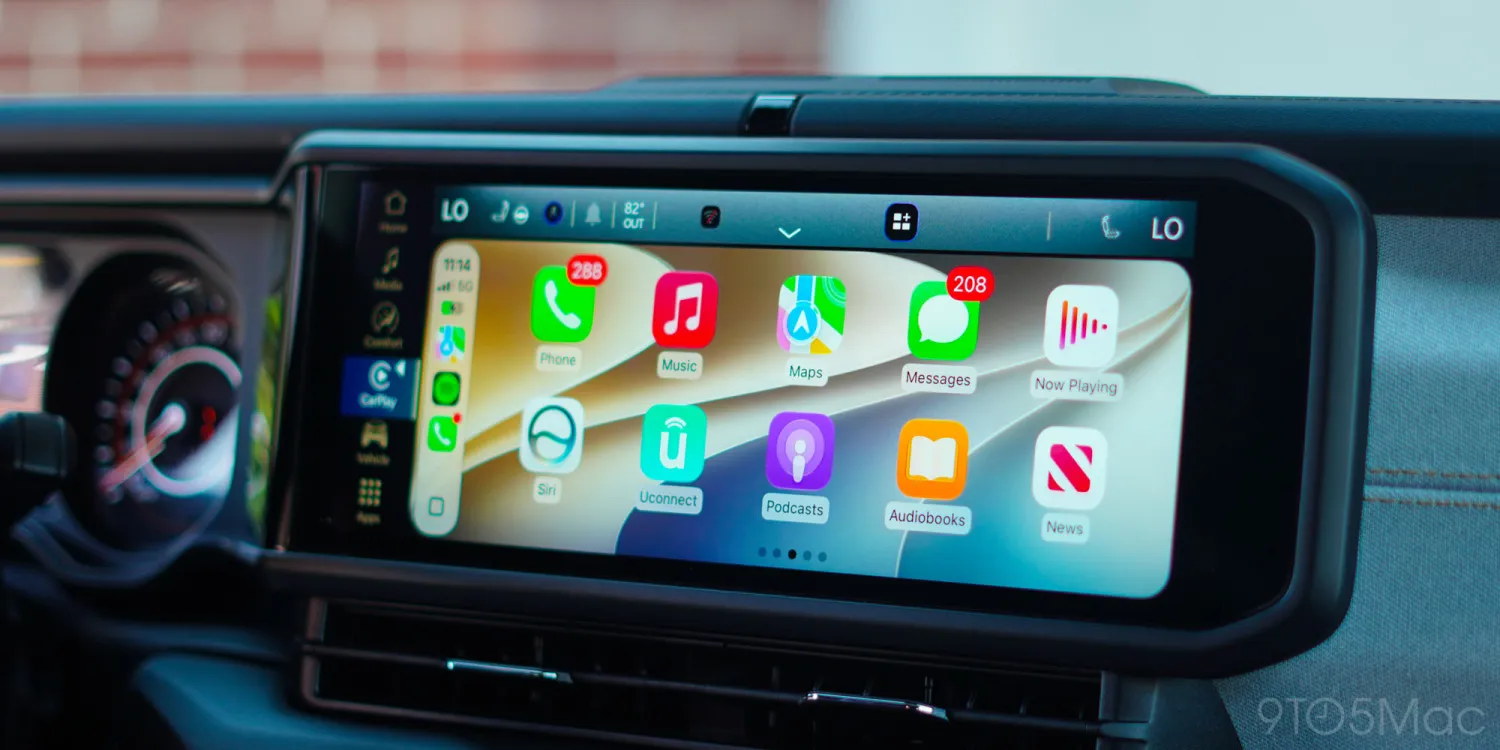
Beyond the functional upgrades, iOS 27 gives CarPlay a subtle visual refresh. There is a new collection of wallpapers similar to the stock iOS 27 options on iPhone, adding a bit more personality without turning the interface into a distraction. These visual tweaks are available on any CarPlay setup, and they reinforce a theme: clear, readable layouts instead of flashy clutter. That aligns with a safety‑first design that still respects usability.
On the feature wish list, developers can now build dedicated video apps for CarPlay, but native video support requires automaker participation and none have announced plans yet. Some of the headline features getting the loudest coverage are still waiting on automakers and developers to catch up. Navigation apps can share EV routes with the car’s system, but again you need a vehicle that supports it. The good news: the iOS 27 public beta is available now and several of the best CarPlay upgrades work in any CarPlay car with no extra hardware. If your daily driving feels a bit less annoying after installing it, that is the point of these iOS 27 CarPlay features.





