

The Key Change: From Prediction to Plain Recent Apps
Android 17 taskbar changes in the QPR1 Beta replace the previous app prediction slots with a clear recent apps feature that shows your most recently opened apps, making app switching on large-screen devices more predictable and easier to control for users who multitask heavily across foldables and tablets.
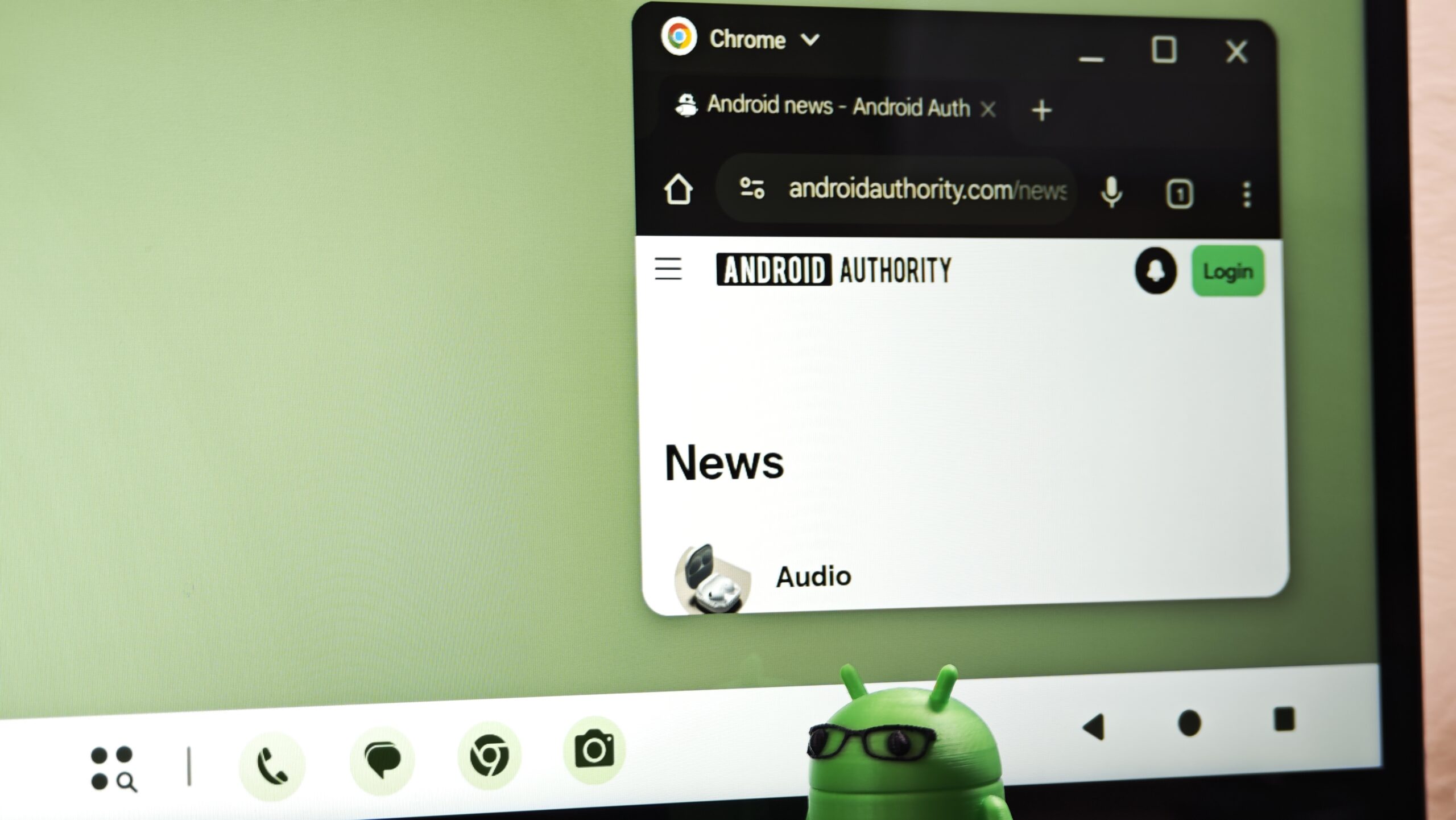
The latest Android 17 QPR1 Beta no longer shows predicted apps at the end of the taskbar dock; instead, it displays your most recently opened apps so the interface behaves in a more predictable way. Those prediction slots used to sit on the right side of the taskbar, updated by an algorithm guessing what you might launch next. Now the system simply reflects what you actually used, and on foldable phones it even locks your last two active apps into the dock for quick re-entry into your ongoing work. This is not a cosmetic tweak; it is a deliberate move away from opaque prediction toward visible user history.
Why Foldables and Tablets Gain the Most
On big screens, prediction was not clever; it was a distraction. Scrolling through the app drawer on a large Android display has long felt like an unnecessary speed bump, and that friction is now being handled with this highly requested navigation change. By turning those shifting suggestion slots into a stable recent apps feature, Android 17 aligns the taskbar with how people work on foldables and tablets: jumping between documents, browsers, messaging apps, and productivity tools many times per session.
The taskbar in Android 17 QPR1 Beta now shows the last two apps you actually used on a foldable phone, a layout that makes more sense for workflows built on constant app switching. Instead of asking users to trust an opaque model, the system surfaces their own history, bringing Android’s multitasking experience nearer to the logic of desktop operating systems where recently used apps sit at the center of task switching. This is a win for multitasking on foldables and tablets, not a mere UI shuffle.
Muscle Memory, Cognitive Load, and a Smarter Taskbar
The biggest failure of the old prediction-based taskbar was not accuracy; it was instability. Because the predicted shortcuts were always changing, it was almost impossible to build muscle memory around the right edge of the dock. Multitasking efficiency on large screens depends less on surprise and more on repeatable patterns, yet the algorithm treated the taskbar like a carousel of guesses.
By swapping predictions for recent apps, Android 17’s taskbar reduces cognitive load: users no longer need to scan a dynamic cluster of icons and interpret what the system thinks they want. They can simply look for what they know they used. That makes the taskbar feel more consistent and easier to trust during day-to-day use. The friction of digging into the app drawer to find that one document editor or messaging app is cut down, because the last tools you touched are surfaced where your eyes and fingers already live. This is how app switching on Android should have worked on big screens from the start.
Closer to Desktop Multitasking, Without New Complexity
A good taskbar should feel like a memory aid, not a quiz. With Android 17 QPR1, Google nudges its big-screen experience closer to the desktop norm, where jumping back into recently used apps is easier than interpreting algorithmic suggestions. The structure of the taskbar itself is unchanged, but the behavior is now aligned with what users expect from a multitasking hub rather than a recommendation strip.
Importantly, Android does not add new UI layers or complex modes to achieve this; it simply repurposes existing real estate in a more honest way. According to Mishaal Rahman, Google’s Android community engagement lead confirmed on X that the QPR1 Beta already tests this behavior and shared a clip showing the change in action. For users, the message is clear: the taskbar is no longer trying to be smarter than you; it is trying to keep up with you.
Still in Beta, But the Direction Is Clear
The recent apps feature on the Android 17 taskbar is still in the QPR beta track, which means Google is testing it before rolling it out to the general public. Yet even in this phase, the intent is unmistakable: prioritize actual user behavior over predictive algorithms when the goal is fast multitasking, not discovery.
For foldable and tablet owners, this shift should not be optional; it should become the default model for app switching on Android. The change does not redesign the taskbar, but it makes it feel more consistent and easier to trust in everyday use. In a world obsessed with predictive smarts, Android 17’s taskbar improvement is a welcome reminder that the smartest interface is often the one that gets out of the way and lets your recent actions speak for themselves.





