

From Voice Trick to Intelligence Layer
Siri AI in iOS 27 is a redesigned version of Apple’s assistant that sits at the center of the iPhone, tying together system search, apps, visual understanding, and cross-device sync so you talk, type, or point at the screen and the phone responds as a unified, context-aware system rather than a separate voice gadget.
The public beta of iOS 27, released on a Monday and now available for anyone with a supported iPhone to install, is the inflection point where this change becomes real. With it comes the new Siri AI, described by one early tester as finally earning its place “as a true assistant with the right level of AI smarts.” That shift matters: instead of being an optional extra you trigger with a phrase, Siri now underpins search, screen understanding, and even how your camera explains the world. This is less an upgrade than a redefinition of what the iPhone’s brain is meant to be.
Siri Everywhere: Search, Camera, and On‑Screen Awareness
The biggest change in the new Siri AI features in iOS 27 is how deeply it is baked into everyday actions you already perform. Swipe down to search and you no longer see an isolated search box; you meet a “Search or Ask” bar that routes many queries straight through Siri. Type “What’s a good route for driving to Sacramento?” and instead of links, your iPhone opens Maps with a route already chosen, skipping the usual back-and-forth. This is what an iPhone voice assistant upgrade should feel like: your request immediately becomes an action, not homework.
On‑screen awareness pushes Apple Siri improvements even further. When a social post about the singer Lorde criticizing Meta’s glasses was visible, a tester could simply ask, “Where did she say this?” and Siri inferred “she” from the screen, answered with the correct festival location, and linked out for more reading. The same awareness powers a new Siri tab in the Camera app; tap the circular button and Siri analyzes what the lens sees, delivering a short explanatory paragraph you can expand for sources. This is less about novelty and more about collapsing the gap between what you see and what your phone can tell you.
From Single Answers to a Unified iPhone Brain
Siri’s quiet but important evolution is from isolated, one-off voice commands to a unified intelligence layer across Apple’s ecosystem. The assistant now lives inside a dedicated Siri AI app on iOS 27, where you can type or speak, revisit past conversations, and enjoy synced history across your devices that support Siri AI. It’s on iPads with screenshot integrations, on Macs with a dedicated shortcut, and even on Vision Pro, so the same assistant stays with you regardless of screen size.
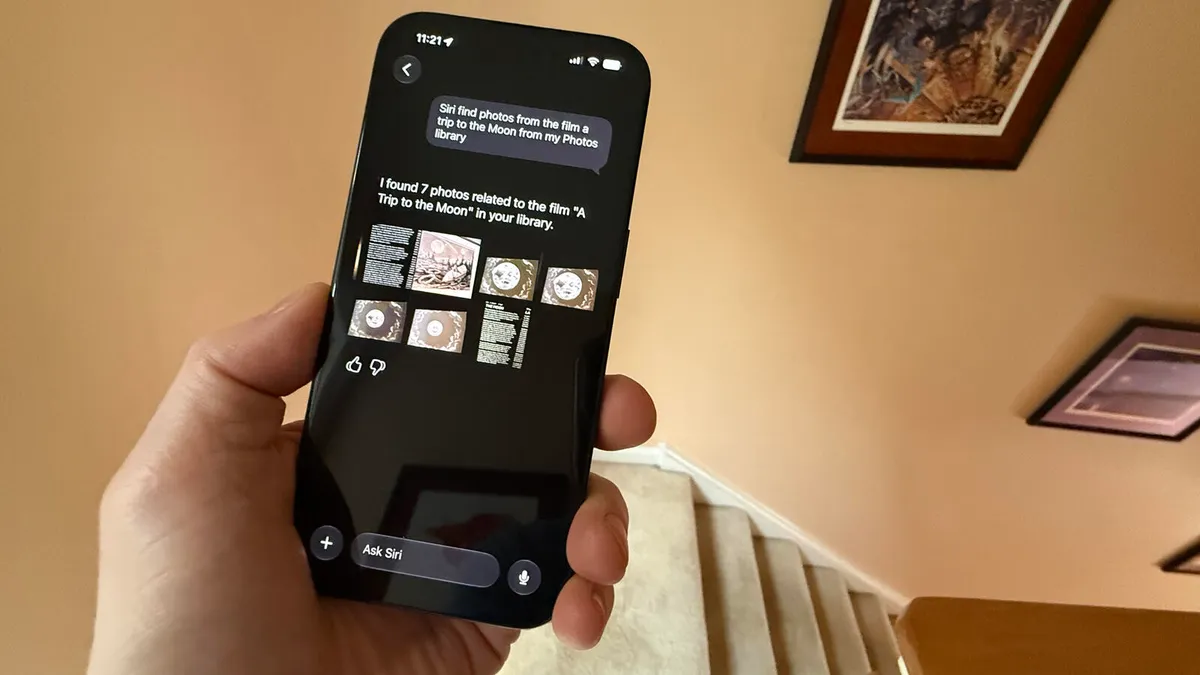
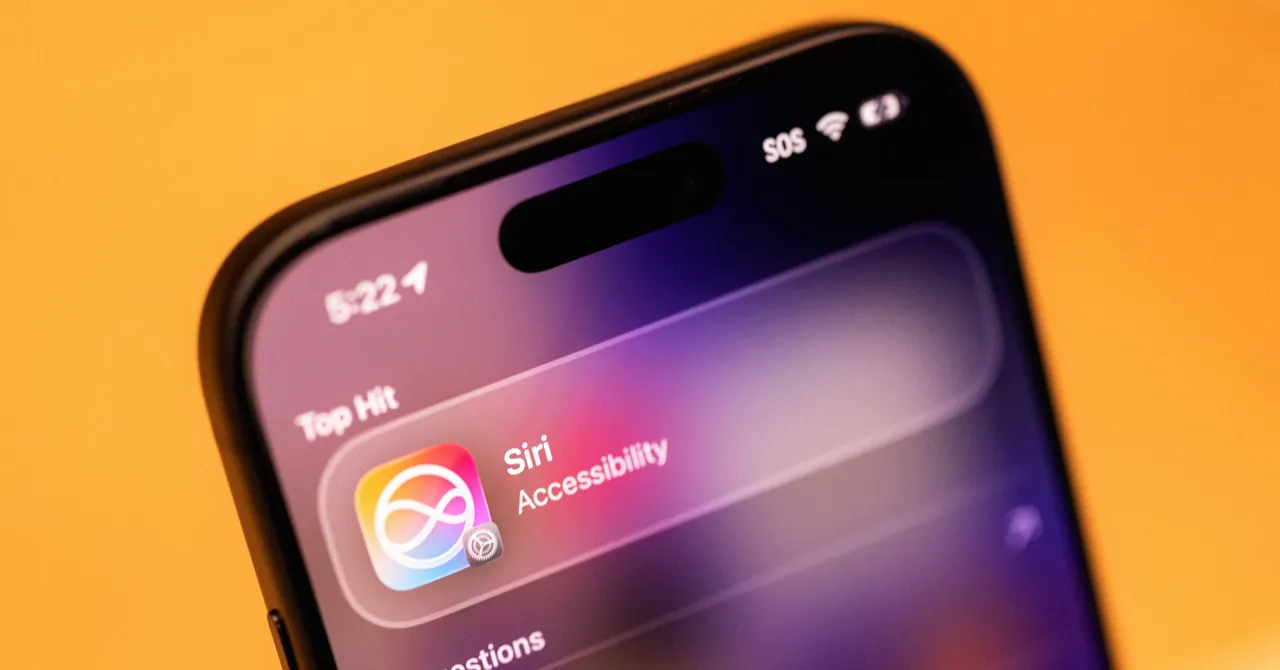
This unified design shows up in small but concrete ways. Siri AI can find specific files on your iPhone, such as documents, photos, videos, and music, and one tester reports asking for photos of the film “A Trip to the Moon” in their library and getting exactly the right images. In Settings, a new Siri AI section lets you control which apps it can learn from; you can open App Access and disable “Learn from this App” so Siri stops using that app’s activity to make suggestions across apps. These are not flashy demos; they are the plumbing that turns Siri into the glue binding your iPhone together.
iOS 27 Public Beta: Who Can Try It and Why It Matters
The iOS 27 public beta is the first time anyone with compatible hardware can live with this new Siri day to day. To install it, you go to Settings → General → Software Update, open Beta Updates, and pick iOS 27 Public Beta, then download, install, and restart—no more special waitlists to access Siri AI. There is a catch: Siri AI and the broader Apple Intelligence layer only run on newer phones, including iPhone 15 Pro or Pro Max and any iPhone 16 or 17 model. That hardware wall means the most ambitious Siri AI features in iOS 27 are aimed squarely at recent buyers.
Beta means exactly that: testers warn there are still bugs, so you may not want to install this on your main phone yet. One reviewer is running the beta on a test iPhone 15 Pro and plans to upgrade to an iPhone 18 Pro in September to use “all the new Siri features,” while also looking forward to the final release in the same month. The subtext is clear: Apple is using the iOS 27 public beta to turn early adopters into co-designers of the new Siri, smoothing rough edges before pushing this intelligence layer to the wider iPhone base.
Is the Siri Overhaul Worth Your Attention Now?
After years of complaints, the most important Apple Siri improvements are not cosmetic but behavioral. In the car, one tester reports that the new Siri is more reliable than the old version when used with CarPlay, correctly pulling contact addresses for navigation instead of dumping web results. The assistant is also less chatty, giving focused answers rather than drifting into long conversations—a welcome contrast to many modern AI tools. Visual tweaks like a cleaner bubble at the top of the screen help signal when Siri is listening, but the substance is that interactions feel sharper and more dependable.
The bottom line: if you own a compatible iPhone and can tolerate beta quirks, the iOS 27 public beta is the first time Siri feels central enough to reshape how you use your phone day in and day out. If you cannot, waiting for the September final release—and perhaps a hardware upgrade—may still be the wiser move. Either way, Siri is no longer an optional icon in the corner of iOS; it is becoming the command center future versions of the iPhone will be built around.





