
The top stacking play: Woot new‑user laptop deal
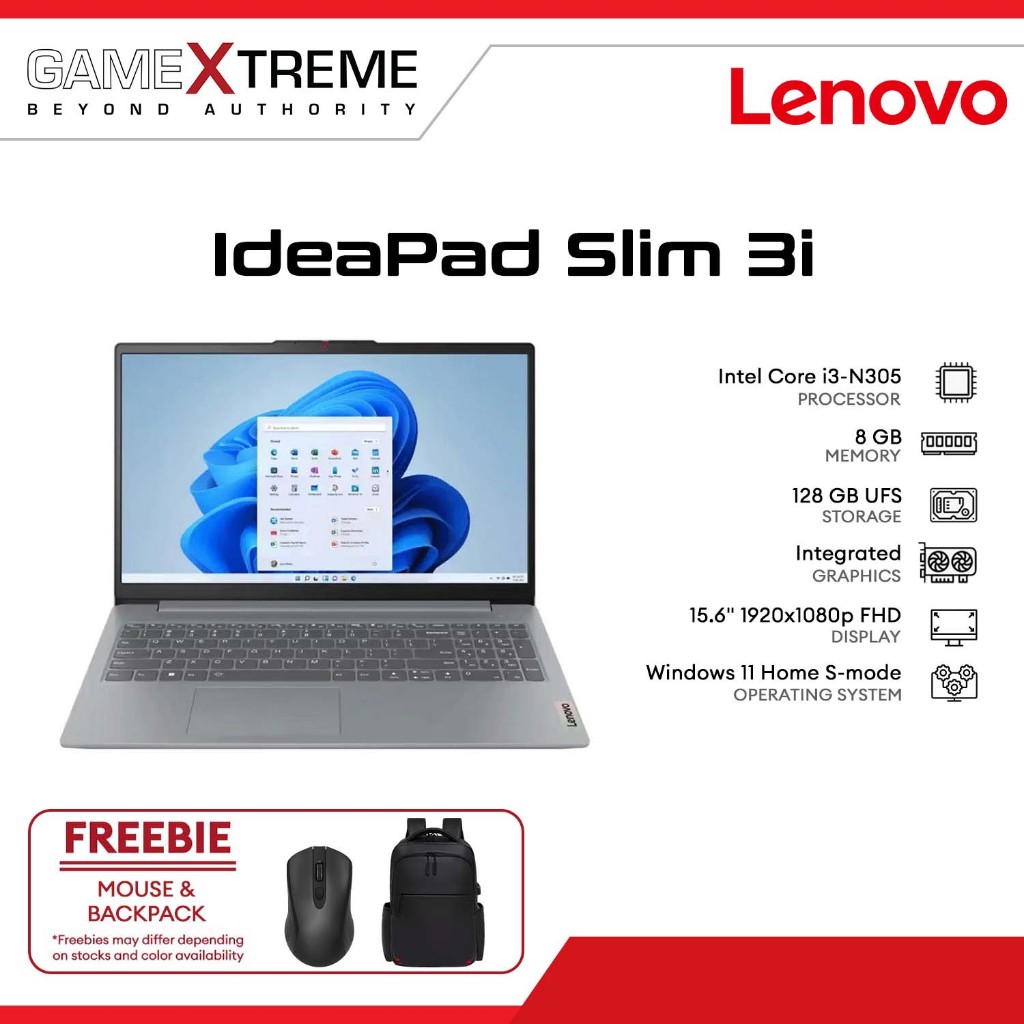
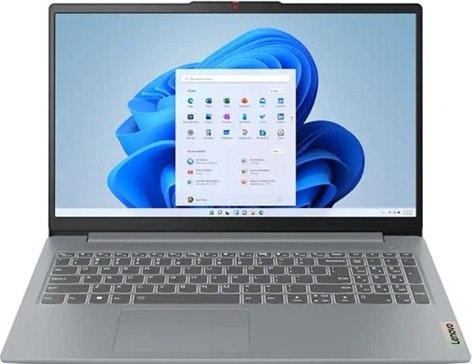
Coupon stacking on Woot means combining built‑in sale pricing with promo codes and membership perks so your laptop or PC component order drops far below the advertised sale price, without needing any complex tricks or third‑party tools. For most people, the best move today is Woot’s new‑user laptop promotion anchored by the 50LAPTOP code. Woot’s laptop sale runs from budget systems like the Lenovo IdeaPad Slim 3i at USD 299.99 (approx. ₱16,800) to gaming rigs such as the MSI Vector 16" with RTX 5070 graphics at USD 1,649.99 (approx. ₱92,400). New customers can enter Woot coupon code 50LAPTOP at checkout to take an extra USD 50 (approx. ₱2,800) off their first laptop purchase, and if you have a Prime membership you also get free shipping on these laptop deals Woot is featuring. This simple stack is the one I recommend most: you get instant savings, a wide brand choice, and a clear, repeatable discount stacking strategy you can apply to everyday, 2‑in‑1, and gaming laptops.
Business powerhouse: Lenovo ThinkPad T14 Gen 7 AMD stacking hack
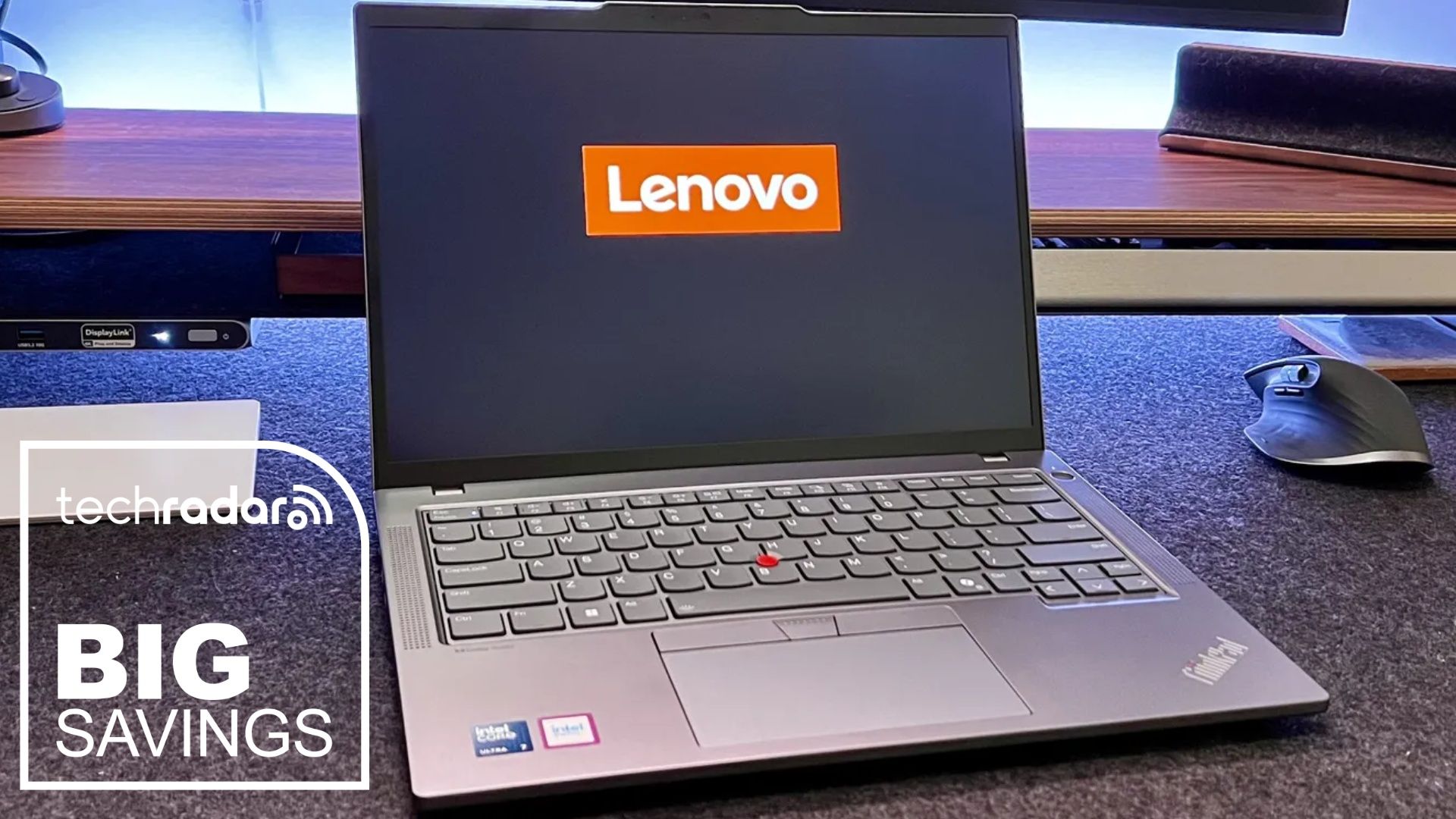
If you want a work‑grade machine, your next best stacking opportunity is the Lenovo ThinkPad T14 Gen 7 AMD. It is currently available for USD 1,324.39 (approx. ₱74,200), reduced from USD 1,719 (approx. ₱96,400), after automatic discounts and two stacked codes. The base sale price drops the laptop to USD 1,471.55 (approx. ₱82,400); then you enter THINKWEEKEND to save USD 77.45 (approx. ₱4,300) and LENOVO10DEAL for another USD 147.16 (approx. ₱8,300), cutting almost USD 400 (approx. ₱22,400) off one of the best business laptops available. According to the source, “you can run this coupon combo across a range of other laptops and desktops, too,” which means the same discount stacking strategy can unlock big cuts on other top Lenovo models. This configuration pairs an AMD Ryzen 5 PRO 230 processor, 16GB DDR5 memory, and a 512GB PCIe Gen4 SSD with a 14‑inch WUXGA IPS 1920 x 1200 display rated at 400 nits, plus fingerprint reader, 5MP RGB and IR webcam with privacy shutter, and Windows 11 Pro. It is marketed for professionals and small businesses, but also suits students and anyone who wants a durable, productivity‑first laptop.
| Spec | Lenovo ThinkPad T14 Gen 7 AMD | Refurb Surface Pro 7 |
|---|---|---|
| Typical price in this guide | USD 1,324.39 (approx. ₱74,200) after stacked codes | USD 197 (approx. ₱11,000) refurbished at eBay |
| CPU | AMD Ryzen 5 PRO 230 | Intel Core i5‑1035G4 1.1GHz |
| Memory | 16GB DDR5 | 8GB RAM |
| Storage | 512GB PCIe Gen4 SSD | 128GB SSD |
| Display | 14" WUXGA IPS, 1920 x 1200, anti‑glare, 400 nits | 12.3" PixelSense touchscreen, 2736 x 1824 |
| Best for | Professionals, small businesses, students needing a long‑term primary work machine | Budget buyers who can accept a refurbished tablet‑laptop hybrid |
Stretch your budget: stacking around Woot’s laptop and PC component sales
To squeeze the most value out of Woot, you should think beyond one coupon and use stacking as a habit wherever the site allows it. Start with their big laptop promotions: you can dip into everyday systems, convertibles, and gaming notebooks from brands including Acer, ASUS, Dell, HP, Lenovo, Alienware, and MSI under dedicated laptop deals Woot has collected. The same account that unlocks the 50LAPTOP code for a USD 50 (approx. ₱2,800) discount on your first laptop also qualifies you for Prime‑linked free shipping during these events. Then, keep an eye on PC component sales: Woot’s Computers Liquidation Sale includes laptops, PC components, networking gear, and office supplies with discounts up to 68% off, such as a Cooler Master Hyper 212 Pro processor cooler dropped to USD 15 (approx. ₱840) from USD 40 (approx. ₱2,200). Tie these component markdowns to your laptop purchase strategy so you’re upgrading your full setup—CPU coolers, storage, and accessories—while stacking discounts on both sides of your build.
Budget‑first alternatives: refurb deals and when to use them
If your priority is the lowest upfront cost and Woot’s main laptop sale is out of reach, use refurb deals as a tactical backup rather than your primary stacking target. An example is the refurbished Microsoft Surface Pro 7 with a 10th‑gen Intel Core i5‑1035G4, 8GB RAM, a 128GB SSD, and a 12.3‑inch PixelSense touchscreen at 2736 x 1824 with USB 3.0 and USB‑C, running Windows 10 Pro, which is available at USD 197 (approx. ₱11,000) and includes a 1‑year warranty. Elsewhere, clearance and open‑box laptops start at USD 92 (approx. ₱5,200) in a separate sale, but they don’t plug into the Woot coupon codes you are targeting. Use these as gap‑fillers when you need a secondary device, or when new‑user benefits like 50LAPTOP no longer apply, and keep your main stacking focus on Woot’s laptop promotions and high‑impact ThinkPad deals where your discount stacking strategy delivers the largest dollar savings.
Buy if / Skip if
- Buy the Woot new‑user laptop deal if you want a straightforward way to combine a sale price with Woot coupon codes and free Prime shipping on a wide range of brands.
- Skip the Woot new‑user laptop deal if you are not eligible as a new customer and cannot use the 50LAPTOP promo code for the extra USD 50 (approx. ₱2,800) discount.
- Buy the Lenovo ThinkPad T14 Gen 7 AMD if you want a long‑term business or study laptop and can apply the THINKWEEKEND and LENOVO10DEAL codes together to save almost USD 400 (approx. ₱22,400).
- Skip the Lenovo ThinkPad T14 Gen 7 AMD if your budget is closer to refurbished pricing around USD 197 (approx. ₱11,000) and you are comfortable with older hardware and a smaller SSD.
- Buy the Woot Computers Liquidation Sale components if you are upgrading a desktop and want PC component sales with discounts up to 68% off, such as a CPU cooler cut from USD 40 (approx. ₱2,200) to USD 15 (approx. ₱840).
- Skip the Woot Computers Liquidation Sale components if you only need a turnkey laptop and do not plan to install or use individual PC parts like coolers or internal storage.
- Buy the refurbished Surface Pro 7 if you need the lowest‑cost Windows machine with a touchscreen and can accept refurbished condition plus a 1‑year warranty instead of stacking coupons.
- Skip the refurbished Surface Pro 7 if you prefer stacking new‑device discounts on Woot laptop deals or Lenovo ThinkPads for better long‑term performance and support.