
The best Mac for most people: an M5 MacBook Air, not the iMac
A Mac buying guide is a structured comparison of Apple’s current computers that explains performance, value, and future upgrades so buyers can confidently choose which Mac model matches their everyday needs, creative workloads, and budgets without overpaying or buying hardware that will soon feel outdated.
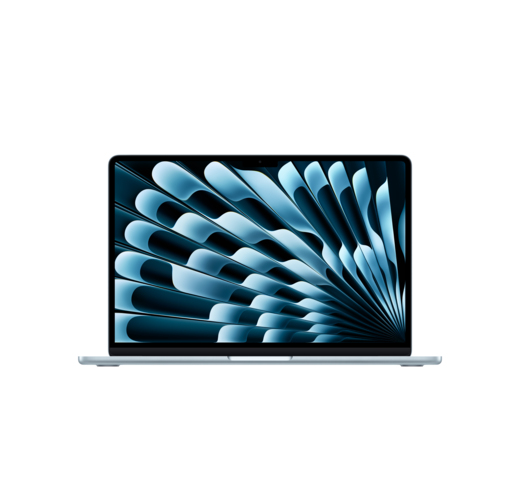
For most people, the best Mac to buy is a MacBook Air with the M5 chip, not the 24‑inch iMac. The M5 MacBook Air configuration with a 10‑core CPU, 8‑core GPU, 16GB of memory, and a 512GB SSD at USD 1,299 (approx. ₱72,700) offers faster performance and more storage than the entry iMac while costing less. The iMac’s entry model uses an older M4 chip with an 8‑core CPU, 8‑core GPU, 16GB of memory, and only a 256GB SSD at USD 1,499 (approx. ₱83,900), which is poorer value on paper. If you do not explicitly need a built‑in desktop display, the M5 MacBook Air gives you better speed per dollar, more flexibility, and a more future‑proof everyday machine.
According to Mark Gurman, Apple is already preparing the M7 generation for higher‑end models, with a strong focus on AI performance and memory bandwidth. That makes the fast, efficient M5 MacBook Air an even smarter bridge between today’s needs and the more expensive pro chips coming later.
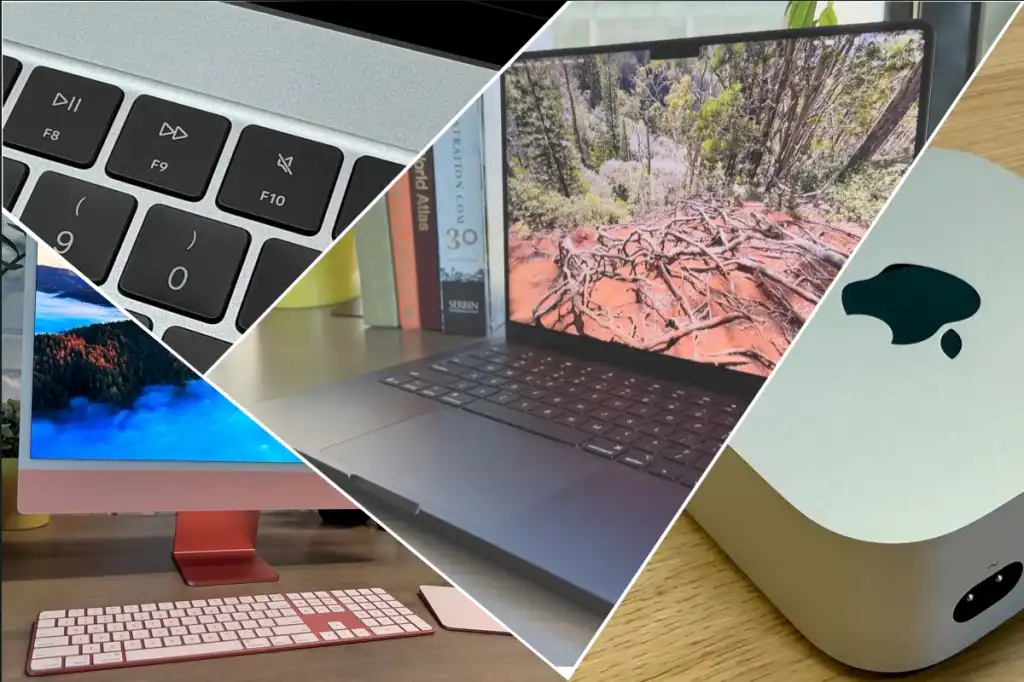
24‑inch M4 iMac: when the all‑in‑one still makes sense
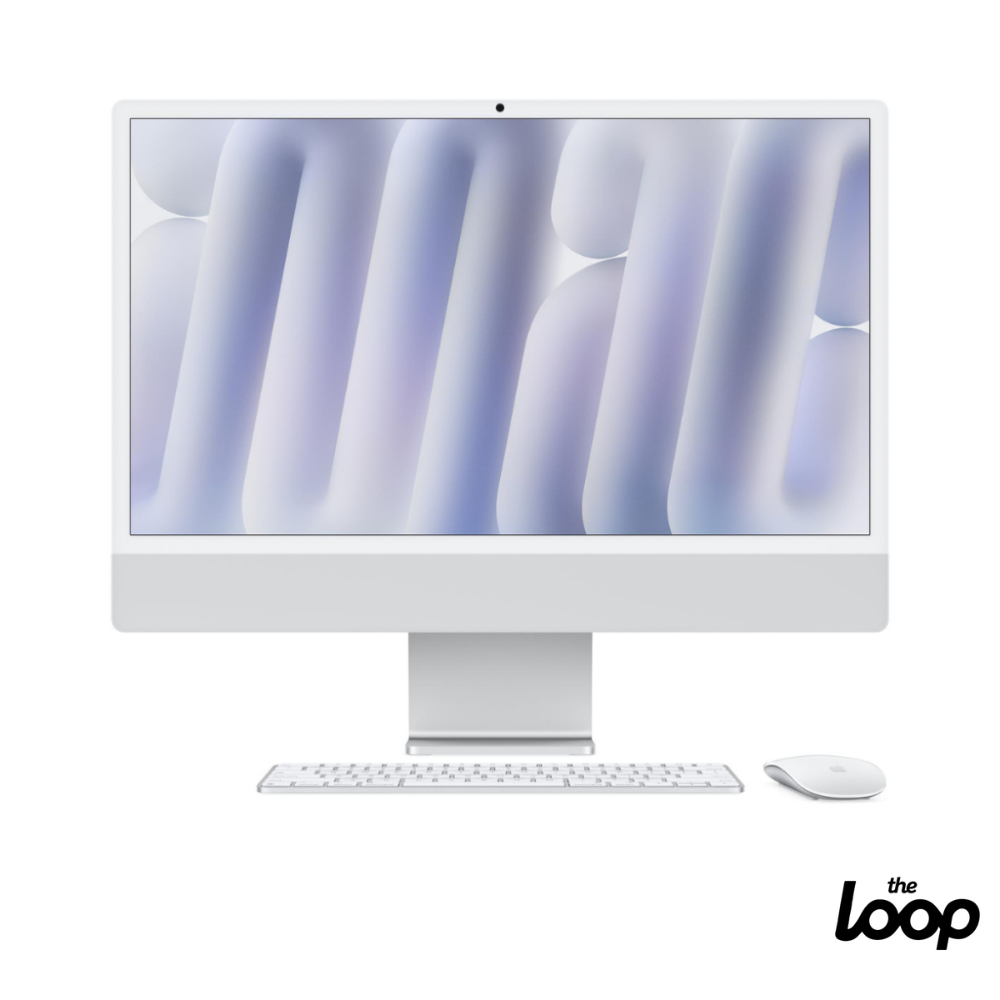
If you want a clean desk with one cable and no hunting for a monitor, the 24‑inch iMac is still the neatest package. It combines Mac, 4.5K display, keyboard, and mouse or trackpad in one purchase and is ideal for a living room, home office, or reception area where looks matter as much as speed. The M4 chip inside delivers the same class of performance as the entry‑level 14‑inch MacBook Pro, and it can handle general‑purpose work and demanding apps with no trouble.
The sweet spot iMac for most buyers is the mid‑range M4 model at USD 1,699 (approx. ₱95,100). It steps up to a 10‑core CPU, 10‑core GPU, 16GB of memory, 256GB SSD, four Thunderbolt 4 ports, and includes the ethernet‑equipped power adapter by default. Higher configurations add 24GB memory and larger SSDs up to 2TB, plus an option for 32GB memory. We recommend treating 16GB as the baseline and upgrading storage if you work with photos or video.
The drawbacks are clear: the iMac does not represent particularly good value at its current price, and its storage is stingy compared with other Macs. Those who want a replacement for a 27‑inch iMac or iMac Pro are better off waiting for a potential iMac Pro or moving to a Mac mini Pro or Mac Studio with a separate display.
M‑series generations: what the chip names mean in real life
Choosing which Mac model often comes down to understanding what each M‑series chip gives you. In the current lineup, the M4 in the iMac is fast enough for most general and even professional tasks, matching the entry‑level 14‑inch MacBook Pro’s speed for many workflows. However, the M5 generation in the MacBook Air is already faster in CPU tasks, and that headroom will matter if you keep machines for five years or more.
Future chips raise the bar further. The M6 is expected to increase memory bandwidth to around 200 GB/s from the M5’s 153 GB/s, a significant boost for heavy multitasking and large creative projects. The M7 is reportedly targeting about 240 GB/s of memory bandwidth and stronger on‑device AI through a more powerful Neural Engine. In practice, that will mean smoother handling of massive photo libraries, 8K timelines, and AI‑driven features such as background removal and smart upscaling without sending work to the cloud.
For everyday users and students, an M5 MacBook Air or M4 iMac is more than enough. Creative professionals pushing large 3D scenes or complex video edits will feel the gains from each step up in bandwidth and Neural Engine performance sooner than anyone else.
Who each Mac suits and when you should wait for M6, M7, and beyond
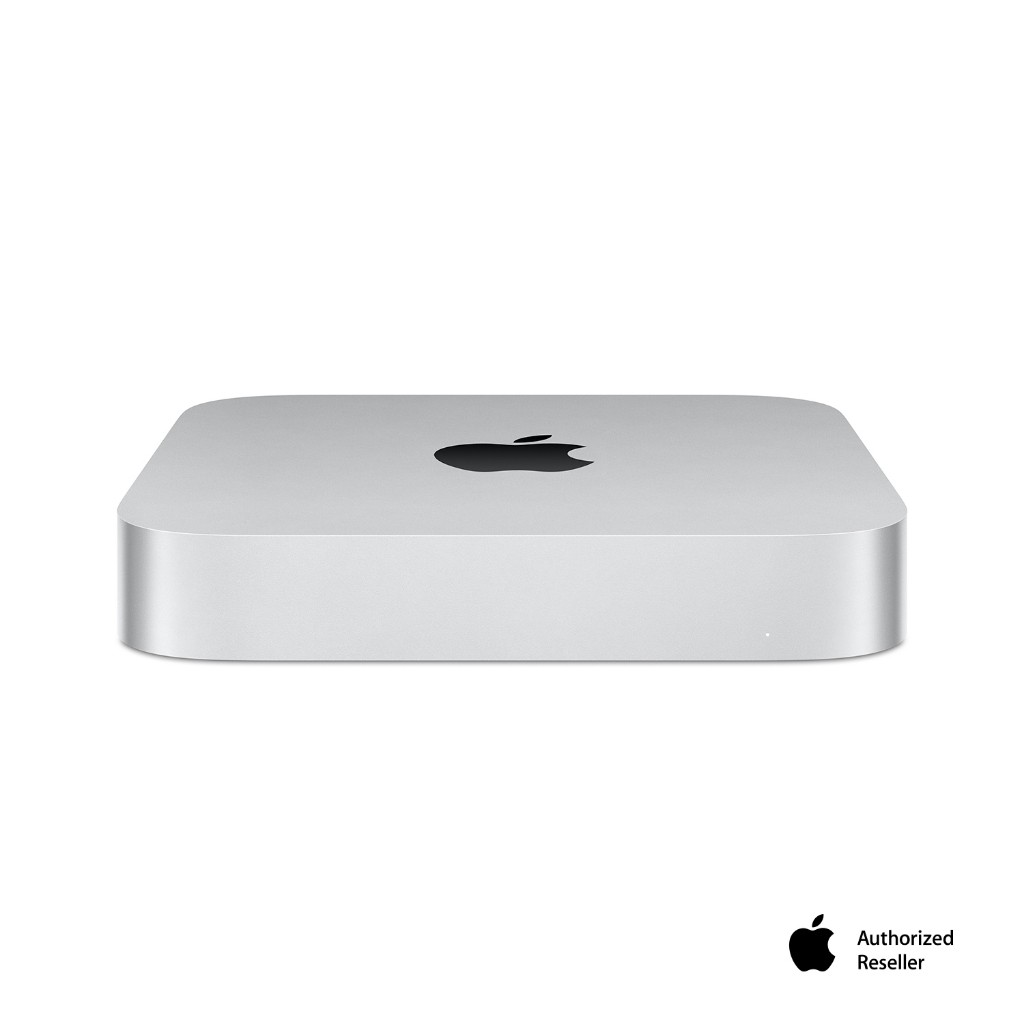
The iMac is great for both novices and demanding users, especially those who need a complete computer setup and want to maximize workspace efficiency with an all‑in‑one design. Students and everyday users who move between home, campus, and office will be happier with a MacBook Air, which delivers stronger performance per dollar and better storage at the same price or less than the iMac entry model. Creative professionals who need even more power should look at pro‑tier desktops such as a Mac mini Pro or Mac Studio, particularly if they are replacing a 27‑inch iMac or iMac Pro.
Timing matters. Apple plans to release only baseline M6‑series processors next, then move directly to M7 for higher‑end models. M6‑based Macs are due this year, with M7‑based Macs reportedly arriving in the first half of 2027. The future M8 CPU is expected around 2028 on a 1.4nm process. If you need a Mac now for work or study, buy — especially at the Air’s value. If you already own a capable Apple silicon Mac and are considering a very expensive workstation‑class machine, it is worth waiting to see what M7 Pro, Max, and Ultra with their AI and memory upgrades bring.
Buy if / Skip if
- Buy the 24‑inch M4 iMac if you want an elegant all‑in‑one with a 4.5K display and prefer a tidy, fixed desktop setup.
- Skip the 24‑inch M4 iMac if you are price‑sensitive and care about specs, because its cost is high for the storage and chip you get.
- Buy the 24‑inch M4 iMac if you need a complete setup in one box, including keyboard, mouse or trackpad, and display to maximise workspace efficiency.
- Skip the 24‑inch M4 iMac if you are replacing a 27‑inch iMac or iMac Pro and need more screen space or pro‑level expansion; consider a Mac mini Pro or Mac Studio instead.
- Buy the M5 MacBook Air if you want the best Mac to buy for most people, with faster performance, 16GB memory, and a 512GB SSD at a lower price than the entry iMac.
- Skip the M5 MacBook Air if you never work away from a desk and value the iMac’s integrated 4.5K display and all‑in‑one design more than portability.