
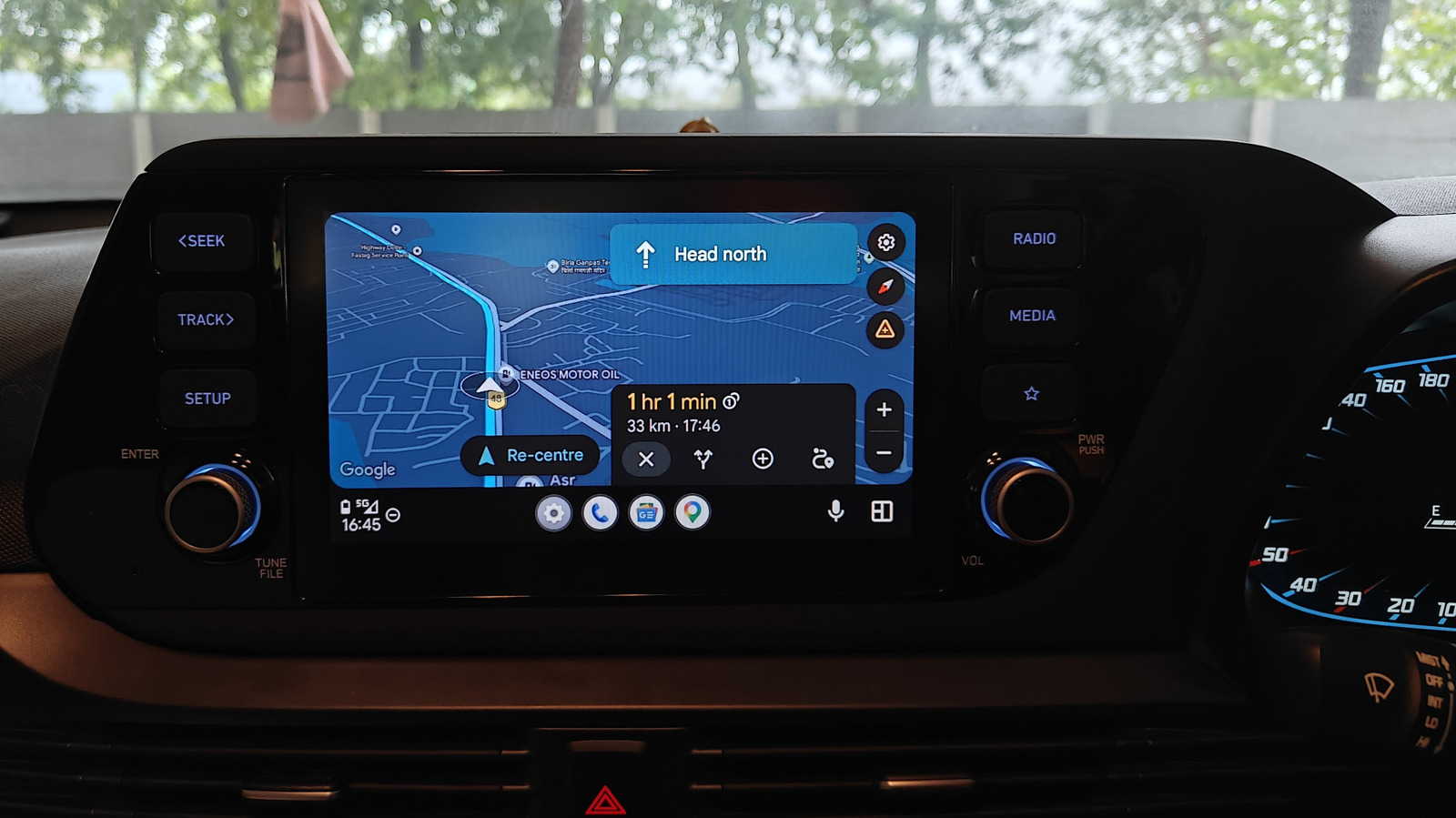

Why Gemini Live Changes How You Drive
Gemini Live in Android Auto is a conversational, context-aware AI assistant that drivers start from a dedicated Gemini button, then control through natural voice commands to handle entertainment, information, and on-road questions while keeping their focus on driving.
The most important shift is this: Android Auto voice commands are no longer stiff one-liners barked at a traditional assistant. With Gemini Live, you can have a “free-flowing, natural conversation” while you drive when you tap the on-screen Microphone and say, “Let’s talk Live.” That conversational style matters, because it lets you refine requests over several turns instead of wrestling with exact phrasing. Once Gemini Live is enabled, a Gemini button appears on the right side of the Android Auto menu bar; tapping it launches Gemini, which then switches to a Gemini Live button that starts the live experience. In other words, Gemini Live upgrades Android Auto features from basic command-and-control to a hands-free AI assistant that behaves more like a thoughtful passenger than a basic voice remote.
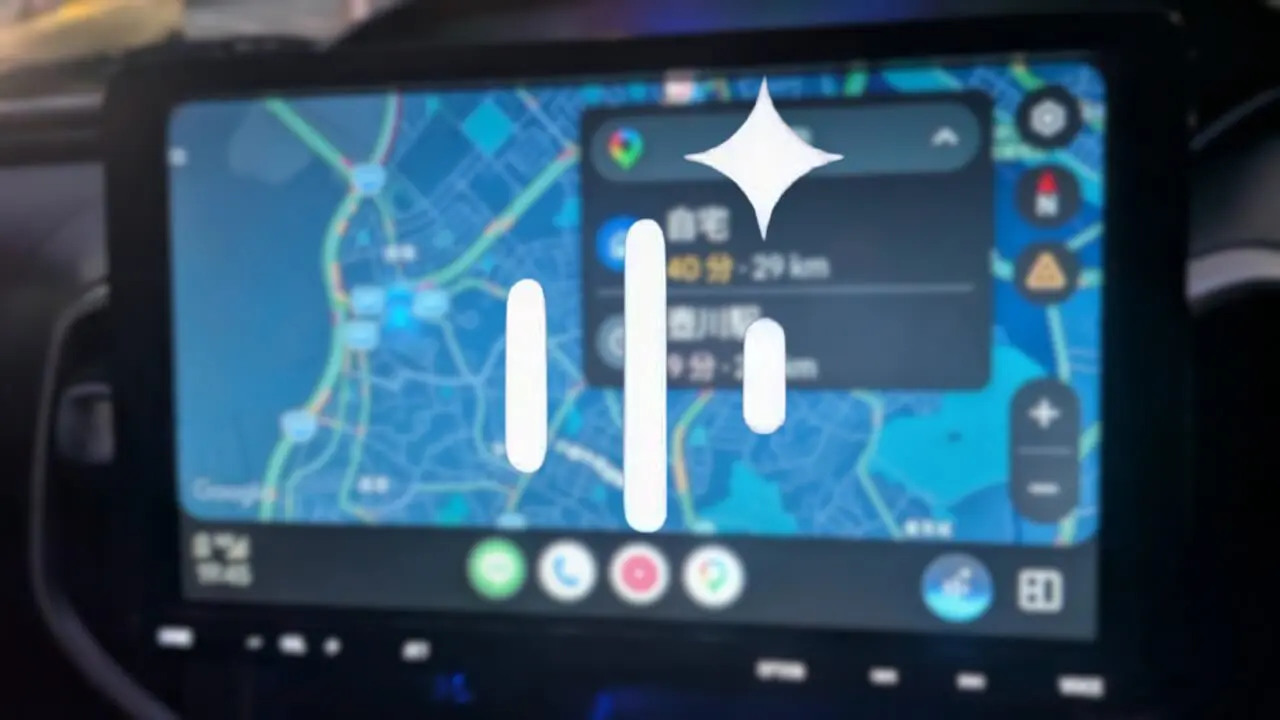
Command 1: “Build me a playlist for this drive”
Old-school Android Auto voice commands expected you to build playlists ahead of time in your music app, then ask Google Assistant to play them. Gemini Live throws out that chore. Instead of fetching pre-made playlists, you can ask Gemini to create them “on the fly” based on your preferences. This turns the assistant into your in-car DJ, not just a play button.
Say something like, “Create an ’80s Synthwave playlist like Gunship and The Midnight, female vocals only, for a two-hour drive,” and Gemini can populate a themed list that fits that brief. If that sounds too specific for a weekday commute, you can keep it broad and say, “Make a playlist for a rainy drive,” or “Give me something upbeat to keep me awake.” Gemini’s context-aware AI also covers those moments when you cannot remember names: you can ask it to “play the song from State Farm’s Super Bowl commercial featuring Danny McBride,” and it brings up Bon Jovi’s “Livin’ on a Prayer.” In short, your memory is no longer a bottleneck for your music.
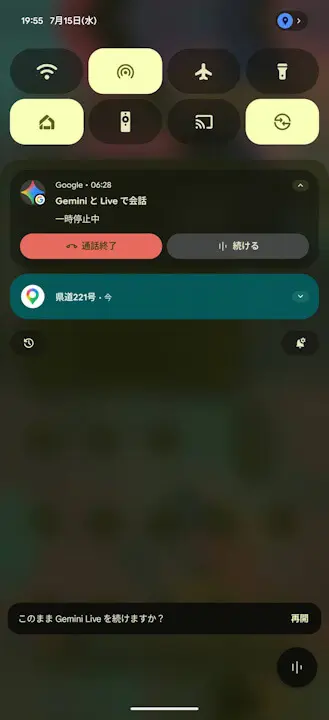
Command 2: “Let’s talk Live about what I’m hearing and seeing”
Gemini Live isn’t only for barking orders; it shines when you treat it like a co-pilot. When you tap the Microphone and say, “Let’s talk Live,” you start a live session where you can “have a free-flowing, natural conversation with Gemini.” This is where Gemini Live driving becomes more than another Android Auto feature and turns into a companion for curious drivers.
During that Live chat, you can discuss topics that interest you, from music artists all the way to quantum theory, ask for trivia or jokes, or get help finding a podcast. You can also “get travel info,” like asking about landmarks you pass by or talking through a destination as you drive. Because Gemini’s responses come from its host Android device and are cast to the Android Auto interface, the experience feels like talking to one continuous assistant that remembers the thread of your conversation. To stop your Live conversation, you say “Stop,” which means you stay on the wheel and off your screen even when you are done talking.
Command 3: “Control Gemini Live with your voice, not your hands”
No feature matters in the car if it tempts you back to the screen. The thoughtful design choice with Gemini Live is that once you have tapped the Gemini Live button to start it, you “can only start and stop Live with your voice.” That keeps the core loop of using this hands-free AI assistant where it belongs: on spoken interaction, not on tapping and swiping.
The trade-off is intentional friction at the start. You cannot launch Gemini Live by saying “OK Google, let’s talk” or “OK Google, launch Gemini Live”; it “is designed to require a manual tap on the Gemini Live button,” which you should do while parked or stopped. After that, you stay in voice-only territory. You say “Let’s talk Live” to kick off your conversation, and “Stop” when you are finished. By running Gemini Live on your host Android device and casting it into Android Auto, the system inherits your device’s settings for how responses can be interrupted. The point is clear: once you are rolling, Android Auto voice commands—not finger taps—are meant to be your primary control surface.
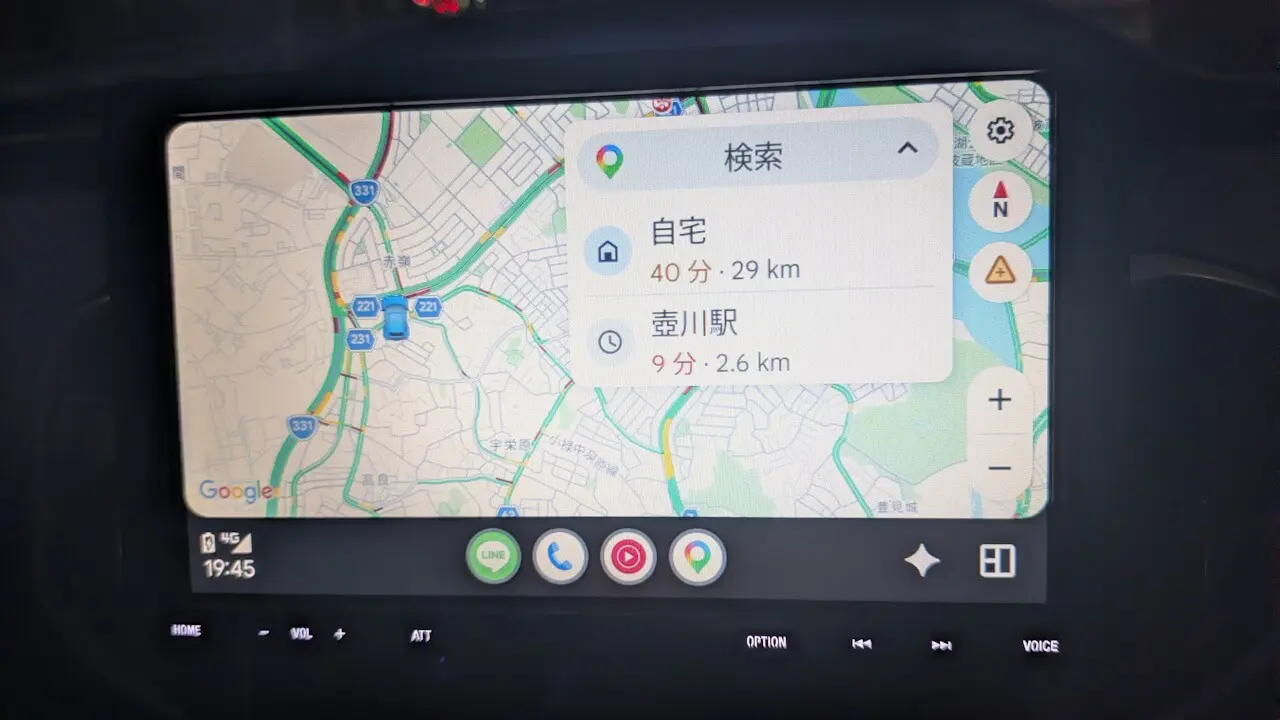
Command 4: “Tell me more about this track or artist”
Traditional assistants have long been able to name a track, but they often choke when you ask for anything more subtle. Gemini’s “AI underpinnings” go further, letting you play music “without having to remember the name of the song or the artist,” and then follow up with deeper questions. This is where conversational AI shows how much better it understands context than older Android Auto features.
Once you have a song playing—whether it came from a descriptive request like the State Farm Super Bowl commercial example or a themed playlist—you can ask follow-up voice commands for information about “the artist, song name, album, and other trivia,” all supported by Android Auto’s “context-aware AI.” You are no longer limited to a single command; you can ask, “Who is this singer?” then, “What album is this from?” and, “Play more from this era,” all in one conversation. In a sense, the assistant turns every track into a tiny music documentary, available on demand through natural dialogue. When you drive, that kind of conversational discovery makes your car feel less like a stereo and more like an informed, talkative guide.
The bottom line: Android Auto is better when you talk to it
When you add Gemini Live to Android Auto, you stop thinking of voice as a clumsy backup and start treating it as the main interface. Once Gemini Live is enabled, the dedicated Gemini button in the bottom menu bar makes the feature feel like a first-class citizen of the dashboard, not an experimental add-on. According to Google, “Gemini Live” for Android Auto was released by mid-July 2026, turning what used to be a basic assistant into a conversational partner for the road.
The four commands above—building playlists on the fly, talking Live about what you hear and see, controlling sessions by voice, and digging into music details—are not party tricks. They are a new default: you explain what you want in plain language and Android Auto voice commands do the rest. Gemini’s context-aware AI can even connect loose references, like commercials, to the songs you have in mind. If you are still treating your car’s assistant like a glorified play/pause button, Gemini Live driving is your cue to retire the old habits and start talking to your dashboard like it can understand you—because now, it finally does.





