
Patch Tuesday Breaks Records—and Your Excuses
Microsoft’s latest Patch Tuesday is a cumulative Windows update that delivers an unprecedented 622 security fixes across Windows 11 and related products, including hundreds of critical Microsoft security patches and zero-day vulnerabilities, and marks a turning point where staying secure now demands users actively verify and manage updates instead of assuming automatic protection will be enough. This isn’t routine maintenance; it’s a loud alarm bell for anyone still shrugging off Windows 11 updates. According to one source, “the latest Patch Tuesday release fixes an astonishing 622 CVEs across its products,” more than tripling the previous 206 figure. Another notes that a related release addresses 570 security vulnerabilities, a 316% jump over the previous July update. Numbers like that do not happen unless attackers—and Microsoft’s own AI bug-hunting tools—are finding cracks everywhere. If you treat this like any other Tuesday, you are giving modern attackers a head start. This surge reflects a harsh reality: AI is helping bad actors probe Windows at scale, while Microsoft’s MDASH system uses AI agents to debate and pinpoint flaws faster than human teams ever could. The result is massive Patch Tuesday security fixes, not evidence that Windows is “totally broken,” but proof that its threat surface is under intense, continuous pressure that you must respond to.
What’s Being Fixed: From BitLocker Holes to RoguePlanet
Behind the headline numbers are some deeply worrying bugs. Over 500 of the 622 CVEs are Windows-related, including a zero-day vulnerability in Windows BitLocker that was serious enough to be singled out in coverage and may be linked to exploits highlighted by security researcher Nightmare Eclipse earlier in the year. When whole-disk encryption is in play, any zero-day vulnerability is non‑negotiable—you patch, or you accept the risk that your data protections are paper‑thin. Equally alarming is the RoguePlanet zero-day in Microsoft Defender, now quietly fixed but too dangerous to ignore. Tracked as CVE-2026-50656, RoguePlanet exploits a race condition in Defender to spawn a command prompt with SYSTEM privileges, effectively handing an attacker complete control of the local machine if the timing works out. The researcher who exposed it claimed it worked against fully patched Windows 10 and Windows 11 systems, and even when real‑time protection was disabled. Microsoft addressed RoguePlanet through an update to the Microsoft Malware Protection Engine, not the main Patch Tuesday bundle, and says customers must ensure they are running the latest engine version to get the fix. Treat that as a warning: even so‑called “built‑in” protections can be vulnerable, and engine updates matter as much as the big cumulative patches.

Windows 11 Updates: Huge, Messy, and Mandatory
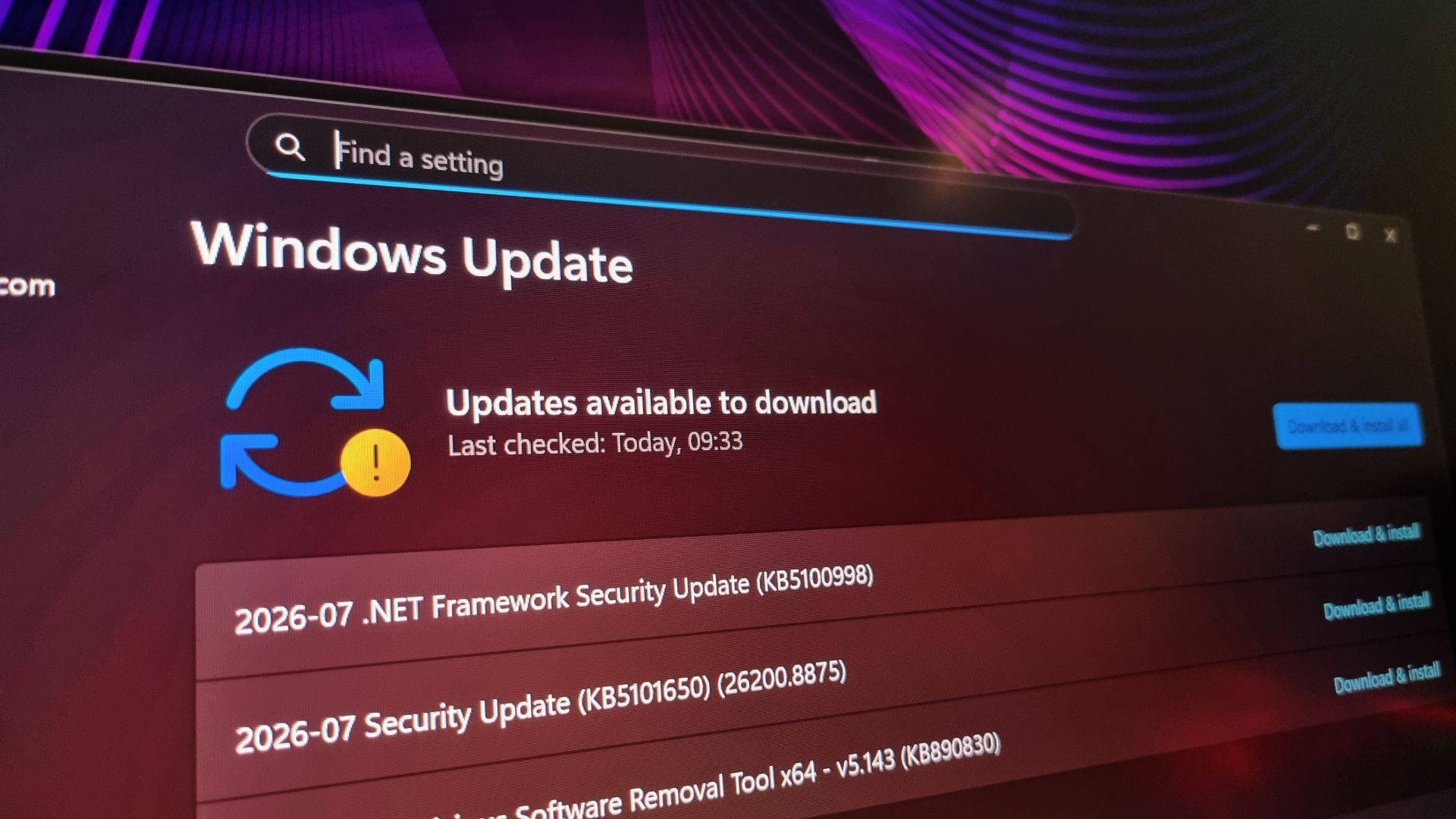
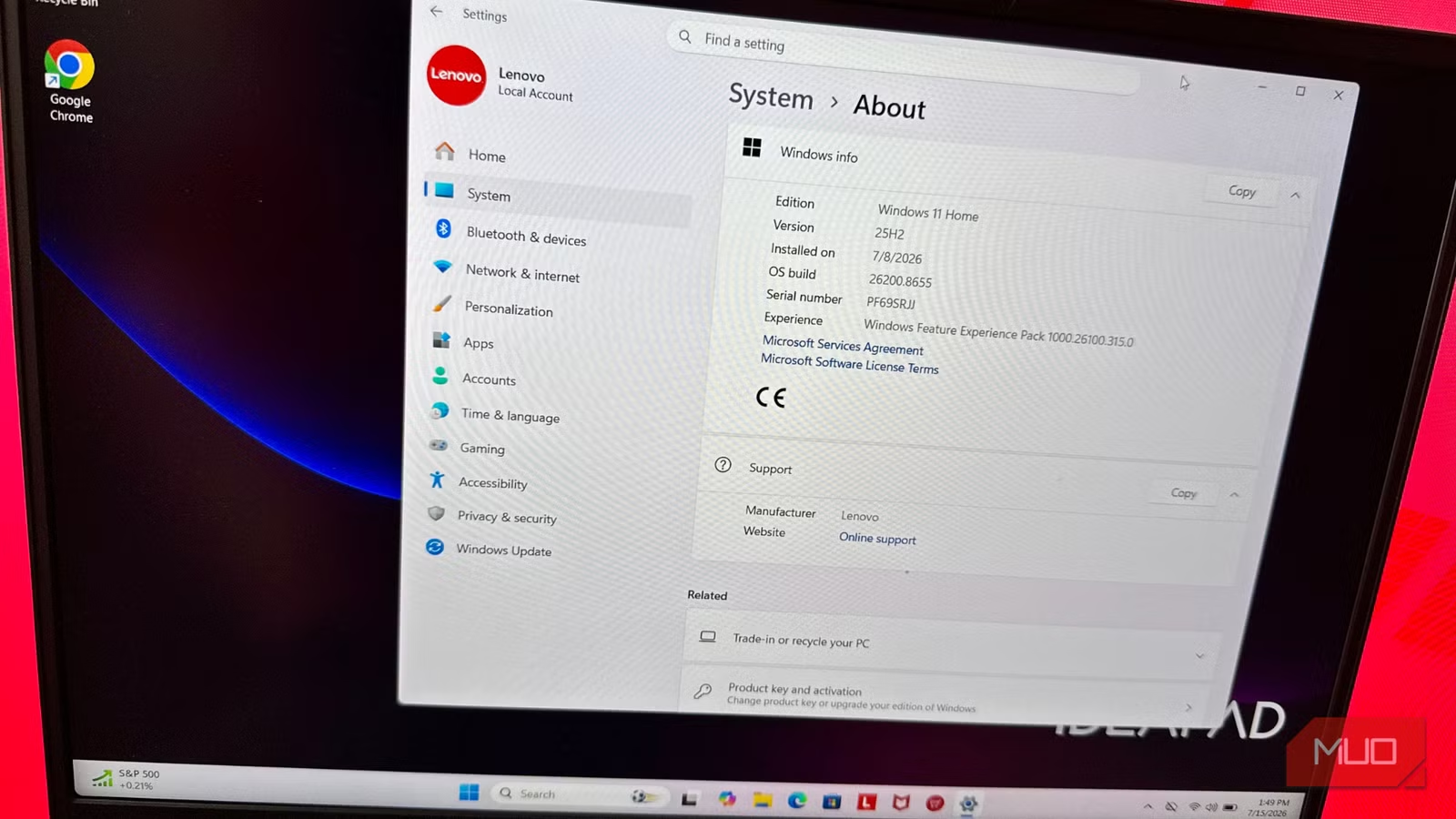
If you run Windows 11, this Patch Tuesday is not optional—it’s a baseline. The new cumulative update for many Windows 11 systems is KB5101650, which rolls in CVE fixes and other reliability tweaks, including a fix for a bug where a Capability Access Manager file could grow to consume 500 GB of storage. That issue might sound like housekeeping, but runaway disk usage can cripple systems and hide more serious problems. The build numbers tell you whether you are in the safe zone. For Windows 11 25H2, you should now be on Build 26200.8875 via KB5101650; for 24H2, Build 26100.8875 via the same update; and for 23H2, you should have KB5099414, which corresponds to Build 22631.7376. If you are below those numbers, you are behind the patch curve. One welcome change: KB5101650 brings to general users the ability to defer Windows updates to a specific day within a 35‑day window, an ability previously limited to insiders. Used wisely, that lets you avoid disruption without sliding into the dangerous habit of ignoring Microsoft security patches. Used poorly, it becomes another excuse to stay exposed.
Why Some PCs Miss the Party: Dell Blocks and AI Bug Floods
You might assume that Windows Update will quietly take care of everything for you. The Dell situation shows that’s wishful thinking. The latest wave of Windows 11 updates “might not be available for a limited number of Dell devices with Intel processors” due to an incompatibility that can cause unexpected shutdowns, poor performance, increased heat, and battery drain. Microsoft is working with Dell to shield those models and promises a resolution in the coming days, but in the meantime, those users are blocked from receiving key protections. This is not a niche corner case; it’s a symptom of how complex Windows hardware ecosystems collide with high‑volume patch cycles. MDASH, Microsoft’s AI system, sends multiple agents to debate and find the root cause of potential issues, flagging hundreds of flaws at once. The good news is that vulnerabilities are found and fixed faster. The bad news is that monthly updates are now massive and occasionally collide with vendor‑specific quirks. If your Dell system isn’t offering the new Windows 11 updates, you cannot assume you are safe. You need to verify whether your device is under that temporary block and follow up once the resolution is released, rather than drifting along on outdated builds.
What You Should Do Today to Stay Protected
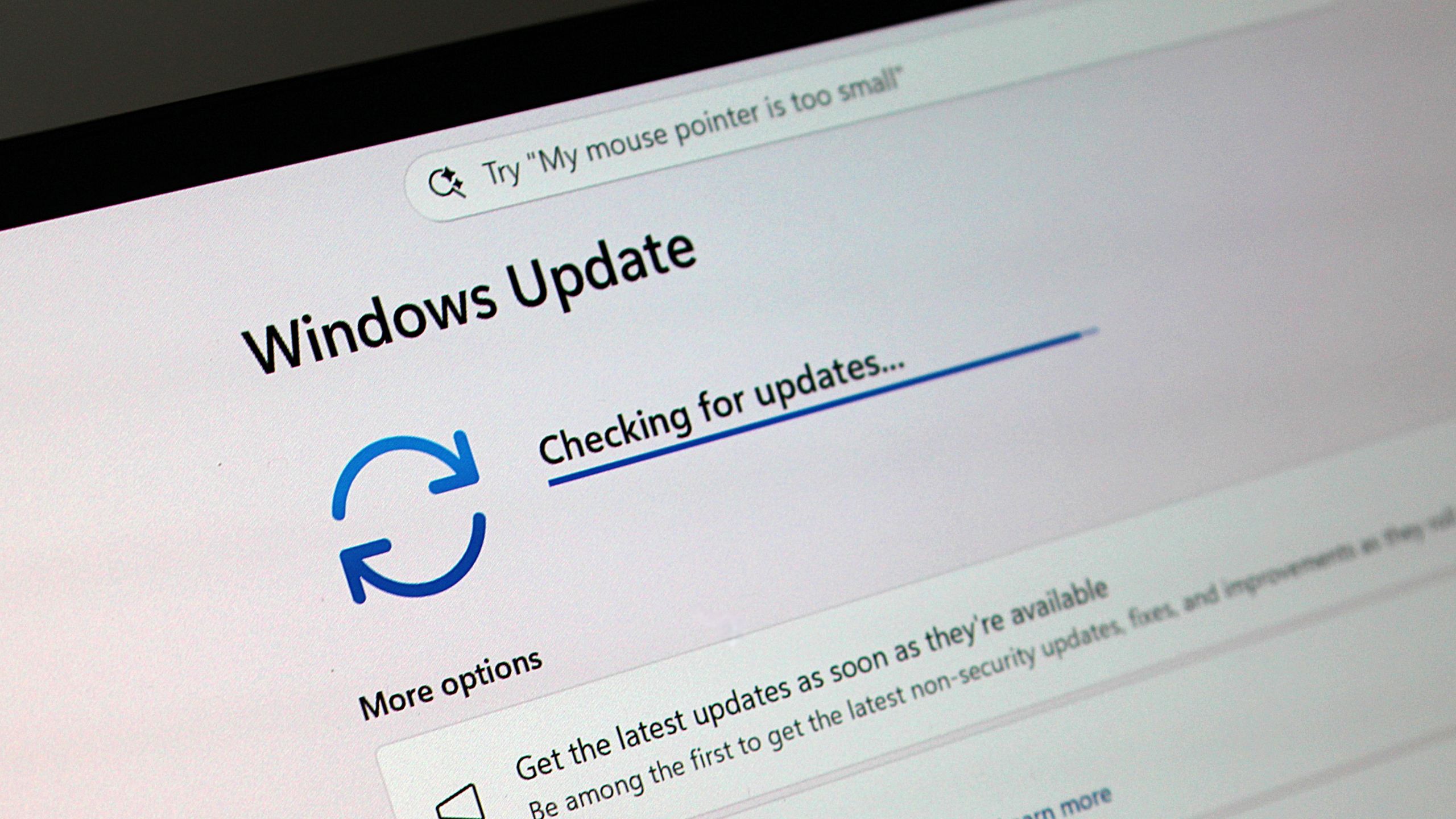
Given the scale of these Patch Tuesday security fixes and the RoguePlanet Defender zero-day, passive security is no longer acceptable. Start with the basics: on Windows 11, go to Settings > System > About, scroll to Windows specs, and check your OS build number against the latest builds—26200.8875 for 25H2, 26100.8875 for 24H2 via KB5101650, and 22631.7376 for 23H2 via KB5099414. If you’re behind, go to Settings > Windows Update and click “Check for updates.” If updates aren’t appearing, reboot and check again. If that fails, run the Windows Update Troubleshooter from Settings, then try once more. Still stuck? It is time to contact Microsoft Support; sitting on vulnerable builds during a surge in zero-day vulnerabilities is reckless, not cautious. For the RoguePlanet fix, confirm that Microsoft Defender (the Malware Protection Engine) is updated, since the CVE-2026-50656 patch was delivered through that engine rather than the main Patch Tuesday rollout. In short: verify your build, apply all outstanding Microsoft security patches, ensure Defender is current, and if you are a Dell Intel user seeing no updates, monitor vendor communications for the promised resolution. Security today is a hands‑on responsibility, and this record Patch Tuesday is your reminder.