
The Top Pick: HP OmniBook 3 for Most People
Back to school laptops under USD 600 (approx. ₱33,600) are budget laptops under 600 that run Windows 11 and focus on reliable performance for everyday office work, schoolwork, and light entertainment instead of premium designs and luxury extras.
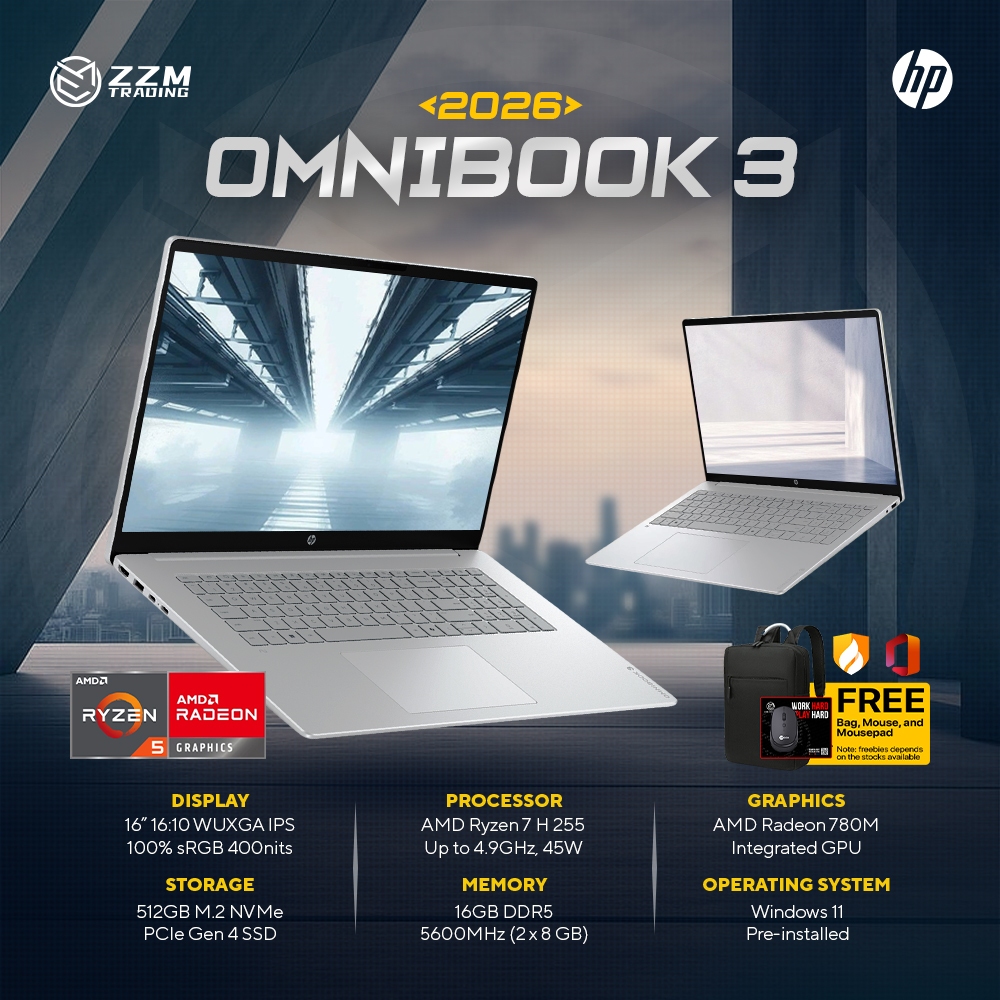
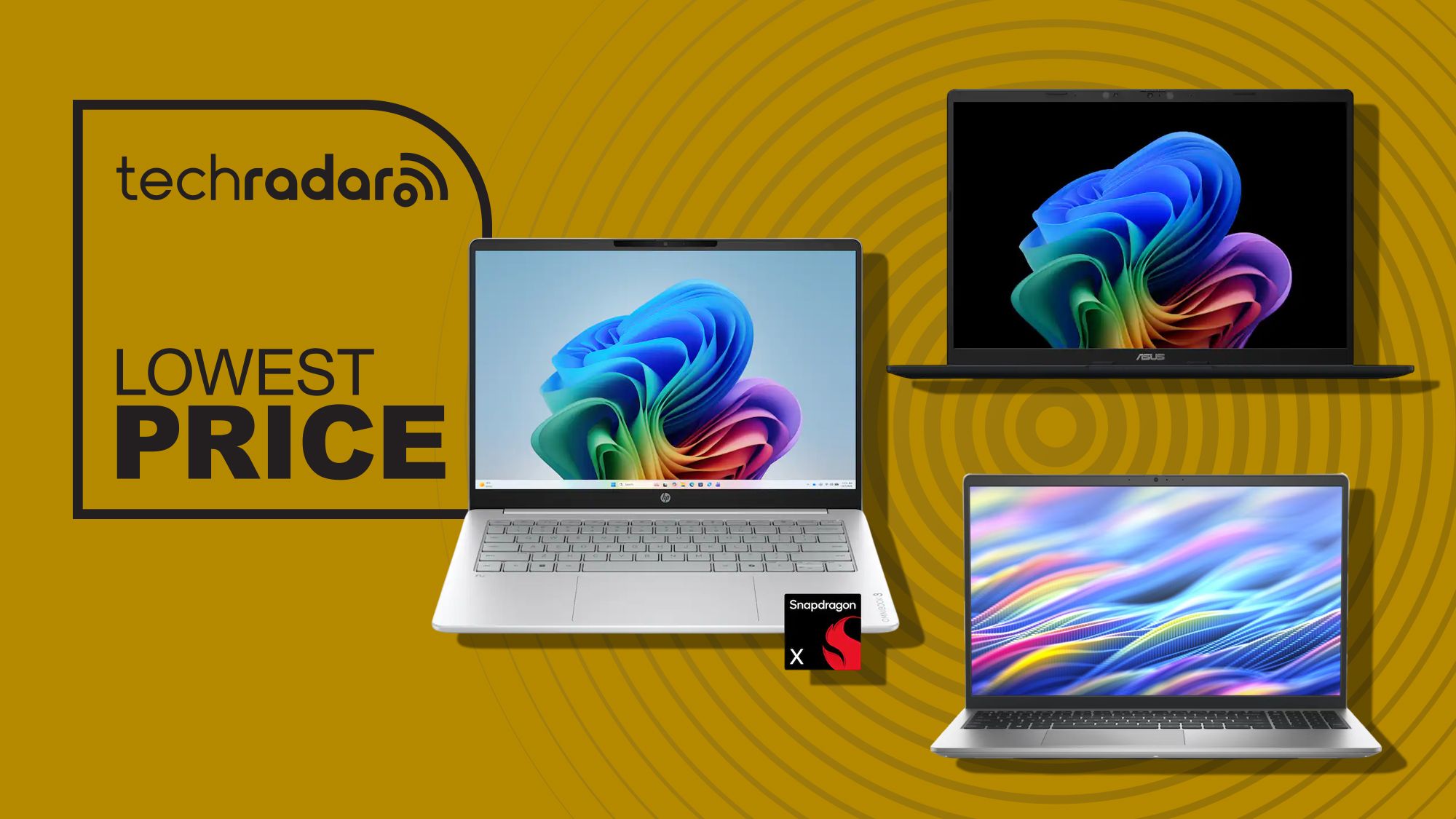
If you want one clear winner among Windows 11 laptop deals, pick the HP OmniBook 3 with the 17.3‑inch Full HD display, Ryzen 3 30 processor, 8GB RAM, 512GB SSD, Radeon 610M graphics, and Windows 11 for USD 449.99 (approx. ₱25,200) instead of USD 729.99 (approx. ₱40,800). It is a solid, affordable midrange laptop with a huge 17.3‑inch Full HD IPS display and a wide 178‑degree viewing angle, so work documents and lecture slides feel far less cramped. The screen reaches up to 300 nits with bright, vibrant colors, making it ideal for spreadsheets, research, and streaming study breaks.
Performance is tuned for everyday productivity: the AMD Ryzen 3 30 handles casual browsing, schoolwork, streaming, and standard office apps smoothly. According to one deal scout, this configuration offers "a solid, affordable midrange laptop" at 38% off its original list price. The key trade‑off is color coverage at 62.5% sRGB, which is fine for notes and reports but not for demanding content creation. For most students and office workers who value a massive screen over premium finishes, this is the best all‑round buy.

Asus Vivobook 14: Best Compact Choice for All‑Day Work
If you move between rooms, classes, or meeting spaces all day, the Asus Vivobook 14 is the best compact option in this group. Priced at USD 548 (approx. ₱30,700), it uses the same Snapdragon X processor as the higher‑priced OmniBook 3 variant, paired with 16GB of memory and a 512GB PCIe 4.0 SSD. This makes it one of the most capable affordable work laptops in this guide for heavy multitasking, dozens of browser tabs, and long essay sessions.
The 14‑inch 1920 x 1200 IPS display offers a sharp, tall workspace that suits documents and web pages well. Although it skips a touchscreen, it keeps advanced Copilot+ PC AI features, a 45 TOPS NPU, Wi‑Fi 6E, HDMI 2.1, and USB4, plus an impressive quoted 29‑hour battery life. At 3.28lb, it is the lightest laptop here, making it ideal for students who carry their machines between classes or commuters with small backpacks.
The main downside is the smaller 14‑inch panel if you prefer a large‑screen desktop replacement, and the lack of a touchscreen. But if you do not need touch support, one editor says this Vivobook 14 is the best all‑round buy of the three. For portable back to school laptops that still feel fast for years, this is a standout choice among budget laptops under 600.
Dell 15: Fast CPU and Smooth 120Hz Screen for Everyday Use
The Dell 15 is the right pick if you want a fast Intel processor and a larger display without blowing past the budget. Discounted from USD 749.99 (approx. ₱42,000) down to USD 549.99 (approx. ₱30,800), it delivers a 13th Gen Intel Core i7‑1355U, a 15.6‑inch Full HD 120Hz IPS display, and a 512GB PCIe NVMe SSD. That 120Hz panel makes scrolling through long research pages, code, or timelines feel far smoother than typical 60Hz budget screens.
It is a dependable choice for schoolwork and everyday computing thanks to Wi‑Fi 6 and a healthy port selection including USB‑A, USB‑C, HDMI, an SD card reader, and a headphone jack. For office documents, video calls, and general web use, this configuration is more than strong enough to qualify among the best laptop discounts in current Windows 11 laptop deals.
However, there is one real con: it ships with only 8GB of DDR5 memory, which one reviewer notes "really isn't enough" anymore. You can upgrade to 16GB, but that configuration jumps to USD 949.99 (approx. ₱53,300), which no longer fits the budget laptops under 600 brief. As long as you keep workloads moderate and focus on everyday tasks instead of heavy creative apps, the discounted 8GB model is still a strong value.
Why These Three Deals Beat Premium Ultrabooks Right Now
Taken together, the HP OmniBook 3, Asus Vivobook 14, and Dell 15 form a tight shortlist of affordable work laptops that make far more sense than many premium ultrabooks at this price. There are plenty of big‑brand Windows 11 machines under USD 600 (approx. ₱33,600) right now that can handle productivity tasks, schoolwork, creative projects, and everyday use without issue. These three stand out because they combine brand‑name reliability with deep discounts and practical specs rather than flashy extras.
The OmniBook 3’s 17.3‑inch screen is massive for a budget‑friendly computer and gives you spacious room for multitasking. Large‑screen options like this provide better value than many slim ultrabooks at this price point, especially when you consider its solid performance for casual browsing, schoolwork, and streaming. The Vivobook 14 targets people who care more about battery life, AI‑ready Snapdragon performance, and light weight, while the Dell 15 focuses on a high‑refresh 120Hz panel and strong Intel CPU performance. For office workers and students who need back to school laptops that will stay useful well beyond the next school year, these are the best laptop discounts to act on before prices rise again.
- Buy the HP OmniBook 3 if you want the largest 17.3‑inch display and the lowest price at USD 449.99 (approx. ₱25,200) for roomy multitasking.
- Skip the HP OmniBook 3 if you care about rich, wide‑gamut color for serious photo or video editing, as its 62.5% sRGB panel is more basic.
- Buy the Asus Vivobook 14 if you need long battery life, a light 3.28lb body, and 16GB RAM for heavy multitasking in a portable package.
- Skip the Asus Vivobook 14 if you want a touchscreen or a larger display for side‑by‑side windows and media viewing.
- Buy the Dell 15 if you value a fast Intel Core i7‑1355U, a smooth 120Hz 15.6‑inch screen, and plenty of ports for peripherals.
- Skip the Dell 15 if you run many memory‑hungry apps at once, because its 8GB of DDR5 RAM is a limiting factor for future‑proofing.