

Recent apps over guesses: Android 17’s new multitasking logic
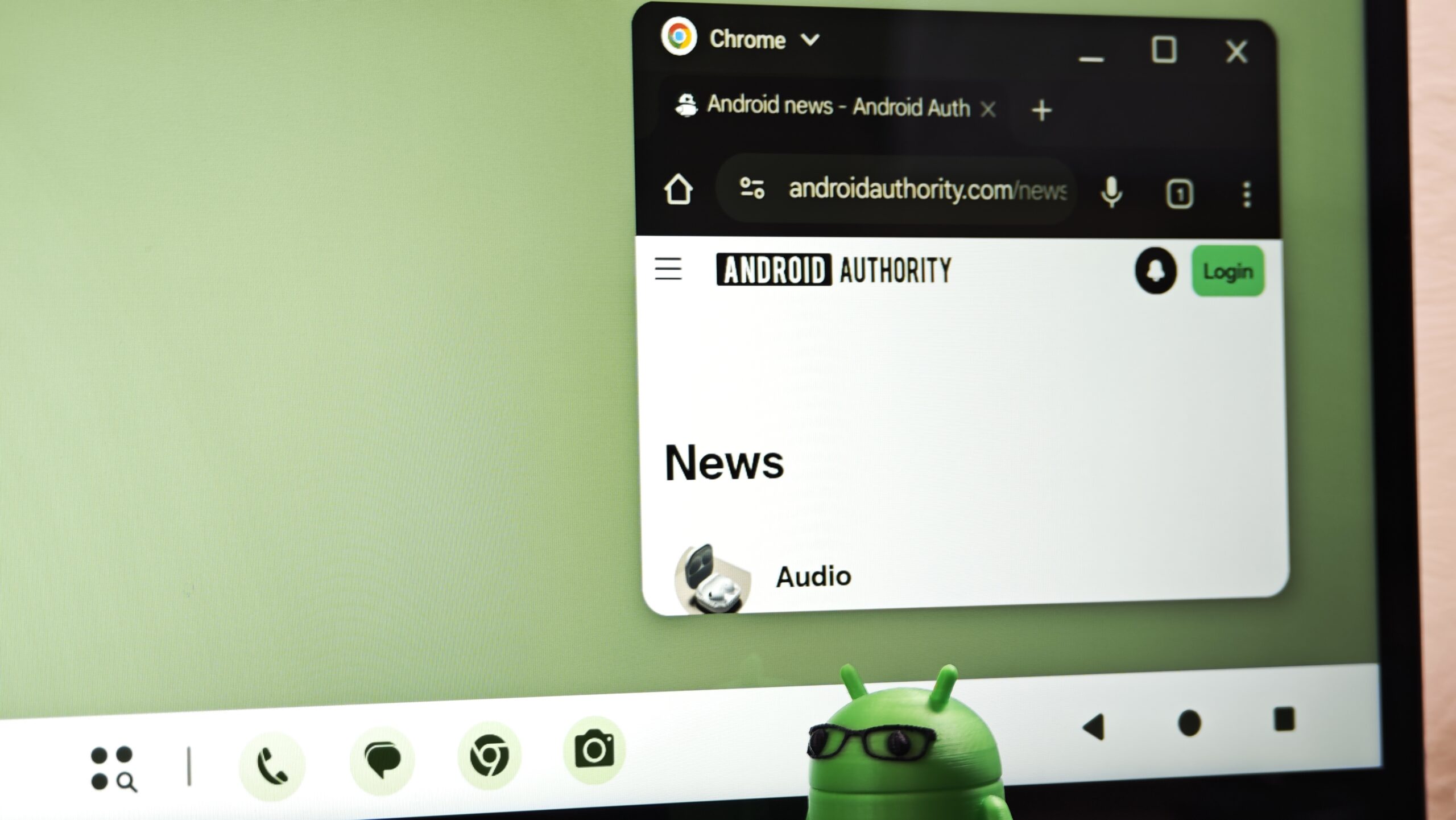
Android 17 multitasking is a set of interface and behavior changes that replace taskbar app predictions with most-recently-used shortcuts, aiming to make app switching on large screens faster, more predictable, and closer to a desktop experience for foldable and tablet users. The latest Android 17 QPR1 Beta no longer shows predicted apps at the end of the taskbar dock and instead displays your most recently opened apps, so the interface behaves in a more predictable way. On foldables, the taskbar now locks your last two active apps into the dock, cementing recent tasks as first-class citizens rather than algorithmic guesses. This may sound like a minor tweak, but it is a clear statement: Google believes reliability beats cleverness when it comes to everyday multitasking.
Why predictions failed big screens — and muscle memory won
The prediction engine was supposed to anticipate your next move; instead, it kept moving the goalposts. Predicted apps lived on the right side of the taskbar and occasionally helped, but because the shortcuts were always changing, it was almost impossible to build muscle memory. On a phone, that might be an annoyance. On a big foldable or tablet, where scrolling through an app drawer feels like an unnecessary speed bump, it becomes friction you hit dozens of times a day. That friction is now being handled by a small but highly requested change: show what you just used, not what an algorithm thinks you might tap next. In other words, Google finally listened to users who were effectively saying, “Stop guessing; remember.”
Foldables, tablets, and the desktop-ification of Android
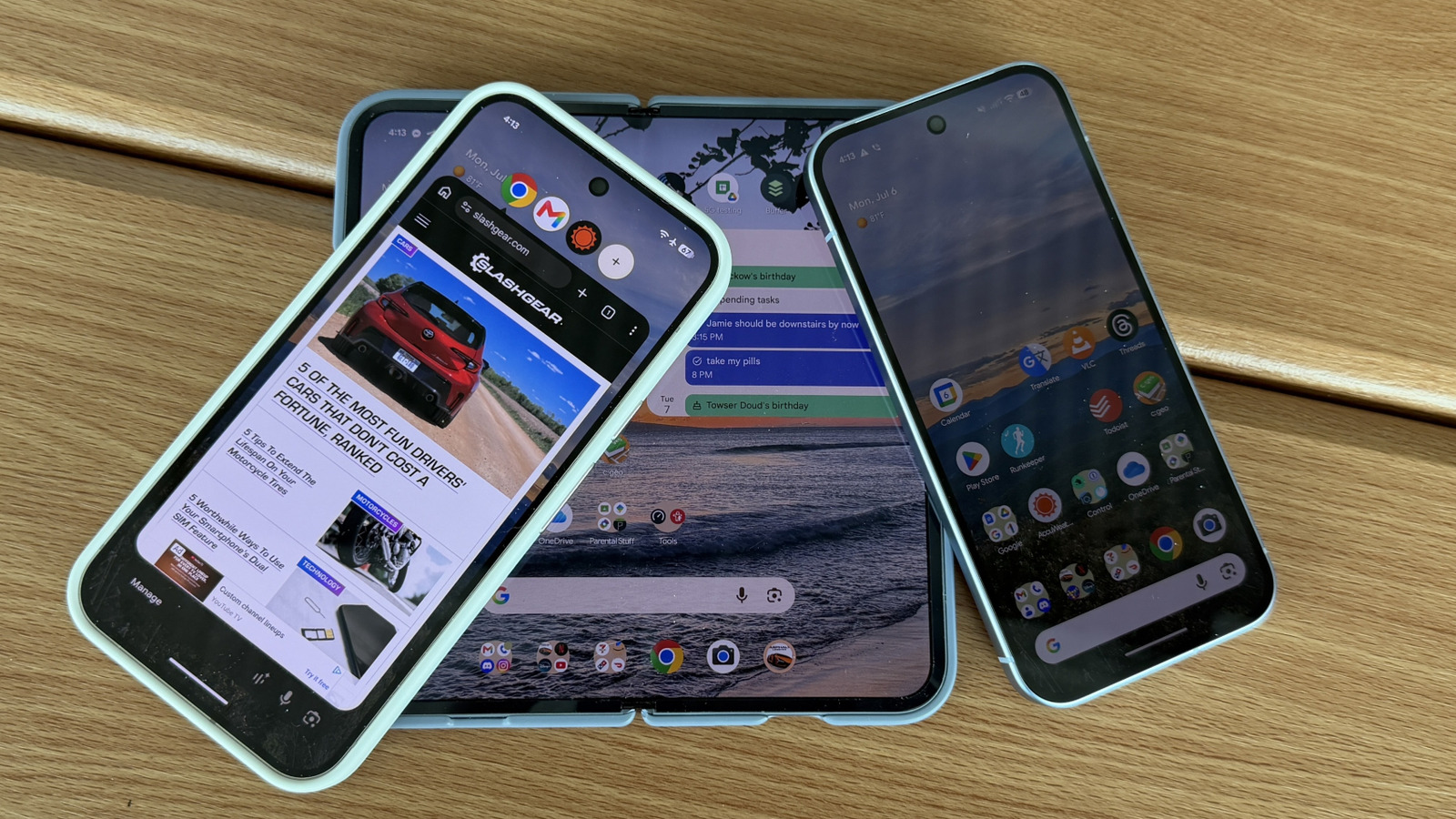
Android 17 QPR1’s taskbar change is clearly tuned for foldable tablet apps and other big-screen workflows. On foldables, the taskbar now pins your last two active apps, making it far easier to bounce between documents, browsers, messaging apps, or productivity tools without hunting through grids of icons. The update also brings Android’s multitasking experience closer to desktop operating systems, where jumping back into recently used apps is more natural than relying on suggestions. This is the right direction: large displays reward consistency, not surprise. When your primary work device is a foldable, you need the app switcher improvements to behave like a taskbar, not a recommendation engine. The new design does not overhaul the taskbar visually, but it makes it feel more consistent and easier to trust in day-to-day use.
Part of a broader Android 17 rethink, not a one-off tweak
This shift away from prediction is not happening in isolation; it is part of a wider set of Android QPR1 features meant to mature the platform. The recent-app taskbar behavior is currently part of the QPR beta track and is still being tested before a wider rollout to the general public. Elsewhere in Android 17, Google is making other design-centric tweaks, like separating Wi‑Fi and mobile data back into their own quick settings toggles after previously bundling them under “Internet”. Small? Yes. But these decisions point to a philosophy: undo clever abstractions that slow people down. Together, they suggest Android 17 is less about flashy gimmicks and more about removing tiny but constant irritations that accumulate across the system.
Prediction isn’t dead, but it deserves a demotion
The new taskbar behavior confirms what many users have been signaling for years: predictive suggestions often miss the moment. That friction is now being addressed with a highly requested, back-to-basics approach to navigation. Showing the last two apps you used on a foldable phone is not glamorous, but it is reliable. Android 17 multitasking stands to benefit because speed and predictability beat speculative personalization when you are juggling work across multiple apps. As Android QPR1 features leave beta and land on Pixel devices and, eventually, other manufacturers’ hardware, this should become the default way people experience big-screen Android. The takeaway is simple: if Google keeps prioritizing consistency over cleverness, foldables and tablets might finally feel like first-class productivity machines instead of oversized phones with smarter notifications.





