
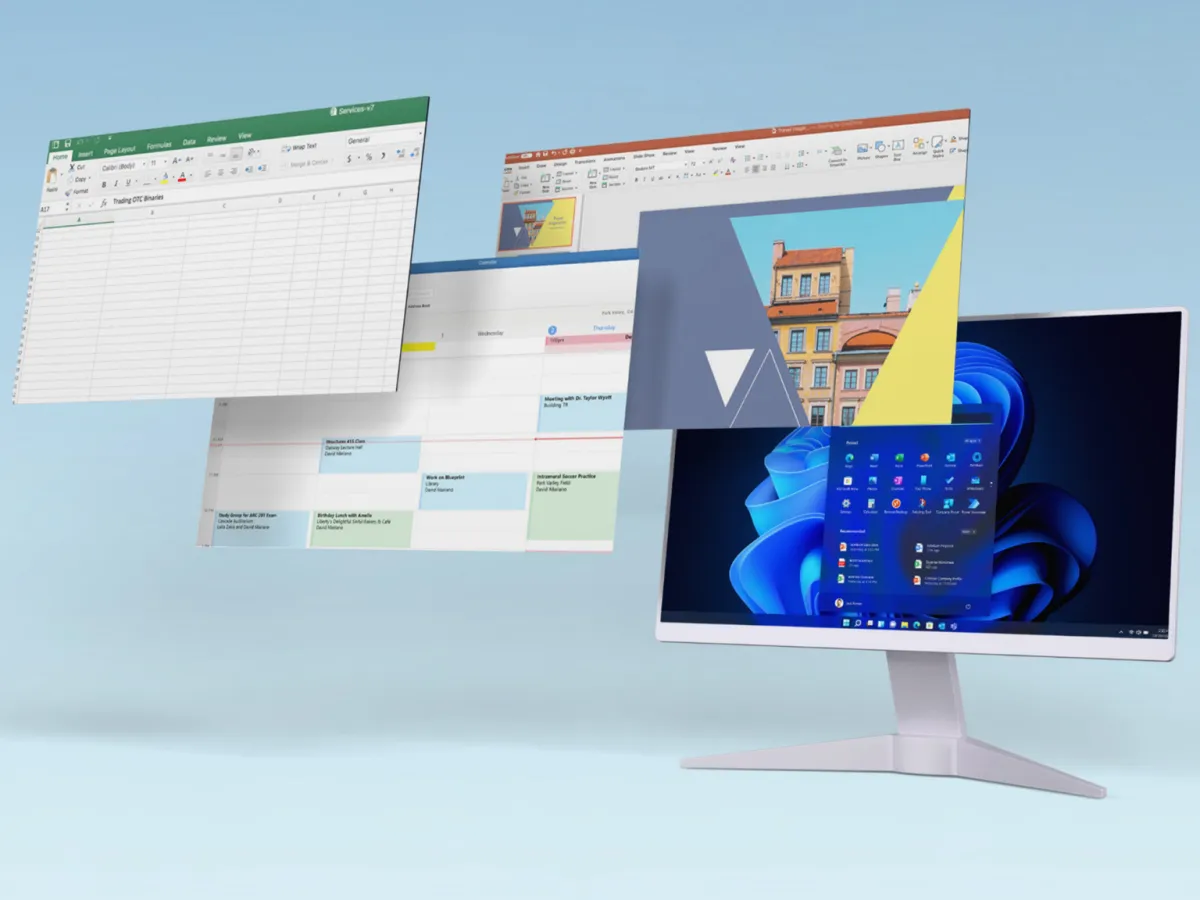

Deal verdict: a strong buy for non‑subscription users
This deal is a limited-time Microsoft software bundle offering lifetime license activation for Windows 11 Pro and Microsoft Office on a single PC for a one-time fee, designed for people who want to avoid recurring subscription costs while still running modern Windows and Office apps on new or older hardware.
If you are tired of renting your core software, this is a strong deal. You get two permanent licenses — Windows 11 Pro and Office Professional 2021 — for USD 34.97 (approx. ₱2,000), down from a stated regular price of USD 418.99 (approx. ₱24,000). That is less than half of one year of a Microsoft 365 subscription at USD 99.99 (approx. ₱5,600). For most home users, students, and many small businesses that do not need cloud extras or constant AI features, paying once and keeping the software as long as the PC lasts is very good value.
Deal snapshot: USD 34.97 (approx. ₱2,000) one-time payment for Windows 11 Pro and Microsoft Office lifetime licenses on one PC, advertised as USD 418.99 (approx. ₱24,000) regular value, available via StackSocial until July 19 at 11:59 p.m. PT.
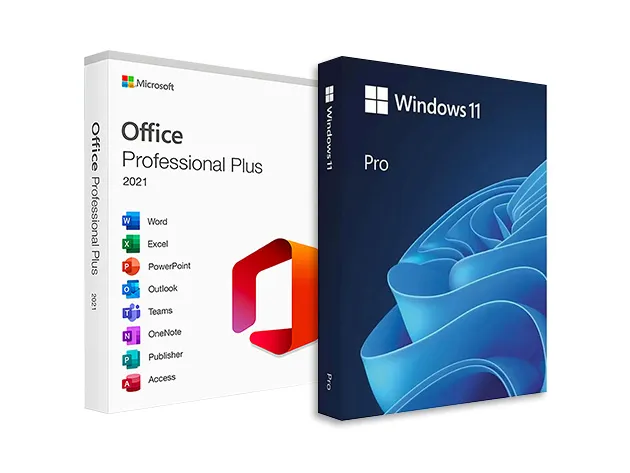
What you get in this Microsoft software bundle
The bundle combines Windows 11 Pro with Office Professional 2021 into one purchase, each delivered as a separate lifetime license that activates on the same machine. On the Office side, you get the classic desktop apps: Word, Excel, PowerPoint, Outlook, Publisher, and Access. Another offer for a similar Office lifetime license also lists OneNote and the free version of Teams as part of the suite, reinforcing that this is the full productivity toolkit many people expect.
Importantly, this is not a Microsoft 365 plan, so there is no ongoing cloud storage or AI add-on bundle. You pay once, install the suite on one Windows PC, and use it as long as that machine runs, with no renewal dates or monthly charges. That makes it ideal if you rely on local documents and offline work and want predictable costs. All files you create remain accessible without worrying about a lapsed subscription cutting off access.

Windows 11 Pro upgrade perks and older hardware
On the operating system side, the Windows 11 Pro discount in this bundle is a big part of the value. Windows 11 Pro adds BitLocker drive encryption, remote desktop access, and Windows Sandbox, none of which are included with Windows Home. That gives you built-in drive protection, secure remote access to a workstation, and a safe environment for opening suspicious files or downloads without risking your full system.
Both licenses activate on the same PC, and the bundle is positioned as a way to let a refurbished desktop or aging laptop run current software without replacing the hardware. Machines still on Windows 10 benefit most: you upgrade the OS to Windows 11 Pro, install Office, activate both, and you are finished paying for these tools. According to one deal write‑up, “You pay once, install the suite on one Windows PC, and use it as long as that machine runs.”
How this compares to Microsoft 365 subscriptions
From a cost angle, this bundle directly challenges the Microsoft 365 subscription model. One source notes that “at its absolute cheapest, Microsoft 365 is USD 99.99 (approx. ₱5,600) per year, and that’s if you pay for the full year up front.” By contrast, you pay USD 34.97 (approx. ₱2,000) once for two core products that you keep for the life of the PC. Over a few years, that is a significant saving for anyone who does not need shared cloud storage or rolling new features.
You do give up those extras: the lifetime bundle does not include integrated cloud storage or the newest AI integrations that subscription tiers are starting to promote. For many, that is a benefit; sudden AI-driven changes and frequent feature updates can disrupt familiar workflows. If your priority is stable versions of Word, Excel, and PowerPoint and a familiar Windows desktop, a one-time payment and lifetime license activation may be more appealing than renting software forever.
Buy if / Skip if
- Buy the bundle if you want Windows 11 Pro and the Office suite on one PC for a single low, one-time payment instead of ongoing Microsoft 365 fees.
- Skip the bundle if you rely on Microsoft 365 cloud storage, multi-device installs, or want constant access to the latest AI features and online collaboration tools.
- Buy the bundle if you use a refurbished desktop or older laptop and want both Windows 11 Pro and a full Office suite to run on that same machine without buying new hardware.
- Skip the bundle if you need licenses for multiple PCs or different operating systems, since this offer is limited to one Windows machine.
- Buy the bundle if you prefer stable, unchanging versions of Word, Excel, and PowerPoint that will not radically change workflow with frequent AI-led updates.
- Skip the bundle if you are satisfied paying Microsoft 365’s recurring fee and value its subscription benefits more than upfront savings.





