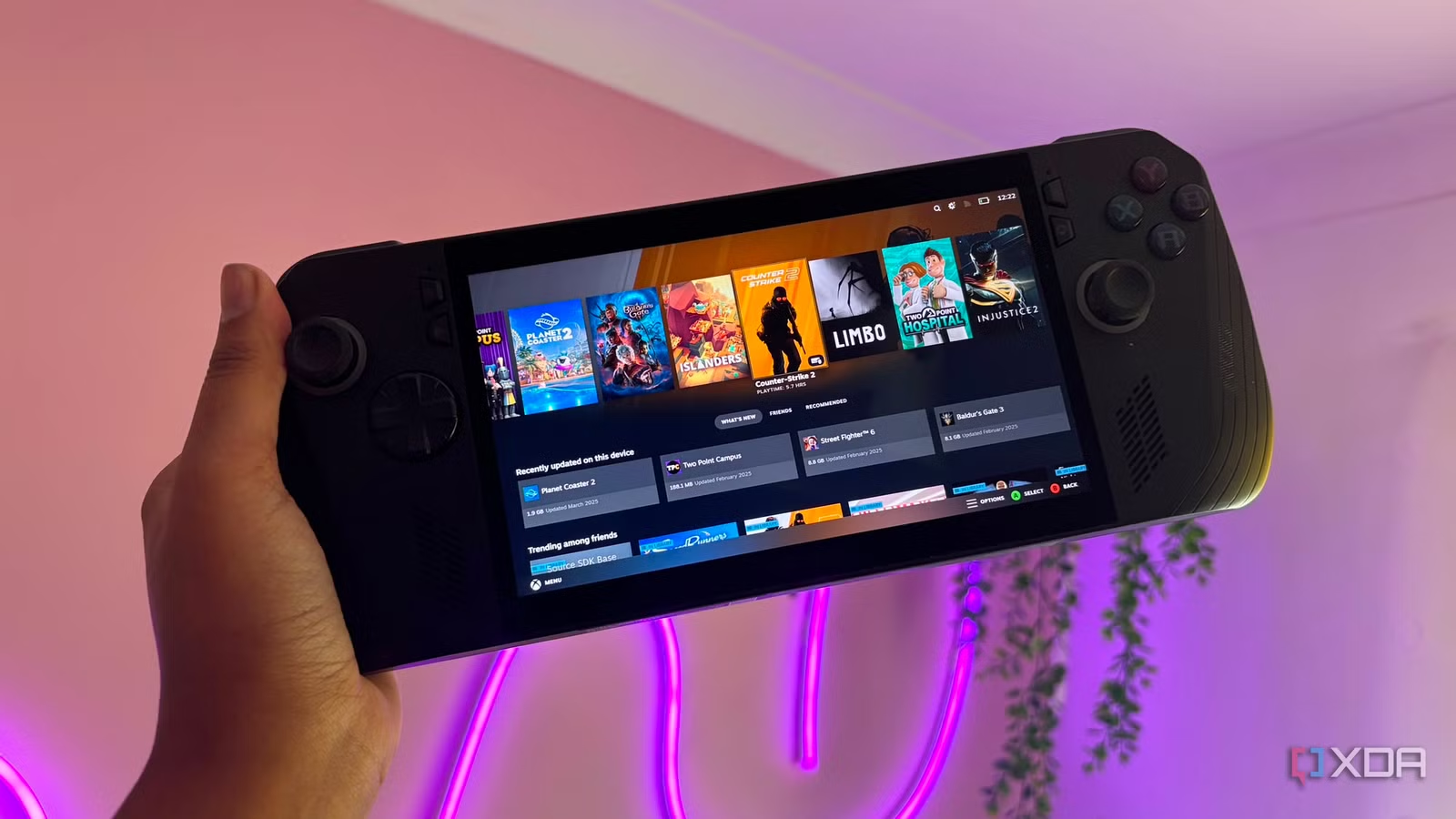

Steam Deck vs ROG Ally X vs Legion Go S: The Short Answer
A handheld gaming device comparison weighs raw hardware performance, battery life, thermals, and software ecosystems to decide which portable PC delivers the most reliable, console-like experience for different types of players, from plug-and-play users to tinkerers who want maximum flexibility and power on the go. In 2026, the Steam Deck OLED, ROG Xbox Ally X, and Legion Go S sit at the top of this category, but they solve handheld gaming in very different ways. The Steam Deck still delivers the smoothest, most console-like experience and the strongest software ecosystem through SteamOS and Valve’s optimised game library. The ROG Ally X brings the fastest silicon and deepest Windows integration but feels held back by desktop-first software friction on a small screen. Legion Go S lands squarely in the middle, using solid hardware and pricing to bridge the gap between Steam’s polish and Windows’ flexibility.

Specs and Pricing: Power vs Value
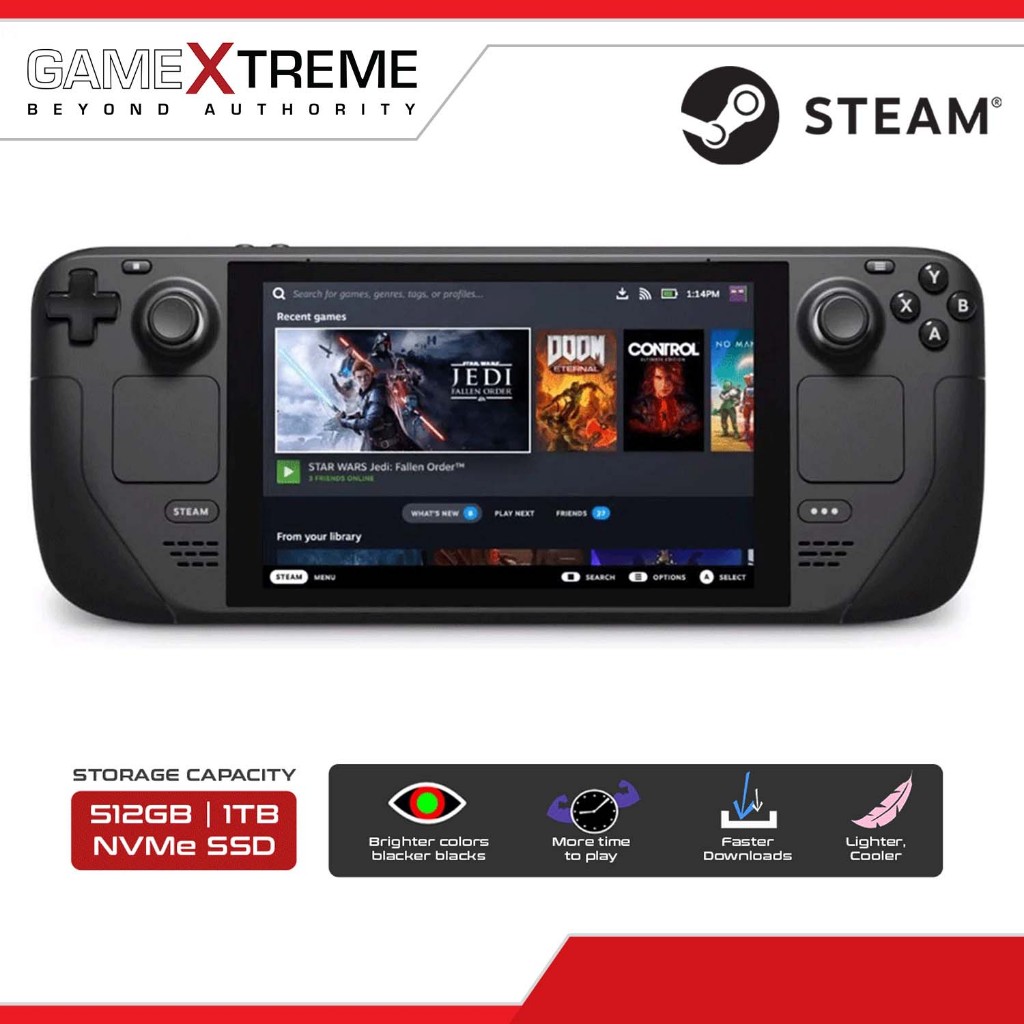
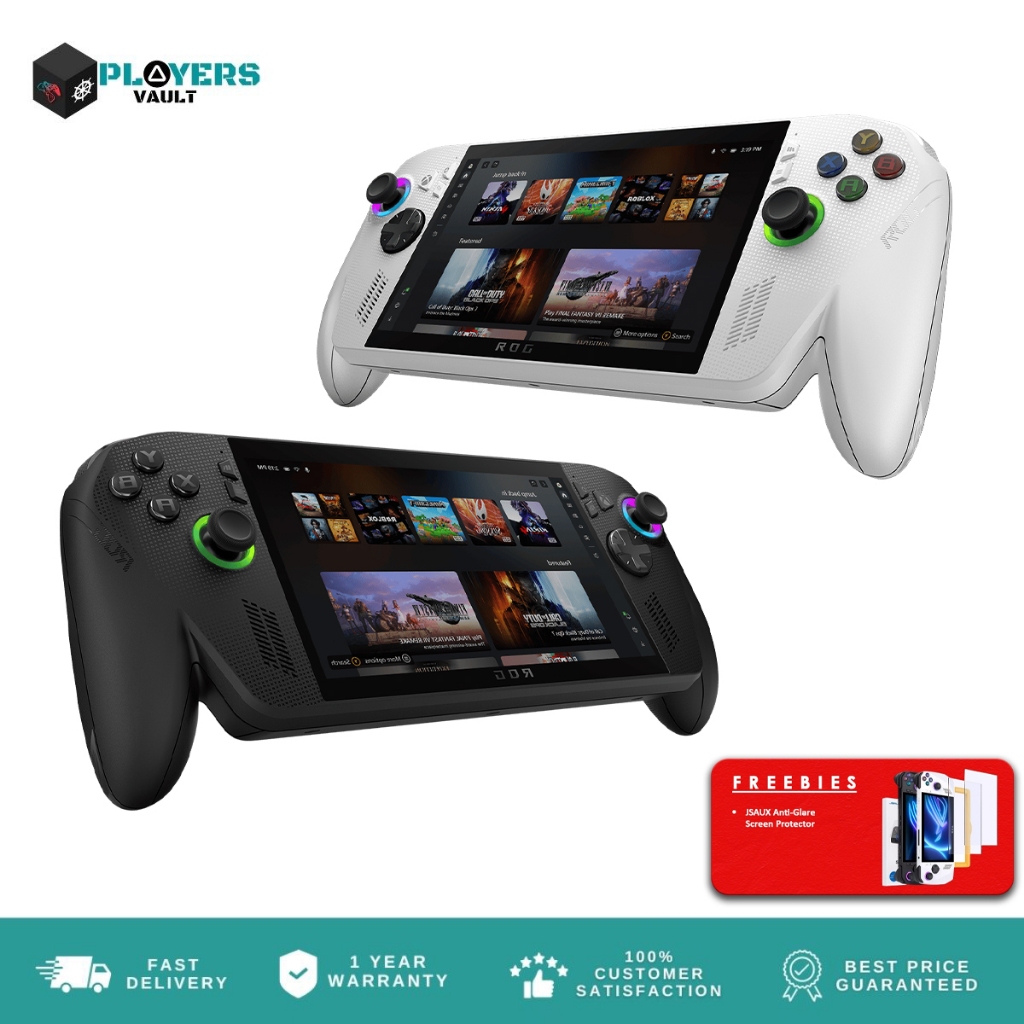
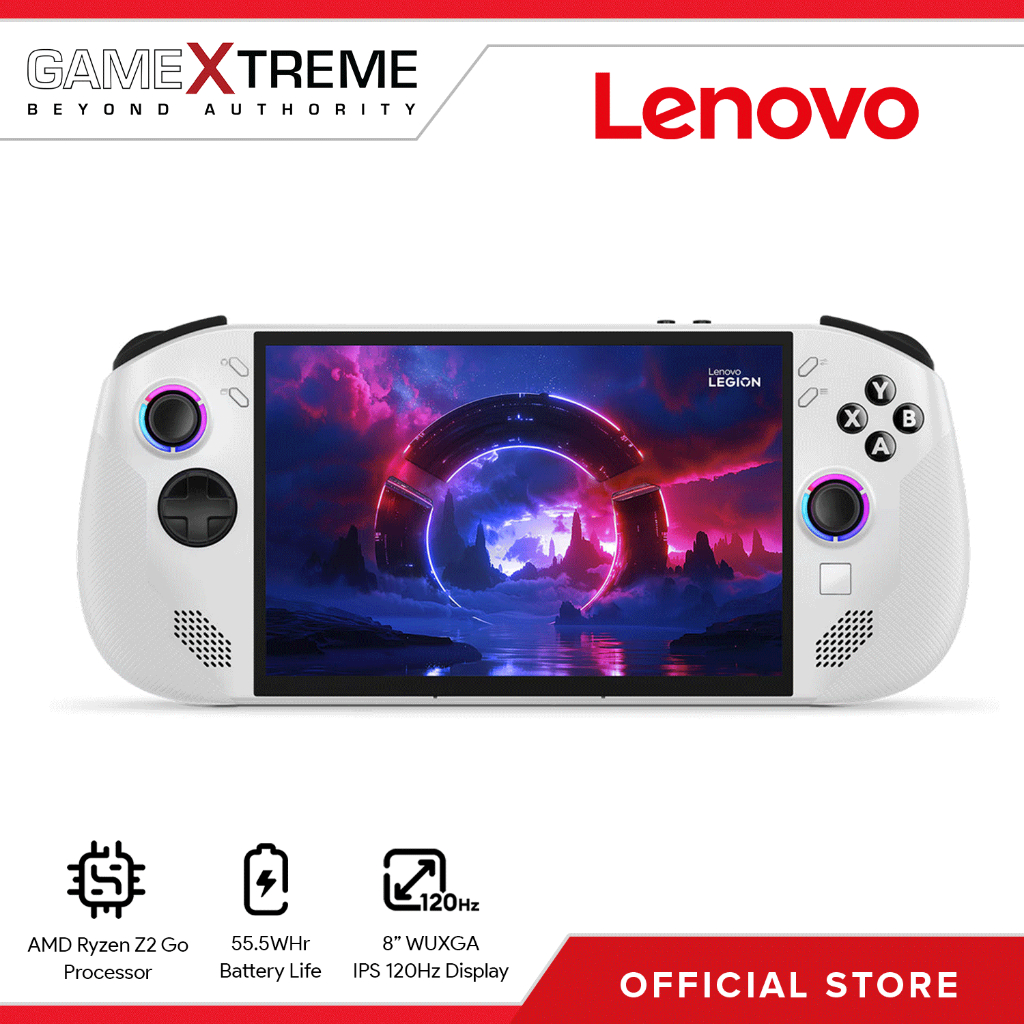
On paper, Steam Deck vs Ally X vs Legion Go S looks like an easy win for ASUS: the ROG Xbox Ally X uses an 8‑core/16‑thread AMD Ryzen AI Z2 Extreme CPU and a 16‑compute‑unit RDNA 3.5 GPU, backed by 24GB of LPDDR5X‑8000 RAM. Steam Deck OLED counters with an older custom Zen 2 APU and RDNA 2 graphics but pairs them with a 7.4‑inch OLED panel and 16GB of high‑speed LPDDR5X‑8533. Legion Go S sits between them with a Ryzen Z2 Go chip and RDNA 3.5 GPU with 12 compute units, plus 16GB or 32GB of RAM. In pricing, the spread is large: Steam Deck OLED starts at USD 789 (approx. ₱44,200) for 512GB, Legion Go S SteamOS at USD 549.99 (approx. ₱30,800), while the ROG Xbox Ally X 24GB/1TB is USD 999.99 (approx. ₱56,000).
| Spec | Steam Deck OLED | ROG Xbox Ally X | Legion Go S |
|---|---|---|---|
| Starting price | USD 789 (512GB) (approx. ₱44,200) | USD 999.99 (24GB/1TB) (approx. ₱56,000) | USD 549.99 (SteamOS, 16GB/512GB) (approx. ₱30,800) |
| CPU / APU | Custom AMD APU, Zen 2, 6nm | AMD Ryzen AI Z2 Extreme, Zen 5, 8C/16T | AMD Ryzen Z2 Go, 4-core, up to 4.3GHz |
| GPU | RDNA 2 integrated | RDNA 3.5, 16 compute units | RDNA 3.5, 12 compute units |
| RAM | 16GB LPDDR5X-8533 | 24GB LPDDR5X-8000 | 16GB or 32GB LPDDR5X |
| Storage | 512GB / 1TB NVMe SSD | 1TB PCIe 4.0 NVMe + microSD | 512GB / 1TB PCIe Gen4 SSD |
| Display | 7.4" OLED, 1280×800, 90Hz | 7" IPS LCD, 1920×1080, 120Hz, FreeSync | 8" IPS LCD, 1920×1200, 120Hz, VRR |
| Battery | 50Wh | 80Wh | 55Wh |
| Weight | 640g | ~715g | 730g |
| OS | SteamOS 3.x | Windows 11 Home | Windows 11 or SteamOS |
From a pure spec sheet, the Ally X is the halo device for enthusiasts willing to pay more for maximum threads, compute units, and RAM. Steam Deck OLED is noticeably more expensive than before but earns its premium with OLED, excellent ergonomics, and tightly integrated software. Legion Go S is the clear value pick, undercutting both with its USD 549.99 (approx. ₱30,800) SteamOS model while still offering modern RDNA 3.5 graphics and up to 32GB of RAM. A fair summary is: Ally X wins the numbers race, Steam Deck sells polish, and Legion Go S gives the most hardware per dollar if you can live without the very best of either extreme.
Performance, Battery Life, and Thermals
In handheld gaming performance benchmarks, labs see the Ally X’s stronger CPU and 16‑CU RDNA 3.5 GPU pull ahead in demanding games at 1080p, especially when higher frame rate targets are enabled. Synthetic benchmarks and real‑world FPS tests in titles like Cyberpunk 2077 and Elden Ring consistently show it leading the Steam Deck OLED and Legion Go S when all are run at similar power limits. Legion Go S usually lands in the middle: faster than Steam Deck in some GPU‑bound scenarios thanks to newer RDNA 3.5 cores, but held back by a more modest CPU. Valve’s older Zen 2 chip on Steam Deck means lower peak numbers, but aggressive optimisation and smart defaults keep many games feeling stable at 800p. According to independent lab tests summarised in the comparison, “synthetic benchmarks only tell part of the story” and real‑world FPS at handheld‑friendly settings matters more.
Battery life and thermals are where trade‑offs become obvious. Ally X’s 80Wh pack is the largest of the three and is marketed as offering “up to 2x battery life” over ASUS’s earlier model, but heavy Windows overhead and higher power draw can narrow that advantage in real play. Steam Deck’s 50Wh battery looks small, yet SteamOS power tuning, 800p resolution, and frame‑rate caps help it maintain respectable runtimes while keeping fan noise and heat under control. Legion Go S, with 55Wh, again sits between them on capacity, and its 1920×1200 panel plus flexible OS options mean you can chase higher FPS under Windows or longer life under SteamOS. Overall, Ally X is the performance king if you are willing to spend battery budget and manage thermals, while Steam Deck and Legion Go S favour efficiency and comfort over raw numbers.
Software Ecosystem and Everyday Experience
Spec sheets cannot explain why the Steam Deck remains the default handheld recommendation for many people, even against stronger hardware. Its edge comes from SteamOS: a console‑like interface, predictable controls, and game library optimisation that makes thousands of PC titles feel designed for a handheld. SteamOS is built and maintained by the same company that runs the storefront, so features like compatibility layers, per‑game performance profiles, and a seamless suspend‑resume flow are baked into the system. One analysis calls Valve’s GameScope micro‑compositor “the ultimate technical differentiator,” enabling that smooth pause‑and‑play behaviour Windows handhelds struggle to copy. The result is that a lower‑powered Steam Deck often feels more cohesive than faster rivals because there is less friction between you and your games.
By contrast, the ROG Ally X boots into Windows 11 with an Xbox‑style full‑screen shell layered on top. Armory Crate and Xbox modes try to hide the desktop, but they remain skins over a mouse‑and‑keyboard operating system. As one reviewer put it, “Windows is fundamentally incapable of providing a true handheld console experience,” pointing to aggressive background processes, update prompts, and focus‑stealing windows that break the illusion. That friction undermines Ally X’s excellent hardware. Legion Go S is the most flexible here: you can buy it with Windows 11 or with SteamOS pre‑installed, making it the first non‑Valve device to ship with Valve’s OS out of the box. That choice lets you prioritise either broad Windows compatibility and Game Pass or SteamOS simplicity and battery‑friendly tuning, underlining that software ecosystem matters as much as raw specifications when choosing a handheld.
Buy if / Skip if
- Buy the Steam Deck OLED if you want the most console-like, low-friction handheld experience with a mature SteamOS ecosystem and well-optimised game library, even at a higher starting price.
- Skip the Steam Deck OLED if you prioritise peak frame rates, 1080p-native gaming, and cutting-edge CPU/GPU specs over software polish and OLED visuals.
- Buy the ROG Xbox Ally X if you care about maximum handheld gaming performance benchmark numbers, 120Hz 1080p gaming, and tight Windows and Xbox/Game Pass integration.
- Skip the ROG Xbox Ally X if you dislike desktop-style maintenance, background updates, and software friction that get in the way of quick, predictable handheld play sessions.
- Buy the Legion Go S if you want the best balance of price and performance, with modern RDNA 3.5 graphics and the option to choose between Windows 11 and SteamOS out of the box.
- Skip the Legion Go S if you need either the Steam Deck’s OLED display and software refinements or the Ally X’s absolute top-end CPU and GPU power above everything else.